

Make is a visual automation platform that excels at connecting disparate applications and building complex workflows without code, with a growing emphasis on AI agent capabilities.
Excellent for no-code workflow automation and AI agent integration, weaker for highly technical, self-hosted environments.
Analysis based on product data, pricing structure, traffic signals, and public user sentiment.
Who Should Use Make AI?
Typical users
Small to medium-sized businesses, marketing teams, operations professionals, and developers looking to automate tasks and integrate applications without extensive coding.
Maturity fit
beginner to advanced
Choose this if…
- You need to connect a wide range of applications visually.
- You want to build complex, multi-step automations without writing code.
- You are looking to integrate AI capabilities into your existing workflows.
- Your priority is a user-friendly interface for automation building.
Skip this if…
- You require a fully self-hosted solution with complete control over infrastructure.
- Your primary need is for extremely simple, single-step automations.
- You have a very limited budget and only need basic automation.
- You prefer a code-first approach to automation development.
About Make AI
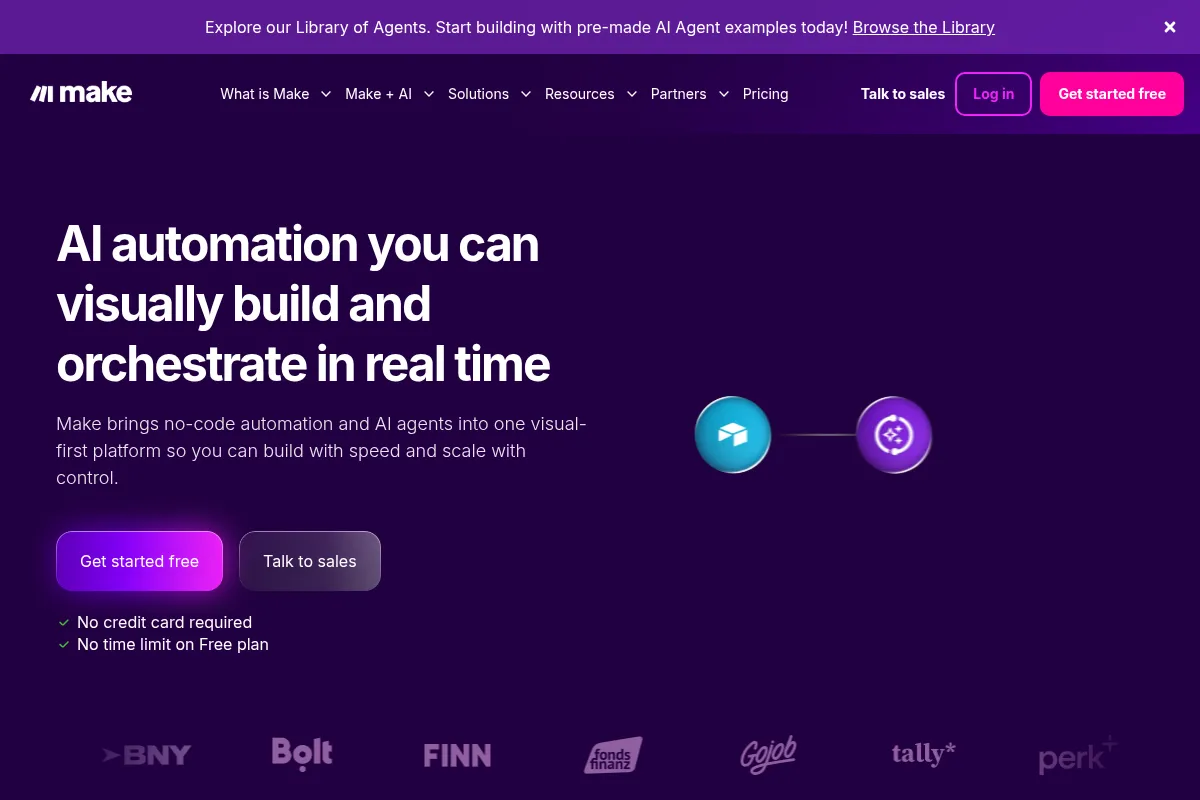
Make is a no-code visual automation platform designed to connect applications and automate workflows. It offers a drag-and-drop interface, thousands of integrations, and the ability to build complex scenarios without coding, making it accessible to users of all technical skill levels. The platform is increasingly incorporating AI agent capabilities to enhance automation intelligence.
What it actually does
Make allows users to build automated workflows, known as scenarios, by connecting various apps and services through a visual drag-and-drop interface. It facilitates data transfer, task automation, and the integration of AI functionalities into these workflows, enabling users to streamline processes and reduce manual effort.
What makes it different
Make differentiates itself with its highly visual, node-based workflow builder, which allows for complex logic and branching. Its credit-based pricing model, while requiring careful management, offers flexibility. The platform's growing focus on AI agents, integrated directly into workflows, sets it apart from simpler automation tools.
Ratings across the web



Ratings aggregated from independent review platforms.
Key Features
Visual Scenario Builder
Allows users to design complex automations by dragging and connecting modules on a canvas, making it intuitive for non-coders.
3,000+ App Integrations
Provides a vast library of pre-built connections to popular applications, reducing the need for custom API work.
AI Agents
Enables the creation of intelligent agents within workflows that can think, reason, and take action, enhancing automation capabilities.
Make Grid
Offers a visual overview of all automations, providing real-time visibility and control over the automation landscape.
Make AI Toolkit
Offers pre-built modules for common AI tasks like sentiment analysis, text summarization, and categorization, simplifying AI integration.
API and Webhook Support
Allows for integration with custom systems and external services that don't have pre-built connectors.
Make Code App
Enables users to run custom JavaScript or Python within scenarios for advanced logic and data manipulation.
Real-time Execution Logs
Provides detailed logs for troubleshooting and monitoring workflow performance.
Pricing
Free
- 1,000 credits/month
- No-code visual workflow builder
- 3,000+ apps
- Routers & filters
- Customer support
- 15-minute minimum interval between runs
Core
- 10,000 credits/month
- Unlimited active scenarios
- 1-minute minimum interval
- Access to Make API
- Higher data transfer limits
Pro
- 10,000 credits/month (with options to add more)
- Priority scenario execution
- Custom variables
- Full-text execution log search
- Everything in Core
Teams
- 10,000 credits/month (with options to add more)
- Team roles and permissions
- Shared scenario templates
- Priority execution
- Everything in Pro
Enterprise
- Custom functions support
- Enterprise app integrations
- 24/7 Enterprise support
- Overage protection
- Advanced security features
Pricing checked 6 months ago
Pricing guidance
- When your workflows exceed 1,000 credits per month.
- When you need scenarios to run more frequently than every 15 minutes.
- When you require team collaboration features like roles and shared templates.
- When you need priority scenario execution during peak usage times.
- Credit consumption can be unpredictable and lead to higher-than-expected bills.
- The free plan has a 15-minute minimum interval between scheduled runs.
- While there are many integrations, some niche or complex API connections might require custom workarounds.
- Customer support levels vary significantly by plan, with free and lower tiers receiving less priority.
Affordable entry-level pricing with a credit-based system that scales with usage, becoming more expensive for complex or high-volume automations.
Pros & Cons
Strengths
-
Intuitive Visual Builder
The drag-and-drop interface makes it easy to design and understand complex workflows, even for users without a coding background. This accelerates the development process significantly.
-
Extensive Integration Library
With over 3,000 pre-built app integrations, Make connects to a vast array of services, reducing the need for custom development and expanding automation possibilities.
-
Robust AI Capabilities
The platform's integration of AI agents and AI Toolkit modules allows for sophisticated automation, such as sentiment analysis, content generation, and intelligent decision-making within workflows.
-
Scalable Pricing Model
The credit-based system allows users to pay for what they use, offering flexibility for businesses of all sizes, though it requires careful monitoring of usage.
-
Advanced Workflow Logic
Supports complex logic, branching, and error handling, enabling the creation of sophisticated and resilient automation scenarios beyond simple linear tasks.
Weaknesses
-
Credit-Based Pricing Complexity
While flexible, the credit system can be complex to manage, and multi-step or high-frequency workflows can quickly consume credits, leading to unexpected costs.
Affects: Users with complex or high-volume workflows.
-
Steep Learning Curve for Advanced Use
While beginner-friendly, mastering advanced features and understanding data structures can be challenging for users without a technical background, akin to learning JavaScript concepts in a visual wrapper.
Affects: Users attempting complex or custom automations.
-
Limited Free Plan Functionality
The free plan's 1,000 credits and 15-minute interval between runs are restrictive for anything beyond basic testing or very low-volume automations.
Affects: Users needing real-time or high-frequency automation.
-
No Native Self-Hosting Option
Make is a cloud-based platform, which may not suit organizations requiring full control over their infrastructure and data through self-hosting.
Affects: Security-conscious enterprises or those with strict data residency requirements.
Real User Sentiment
Make is generally well-regarded for its visual interface, extensive integrations, and growing AI features, though users note a learning curve for advanced functionality and a need to manage credit usage carefully.
Users tend to like
- Visual drag-and-drop interface for building complex workflows.
- Vast library of app integrations.
- Powerful AI capabilities and AI agents.
- Flexibility and ability to handle complex logic.
- Competitive pricing compared to some alternatives.
Users commonly complain about
- Credit system can be confusing and lead to unexpected costs.
- Steep learning curve for advanced features and data manipulation.
- Free plan limitations (credits, interval) are restrictive for production use.
- Customer support can be slow or limited on lower-tier plans.
Recurring tradeoffs
- Ease of use for beginners vs. complexity for advanced users.
- Visual builder convenience vs. the need to understand underlying programming concepts.
- Credit-based pricing offers flexibility but requires careful monitoring.
Happiest users
Developers and technical users who appreciate the platform's flexibility and power, as well as business users who leverage its visual builder for complex integrations without coding.
Often frustrated
Users who struggle with the credit system's cost implications for complex workflows or those who find the advanced features have a steep learning curve without sufficient foundational programming knowledge.
Use Cases
Automating lead routing and assignment based on specific criteria.
Syncing data between CRM, email marketing platforms, and project management tools.
Building custom chatbots with AI capabilities for customer service.
Processing and analyzing customer feedback for sentiment and insights.
Automating social media content scheduling and posting.
Streamlining employee onboarding processes with automated task creation and communication.
Integrating AI models for tasks like content generation, summarization, or data extraction into existing workflows.
Frequently Asked Questions
What is Make.com and how does it work?
Make.com is a visual, no-code automation platform that allows users to connect applications, services, and systems to automate workflows and tasks. It works by using a drag-and-drop interface where users build 'scenarios' (automations) by connecting modules representing different apps and actions. These scenarios can be triggered by events, run on a schedule, or be initiated manually. Make handles the communication between apps via APIs, transforming data and executing logic as defined in the scenario.
How does Make.com pricing work?
Make.com uses a credit-based pricing model. Each operation (like fetching data, sending an email, or running an AI module) consumes credits. Paid plans offer a set number of credits per month, with options to purchase additional credits. Plans vary in features like the number of active scenarios, execution speed, and access to advanced tools like AI agents and team management. The Free plan offers 1,000 credits per month with a 15-minute minimum interval between runs, suitable for testing.
What are the main differences between Make.com and Zapier?
Make.com and Zapier are both popular automation platforms, but they differ in their approach. Make.com features a more visual, node-based builder that allows for more complex logic, branching, and data manipulation within a single workflow. It also has a stronger emphasis on AI agents and integrations. Zapier, while also offering visual building, is often considered more straightforward for simpler, linear automations and has a vast library of integrations. Make's pricing is credit-based, while Zapier's is typically based on the number of tasks and Zaps (automations).
What are the limitations of Make.com?
Key limitations include the complexity of managing credit consumption, which can lead to unexpected costs for high-volume or multi-step workflows. Advanced features can have a steep learning curve for users without a technical background. The free plan is restrictive for production use due to limited credits and a 15-minute interval. Additionally, Make is a cloud-based platform, meaning there's no native self-hosting option, which might be a concern for organizations with strict data residency or security requirements.
Can I integrate custom applications or APIs with Make.com?
Yes, Make.com supports integration with custom applications and APIs. It offers robust API and webhook support, allowing you to connect to virtually any service that has an API. For more advanced customization, the 'Make Code' app allows users to run custom JavaScript or Python code within their scenarios, enabling complex data transformations and logic.
How does Make.com handle AI?
Make.com integrates AI in several ways. It offers 'Make AI Agents' that can be incorporated directly into workflows to make decisions, reason, and take actions. The 'Make AI Toolkit' provides pre-built modules for common AI tasks like sentiment analysis, text summarization, and categorization, simplifying AI integration without requiring deep AI knowledge. It also connects with popular AI models like OpenAI's ChatGPT.
Is Make.com suitable for beginners?
Make.com is designed to be accessible to users of all technical skill levels. Its visual drag-and-drop interface makes it easy for beginners to start building simple automations. However, for more complex workflows or advanced features, there can be a steeper learning curve, especially for users without any programming background, as it requires understanding data structures and logic flow.
What are the main competitors to Make.com?
Key competitors to Make.com include Zapier, n8n, IFTTT, and Workato. Zapier is known for its extensive integrations and ease of use for simpler tasks. n8n is often favored by developers for its flexibility, self-hosting options, and lower-level control. IFTTT is generally simpler and more focused on personal automations and smart home devices. Workato is typically positioned for enterprise-level automation with a higher price point.
Why trust this page?
This evaluation combines product positioning, pricing analysis, traffic and market signals, and public user sentiment into a single decision-support page. Content is generated editorially — not copied from the vendor's website.
Funding & Company
Founded
2011
Stage
Late stage
Total Raised
$1.77B
Latest Round
Series D (Aug 2022)
Notable Investors
Make's stability is exceptionally high as it is a core product of Celonis SE, a process mining giant valued at nearly $13 billion. Celonis has raised over $1.7 billion in equity, providing immense financial backing for Make's product development and long-term operations. This backing effectively removes the typical startup risks associated with tool longevity.
Market Signals & Traffic
Estimated visits, global rank, geography, traffic sources, monthly visit trends, and organic search keywords (Similarweb)—on a dedicated page built for depth and search.
- Estimated visits
- 5,933,485
- Global rank
- #6,784
- Snapshot
- Apr 2026
- Traffic trend
- Surging
Estimated monthly visits
Alternatives to Make AI
View all alternativesZapier AI
Productivity, Automation

Automate tasks and workflows between your favorite apps without code.
Workato
Automation, Automation & Agents, Developer Tools

Enterprise platform for integrating applications and automating complex business workflows.
n8n
Automation, Automation & Agents, Developer Tools

Workflow automation platform for connecting apps and building complex sequences.
Similar Tools
crewAI
Automation & Agents, Developer Tools

Framework for orchestrating collaborative autonomous agents for complex workflows.
Skild AI
Automation & Agents, Developer Tools

General-purpose foundation model for robotics and physical intelligence.
MuleSoft Anypoint Platform
Automation & Agents, Developer Tools

Connect applications, data, and devices through APIs and automated workflows.
Pipedream
Automation & Agents, Developer Tools

Integration platform for developers to build and run event-driven workflows.
Mem0
Developer Tools, Automation & Agents, Productivity

Persistent memory layer for personalized agents and applications.
Retell AI
Communication, Automation & Agents, AI Assistant

Build and deploy human-like conversational voice agents for business.