

LocalAI
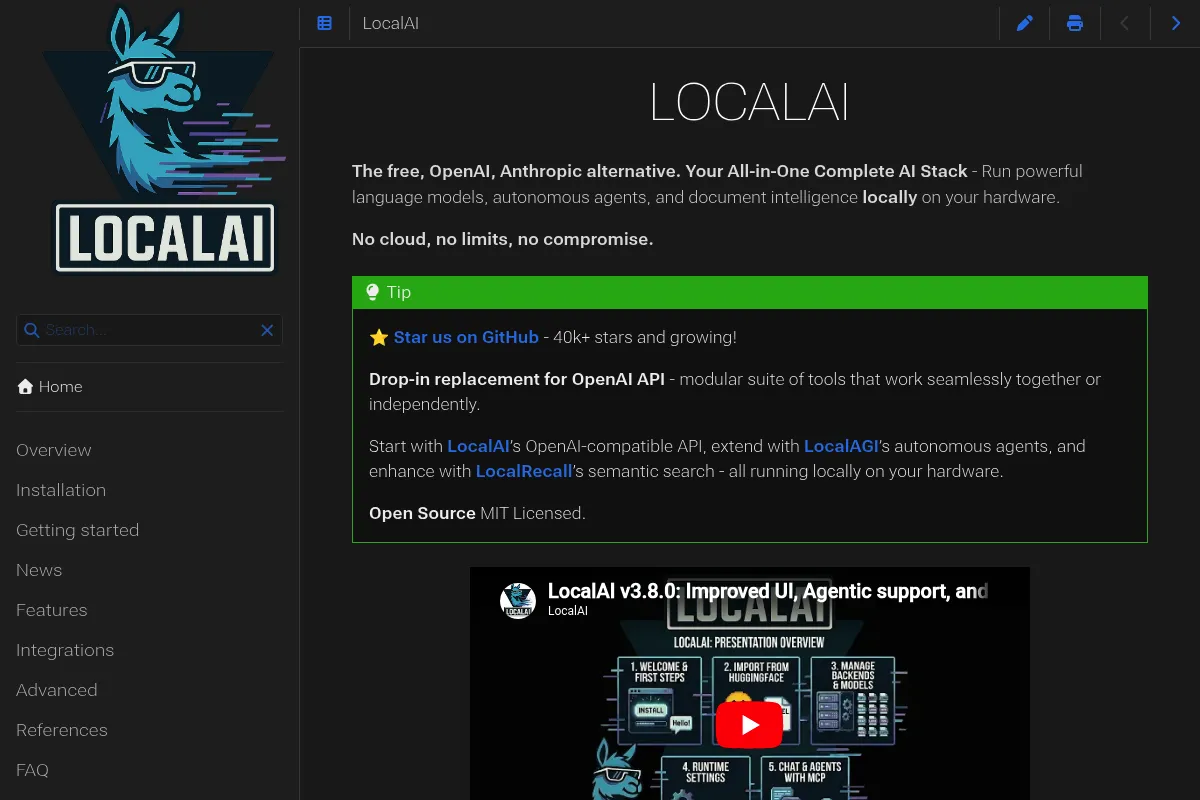
A self-hosted API server that mimics OpenAI's infrastructure to run text, image, and audio models on local hardware without data leaving your network.
Excellent for developers building private, multi-modal applications, but weaker for non-technical users seeking a simple desktop interface.
Analysis based on product data, pricing structure, traffic signals, and public user sentiment.
Who Should Use LocalAI?
Typical users
Privacy-focused developers, DevOps engineers, and homelab enthusiasts building local-first AI applications.
Maturity fit
advanced
Choose this if…
- You need a drop-in OpenAI replacement to avoid rewriting application code
- Your priority is running LLMs, image generation, and audio-to-text through a single API
- You require 100% air-gapped operations for compliance or privacy
- You want to utilize existing CPU resources rather than buying expensive GPUs
Skip this if…
- You want a 'one-click' install desktop application like Ollama or LM Studio
- You are uncomfortable managing Docker containers or editing YAML configuration files
- Your workflow requires the absolute highest inference speeds provided by managed cloud providers
About LocalAI
LocalAI is an open-source, community-driven project that acts as a local proxy for AI services. It provides a REST API compatible with OpenAI specifications, allowing users to run various models locally on consumer-grade hardware.
Official profiles
What it actually does
It serves as a backend that translates standard API requests into instructions for local model engines like llama.cpp, whisper.cpp, and diffusers. It handles the heavy lifting of model loading, execution, and response formatting across text, image, and audio modalities.
What makes it different
Unlike many local LLM runners that focus solely on text, LocalAI is built as a multi-modal server. It treats image generation and audio transcription as first-class citizens, allowing a single deployment to handle a complete AI stack.
Key Features
OpenAI API Parity
Replace 'api.openai.com' with your local IP in any application to switch to local models.
Multi-modal Support
Run LLMs, Stable Diffusion, and Whisper through one unified port and process.
Zero External Dependencies
Operates entirely without internet access once models are downloaded.
Flexible Backends
Supports GGUF, Safetensors, and Diffusers formats through a modular plugin system.
Model Gallery
Includes a built-in library of pre-configured YAML files for popular models like Llama 3 and Mistral.
Low Hardware Requirements
Optimized to run on consumer CPUs and Apple Silicon without requiring dedicated NVIDIA hardware.
Binary Distribution
Ships as a single binary or Docker image for consistent deployment across Linux, macOS, and Windows.
Pricing
Open Source
- Full access to all backends
- Unlimited local requests
- Commercial use permitted (MIT License)
- Community support via Discord/GitHub
Pricing checked 4 months ago
Pricing guidance
- When your local hardware can no longer handle the model size you need
- When you require professional support or custom integration services from the maintainers
- Performance is strictly limited by your local RAM and CPU/GPU specs
- No built-in user authentication or rate limiting in the base binary
Completely free and open-source under the MIT license.
Pros & Cons
Strengths
-
Unified API for all modalities
Managing one service for text, images, and audio reduces infrastructure complexity compared to running separate backends for each task.
-
True drop-in compatibility
Because it mimics the OpenAI schema exactly, most third-party tools and libraries work immediately without code changes.
-
Hardware agnosticism
It performs surprisingly well on older hardware and CPUs, making AI accessible without a $2,000 GPU investment.
Weaknesses
-
High configuration overhead
Setting up specific models often requires manual editing of YAML files, which is error-prone compared to GUI-based alternatives.
Affects: Beginners and non-technical users
-
Documentation fragmentation
The project moves fast, meaning official documentation can sometimes lag behind the latest features or specific backend requirements.
Affects: Developers troubleshooting complex setups
-
Slower out-of-the-box performance
While highly configurable, it may require significant tuning to match the raw inference speeds of specialized runners like vLLM or TensorRT-LLM.
Affects: Production environments with high concurrency needs
Real User Sentiment
Users generally view LocalAI as the most versatile local AI server, though they acknowledge a steeper learning curve than consumer-facing apps.
Users tend to like
- Ability to run on almost any hardware
- The 'one-stop-shop' approach for all AI types
- Active community and frequent updates
- Ease of integration with existing OpenAI-based tools
Users commonly complain about
- YAML configuration is tedious
- Initial setup can be intimidating for novices
- Docker image sizes can be very large
Recurring tradeoffs
- You trade ease-of-use (like LM Studio) for deep customizability and server-grade features.
Happiest users
Developers building complex, multi-modal local applications or those managing homelab servers.
Often frustrated
Casual users who just want to chat with a bot and find the terminal-heavy setup confusing.
Use Cases
Private RAG
Building a document search engine where data never leaves the local network.
Edge Computing
Running AI models on remote devices or IoT hardware with limited connectivity.
Cost Reduction
Replacing expensive OpenAI API calls during the development and testing phase of an app.
Legacy Integration
Adding AI capabilities to old software that only supports standard REST API calls.
Content Pipelines
Automating local image generation and audio transcription for media workflows.
Frequently Asked Questions
Is LocalAI actually free to use?
Yes, LocalAI is 100% open-source under the MIT license. There are no subscription fees or 'pro' versions. Your only costs are the hardware you run it on and the electricity it consumes.
How does LocalAI compare to Ollama?
Ollama is designed for ease of use on desktops with a simple CLI and 'one-click' feel. LocalAI is designed as a robust server backend that supports more than just LLMs, including image and audio models, and adheres more strictly to the OpenAI API standard.
Do I need a GPU to run LocalAI?
No. LocalAI is specifically optimized to run on CPUs using libraries like llama.cpp. While a GPU will significantly speed up performance, it is not a requirement for the software to function.
Can I use LocalAI as a drop-in replacement for AutoGPT or LangChain?
Yes. Since LocalAI mimics the OpenAI API, you can simply point the 'base_url' in LangChain or AutoGPT to your LocalAI instance (e.g., http://localhost:8080/v1) and it will work as if it were talking to OpenAI.
What are the hardware requirements?
At a minimum, you need enough RAM to fit the model you want to run. For a 7B parameter model, 8GB of RAM is usually sufficient. For image generation or larger LLMs, 16GB to 32GB is recommended.
Does LocalAI support Windows?
Yes, LocalAI can run on Windows via Docker, WSL2, or as a standalone binary, though Linux and macOS generally offer a more streamlined setup experience.
Why trust this page?
This evaluation combines product positioning, pricing analysis, traffic and market signals, and public user sentiment into a single decision-support page. Content is generated editorially — not copied from the vendor's website.
Funding & Company
Founded
—
Stage
Bootstrapped
Total Raised
Bootstrapped
Latest Round
—
LocalAI is a community-driven, open-source project, not a venture-backed company. It is supported by community sponsorships and donations rather than equity funding, meaning its stability is tied to its user base and contributor engagement, not a traditional financial runway.
Market Signals & Traffic
Estimated visits, global rank, geography, traffic sources, monthly visit trends, and organic search keywords (Similarweb)—on a dedicated page built for depth and search.
- Estimated visits
- 0
- Global rank
- —
- Snapshot
- Jun 2026
- Traffic trend
- —
Alternatives to LocalAI
View all alternativesOllama
Developer Tools, Privacy & Compliance

Run large language models locally on your machine.
LM Studio
Developer Tools, Privacy & Compliance, AI Assistant

Run large language models locally on your own computer
GPT4All
AI Assistant, Developer Tools, Privacy & Compliance

Run large language models locally on consumer-grade hardware.
Similar Tools
Patronus AI
Developer Tools, Privacy & Compliance

Automated evaluation and security platform for large language models
Attest
Developer Tools, Privacy & Compliance

Evaluation and testing platform for large language model applications
Arthur
Developer Tools, Privacy & Compliance

Observability and governance platform for machine learning models.
Giskard
Developer Tools, Privacy & Compliance

Testing and quality assurance framework for LLM applications
Clerk
Developer Tools, Privacy & Compliance

Complete authentication and user management solution for modern web applications.
Ollama
Developer Tools, Privacy & Compliance
Run large language models locally on your machine.