

Ollama
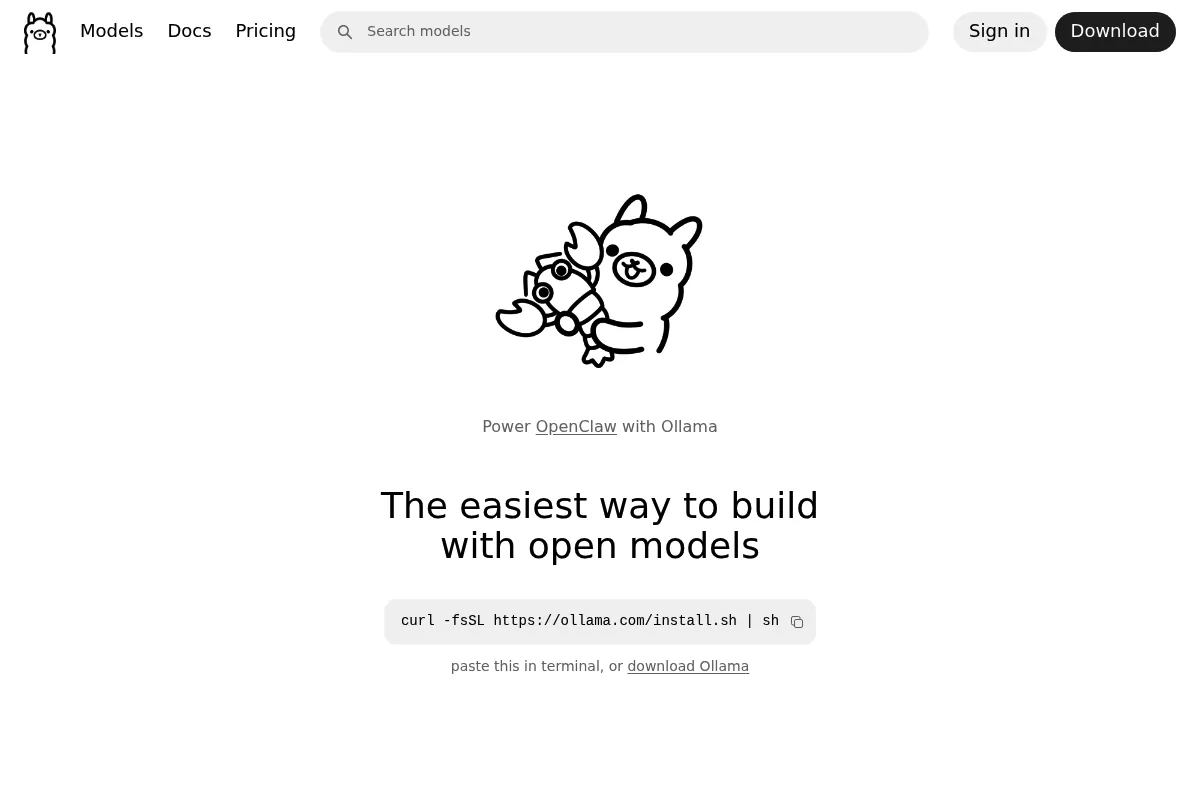
A command-line tool that simplifies running open-source large language models locally, providing a Docker-like experience for model management and deployment.
Excellent for developers needing a local AI backend for applications, weaker for non-technical users who prefer a native graphical interface.
Analysis based on product data, pricing structure, traffic signals, and public user sentiment.
Who Should Use Ollama?
Typical users
Software engineers, AI researchers, and privacy-focused operators who want to run LLMs on their own hardware.
Maturity fit
beginner to advanced
Choose this if…
- You want to run models like Llama 3 or Mistral without paying per-token fees
- Your priority is data privacy and keeping all prompts on your local machine
- You need a local REST API to build AI-powered applications
- You prefer a CLI-first workflow for managing model versions
Skip this if…
- You do not have a dedicated GPU or sufficient RAM (16GB+ recommended)
- You require a built-in chat interface without installing third-party tools
- You need to serve models to thousands of concurrent users in a production environment
About Ollama
Ollama is an open-source framework designed to package, run, and manage large language models locally. It abstracts the complexity of model quantization and hardware configuration, allowing users to launch models with a single command.
Official profiles
What it actually does
It provides a local server and CLI that downloads and runs LLMs on macOS, Linux, and Windows. It handles hardware acceleration automatically and exposes a local API endpoint for integration with other software.
What makes it different
Ollama treats LLMs like software containers. While competitors often focus on a chat UI, Ollama focuses on the backend, making it the standard choice for developers building local-first AI agents and tools.
Key Features
One-command execution
Run models like Llama 3 or Phi-3 instantly using 'ollama run'.
Modelfile configuration
Define system prompts, temperatures, and parameters in a reproducible file.
Local REST API
Connect local models to tools like Obsidian, VS Code, or custom web apps.
Automatic Quantization
Downloads optimized model versions that fit your specific hardware constraints.
Library of curated models
Access a verified registry of open-source models without searching Hugging Face.
Cross-platform support
Native installers for macOS, Linux, and Windows (preview).
Vision support
Run models that can analyze and describe local image files.
Pricing
Open Source
- Unlimited model downloads
- Local REST API access
- Full hardware acceleration
- Custom Modelfile support
- Community support
Pricing checked 5 months ago
Pricing guidance
- When you need more VRAM to run larger models
- When you require a dedicated server for team-wide access
- When you need a GUI (requires third-party software)
- Hardware is the only limit (RAM/VRAM)
- Internet bandwidth for large model downloads (can be 5GB-40GB+ per model)
- No built-in cloud hosting
Completely free open-source software with no monetization of the core tool.
Pros & Cons
Strengths
-
Zero-config hardware acceleration
It automatically detects and uses Apple Silicon or NVIDIA GPUs, removing the need for manual driver or toolkit configuration.
-
Offline reliability
Once a model is downloaded, it requires no internet connection, ensuring uptime and data privacy for sensitive workflows.
-
Standardized API
The API is largely compatible with OpenAI's format, making it easy to swap cloud providers for local execution in existing codebases.
Weaknesses
-
No native GUI
The base installation is CLI-only. Users who want a ChatGPT-like interface must install separate community projects like Open WebUI.
Affects: Non-technical users
-
High hardware requirements
Running larger models (30B+ parameters) requires significant VRAM, which can be a barrier for users on standard consumer laptops.
Affects: Users with entry-level hardware
-
Limited multi-user management
It is designed as a local service; it lacks built-in authentication or rate-limiting for teams sharing a single server.
Affects: Small teams or organizations
Real User Sentiment
Users generally praise Ollama for its 'it just works' experience compared to the manual setup of Python environments and dependencies.
Users tend to like
- Ease of installation
- Docker-like CLI commands
- Active community adding new models quickly
- Low overhead compared to heavy GUI wrappers
Users commonly complain about
- Lack of a built-in chat interface
- High memory consumption for larger models
- Occasional issues with Windows GPU detection in early versions
Recurring tradeoffs
- Simplicity vs. Granular Control: It abstracts many settings that advanced researchers might want to tweak manually.
Happiest users
Developers building AI-integrated apps who need a reliable, local backend.
Often frustrated
Non-technical users expecting a standalone app like ChatGPT without additional setup.
Use Cases
Local Development
Testing AI prompts and logic without incurring API costs.
Private Document Analysis
Running RAG (Retrieval-Augmented Generation) on sensitive company data.
Coding Assistance
Integrating local models with IDEs like VS Code for autocomplete.
Content Generation
Automating text production for blogs or social media without cloud dependencies.
Educational Research
Experimenting with different open-source model architectures locally.
Frequently Asked Questions
Is Ollama actually free?
Yes, Ollama is open-source and free to use under the MIT license. You only pay for the hardware and electricity required to run the models on your own machine.
How does Ollama compare to LM Studio?
LM Studio provides a polished graphical user interface out of the box, making it better for non-developers. Ollama is CLI-focused and better for developers who want to integrate LLMs into other applications via an API.
What are the minimum hardware requirements?
You should have at least 8GB of RAM to run 7B models, 16GB for 13B models, and 32GB for 33B models. A dedicated GPU (NVIDIA or Apple M-series) is highly recommended for acceptable performance.
Can I use Ollama on Windows?
Yes, Ollama has a native Windows installer. It supports hardware acceleration via WSL2 or direct NVIDIA GPU support in the latest versions.
Does Ollama support OpenAI-compatible APIs?
Yes, Ollama provides an OpenAI-compatible endpoint, allowing you to use it as a drop-in replacement for many tools designed for GPT-4.
How do I add a GUI to Ollama?
Most users pair Ollama with 'Open WebUI' (formerly Ollama WebUI), which is a Docker-based interface that looks and feels like ChatGPT.
Why trust this page?
This evaluation combines product positioning, pricing analysis, traffic and market signals, and public user sentiment into a single decision-support page. Content is generated editorially — not copied from the vendor's website.
Funding & Company
Founded
2021
Stage
Seed
Total Raised
$125K
Latest Round
Seed (Jan 2021)
Notable Investors
Ollama is backed by Y Combinator, having participated in the Winter 2021 batch and secured initial seed funding. This early validation from a top-tier accelerator provided the foundation for its popular open-source tool. While there are market signals of subsequent, larger funding rounds, these have not been publicly confirmed by the company or authoritative sources.
Market Signals & Traffic
Estimated visits, global rank, geography, traffic sources, monthly visit trends, and organic search keywords (Similarweb)—on a dedicated page built for depth and search.
- Estimated visits
- 15,033,544
- Global rank
- #2,891
- Snapshot
- Apr 2026
- Traffic trend
- Surging
Estimated monthly visits
Alternatives to Ollama
View all alternativesLM Studio
Developer Tools, Privacy & Compliance, AI Assistant

Run large language models locally on your own computer
GitHub Copilot
Developer Tools, AI Assistant

AI-powered coding assistant that suggests and generates code.
GPT4All
AI Assistant, Developer Tools, Privacy & Compliance

Run large language models locally on consumer-grade hardware.
Similar Tools
Clerk
Developer Tools, Privacy & Compliance

Complete authentication and user management solution for modern web applications.
Patronus AI
Developer Tools, Privacy & Compliance
Automated evaluation and security platform for large language models
Arthur
Developer Tools, Privacy & Compliance

Observability and governance platform for machine learning models.
Attest
Developer Tools, Privacy & Compliance

Evaluation and testing platform for large language model applications
Auth0
Developer Tools, Privacy & Compliance

Identity management platform for secure application authentication and authorization.
Giskard
Developer Tools, Privacy & Compliance

Testing and quality assurance framework for LLM applications