

LM Studio
A desktop-first local LLM runner that eliminates the complexity of model configuration through a unified search and chat interface—best for individuals prioritizing privacy and ease of use over open-source purity.
Excellent for developers needing a local OpenAI-compatible endpoint, weaker for teams requiring collaborative features or open-source transparency.
Analysis based on product data, pricing structure, traffic signals, and public user sentiment.
Who Should Use LM Studio?
Typical users
Individual developers, AI researchers, and privacy-conscious hobbyists running modern Mac or Windows hardware.
Maturity fit
beginner to advanced
Choose this if…
- You want to run LLMs locally without using the command line
- Your priority is a 'click-and-run' experience for Hugging Face models
- You need a local API that mimics OpenAI's structure for testing
- You work with sensitive data that cannot leave your machine
Skip this if…
- You require an open-source tool (LM Studio is proprietary)
- You need to serve models to a large number of concurrent users
- Your hardware lacks a dedicated GPU or Apple Silicon chip
- You need a mobile-native local AI experience
About LM Studio
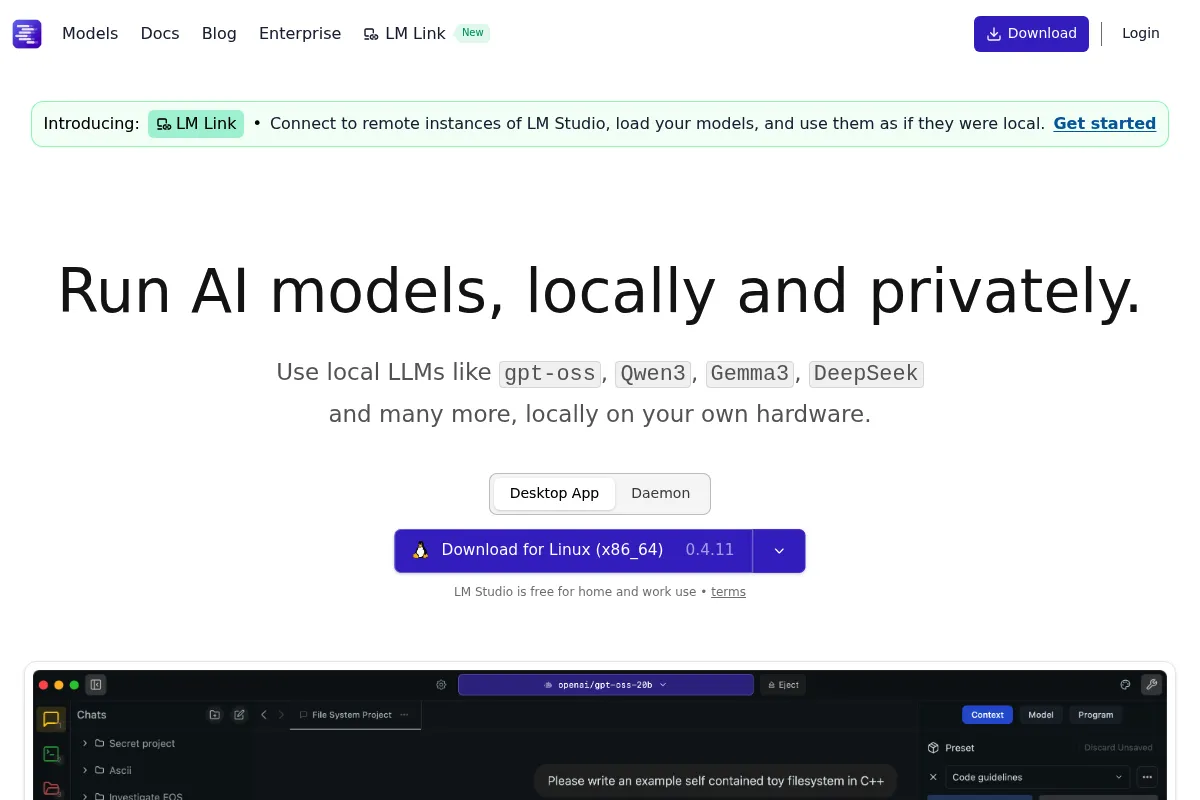
LM Studio is a proprietary desktop application designed to simplify the process of discovering, downloading, and running large language models locally. It acts as a bridge between the complex file structures of Hugging Face and a user-friendly chat interface, specifically targeting users who want to avoid terminal-based setups.
Official profiles
What it actually does
The application provides a graphical interface to search for GGUF-formatted models, download them directly, and interact with them via a built-in chat UI. It also hosts a local server that allows other applications to call the local model using standard OpenAI API requests.
What makes it different
Unlike Ollama, which is CLI-centric, or GPT4All, which focuses on its own ecosystem, LM Studio provides a deep, integrated search for the Hugging Face repository. It allows users to visually compare different model versions and quantization levels before downloading, making model selection much more transparent for non-technical users.
Key Features
Hugging Face Integration
Search and download models directly without leaving the app.
Local Server Mode
Turns your machine into a local API provider for other dev tools.
Quantization Selection
Choose specific model 'weights' to fit your available VRAM.
System Prompt Control
Define the persona and constraints of the AI locally.
Hardware Auto-detection
Automatically configures settings for Apple Silicon or NVIDIA GPUs.
Chat UI
A clean interface for testing model outputs without writing code.
Cross-Platform Support
Consistent experience across macOS, Windows, and Linux.
Pricing
Personal / Educational
- Full access to all app features
- Local API server
- Hugging Face integration
- Personal use only
Pro (Business)
- Commercial use license
- Priority support
- Centralized billing
- Early access to new features
Enterprise
- Custom deployment options
- SLA guarantees
- Dedicated account management
Pricing checked 5 months ago
Pricing guidance
- When using the tool for work in a corporate environment
- When requiring priority technical support
- When centralized billing is needed for a team
- Commercial use is prohibited on the free tier
- Model performance is entirely dependent on your own hardware
Freemium model that monetizes through corporate licensing while keeping the tool accessible for the developer community.
Pros & Cons
Strengths
-
Zero-config model discovery
The built-in search handles the complexity of finding the right GGUF files, which is a significant friction point in other local LLM tools.
-
Drop-in OpenAI replacement
Developers can point their existing OpenAI-based apps to localhost:1234 to test workflows for free and with total privacy.
-
Granular hardware control
Allows users to specify how many layers to offload to the GPU, maximizing performance on mid-range hardware.
Weaknesses
-
Proprietary and closed-source
Unlike many competitors in the local AI space, the source code is not public, which may be a dealbreaker for extreme privacy advocates.
Affects: Privacy purists and security auditors
-
High resource consumption
The Electron-based wrapper adds overhead, and running large models requires significant RAM/VRAM that older machines lack.
Affects: Users with older hardware or limited RAM
-
Limited multi-user support
Designed as a single-user desktop app; it lacks the management features needed for team-wide local AI deployments.
Affects: Teams and organizations
Real User Sentiment
Highly positive, with users frequently citing it as the easiest way to get started with local AI.
Users tend to like
- The intuitive user interface
- Ease of downloading models from Hugging Face
- Reliability of the local API server
- Speed on Apple Silicon
Users commonly complain about
- Lack of open-source code
- Occasional crashes with very large models
- High memory usage of the app itself
Recurring tradeoffs
- Users trade open-source transparency for a significantly better user interface compared to tools like Ollama.
Happiest users
Developers who want to test prompts across multiple models quickly without managing Python environments.
Often frustrated
Users on low-spec laptops who expect ChatGPT-level performance from large models without a dedicated GPU.
Use Cases
Private Document Analysis
Chat with sensitive PDFs without uploading them to the cloud.
Local API Prototyping
Build and test AI-powered apps using a local endpoint to save on API costs.
Model Comparison
Quickly download and compare Llama 3, Mistral, and Phi-3 to see which performs best for a specific task.
Offline Coding Assistance
Use a local model for code suggestions when working without an internet connection.
AI Research
Experiment with different quantization levels to understand the impact on model accuracy.
Frequently Asked Questions
Is LM Studio free for commercial use?
No. While it is free for personal and educational use, businesses require a paid subscription starting at $10/user/month for the Pro tier to comply with licensing terms.
How does LM Studio compare to Ollama?
LM Studio is a GUI-based application that excels at model discovery and visual interaction. Ollama is a CLI-based tool that is better for background services and Linux-based server environments. Many developers use both.
What are the hardware requirements for LM Studio?
You need a modern computer with at least 8GB of RAM (16GB+ recommended). For the best experience, an Apple Silicon Mac (M1/M2/M3) or a Windows PC with an NVIDIA GPU (8GB+ VRAM) is necessary.
Does LM Studio work offline?
Yes. You only need an internet connection to search for and download models. Once a model is on your machine, LM Studio runs entirely offline with no data leaving your computer.
Can I use LM Studio as a replacement for OpenAI's API?
Yes, for development purposes. It provides a local server at localhost:1234 that uses the same request/response format as OpenAI, allowing you to swap 'gpt-3.5-turbo' for a local model in your code.
Does LM Studio support all models on Hugging Face?
It specifically supports models in the GGUF format. While this covers most popular LLMs like Llama, Mistral, and Gemma, it does not support Safetensors or other formats directly without conversion.
Why trust this page?
This evaluation combines product positioning, pricing analysis, traffic and market signals, and public user sentiment into a single decision-support page. Content is generated editorially — not copied from the vendor's website.
Funding & Company
Founded
2022
Stage
Series a
Total Raised
$19.3M
Latest Round
Series A (Jun 2025)
Notable Investors
LM Studio, developed by Element Labs Inc., has secured approximately $19.3 million in Series A funding as of mid-2025. This investment, from notable venture capital firms, provides the company with significant capital to advance its platform for running large language models locally.
Market Signals & Traffic
Estimated visits, global rank, geography, traffic sources, monthly visit trends, and organic search keywords (Similarweb)—on a dedicated page built for depth and search.
- Estimated visits
- 3,166,538
- Global rank
- #18,647
- Snapshot
- Apr 2026
- Traffic trend
- Surging
Estimated monthly visits
Alternatives to LM Studio
View all alternatives

Similar Tools
Letta
Developer Tools, Automation & Agents

Build stateful agents with persistent long-term memory and context.
Phidata
Developer Tools, Automation & Agents, Workflow

Framework for building multi-modal agents with memory and tools.
Axolotl
Developer Tools, Research, Workflow

Framework for efficient fine-tuning of large language models.
Qdrant
Developer Tools, Search

High-performance vector database and search engine for unstructured data.
Hume AI
AI Assistant, Content Creation, Developer Tools

AI that understands and generates human emotions through voice and text.
Moonshot AI
AI Assistant, Research, Developer Tools

Large language model platform specializing in massive context window processing.