
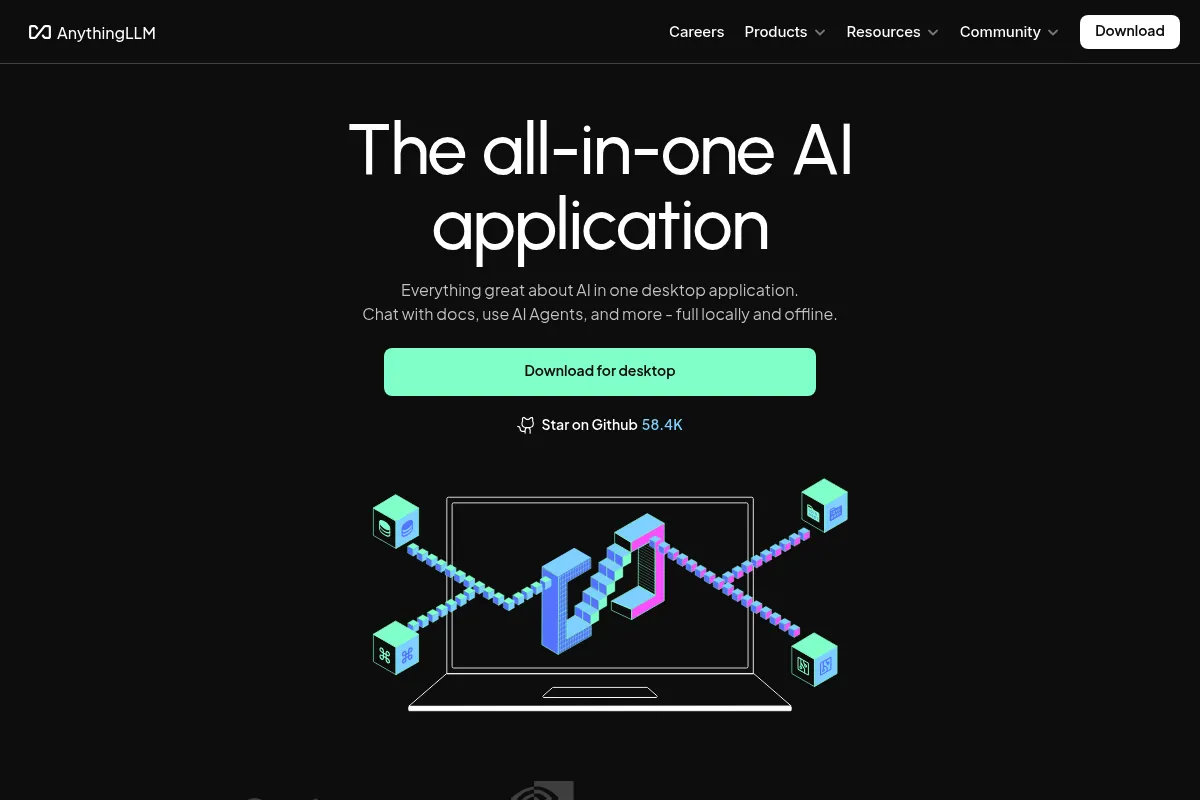
AnythingLLM is a full-stack RAG application that simplifies turning local files into private chatbots, bridging the gap between complex developer tools and consumer AI.
Excellent for privacy-conscious researchers and small teams needing local RAG, weaker for high-concurrency enterprise production environments.
Analysis based on product data, pricing structure, traffic signals, and public user sentiment.
Who Should Use AnythingLLM?
Typical users
Privacy-focused researchers, developers prototyping RAG workflows, and small businesses managing sensitive internal documentation.
Maturity fit
beginner to scaling
Choose this if…
- You need a GUI for local RAG without writing code
- Your priority is data privacy over cloud-based speed
- You want to manage multiple distinct document 'workspaces' for different projects
Skip this if…
- You require sub-second latency for multi-million document datasets
- Your workflow depends on deep native integrations with enterprise ERPs
- You lack the hardware (GPU/RAM) to run local models effectively
About AnythingLLM
AnythingLLM is a local-first AI application designed to turn documents, websites, and YouTube transcripts into a searchable knowledge base. It functions as a complete RAG (Retrieval-Augmented Generation) suite, including a built-in vector database and LLM orchestration.
What it actually does
It allows users to ingest various file types like PDFs and TXT files to query them using an LLM. Users can run models locally via Ollama or connect to cloud providers like OpenAI while maintaining control over how data is indexed and retrieved.
What makes it different
Unlike many RAG tools that require manual setup of a vector database and an API, AnythingLLM bundles LanceDB, an embedding engine, and a chat interface into a single installer. It treats 'workspaces' as distinct silos, allowing for granular control over which documents the AI can access in a specific conversation.
Ratings across the web


Ratings aggregated from independent review platforms.
Key Features
Workspace Isolation
Keeps different projects or client data completely separate within the same app.
Built-in Vector DB
Removes the need to set up external databases like Pinecone or Milvus.
Multi-LLM Support
Switch between local models like Ollama and cloud APIs like Anthropic within one interface.
Document Management
Drag-and-drop interface to add, remove, or re-sync files in real-time.
Hybrid Search
Combines vector similarity with keyword search to improve retrieval accuracy.
API & SDK
Allows developers to build custom applications on top of their local knowledge base.
YouTube/Website Scraping
Directly converts URLs into chatable data without manual copy-pasting.
Pricing
Desktop
- Unlimited documents
- Unlimited workspaces
- Local LLM support
- Built-in vector database
Cloud Starter
- Managed hosting
- 10GB storage
- Private cloud instance
- Automatic updates
Cloud Professional
- 50GB storage
- Priority support
- Custom domain support
- Higher concurrency
Pricing checked 5 months ago
Pricing guidance
- When you need to share a knowledge base with a team
- When you want a managed cloud instance to avoid local hardware strain
- When you need white-labeling or custom branding
- Local performance is strictly capped by your machine's VRAM
- The desktop app does not support remote access by default
- Cloud plans do not include LLM API costs if using OpenAI/Anthropic
Highly accessible with a generous free tier, moving to a standard SaaS model for managed hosting.
Pros & Cons
Strengths
-
Zero-config RAG setup
Simplifies the complex process of setting up embeddings and vector stores into a standard desktop app experience.
-
Privacy-first architecture
Keeps sensitive data on local hardware when used with local LLMs, preventing data from leaving the local network.
-
Flexible model orchestration
Does not lock users into one provider; it works with LM Studio, Ollama, LocalAI, and all major cloud APIs.
-
Granular workspace settings
Allows different temperature settings and system prompts for different document sets, enabling specialized bot behavior.
Weaknesses
-
High resource consumption
As an Electron-based app running local models, it can be heavy on RAM and GPU, potentially slowing down other tasks.
Affects: Users on older hardware or laptops without dedicated GPUs
-
Limited advanced RAG tuning
Lacks the deep configuration options for chunking strategies found in developer-centric frameworks like LlamaIndex.
Affects: Advanced AI engineers needing precise control over retrieval logic
-
Single-user desktop limitation
The desktop application is strictly single-user; multi-user collaboration requires a more complex Docker deployment.
Affects: Teams trying to share a single knowledge base without technical overhead
Real User Sentiment
Users generally praise the tool for its accessibility and the fact that it 'just works' out of the box compared to competitors.
Users tend to like
- Ease of installation
- Clean workspace management
- Ability to scrape websites and YouTube easily
- Support for multiple local LLM providers
Users commonly complain about
- Occasional UI lag in the Electron interface
- Difficulty indexing very large or complex PDF files
- The Docker setup can be confusing for non-technical users
Recurring tradeoffs
- Ease of use comes at the expense of deep architectural customization available in coding frameworks.
Happiest users
Individual researchers and small business owners who need to query their own data privately without a subscription.
Often frustrated
Enterprise users expecting a plug-and-play multi-user experience without deploying Docker.
Use Cases
Legal/Compliance
Querying thousands of private contracts without uploading data to a third-party cloud.
Academic Research
Organizing and chatting with a massive library of research papers and citations.
Customer Support
Building a private bot based on internal product wikis and past ticket history.
Developer Documentation
Indexing local codebases and README files for quick technical reference.
Content Creation
Scraping YouTube transcripts and articles to synthesize new content ideas.
Frequently Asked Questions
Is AnythingLLM actually free?
Yes, the Desktop application is fully open-source and free to use with no limits on documents or workspaces. You only pay if you choose their managed Cloud hosting or use paid LLM APIs like OpenAI.
How does AnythingLLM compare to GPT4All?
GPT4All is primarily focused on the chat experience with local models. AnythingLLM is a more comprehensive RAG tool, offering better document management, workspace isolation, and built-in vector database features.
Does it work completely offline?
Yes, if you configure it to use a local LLM (like Ollama) and a local embedding model, it requires no internet connection to function after the initial setup.
What file types can I upload?
It supports PDF, TXT, DOCX, Markdown, and can also ingest data directly from URLs, YouTube transcripts, and GitHub repositories.
Can I use it with a team?
The Desktop app is for single users. For team collaboration, you must use the Docker version or the AnythingLLM Cloud subscription, which supports multi-user management and permissions.
Do I need a powerful computer?
To run local models (like Llama 3), you generally need at least 8GB of RAM and a decent GPU. If your computer is slow, you can still use AnythingLLM by connecting it to a cloud API like OpenAI.
Why trust this page?
This evaluation combines product positioning, pricing analysis, traffic and market signals, and public user sentiment into a single decision-support page. Content is generated editorially — not copied from the vendor's website.
Funding & Company
Founded
2022
Stage
Seed
Total Raised
$500K
Latest Round
Seed (Sep 2022)
Notable Investors
AnythingLLM, developed by parent company Mintplex Labs Inc., is backed by a $500,000 Seed round led by Y Combinator. This early-stage funding provides the initial runway to develop its open-source product and build a community.
Market Signals & Traffic
Estimated visits, global rank, geography, traffic sources, monthly visit trends, and organic search keywords (Similarweb)—on a dedicated page built for depth and search.
- Estimated visits
- 725,528
- Global rank
- #73,658
- Snapshot
- Apr 2026
- Traffic trend
- Surging
Estimated monthly visits
Alternatives to AnythingLLM
View all alternatives
Similar Tools
Personal AI
AI Assistant, Communication, Productivity

Create a digital twin that learns from your personal knowledge.
Shotcut
Video Creation, Content Creation

Open-source, cross-platform video editor for high-quality video production
Amigo AI
AI Assistant, Communication, Productivity

WhatsApp assistant for instant answers, image generation, and voice transcription.
Zed
Developer Tools, Productivity

High-performance, multiplayer code editor built for speed and collaboration.
Gemini
AI Assistant, Content Creation

An experimental AI-powered conversational chatbot from Google.
Qdrant
Developer Tools, Search

High-performance vector database and search engine for unstructured data.