

Gradio
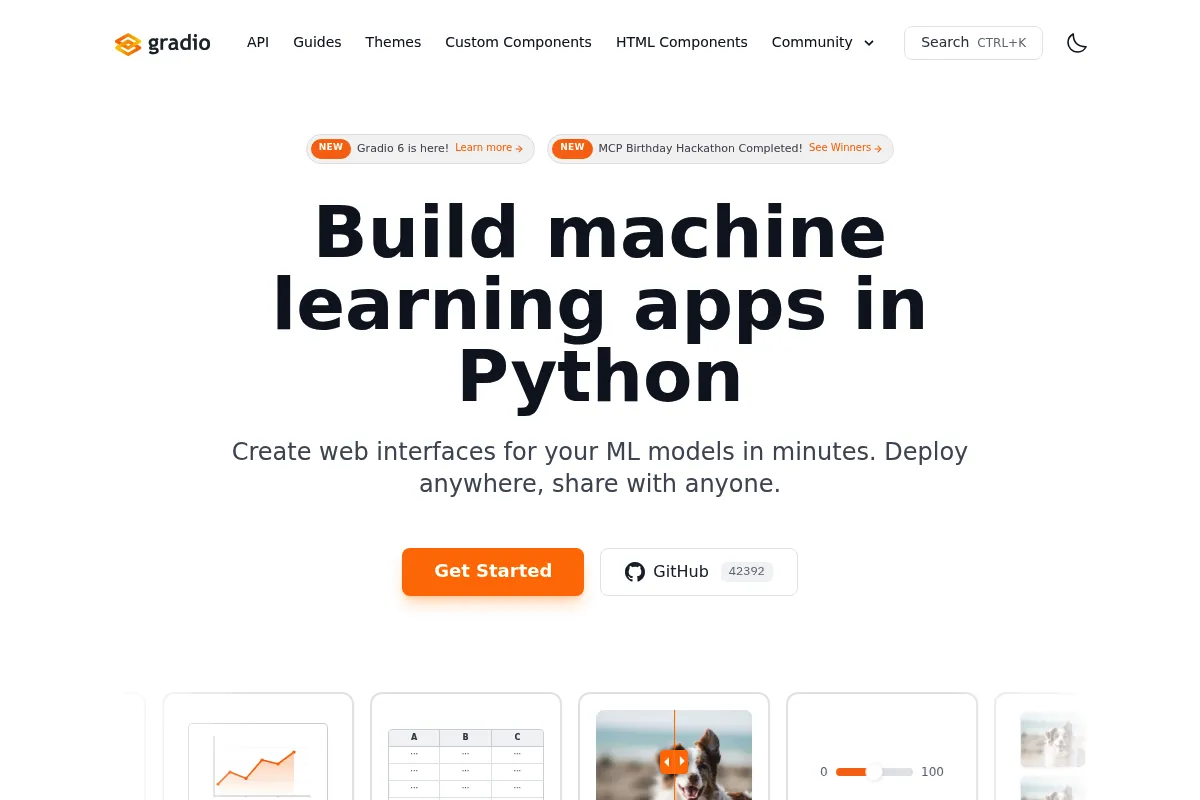
A Python library for wrapping machine learning models in interactive web interfaces, optimized for speed and model testing rather than complex application development.
Excellent for researchers needing quick model demos, weaker for building polished, multi-page data products.
Analysis based on product data, pricing structure, traffic signals, and public user sentiment.
Who Should Use Gradio?
Typical users
Machine learning engineers and data scientists working in Python who need to share model results with non-technical stakeholders.
Maturity fit
beginner to scaling
Choose this if…
- You need a functional UI in under 10 lines of Python code
- Your primary goal is gathering human feedback on model outputs
- You are already using the Hugging Face ecosystem for model hosting
- You need built-in support for complex inputs like audio, video, or 3D files
Skip this if…
- You require precise control over CSS and pixel-perfect branding
- You are building a complex, multi-page enterprise dashboard
- Your application needs to handle high-concurrency production traffic
About Gradio
Gradio is an open-source Python framework that simplifies the creation of web-based UIs for machine learning models. Acquired by Hugging Face in 2021, it has become the standard for creating interactive demos on the Hugging Face Hub.
Official profiles
What it actually does
It maps Python function inputs and outputs to pre-built web components like text boxes, sliders, and image uploaders. When a user interacts with the UI, Gradio executes the underlying Python code and displays the result in the browser.
What makes it different
Unlike Streamlit, which follows a script-execution model, Gradio is event-driven and specifically tailored for model input/output pairs. It includes a unique 'share' feature that creates a temporary public URL via an SSH tunnel, bypassing the need for immediate cloud deployment.
Key Features
gr.Interface
The fastest way to create a UI by defining inputs, outputs, and a function.
gr.Blocks
A low-level API for designing custom layouts and complex event triggers.
gr.ChatInterface
A specialized component for building LLM-based chat applications with minimal code.
Share=True
Generates a public URL instantly from a local machine for remote testing.
Flagging
Allows users to mark incorrect model outputs, saving them to a CSV or database for debugging.
API Client
Automatically exposes the Gradio app as an API that can be called via Python or JavaScript.
Themes
Built-in light/dark modes and basic color customization via the Theme Builder.
Pricing
Open Source
- Full access to Python library
- Local hosting
- Temporary 72-hour public links
- Self-hosted deployment
Hugging Face Spaces (Free)
- Permanent hosting on HF Hub
- 2 vCPU / 16GB RAM
- Public or private visibility
Hugging Face Spaces (Paid)
- GPU acceleration (T4, A10G, A100)
- High-memory instances
- Persistent storage options
- Sleep time customization
Pricing checked 4 months ago
Pricing guidance
- When your model requires GPU acceleration for inference
- When you need persistent storage for user-uploaded data
- When you need to keep a private space active 24/7 without it 'sleeping'
- Temporary share links expire after 72 hours
- Free Spaces instances will sleep after 48 hours of inactivity
- Large file uploads may time out on basic hardware
Completely free and open-source, with a low-cost 'pay-as-you-go' model for specialized hardware.
Pros & Cons
Strengths
-
Zero front-end knowledge required
Data scientists can build functional interfaces entirely in Python without touching HTML, CSS, or JavaScript.
-
Native media handling
Handles complex data types like webcam feeds, microphone input, and 3D objects out of the box, which are difficult to implement in general-purpose frameworks.
-
Hugging Face synergy
One-click deployment to Hugging Face Spaces makes it the most efficient way to showcase models to the AI community.
Weaknesses
-
Restrictive styling
While CSS injection is possible, the framework is opinionated; making a Gradio app look like a bespoke corporate website is difficult.
Affects: Product designers and front-end developers
-
Scaling limitations
The architecture is not optimized for high-concurrency production environments compared to dedicated backends like FastAPI or Go.
Affects: DevOps engineers and scaling startups
-
Limited navigation
Building complex multi-page applications is cumbersome compared to Streamlit or Dash.
Affects: Developers building full-scale data platforms
Real User Sentiment
Users generally view Gradio as the fastest path from a Python script to a shareable demo, though they acknowledge its limitations for production software.
Users tend to like
- The simplicity of the ChatInterface component
- Ease of sharing via temporary public URLs
- Robust handling of audio and image inputs
- Seamless integration with Hugging Face models
Users commonly complain about
- Difficulty in customizing layouts beyond basic grids
- Slow performance when handling large datasets in the UI
- Lack of advanced multi-page navigation features
Recurring tradeoffs
- Users trade deep UI customization for extreme development speed.
Happiest users
ML researchers and hobbyists who want to show off a model without learning React or CSS.
Often frustrated
Software engineers trying to use Gradio as a replacement for a full-stack web framework.
Use Cases
Model Prototyping
Quickly testing how a model performs on real-world inputs.
Stakeholder Demos
Showing a non-technical manager how an AI feature works.
Data Labeling
Creating a simple interface for humans to review and flag model outputs.
LLM Chatbots
Building a ChatGPT-style interface for a custom fine-tuned model.
Educational Tools
Creating interactive widgets for data science blog posts or tutorials.
Frequently Asked Questions
Is Gradio free for commercial use?
Yes, Gradio is licensed under the Apache 2.0 license, which allows for commercial use, modification, and distribution. You can host it on your own servers or use Hugging Face Spaces.
How does Gradio compare to Streamlit?
Gradio is better for specific model I/O tasks and media (audio/video), while Streamlit is better for data dashboards and multi-page apps. Gradio is event-based; Streamlit reruns the whole script on every interaction.
Can I host Gradio on my own server?
Yes. Since it is a Python library, you can run it on any VPS, cloud instance, or internal server. You simply run the Python script and expose the port (default 7860).
What is the 72-hour limit?
When you set `share=True`, Gradio creates a tunnel to their servers to give you a public URL. This is intended for quick demos and expires after 72 hours for security and resource reasons.
Can I use custom CSS with Gradio?
Yes, you can pass a `css` argument to the `Interface` or `Blocks` constructor. However, you are limited to styling existing Gradio components rather than creating entirely new HTML structures.
Does Gradio support authentication?
Gradio has a built-in `.launch(auth=(username, password))` feature for basic HTTP authentication, but it is not a replacement for a robust enterprise identity provider.
Why trust this page?
This evaluation combines product positioning, pricing analysis, traffic and market signals, and public user sentiment into a single decision-support page. Content is generated editorially — not copied from the vendor's website.
Company
Founded
2019
Stage
Acquired
HQ
Mountain View, CA
Gradio was acquired by Hugging Face in December 2021. Prior to the acquisition, it had raised an undisclosed amount of seed funding from investors including Pear VC. Its stability and longevity are now directly tied to its strategic importance within Hugging Face, a major, well-funded player in the AI ecosystem.
Market Signals & Traffic
Estimated visits, global rank, geography, traffic sources, monthly visit trends, and organic search keywords (Similarweb)—on a dedicated page built for depth and search.
- Estimated visits
- 236,635
- Global rank
- #200,324
- Snapshot
- Apr 2026
- Traffic trend
- Steady
Estimated monthly visits
Alternatives to Gradio
View all alternatives
Similar Tools
HoneyHive
Developer Tools, Workflow

Evaluation and observability platform for large language model applications.
Axflow
Developer Tools, Workflow

TypeScript framework for building modular and scalable language model applications
Featureform
Developer Tools, Workflow

Open-source feature store for managing and serving machine learning features.
vLLM
Developer Tools, Workflow

High-throughput serving engine for large language model inference
Automa
Automation, Data Extraction, Productivity

Automate browser tasks using a visual drag-and-drop workflow builder.
Lepton AI
Developer Tools, Automation, Workflow

Cloud platform for building and deploying efficient model applications.