

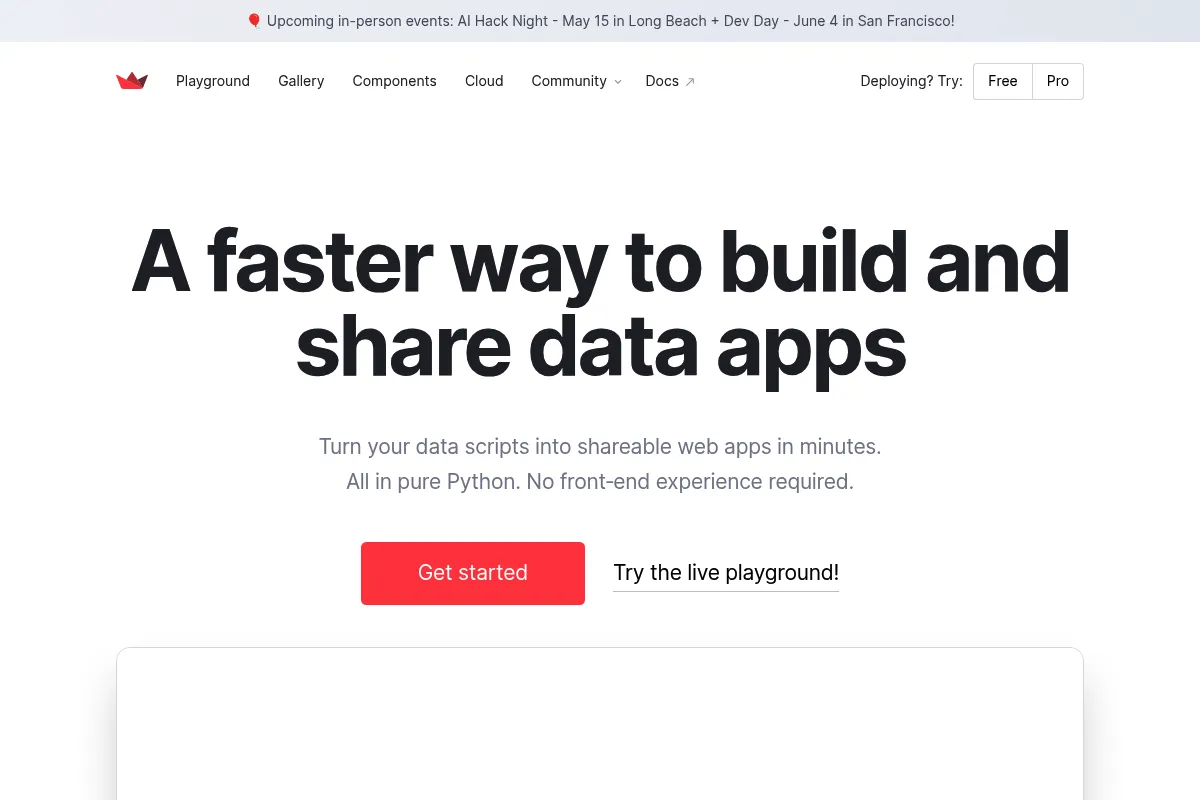
The fastest way to turn Python scripts into interactive web applications without writing a single line of HTML, CSS, or JavaScript.
Excellent for data scientists building internal tools and ML prototypes, weaker for consumer-facing apps requiring high performance or custom UI design.
Analysis based on product data, pricing structure, traffic signals, and public user sentiment.
Who Should Use Streamlit?
Typical users
Data scientists, ML engineers, and analysts working in Python-heavy environments who need to share interactive results with non-technical stakeholders.
Maturity fit
beginner to scaling
Choose this if…
- You want to build a UI entirely in Python without learning front-end frameworks
- Your priority is speed of deployment over pixel-perfect design
- You need to create interactive dashboards for machine learning model inference
- You are already using the Snowflake data stack for your enterprise data
Skip this if…
- You need a highly customized, brand-specific UI that requires custom CSS/JS
- Your app requires complex, multi-page state management and high-concurrency performance
- You are building a commercial SaaS product where SEO and page load speed are critical
About Streamlit
Streamlit is an open-source Python library designed to bridge the gap between data scripts and shareable web applications. It allows developers to create interactive widgets and visualizations by adding a few lines of code to existing Python scripts, eliminating the need for a dedicated front-end team.
Official profiles
What it actually does
It converts Python scripts into web apps by rerunning the script from top to bottom whenever a user interacts with a widget. It handles the backend-to-frontend communication automatically, rendering dataframes, charts, and text inputs into a clean, responsive layout.
What makes it different
Unlike Dash or Shiny, which require understanding callbacks and reactive programming, Streamlit uses a linear execution model. This makes it significantly easier for Python developers to learn, though it introduces performance challenges for complex applications.
Ratings across the web


Ratings aggregated from independent review platforms.
Key Features
st.cache_data
Prevents expensive data re-computation on every user interaction
st.chat_input
Simplifies building ChatGPT-like interfaces for AI agents
st.dataframe
Renders interactive, searchable, and sortable data tables
st.sidebar
Organizes controls and navigation without cluttering the main view
Streamlit in Snowflake
Runs apps directly inside the Snowflake data platform for enterprise security
Component API
Allows the community to build and share custom React-based widgets
Multi-page apps
Supports organizing complex tools into logical sub-pages
Pricing
Open Source
- Core library
- Self-hosting capability
- Community support
- Unlimited local apps
Community Cloud
- Free hosting for public GitHub repos
- One-click deploy
- Basic authentication
- Limited resources
Streamlit in Snowflake
- Enterprise-grade security
- Private app hosting
- Direct access to Snowflake data
- Role-based access control
Pricing checked 4 months ago
Pricing guidance
- When you need to host private apps without managing your own servers
- When you require enterprise-grade security and SSO
- When your data is already stored in Snowflake and needs to stay there
- Community Cloud is restricted to public GitHub repositories for the free tier
- Resource limits on Community Cloud can cause apps to crash with large datasets
Primarily an open-source play with monetization focused on enterprise data platform integration.
Pros & Cons
Strengths
-
Zero front-end knowledge required
If you can write a Python script, you can build a web app. This removes the dependency on web developers for internal data tools.
-
Rapid prototyping speed
Go from a raw script to a functional, interactive dashboard in minutes rather than days.
-
Strong ecosystem for AI/LLMs
The library has become the default choice for building quick interfaces for LLM wrappers and RAG applications.
-
Native Snowflake integration
For enterprise users, running Streamlit inside Snowflake ensures data never leaves the secure environment.
Weaknesses
-
Execution model bottlenecks
The 'rerun-on-interaction' model can lead to laggy performance in complex apps unless caching is perfectly implemented.
Affects: Developers building heavy, data-intensive applications
-
Limited layout flexibility
While you can use columns and containers, you cannot easily move elements to arbitrary positions or create complex custom designs.
Affects: Design-conscious teams and product managers
-
State management complexity
Managing state across multiple pages or complex user flows requires using the session_state dictionary, which can become messy quickly.
Affects: Advanced developers building multi-step workflows
Real User Sentiment
Users generally love Streamlit for its simplicity but express frustration when trying to scale it into a 'real' production product.
Users tend to like
- The 'magic' feeling of seeing a script become an app instantly
- Excellent documentation and community components
- The new chat elements for AI development
- Ease of deployment on the Community Cloud
Users commonly complain about
- Frustration with the script rerunning on every click
- Difficulty in customizing the look and feel beyond the default theme
- Performance issues with large dataframes
- Session state bugs in complex apps
Recurring tradeoffs
- You trade architectural control and performance for extreme development speed.
Happiest users
Data scientists who need to build an internal tool by Friday for a Monday meeting.
Often frustrated
Software engineers trying to use Streamlit as a replacement for a React/FastAPI stack.
Use Cases
ML Model Demos
Allowing stakeholders to upload data and see model predictions in real-time.
Internal Analytics Dashboards
Creating custom views of company data that SQL alone can't handle.
AI Chatbots
Building a UI for RAG systems or LLM agents using native chat components.
Data Cleaning Tools
Creating interactive scripts for teams to upload, clean, and download CSVs.
Research Papers
Accompanying scientific publications with interactive data explorers.
Frequently Asked Questions
Is Streamlit free for commercial use?
Yes, Streamlit is licensed under the Apache 2.0 license, meaning you can use the open-source library to build and sell commercial applications without paying Streamlit. You only pay if you choose to host via Snowflake's enterprise platform.
How does Streamlit compare to Plotly Dash?
Streamlit is much easier to learn and faster to write because it uses a linear execution model. Dash is more powerful for complex, high-performance applications and offers more granular control over layout and callbacks, but requires a steeper learning curve involving Flask and React concepts.
Can I use custom CSS in Streamlit?
Technically yes, using the `st.markdown(..., unsafe_allow_html=True)` hack to inject `<style>` tags. However, this is not officially supported, can break with library updates, and is generally discouraged for core layout changes.
Does Streamlit work with Jupyter Notebooks?
No, Streamlit is designed to run as standalone `.py` scripts. While you can develop in an IDE alongside a notebook, you cannot run a Streamlit app directly inside a Jupyter cell; you must execute it from the command line using `streamlit run app.py`.
How do I handle large datasets in Streamlit?
You must use `st.cache_data` or `st.cache_resource` to prevent the app from reloading the data on every interaction. For extremely large datasets, it is better to perform aggregation in your database (like Snowflake or BigQuery) and only pull the results into Streamlit.
Can I build a multi-user app with login?
Streamlit does not have a built-in authentication system in the open-source version. You must either use a third-party service (like Auth0), wrap it in a proxy, or use the built-in authentication features provided by Streamlit Community Cloud or Snowflake.
Why trust this page?
This evaluation combines product positioning, pricing analysis, traffic and market signals, and public user sentiment into a single decision-support page. Content is generated editorially — not copied from the vendor's website.
Funding & Company
Founded
2018
Stage
Acquired
Total Raised
$62M
Latest Round
Series B (Apr 2021)
Notable Investors
Prior to its acquisition, Streamlit raised a total of $62 million across three rounds from notable investors including Sequoia Capital, GGV Capital, and Google's AI-focused fund, Gradient Ventures. This strong venture backing validated its open-source strategy and rapid adoption within the data science community, providing the capital to scale before being acquired by Snowflake.
Market Signals & Traffic
Estimated visits, global rank, geography, traffic sources, monthly visit trends, and organic search keywords (Similarweb)—on a dedicated page built for depth and search.
- Estimated visits
- 1,574,834
- Global rank
- #31,461
- Snapshot
- Apr 2026
- Traffic trend
- Surging
Estimated monthly visits
Alternatives to Streamlit
View all alternatives

Similar Tools
Vorlon
Privacy & Compliance, Developer Tools

Secure and monitor third-party AI integrations and data flow.
Automa
Automation, Data Extraction, Productivity

Automate browser tasks using a visual drag-and-drop workflow builder.
Plandex
Developer Tools, Automation & Agents

Terminal-based coding engine for complex multi-file development tasks
Lepton AI
Developer Tools, Automation, Workflow

Cloud platform for building and deploying efficient model applications.
Parea
Developer Tools, Automation, Workflow

Platform for evaluating, testing, and monitoring LLM applications.
Mona
Developer Tools, Automation

Observability and monitoring platform for production machine learning models.