

Taipy
A Python framework for building production-ready data apps that handles both UI and complex back-end pipelines—stronger than Streamlit for large datasets and scenario management, but with a steeper learning curve.
Best fit for data scientists who need to build full-stack applications with complex data pipelines without leaving the Python ecosystem.
Analysis based on product data, pricing structure, traffic signals, and public user sentiment.
Who Should Use Taipy?
Typical users
Data scientists, ML engineers, and Python developers building internal tools or production-grade dashboards for enterprise environments.
Maturity fit
beginner to advanced
Choose this if…
- Your application requires complex 'what-if' scenario comparisons
- You have outgrown Streamlit's performance limitations with large datasets
- You want to manage data pipelines and UI within a single framework
- Your priority is building a production-ready tool rather than a quick prototype
Skip this if…
- You need a basic dashboard in under 10 minutes (Streamlit is faster for simple tasks)
- You prefer a purely drag-and-drop experience without writing Python code
- Your project requires a massive library of third-party community-contributed UI components
About Taipy
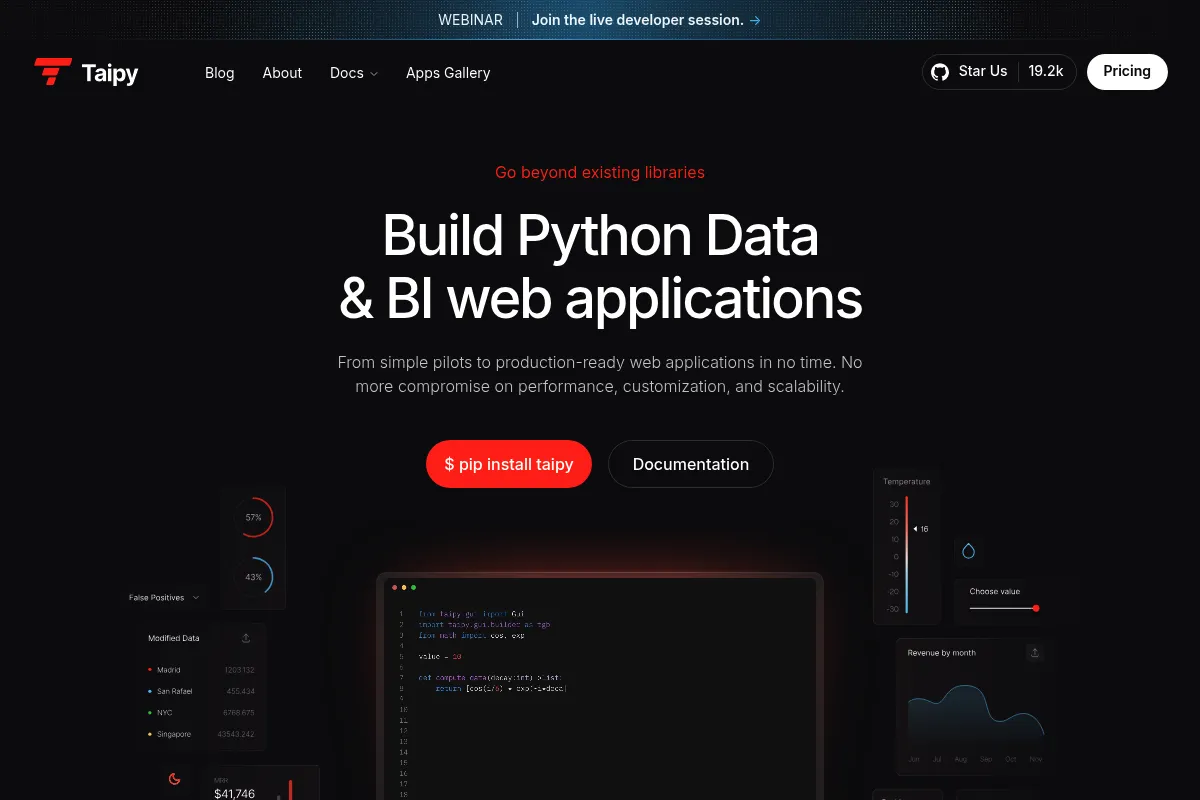
Taipy is an open-source Python library designed to turn data scripts into production-ready web applications. It bridges the gap between simple prototyping and complex enterprise software by managing both the front-end UI and the back-end data orchestration.
Official profiles
What it actually does
It provides a set of Python-based tools to create interactive dashboards and manage data pipelines. Users can build UIs using Markdown or Python and define 'scenarios' to track, save, and compare different versions of data processing tasks.
What makes it different
Unlike many competitors that rerun the entire script on every user interaction, Taipy uses a reactive state management system that only updates changed elements. It also includes a dedicated 'Core' for pipeline orchestration, treating data workflows as first-class citizens with built-in versioning.
Key Features
Taipy GUI
Build interactive web interfaces using Markdown or Python syntax without HTML/CSS.
Scenario Management
Create, save, and compare different versions of data inputs and results natively.
Taipy Core
Orchestrate complex data pipelines with task scheduling, caching, and parallel execution.
Taipy Studio
A VS Code extension for visually designing pipelines and UI layouts.
Augmented Markdown
Use standard Markdown with extended syntax for reactive UI components.
Distributed Computing
Offload heavy tasks to remote clusters or workers to maintain UI responsiveness.
Cycle Management
Handle time-based data processing (daily, weekly, monthly) automatically.
Data Nodes
Abstract data sources (SQL, CSV, Parquet) to simplify pipeline configuration.
Pricing
Community
- Full Taipy GUI library
- Taipy Core (Pipelines & Scenarios)
- Taipy Studio (VS Code Extension)
- Open-source (Apache 2.0)
- Community support
Enterprise
- Visual GUI Designer
- Advanced Security (SSO/LDAP)
- Telemetry and Monitoring
- Professional Support & Training
- Deployment assistance
Pricing checked 4 months ago
Pricing guidance
- When you need enterprise-grade security like SSO or LDAP
- When you want to use the drag-and-drop visual UI designer
- When you require guaranteed support SLAs for mission-critical apps
- The visual designer is not included in the open-source version
- Advanced telemetry for monitoring app usage is an enterprise-only feature
Generous open-core model with a high-value enterprise upsell for corporate compliance and ease of use.
Pros & Cons
Strengths
-
Superior performance with large datasets
Its reactive state management only updates changed elements, avoiding the full-page reruns that cause lag in simpler frameworks.
-
Built-in pipeline orchestration
Eliminates the need for a separate tool like Airflow for medium-complexity data workflows, keeping the stack simple.
-
Native 'What-if' analysis
The scenario management feature allows users to compare different parameter sets side-by-side without writing custom backend logic.
-
Production-ready architecture
Designed with deployment in mind, offering better multi-user support and state persistence than basic prototyping tools.
Weaknesses
-
Steeper learning curve
Understanding the separation between GUI and Core, plus the specific Markdown syntax, takes longer than basic scripting.
Affects: Beginners and rapid prototypers
-
Smaller ecosystem
Fewer third-party components and community-made plugins compared to more established players like Dash or Streamlit.
Affects: Developers needing niche UI widgets
-
Visual Designer is paywalled
The drag-and-drop UI builder is only available in the Enterprise edition, forcing open-source users to code layouts manually.
Affects: Non-technical users or developers wanting faster UI iteration
Real User Sentiment
Generally positive, with users praising its performance and pipeline features while noting it requires more effort to master than simpler alternatives.
Users tend to like
- No more full-page refreshes on every click
- Scenario management is a unique and highly useful feature
- VS Code extension makes pipeline visualization easy
- Handles large dataframes much better than Streamlit
Users commonly complain about
- Documentation can be dense and difficult to navigate
- The Markdown-based UI syntax feels unintuitive at first
- Smaller community means fewer StackOverflow answers
Recurring tradeoffs
- You trade the 'instant' setup of Streamlit for a more scalable and performant architecture.
Happiest users
Data scientists building complex, multi-step internal applications that require data persistence and scenario tracking.
Often frustrated
Users looking for a 'zero-code' or 'five-minute' dashboard solution who find the Core concepts too heavy.
Use Cases
Supply Chain Optimization
Building dashboards to compare different logistics scenarios and their costs.
Financial Modeling
Creating 'what-if' analysis tools for portfolio management and risk assessment.
MLOps Dashboards
Monitoring model performance and triggering retraining pipelines from a UI.
Inventory Management
Tracking stock levels across cycles and predicting future needs.
Internal Business Tools
Replacing complex Excel sheets with multi-user Python web apps.
Frequently Asked Questions
How does Taipy compare to Streamlit?
Streamlit is easier for beginners but reruns the entire script on every interaction, which causes lag with large data. Taipy uses reactive updates and includes a 'Core' for pipeline management, making it better for complex, production-grade apps.
Is Taipy actually free?
Yes, the Community edition is fully open-source (Apache 2.0) and includes all the essential features for building and deploying apps. Only the visual designer and enterprise security features are paid.
Can I use Taipy for production applications?
Yes, Taipy was specifically designed to move beyond prototyping. It includes features like state persistence, multi-user management, and pipeline orchestration that are often missing in simpler frameworks.
Do I need to know HTML or CSS?
No. You can build the entire UI in Python or using Taipy's augmented Markdown syntax. However, you can still use custom CSS if you want to fine-tune the styling.
Does Taipy integrate with Jupyter Notebooks?
Yes, you can run Taipy GUI inside Jupyter Notebooks, allowing you to build interactive elements directly within your research environment.
What are the deployment options?
You can deploy Taipy apps anywhere you can run Python, including Docker, AWS, Azure, or Google Cloud. There is no proprietary cloud lock-in.
Why trust this page?
This evaluation combines product positioning, pricing analysis, traffic and market signals, and public user sentiment into a single decision-support page. Content is generated editorially — not copied from the vendor's website.
Funding & Company
Founded
2021
Stage
Seed
Total Raised
$7M
Latest Round
Seed (Nov 2023)
Notable Investors
Taipy has raised a total of $7 million over two seed rounds, with the most recent being $5 million in late 2023. This funding from Legendary Ventures is aimed at expanding its R&D and growing its open-source community, indicating a stable foundation for product development.
Market Signals & Traffic
Estimated visits, global rank, geography, traffic sources, monthly visit trends, and organic search keywords (Similarweb)—on a dedicated page built for depth and search.
- Estimated visits
- 13,171
- Global rank
- #1,782,933
- Snapshot
- Apr 2026
- Traffic trend
- Surging
Estimated monthly visits
Similar Tools
Tractable
Automation, Workflow, Data Extraction

Visual assessment for automotive and property insurance claims.
Axflow
Developer Tools, Workflow

TypeScript framework for building modular and scalable language model applications
Vayu Robotics
Automation, E-commerce

Autonomous delivery robots for cost-effective last-mile logistics.
Ollama
Developer Tools, Privacy & Compliance

Run large language models locally on your machine.
Manus
AI Assistant, Automation & Agents, Productivity

Autonomous general-purpose agent for executing complex digital tasks and workflows.
MasterControl
Privacy & Compliance, Automation, Workflow

Quality management and manufacturing execution software for regulated industries.