

browser-use
An open-source framework for building AI agents that control web browsers, offering high flexibility for developers but requiring significant fine-tuning to achieve production-grade reliability.
Excellent for developers building custom web-automation agents, weaker for non-technical users or mission-critical tasks requiring 100% accuracy.
Analysis based on product data, pricing structure, traffic signals, and public user sentiment.
Who Should Use browser-use?
Typical users
AI engineers and Python developers building autonomous agents for web research, data extraction, or testing on sites without public APIs.
Maturity fit
scaling to advanced
Choose this if…
- You need an open-source library to integrate browser control into an existing Python stack.
- Your priority is flexibility and the ability to use any LLM (GPT-4o, Claude, or local models).
- You want to automate multi-tab workflows that require visual context and DOM analysis.
Skip this if…
- You are a non-technical user looking for a 'set-and-forget' no-code scraper.
- Your workflow requires 100% deterministic execution without the risk of LLM hallucinations.
- You have a limited budget for LLM token usage, as visual processing is expensive.
About browser-use
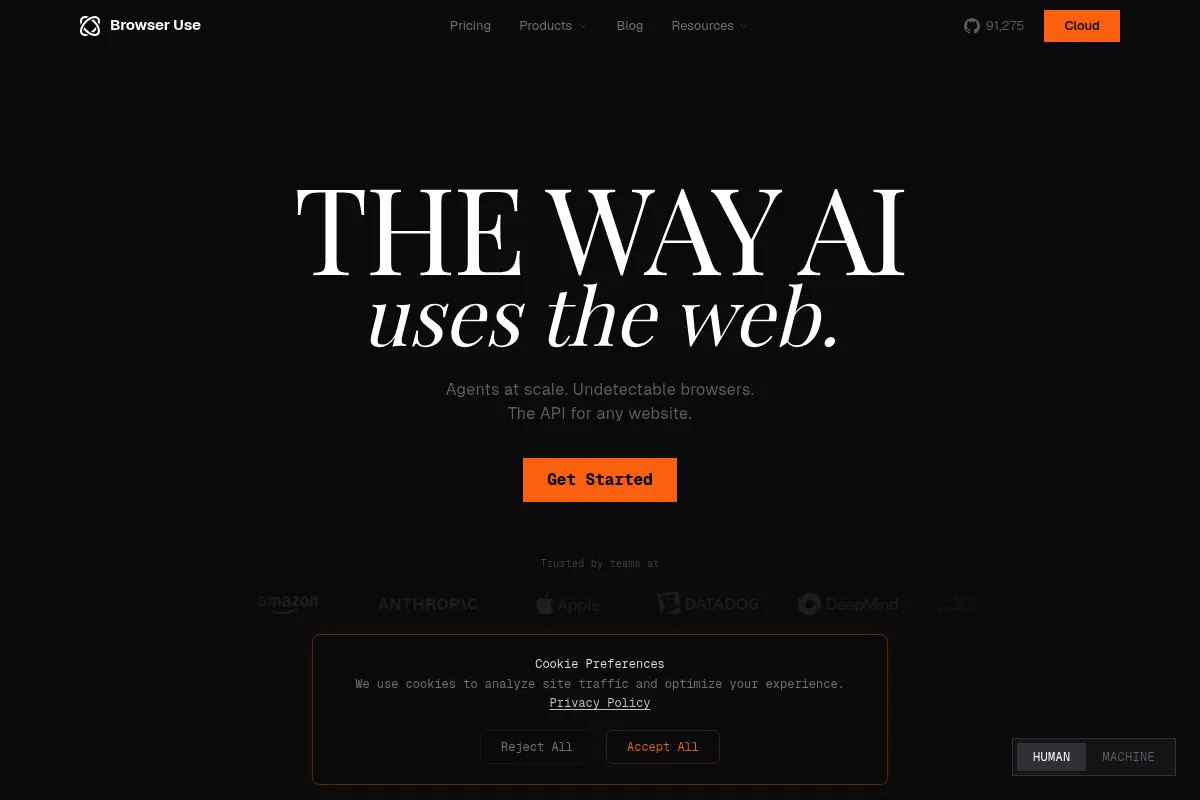
Browser Use is a Python-based framework designed to bridge the gap between LLMs and web browsers. It allows developers to create agents that 'see' and interact with websites like humans do, navigating complex UIs without hardcoded selectors. The project exists to simplify the creation of autonomous web agents by providing a standardized interface for browser actions.
Official profiles
What it actually does
The tool translates natural language instructions into browser actions like clicking, typing, and scrolling. It processes the DOM and takes screenshots to give the LLM a visual and structural understanding of the page. Users can run these agents locally via the open-source library or through a managed cloud service that handles infrastructure and stealth.
What makes it different
Unlike traditional scrapers that rely on fragile CSS selectors, Browser Use uses a 'vision-to-action' loop that adapts to UI changes. It is uniquely open-source and model-agnostic, allowing users to swap between OpenAI, Anthropic, or local models via Ollama. Its 'Controller' class also allows developers to register custom Python functions as tools the agent can call during a session.
Key Features
Vision-Based Navigation
Uses screenshots to identify elements, reducing failures caused by hidden DOM changes.
Multi-Tab Support
Allows agents to compare data across different websites or handle complex authentication flows.
DOM Tree Processing
Strips unnecessary HTML to reduce token costs while maintaining structural context for the LLM.
Custom Action Controller
Enables the agent to perform non-browser tasks, like saving data to a database or sending a Slack alert.
ChatBrowserUse Model
A proprietary, fine-tuned model optimized specifically for browser tasks to increase speed and accuracy.
Stealth Browser Infrastructure
Provides managed cloud browsers with advanced fingerprinting to bypass bot detection.
Model Context Protocol (MCP) Support
Integrates with the broader agent ecosystem for standardized tool use.
Self-Healing Workflows
Automatically retries or finds alternative paths when a specific action fails.
Pricing
Open Source
- MIT Licensed Python library
- Self-hosted infrastructure
- Bring your own LLM keys
- Full customization
Dev (Cloud)
- 3 concurrent sessions
- $29 monthly credits included
- Managed stealth browsers
- 4-hour session timeout
Business (Cloud)
- 200 concurrent sessions
- $400 monthly credits included
- Priority support
- Custom proxy support
Scaleup (Cloud)
- 500 concurrent sessions
- $1,400 monthly credits included
- SLA guarantees
- Dedicated infrastructure options
Pricing checked 5 months ago
Pricing guidance
- When you need to run more than 3 tasks simultaneously
- When local bot detection becomes a blocker
- When you need to scale beyond $29 worth of monthly usage
- Usage-based costs for proxies ($5/GB) and sessions ($0.06/hr) apply after credits are exhausted
- Token costs for LLMs are separate if you bring your own keys
- Free tier has a 1-hour minimum interval for scheduled tasks
Competitive for developers, but can become expensive quickly due to the combination of infrastructure fees and LLM token usage.
Pros & Cons
Strengths
-
High architectural flexibility
Being open-source and built on LangChain means it fits into almost any modern AI development stack without vendor lock-in.
-
Resilient to UI changes
Because it interprets the page visually and structurally, it doesn't break as easily as traditional Playwright or Selenium scripts when a class name changes.
-
Extensible via Python
Developers can give the agent 'superpowers' by registering custom functions, making it more than just a browser controller.
-
Strong community momentum
Rapid development cycles and a high volume of GitHub stars ensure frequent updates and a wealth of shared examples.
Weaknesses
-
High token consumption
Sending screenshots and DOM snapshots to high-end LLMs like GPT-4o for every step can lead to massive API bills.
Affects: Bootstrapped startups and high-volume users
-
Reliability issues in complex flows
Agents can still get stuck in infinite loops or hallucinate actions on JavaScript-heavy sites with non-standard navigation.
Affects: Enterprise users requiring high success rates
-
Steep learning curve for non-coders
Despite the 'natural language' promise, setting up the environment and handling edge cases requires solid Python knowledge.
Affects: Marketing and business operations teams
Real User Sentiment
Generally positive among developers who appreciate the open-source nature, but polarized regarding the reliability and cost of the cloud service.
Users tend to like
- Ease of setup for Python developers
- Ability to use local models via Ollama
- Visual perception capabilities
- Active Discord community
Users commonly complain about
- Agents getting stuck in loops
- High cost per successful task
- Inconsistent performance on complex sites
- Cloud support can be slow
Recurring tradeoffs
- Flexibility vs. Reliability: You can do anything, but you have to debug everything.
- Vision vs. Cost: Screenshots improve accuracy but explode token usage.
Happiest users
Developers building internal tools or experimental agents who value control over a polished UI.
Often frustrated
Business users expecting a turnkey solution that works perfectly on every website out of the box.
Use Cases
Market Research
Automating the collection of competitor pricing and features across multiple e-commerce sites.
Lead Generation
Navigating LinkedIn or directory sites to extract contact info and save it to a CRM.
Automated Testing
Using AI to perform 'smoke tests' on web applications by describing goals rather than writing scripts.
Personal Assistant
Building an agent that can log into a travel portal, find flights, and present options in a summary.
Data Enrichment
Taking a list of companies and visiting their websites to categorize them based on visual content.
Frequently Asked Questions
Is Browser Use free to use?
The core Python library is open-source (MIT license) and free to use. However, you will still need to pay for LLM API tokens (e.g., OpenAI or Anthropic) and your own hosting. The Browser Use Cloud service has a free tier with $10 in credits, after which it starts at $29/month.
How does Browser Use compare to MultiOn?
MultiOn is a more 'managed' service with a focus on a consumer browser extension and API, whereas Browser Use is primarily a developer framework. Browser Use gives you more control over the code and the ability to self-host, while MultiOn is generally easier to get started with for non-developers.
Can it solve CAPTCHAs?
The open-source library does not have native CAPTCHA solving. For reliable CAPTCHA bypass, you typically need to use Browser Use Cloud, which includes stealth browsers and proxy rotation designed to avoid detection.
Which LLM works best with Browser Use?
GPT-4o and Claude 3.5 Sonnet are currently the most reliable due to their strong vision and reasoning capabilities. The team also offers 'ChatBrowserUse,' a proprietary model fine-tuned specifically for this library's actions.
Does it support TypeScript?
Browser Use is natively a Python library. If you need a TypeScript-first alternative, you should look at Stagehand, which is built specifically for the Node.js ecosystem.
How do I prevent the agent from getting stuck in loops?
You can set a 'max_steps' parameter in the Agent class to force a stop. Additionally, refining the task prompt and providing 'custom tools' for specific actions can help the agent stay on track.
Why trust this page?
This evaluation combines product positioning, pricing analysis, traffic and market signals, and public user sentiment into a single decision-support page. Content is generated editorially — not copied from the vendor's website.
Funding & Company
Founded
2024
Stage
Seed
Total Raised
$17.5M
Latest Round
Undisclosed (Apr 2025)
Notable Investors
Browser Use has raised a total of $17.5 million, primarily from a $17 million Seed round in March 2025 led by Felicis Ventures. This funding, secured shortly after its participation in Y Combinator's Winter 2025 batch, is aimed at developing its AI browser automation tools and expanding its team.
Market Signals & Traffic
Estimated visits, global rank, geography, traffic sources, monthly visit trends, and organic search keywords (Similarweb)—on a dedicated page built for depth and search.
- Estimated visits
- 548,034
- Global rank
- #64,260
- Snapshot
- Apr 2026
- Traffic trend
- Surging
Estimated monthly visits
Alternatives to browser-use
View all alternativesSkyvern
Automation, Automation & Agents, Productivity

AI-powered browser automation for complex web workflows.
Firecrawl
Data Extraction, Developer Tools

An API to crawl and scrape any website, turning web data into a structured, LLM-ready format.
GitHub Copilot
Developer Tools, AI Assistant

AI-powered coding assistant that suggests and generates code.
Similar Tools
LaVague
Automation & Agents, Developer Tools, Data Extraction

Open-source framework for building autonomous web agents and automation.
Stagehand
Automation & Agents, Developer Tools, Data Extraction

Build resilient browser automation scripts using natural language instructions.
Serval
Automation & Agents, Developer Tools, Data Extraction

Build autonomous agents that navigate and automate web browser tasks.
Finic
Automation & Agents, Developer Tools, Data Extraction

Browser automation platform for building and scaling reliable web agents.
Patronus AI
Developer Tools, Privacy & Compliance

Automated evaluation and security platform for large language models
Straiker
Sales, Automation & Agents, Marketing Automation

Autonomous sales agent for lead generation and personalized outreach.