

Serval
An AI-native automation engine that converts natural language into deterministic browser-based workflows—powerful for IT operations but overkill for simple data extraction.
Excellent for automating complex IT and Ops workflows across SaaS apps, weaker for high-volume, low-cost web scraping.
Analysis based on product data, pricing structure, traffic signals, and public user sentiment.
Who Should Use Serval?
Typical users
IT Managers, DevOps engineers, and Security Operations teams at mid-to-large enterprises (100+ employees).
Maturity fit
scaling to advanced
Choose this if…
- Your IT team spends 20+ hours a week on manual SaaS tasks like access provisioning or onboarding.
- You need browser automation that doesn't break when a website's CSS classes change.
- You want the speed of AI-generated workflows with the auditability of version-controlled TypeScript code.
Skip this if…
- You only need to scrape static data from simple websites (use Browse AI or Apify instead).
- You are a solo founder looking for a cheap, self-service automation tool.
- Your organization lacks the budget for a high-touch enterprise sales process.
About Serval
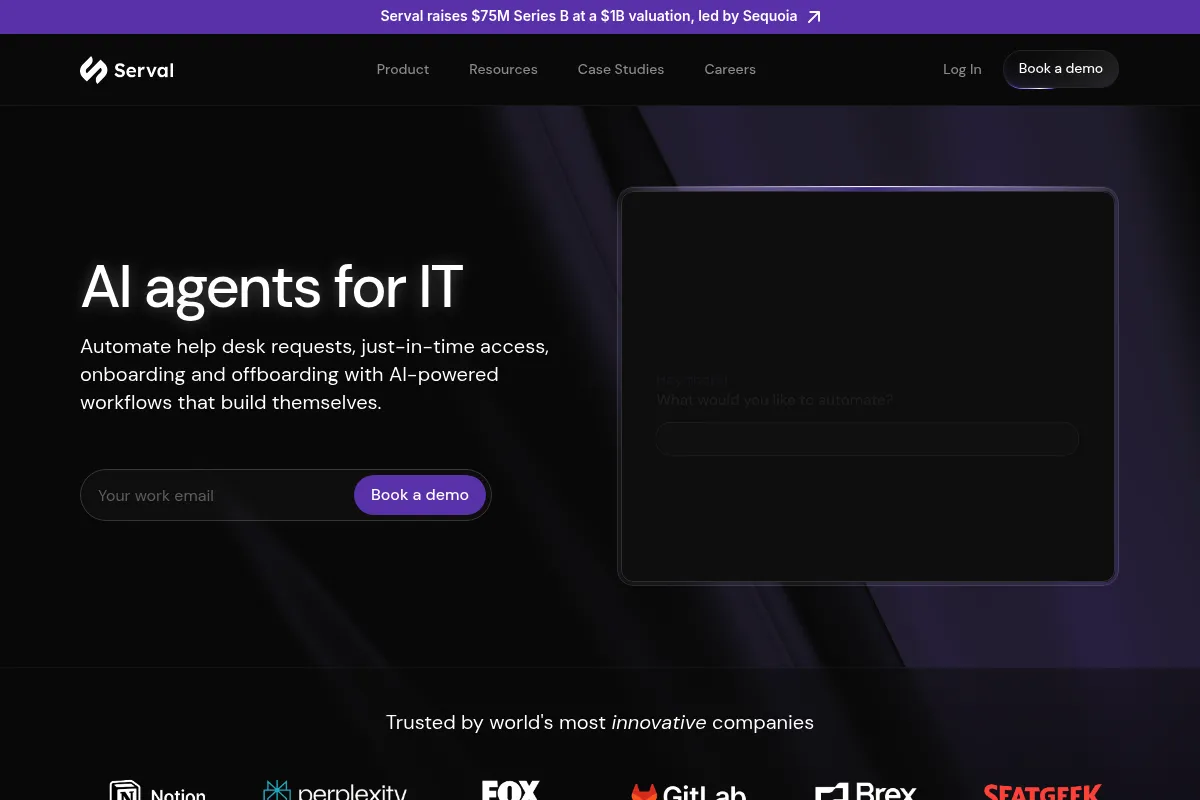
Serval is an AI-native automation platform designed to handle the 'long tail' of manual IT and operations tasks. It uses vision-language models to navigate web applications like a human would, but executes the logic as deterministic code. Founded in 2024 and backed by Sequoia, it positions itself as a replacement for—or a powerful layer on top of—legacy ITSM tools like ServiceNow.
Official profiles
What it actually does
Serval allows users to describe a web-based workflow in plain English, which its 'Automation Agent' then converts into executable TypeScript code. These agents can log into apps, click buttons, fill forms, and extract data across any browser-based interface. It specifically targets IT help desk requests, such as granting temporary Figma access or offboarding a user across 20 different SaaS platforms.
What makes it different
Unlike traditional RPA or no-code tools that rely on fragile DOM selectors, Serval uses vision-based navigation to understand page context. Crucially, it is not a 'black box' AI; it generates editable code that can be managed in Git, providing a hybrid of AI speed and developer-grade reliability that most browser agents lack.
Key Features
Automation Agent
Converts English prompts into deterministic TypeScript workflows.
Vision-Language Navigation
Interacts with web UIs based on visual context rather than static CSS selectors.
JIT Access Management
Automatically grants and revokes permissions based on policy and time limits.
Two-Way Ticketing Sync
Keeps status and comments aligned between Serval and legacy tools like Zendesk.
Audit Trails
Logs every click and action taken by the agent for security compliance.
Skills Library
Allows teams to build and reuse modular automation components across different workflows.
Insights Agent
Analyzes historical ticket data to suggest which manual tasks should be automated next.
Pricing
Guided Pilot
- Dedicated deployment engineer
- Core integrations setup
- Workflow optimization
- Guaranteed 50% automation outcome
Enterprise
- Unlimited automation agents
- Full access management suite
- Bi-directional ITSM sync
- Git-based workflow management
- Enterprise-grade security & audit logs
Pricing checked 4 months ago
Pricing guidance
- When manual ticket volume exceeds the capacity of your current IT staff
- When you need to enforce strict JIT access policies for security compliance
- When you want to consolidate multiple automation tools into one platform
- Requires a minimum seat count or ticket volume for the pilot
- Advanced multi-agent orchestration is often gated behind higher custom tiers
- Implementation requires 'deployment engineering' support, which may carry hidden setup fees
Premium enterprise positioning with a focus on guaranteed outcomes rather than low-cost seat licenses.
Pros & Cons
Strengths
-
Resilient to UI changes
Because the agent 'sees' the page, it doesn't break when a SaaS vendor updates their dashboard layout, significantly reducing maintenance overhead compared to Selenium or Playwright.
-
Code-first transparency
Generating TypeScript instead of hidden logic allows technical teams to audit, debug, and customize automations exactly like regular software.
-
High automation rates
Early adopters like Perplexity and Together AI report automating over 50% of routine IT tickets within weeks of deployment.
Weaknesses
-
High barrier to entry
There is no self-service 'sign up and go' option; getting started requires a guided pilot and engagement with deployment engineers.
Affects: Small teams and individual developers
-
Latency in execution
Vision-based AI reasoning is inherently slower than traditional scripts, making it unsuitable for tasks where sub-second response times are critical.
Affects: High-frequency data extraction use cases
-
Opaque pricing
The lack of public pricing makes it difficult to assess ROI without entering a high-pressure sales cycle.
Affects: Budget-conscious IT managers
Real User Sentiment
Users are generally impressed by the 'vibe coding' aspect where natural language becomes code, though some find the enterprise-only model restrictive.
Users tend to like
- Speed of building complex workflows
- Reliability of vision-based navigation
- Seamless Slack and Teams integration
- Ability to export and edit the generated TypeScript
Users commonly complain about
- Lack of self-service onboarding
- High cost compared to traditional RPA
- Occasional non-deterministic behavior in complex UI scenarios
Recurring tradeoffs
- You trade low cost for high reliability and lower maintenance
- You trade instant setup for a high-touch, engineered deployment
Happiest users
IT directors at 500+ person tech companies who are drowning in 'password reset' and 'access request' tickets.
Often frustrated
Developers looking for a quick, cheap API to scrape a few web pages.
Use Cases
Employee Onboarding
Automatically creating accounts in Slack, Jira, and GitHub based on an HRIS trigger.
Just-in-Time Access
Granting a developer 4-hour access to a production database only after manager approval in Slack.
SaaS Offboarding
Instantly revoking access across 20+ apps when an employee leaves the company.
Knowledge Retrieval
Answering employee policy questions by searching internal Notion and Confluence docs.
Device Management
Automating Jamf tasks like device wiping or FileVault key recovery via natural language commands.
Frequently Asked Questions
How much does Serval cost?
Serval does not publish pricing. It typically involves a 4-week guided pilot followed by a custom enterprise contract. Expect pricing to be in the mid-to-high five figures annually, similar to other enterprise ITSM tools.
How does Serval compare to Skyvern or MultiOn?
Skyvern and MultiOn are general-purpose browser agents for developers. Serval is a full-stack ITSM platform. While all three use vision-based navigation, Serval adds ticketing, access management, and enterprise security layers specifically for IT teams.
Do I need to know how to code to use Serval?
No. You can build workflows using natural language. However, Serval generates TypeScript code in the background, which your technical team can edit if they want fine-grained control. It is 'no-code to start, pro-code to scale.'
Does it work with legacy apps that don't have APIs?
Yes. This is one of Serval's core strengths. Because it uses a browser agent to 'see' and click, it can automate any web-based application, even if that application lacks a public API.
Is Serval secure?
Yes, it is built for enterprise security. It is SOC 2 Type II certified, offers full audit logs of every agent action, and supports just-in-time provisioning to ensure least-privilege access.
Can I use Serval for web scraping?
Technically yes, but it is not cost-effective for simple scraping. It is designed for 'action' workflows (clicking, filling, provisioning) rather than just extracting data from thousands of pages.
Why trust this page?
This evaluation combines product positioning, pricing analysis, traffic and market signals, and public user sentiment into a single decision-support page. Content is generated editorially — not copied from the vendor's website.
Funding & Company
Founded
2024
Stage
Series b
Total Raised
$127M
Latest Round
Series B (Dec 2025)
Notable Investors
Serval has raised a total of $127 million across three rounds in less than six months, culminating in a $75 million Series B that valued the company at $1 billion. This rapid, significant funding from top-tier investors like Sequoia Capital and Redpoint Ventures indicates strong market confidence and provides substantial capital for product development and market expansion.
Market Signals & Traffic
Estimated visits, global rank, geography, traffic sources, monthly visit trends, and organic search keywords (Similarweb)—on a dedicated page built for depth and search.
- Estimated visits
- 0
- Global rank
- —
- Snapshot
- Apr 2026
- Traffic trend
- —
Estimated monthly visits
Alternatives to Serval
View all alternativesFirecrawl
Data Extraction, Developer Tools

An API to crawl and scrape any website, turning web data into a structured, LLM-ready format.
Browserbase
Automation, Automation & Agents, Developer Tools, Productivity

Cloud platform for running headless browsers at scale for AI agents and automation.
Playwright
Developer Tools, Automation, Workflow

Cross-browser end-to-end testing and automation for modern web applications.
Similar Tools
Stagehand
Automation & Agents, Developer Tools, Data Extraction

Build resilient browser automation scripts using natural language instructions.
browser-use
Automation & Agents, Developer Tools, Data Extraction

Connect LLMs to any website for autonomous browser interaction.
Finic
Automation & Agents, Developer Tools, Data Extraction

Browser automation platform for building and scaling reliable web agents.
LaVague
Automation & Agents, Developer Tools, Data Extraction

Open-source framework for building autonomous web agents and automation.
Clay
Marketing Automation, Automation, Data Extraction

Scale personalized outbound sales and lead enrichment with automated workflows.
Cursor
AI Assistant

An AI-powered code editor designed to help developers build software faster.