

Playwright is the most capable open-source automation framework for modern web applications, offering superior cross-browser reliability and developer tooling compared to Selenium or Cypress.
Excellent for technical teams requiring fast, multi-browser E2E testing; weaker for organizations seeking a no-code or low-code testing solution.
Analysis based on product data, pricing structure, traffic signals, and public user sentiment.
Who Should Use Playwright?
Typical users
Software engineers, SDETs, and QA automation specialists working in modern web stacks.
Maturity fit
beginner to advanced
Choose this if…
- You need to test across Chromium, Firefox, and WebKit (Safari) with a single API
- Your application requires multi-tab, multi-origin, or complex iframe interactions
- You want to eliminate flaky tests through built-in auto-waiting and web-first assertions
- Your team prefers writing tests in TypeScript, JavaScript, Python, Java, or .NET
Skip this if…
- You require a GUI-based 'record and play' tool for non-technical staff
- You need to support legacy browsers like Internet Explorer 11
- You are testing native mobile applications rather than mobile web
About Playwright
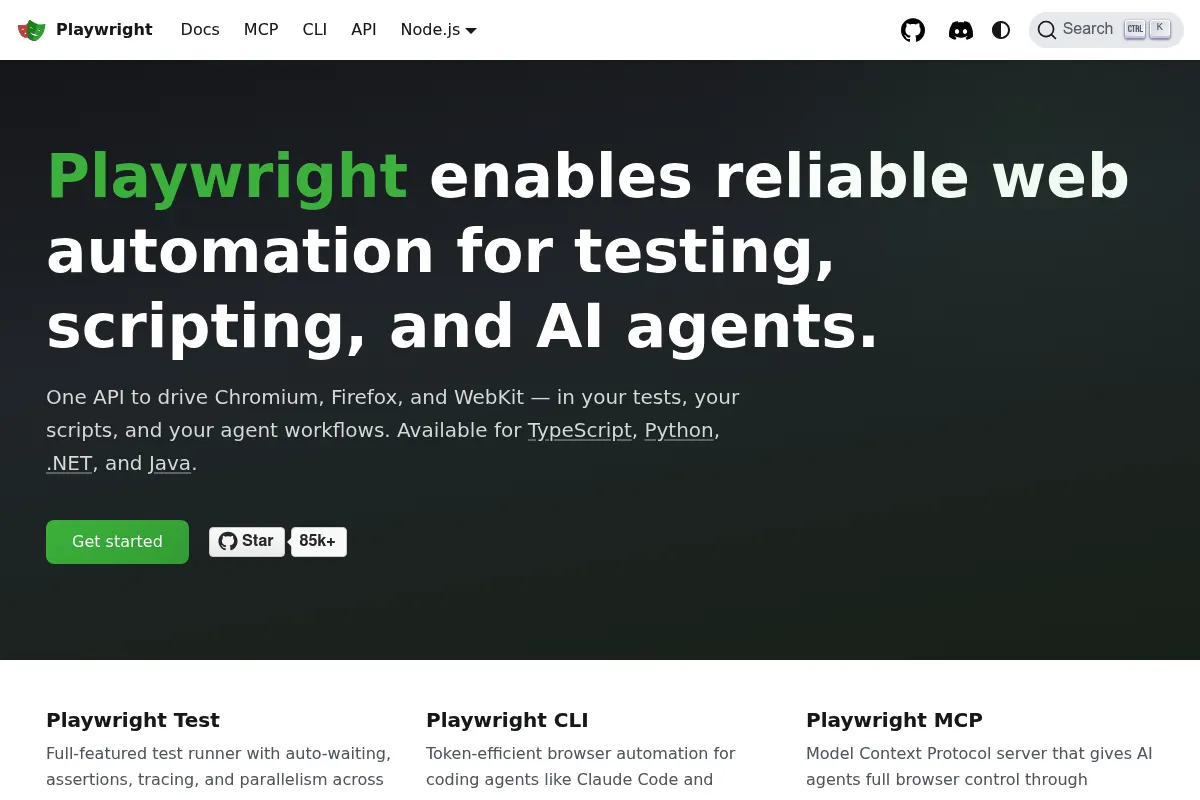
Playwright is a Microsoft-backed open-source framework designed for end-to-end testing and web automation. It provides a unified API to automate Chromium, Firefox, and WebKit, focusing on speed, reliability, and modern web features.
Official profiles
What it actually does
It executes automated scripts that simulate user behavior in real browser engines. It handles everything from simple clicks and form fills to complex scenarios like file uploads, geolocation emulation, and network traffic interception.
What makes it different
Unlike Cypress, Playwright supports multiple tabs and true cross-browser testing (including WebKit) out of the box. Unlike Selenium, it uses a modern WebSocket-based protocol that is significantly faster and less prone to the 'timing issues' that cause flaky tests.
Ratings across the web

Ratings aggregated from independent review platforms.
Key Features
Trace Viewer
Provides a post-mortem GUI to inspect DOM snapshots, network logs, and console output for every test step.
Auto-waiting
Automatically waits for elements to be visible and actionable before performing actions, reducing manual timeouts.
Codegen
Generates test code in real-time by recording user interactions in a browser window.
UI Mode
A local development environment that allows time-travel debugging and live test execution.
Web-first Assertions
Assertions that automatically retry until the condition is met or a timeout is reached.
Test Runner
A built-in, highly configurable runner that handles parallelization and reporting without extra plugins.
Artifact Collection
Automatically saves traces, videos, and screenshots to simplify debugging in CI/CD pipelines.
Pricing
Open Source
- All browser engines included
- Unlimited parallel execution
- Full access to Trace Viewer and UI Mode
- No seat or usage limits
- Community-driven support
Pricing checked 6 months ago
Pricing guidance
- When you need managed infrastructure to run tests (e.g., Microsoft Playwright Testing service)
- When you require a third-party dashboard for advanced reporting (e.g., Currents or Sorry Cypress)
- No built-in cloud execution; you must provide your own CI/CD runners
- No long-term storage for test artifacts unless configured in your own infrastructure
Disruptive free tool that provides enterprise-grade features at no cost, shifting the market away from paid E2E suites.
Pros & Cons
Strengths
-
Native WebKit support
Allows developers to test Safari-specific behavior on Windows or Linux CI environments without needing a Mac.
-
Superior debugging tools
The Trace Viewer is a standout feature that makes identifying the root cause of CI failures significantly faster than looking at logs alone.
-
High execution speed
Browser contexts are isolated and lightweight, allowing hundreds of tests to run in parallel with minimal overhead.
-
Resilience to UI changes
The combination of auto-waiting and smart locators makes tests less brittle when the UI undergoes minor layout shifts.
Weaknesses
-
Steep learning curve for non-coders
While it has a recorder, maintaining a robust suite requires solid programming knowledge in supported languages.
Affects: Manual testers and non-technical QA teams
-
Smaller plugin ecosystem
Compared to Selenium, there are fewer third-party integrations and community-maintained plugins for niche requirements.
Affects: Teams with highly specialized legacy integration needs
-
WebKit is not 100% Safari
Playwright uses the WebKit engine, which is very close but not identical to the actual Safari browser found on macOS/iOS.
Affects: Teams needing to catch 100% of Safari-specific rendering bugs
Real User Sentiment
Users are overwhelmingly positive, frequently citing the 'Trace Viewer' and 'Auto-waiting' as features that saved their testing workflows.
Users tend to like
- Trace Viewer for debugging
- Speed of execution
- Reliability of the WebKit engine
- Excellent documentation
Users commonly complain about
- Complexity of setting up global authentication
- Occasional issues with WebKit-specific bugs
- Learning curve for async/await patterns
Recurring tradeoffs
- Power vs. Simplicity: It offers more control than Cypress but requires more boilerplate and architectural planning.
Happiest users
Developers who are tired of flaky tests and want a tool that 'just works' in CI/CD.
Often frustrated
Teams looking for a simple 'no-code' solution or those stuck on legacy browser requirements.
Use Cases
Cross-browser regression testing
Ensuring features work on Chrome, Firefox, and Safari engines simultaneously.
Visual regression testing
Using screenshot comparisons to detect unintended UI changes.
Complex workflow automation
Testing multi-step processes like checkout flows that span multiple domains.
Performance auditing
Monitoring network requests and page load metrics during automated runs.
Data scraping
Extracting information from dynamic, JavaScript-heavy websites that block simple crawlers.
Frequently Asked Questions
Is Playwright better than Cypress?
Playwright is generally more flexible as it supports multiple tabs, origins, and true WebKit testing, whereas Cypress runs inside the browser and has architectural limitations regarding multi-tab support. However, Cypress has a more mature dashboard and a slightly gentler learning curve for beginners.
Is Playwright completely free?
Yes, Playwright is open-source under the Apache 2.0 license. There are no licensing fees. Your only costs will be the infrastructure (like GitHub Actions or AWS) used to run the tests.
Does Playwright support mobile app testing?
No. Playwright is for web applications. While it can emulate mobile devices (screen size, user agent, touch events), it cannot test native iOS or Android apps. For native apps, use Appium.
Which languages can I use with Playwright?
Playwright officially supports TypeScript, JavaScript, Python, .NET (C#), and Java. The TypeScript/JavaScript version typically receives new features first.
Can Playwright test Safari?
Playwright tests against WebKit, which is the engine Safari uses. While it is not the exact Safari browser app, it catches the vast majority of Safari-specific rendering and logic issues and can run on Windows and Linux.
How does Playwright handle authentication?
Playwright allows you to save the authentication state (cookies and local storage) after a single login and reuse it across all tests, significantly speeding up test suites by avoiding repeated login steps.
Why trust this page?
This evaluation combines product positioning, pricing analysis, traffic and market signals, and public user sentiment into a single decision-support page. Content is generated editorially — not copied from the vendor's website.
Company
Founded
2020
Stage
—
Playwright is an open-source project developed and financially backed by its parent company, Microsoft. It has not raised any external venture capital funding, and its stability is a function of Microsoft's strategic investment in the web developer ecosystem rather than traditional financing rounds.
Market Signals & Traffic
Estimated visits, global rank, geography, traffic sources, monthly visit trends, and organic search keywords (Similarweb)—on a dedicated page built for depth and search.
- Estimated visits
- 1,335,262
- Global rank
- #45,421
- Snapshot
- Apr 2026
- Traffic trend
- Rising
Estimated monthly visits
Similar Tools
Radiant
Developer Tools, Automation, Workflow

Integrated AI infrastructure and cloud platform for scaling model deployment.
Hopsworks
Developer Tools, Automation, Workflow

Feature store and MLOps platform for managing machine learning pipelines.
Promptfoo
Developer Tools, Automation, Workflow

Test and evaluate LLM output quality with automated benchmarks
Parea
Developer Tools, Automation, Workflow

Platform for evaluating, testing, and monitoring LLM applications.
ZenML
Developer Tools, Automation, Workflow

Open-source MLOps framework for building portable machine learning pipelines.
Hasty
Developer Tools, Automation, Workflow

Data-centric vision platform for labeling, training, and deploying models.