

An open-source, multi-model chat interface that prioritizes UI polish and plugin extensibility—best for power users who want a unified frontend for both cloud APIs and local models.
Excellent for developers and AI power users managing multiple API keys, weaker for non-technical teams needing a managed, all-inclusive subscription.
Analysis based on product data, pricing structure, traffic signals, and public user sentiment.
Who Should Use LobeChat?
Typical users
Individual developers, AI researchers, and tech-savvy operators who use multiple LLM providers and prefer a 'Bring Your Own Key' (BYOK) model.
Maturity fit
beginner to advanced
Choose this if…
- You want to switch between OpenAI, Claude, Gemini, and local models in a single interface
- Your priority is data privacy through local-first browser storage
- You need a plugin ecosystem for web searching, data visualization, or custom tool-calling
- You prefer self-hosting via Docker or Vercel to maintain full control
Skip this if…
- You want a single monthly subscription that includes the cost of the AI models themselves
- You need enterprise-grade administrative controls and user permissioning
- You are uncomfortable managing API keys or basic cloud deployments
About LobeChat
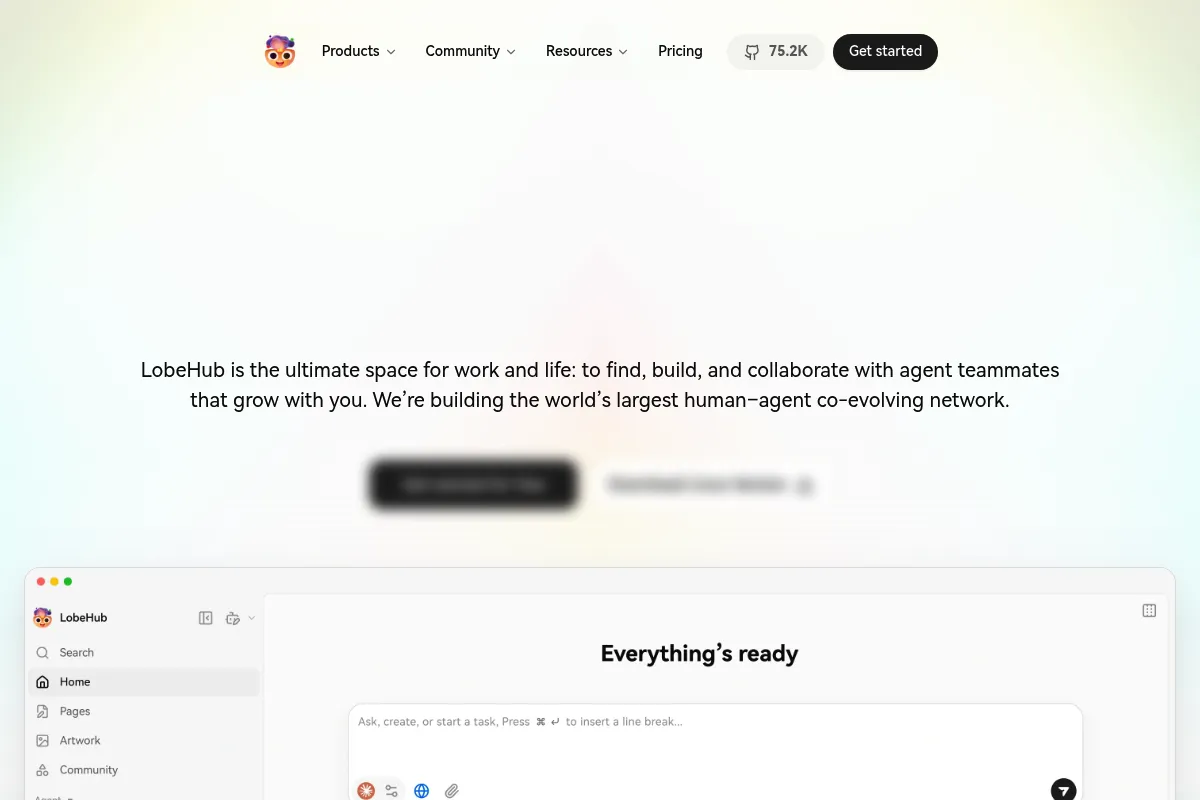
LobeChat is an open-source chatbot framework designed to be a sophisticated frontend for various Large Language Models. It exists to provide a high-end user experience for API-based AI consumption, moving beyond the basic interfaces provided by model labs.
Official profiles
What it actually does
It provides a unified chat interface where users input their own API keys to interact with cloud models or connect to local instances like Ollama. The platform manages conversation history, file uploads, and complex tool-calling through an integrated plugin store.
What makes it different
Unlike most wrappers, LobeChat uses a local-first architecture where data is stored in the browser's IndexedDB, ensuring privacy without sacrificing performance. Its native support for the Model Context Protocol (MCP) and a dedicated plugin marketplace separates it from simpler alternatives like Chatbox or basic WebUIs.
Ratings across the web

Ratings aggregated from independent review platforms.
Key Features
Provider Agnostic Interface
Switch between GPT-4, Claude 3.5, and Gemini Pro within the same conversation.
Plugin Marketplace
Access community-built tools for real-time web search, weather, and code execution.
Local LLM Bridge
Connect to locally running models to ensure sensitive data never leaves your machine.
Visual Recognition
Upload and analyze images using any vision-capable model supported by the platform.
TTS/STT Integration
High-quality voice interaction using OpenAI or Edge Speech engines.
Agent Market
Browse and install pre-configured system prompts for specific tasks like coding or translation.
Custom Domain Support
Deploy your own instance on a personal domain for private or team access.
Pricing
Self-Hosted
- Full access to all features
- MIT License
- Local-first data storage
- Community support
Cloud Free
- Limited daily messages
- Basic model access
- Cloud sync across devices
- Community plugins
Cloud Pro
- Unlimited messages (BYOK)
- Advanced model support
- Priority feature access
- Enhanced cloud storage
Cloud Team
- Shared workspaces
- Team member management
- Collaborative agents
- Admin console
Pricing checked 5 months ago
Pricing guidance
- When you need seamless data synchronization across multiple devices without manual exports
- When you want to collaborate with a team in a shared environment
- When you want to support the developers and get priority access to new features
- Cloud Free tier has strict message caps even if using your own API keys
- Self-hosted version requires manual updates to get the latest features
- API costs from providers (OpenAI, Anthropic) are billed separately
Highly competitive pricing that favors the self-hosting community while offering a low-cost SaaS entry point.
Pros & Cons
Strengths
-
Superior UI/UX compared to most open-source rivals
The interface is clean, responsive, and supports themes, making it feel like a premium SaaS product rather than a developer experiment.
-
Extremely flexible model support
Supports nearly every major API provider and local runner, reducing the need to jump between different tabs or applications.
-
Privacy-centric architecture
By storing data in the browser's IndexedDB, users retain control over their chat history without relying on a central database.
-
Active open-source development
Frequent updates ensure rapid support for new models (like DeepSeek or Llama 3) and emerging standards like MCP.
Weaknesses
-
Complex initial setup for self-hosting
While Docker templates exist, configuring environment variables for multiple providers can be tedious for non-technical users.
Affects: Beginners and non-developers
-
Plugin stability can be inconsistent
Since many plugins are community-contributed, they may break or require manual troubleshooting when model APIs change.
Affects: Power users relying on automated workflows
-
Limited team collaboration features
The self-hosted version lacks robust multi-user management and shared workspace features found in enterprise tools.
Affects: Teams larger than 5 people
Real User Sentiment
Generally very positive, with users frequently citing the aesthetic design and the breadth of model support as its primary strengths.
Users tend to like
- The polished, modern user interface
- Ease of integration with Ollama for local models
- The ability to install it as a PWA
- The extensive agent and plugin marketplace
Users commonly complain about
- Occasional bugs in the mobile PWA version
- The complexity of setting up server-side database sync
- High resource usage in the browser when handling long chat histories
Recurring tradeoffs
- Users trade the convenience of an all-in-one subscription for the lower cost and privacy of a BYOK model.
Happiest users
Developers who want a single, beautiful dashboard to manage all their AI experiments and local models.
Often frustrated
Non-technical users who expect a 'plug-and-play' experience and get overwhelmed by API key management and deployment steps.
Use Cases
Developer Assistant
Using local models for code snippets to ensure proprietary code stays offline.
Multi-Model Comparison
Testing the same prompt across GPT-4o and Claude 3.5 Sonnet to compare output quality.
Personal Knowledge Base
Using the local-first storage to keep a private, searchable history of AI interactions.
Web Research
Leveraging the plugin system to summarize live web pages and search results.
Mobile AI Access
Using the PWA to have a custom-configured AI assistant on a smartphone without using the official lab apps.
Frequently Asked Questions
Is LobeChat free to use?
Yes, the core LobeChat software is open-source and free to self-host via Docker or Vercel. However, you are still responsible for the costs of the API keys (OpenAI, Anthropic, etc.) that you plug into the system. They also offer a paid Cloud version for users who don't want to manage their own hosting.
How does LobeChat compare to TypingMind?
TypingMind is a commercial, closed-source product with a one-time purchase fee, whereas LobeChat is open-source (MIT) and free to self-host. TypingMind generally has more advanced 'Team' features and a more stable plugin system, while LobeChat offers a more modern UI and better native support for local models like Ollama.
Can I use LobeChat offline?
Yes, if you connect LobeChat to a local model provider like Ollama or LM Studio, you can use the entire interface and chat functionality without an internet connection, provided the models are downloaded to your machine.
Does LobeChat store my API keys?
In the self-hosted and local-first versions, your API keys are stored in your browser's local storage or IndexedDB. They are only sent to the model providers' endpoints to fulfill your requests. In the Cloud version, keys are encrypted and stored according to their privacy policy.
What are the limitations of the free cloud version?
The LobeChat Cloud free tier typically limits the number of messages you can send per day and may restrict access to certain advanced features or plugins. For heavy use, self-hosting or upgrading to the Pro tier is recommended.
Does it support image generation?
Yes, LobeChat supports image generation through integrations with DALL-E 3 and Midjourney (via plugins). You can generate images directly within the chat interface using your own API credentials.
Why trust this page?
This evaluation combines product positioning, pricing analysis, traffic and market signals, and public user sentiment into a single decision-support page. Content is generated editorially — not copied from the vendor's website.
Funding & Company
Founded
2023
Stage
Bootstrapped
Total Raised
Bootstrapped
Latest Round
—
LobeChat is an open-source project developed by LobeHub LLC. It is bootstrapped and primarily funded through community contributions via platforms like GitHub Sponsors and Open Collective, rather than traditional venture capital. This model indicates a strong community focus and sustainable, product-led growth.
Market Signals & Traffic
Estimated visits, global rank, geography, traffic sources, monthly visit trends, and organic search keywords (Similarweb)—on a dedicated page built for depth and search.
- Estimated visits
- 1,401,169
- Global rank
- #32,941
- Snapshot
- Apr 2026
- Traffic trend
- Surging
Estimated monthly visits
Alternatives to LobeChat
View all alternatives
Similar Tools
Glama
AI Assistant, Developer Tools, Productivity

Unified workspace for accessing multiple models and MCP services
Exa
AI Assistant, Developer Tools, Productivity

AI-powered search engine for developers and AI applications.
DeepSeek
AI Assistant, Developer Tools, Productivity

Advanced AI models for coding, content creation, and business automation.
Together AI
AI Assistant, Developer Tools, Productivity

AI Acceleration Cloud for building and deploying generative AI models.
Chatbox AI
AI Assistant, Developer Tools, Productivity

Cross-platform desktop and mobile client for multiple language models
Continue
AI Assistant, Developer Tools, Productivity

Open-source coding assistant for VS Code and JetBrains IDEs