

Continue
An open-source IDE extension that allows developers to build a custom AI assistant by connecting any LLM, making it the primary choice for those prioritizing privacy and model flexibility over out-of-the-box polish.
Excellent for developers using local LLMs or specific API providers, weaker for users who prefer a deeply integrated, zero-config experience like Cursor.
Analysis based on product data, pricing structure, traffic signals, and public user sentiment.
Who Should Use Continue?
Typical users
Privacy-conscious software engineers, DevOps teams managing sensitive codebases, and power users who want to swap between models like Claude 3.5 Sonnet and local Llama 3 instances.
Maturity fit
beginner to scaling
Choose this if…
- You want to run your coding assistant entirely offline using Ollama or LM Studio
- You already pay for LLM APIs (OpenAI, Anthropic, Mistral) and want to use them in your IDE
- You need an assistant that works as an extension within standard VS Code or JetBrains rather than a forked IDE
- Your organization has strict data residency requirements that forbid sending code to third-party AI servers
Skip this if…
- You want a 'it just works' experience with no configuration required
- You need the deep UI integration that only a custom IDE fork like Cursor can provide
- You are looking for a tool with a built-in, managed LLM subscription included in the base price
About Continue
Continue is an open-source framework for creating custom AI coding assistants. It functions as a plugin for VS Code and JetBrains, allowing users to choose their own models for chat, autocomplete, and inline edits. It exists to break vendor lock-in and provide a transparent, privacy-first alternative to proprietary assistants.
Official profiles
What it actually does
It adds a sidebar chat interface and inline code generation capabilities to the IDE. Users configure a JSON file to connect to various LLM providers, enabling the assistant to explain code, write functions, and refactor logic using the user's preferred model.
What makes it different
Unlike GitHub Copilot or Cursor, Continue does not force a specific model or server on the user. It is built on a 'Bring Your Own Model' (BYOM) architecture, supporting local execution via Ollama and providing a highly extensible context system that can pull in documentation, terminal output, and codebase indexing.
Key Features
Context Providers
Allows users to feed specific documentation or codebase sections into the LLM using @-mentions.
Model Switching
Toggle between different LLMs for different tasks (e.g., a fast model for autocomplete and a smart model for chat).
Config-as-Code
Manage all assistant settings, models, and prompts via a single config.json file.
Local Autocomplete
Uses smaller, faster models locally to provide low-latency code suggestions without data leaving the machine.
Custom Slash Commands
Create shortcuts like /unit-test or /fix to trigger specific prompt templates.
Continue for Teams
A central hub to manage model access, context, and engineering standards across an organization.
Terminal Integration
Pull terminal errors directly into the chat to get immediate debugging assistance.
Pricing
Individual (Open Source)
- Full IDE extension access
- Connect any LLM API
- Local model support
- Codebase indexing
- Custom slash commands
Continue for Teams
- Centralized model management
- Shared context and prompts
- Engineering standard enforcement
- Deployment on-prem or VPC
- Priority support
Pricing checked 6 months ago
Pricing guidance
- When a team needs to centralize billing for LLM usage
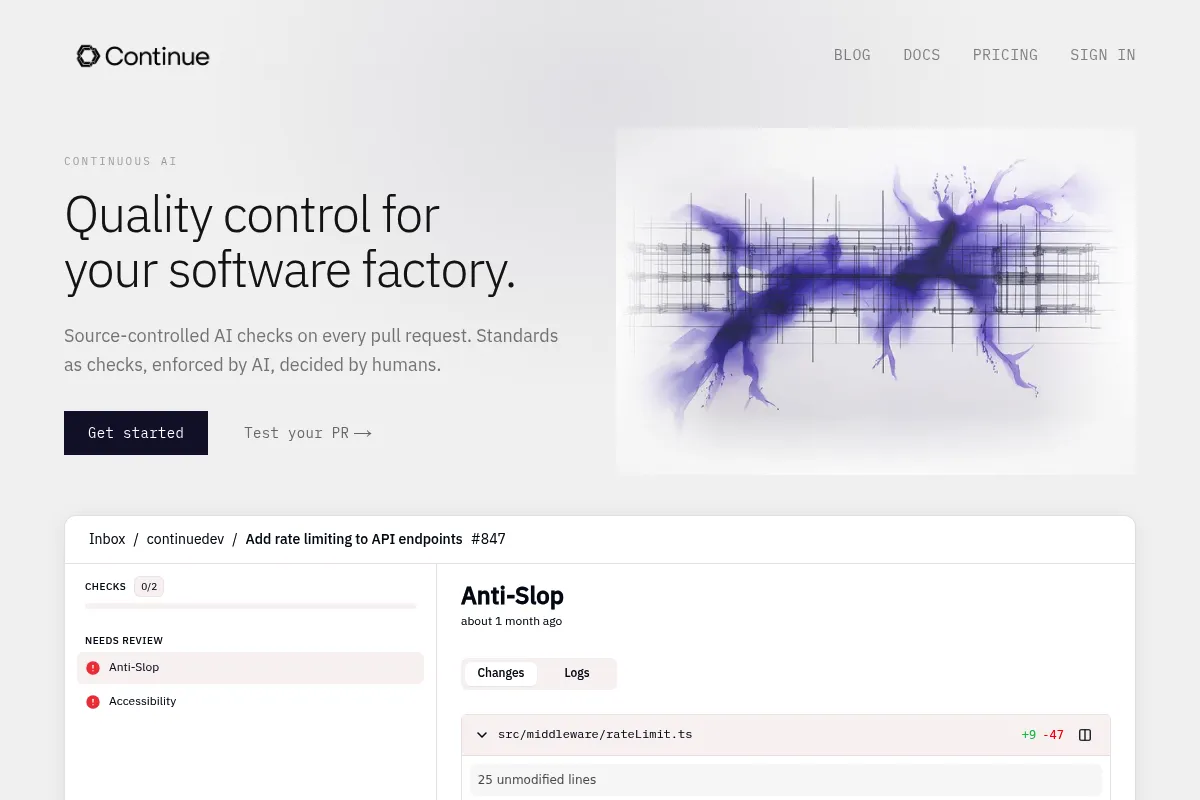
- When an organization needs to enforce specific coding standards via automated PR checks
- When you need a managed 'control plane' for AI across a large engineering org
- You must provide your own LLM API keys (OpenAI, Anthropic, etc.)
- Local model performance is entirely dependent on your hardware (RAM/GPU)
- The free version lacks centralized admin controls
Disruptive pricing that commoditizes the assistant layer, shifting costs entirely to the model providers.
Pros & Cons
Strengths
-
Complete model sovereignty
Users can switch from GPT-4o to Claude 3.5 or a local Llama 3 model in seconds without changing tools.
-
Privacy and compliance
By supporting local LLMs, it allows teams in regulated industries to use AI without sending source code to external servers.
-
Extensible context system
The ability to index local files and external documentation ensures the AI has the specific knowledge needed for niche frameworks.
-
Open-source transparency
The codebase is public, allowing developers to audit how their data is handled and contribute features.
Weaknesses
-
Configuration overhead
Setting up the ideal experience requires manual editing of JSON files and managing your own API keys or local servers.
Affects: Beginners or users who want a turnkey solution
-
JetBrains parity lag
The VS Code extension is generally more feature-rich and stable than the JetBrains version.
Affects: IntelliJ, PyCharm, and WebStorm users
-
UI limitations
As an extension, it cannot modify the IDE as deeply as a standalone fork, leading to a slightly less 'fluid' feel compared to Cursor.
Affects: Users seeking the most polished UX
Real User Sentiment
Highly positive among technical users who value customization and privacy, though some find the setup process tedious.
Users tend to like
- Support for Ollama and local execution
- The @docs feature for adding external context
- No monthly subscription fee for the tool itself
- Fast and responsive development team
Users commonly complain about
- JSON configuration can be error-prone
- Occasional indexing issues on very large codebases
- JetBrains version feels like a second-class citizen
Recurring tradeoffs
- You trade ease of setup for total control over your data and model choice.
Happiest users
Developers who already have a preferred LLM provider or run powerful local hardware.
Often frustrated
Users who want a simple 'install and go' experience without managing API keys or config files.
Use Cases
Local-only development
Using Ollama to code on a plane or in a high-security environment without internet.
Multi-model testing
Comparing how GPT-4o vs Claude 3.5 handles a specific refactoring task in real-time.
Documentation-heavy projects
Using @docs to help the AI understand a new or niche library not in its training data.
Standardizing team prompts
Using the Teams plan to ensure everyone uses the same /boilerplate command.
Cost optimization
Routing simple tasks to cheap models (Haiku) and complex tasks to premium models (Opus).
Frequently Asked Questions
Is Continue really free?
The Continue extension itself is free and open-source. However, you are responsible for the costs of the LLMs you connect to it, whether that's paying OpenAI for API tokens or providing the hardware to run local models via Ollama.
How does Continue compare to GitHub Copilot?
Copilot is a $10/month managed service with a fixed model. Continue is a free extension that lets you use any model (including those better than Copilot's) and offers more control over context, though it requires more setup.
Can I use Continue with local models?
Yes, this is a core strength. You can connect Continue to Ollama, LM Studio, or any OpenAI-compatible local server to keep your code 100% on your machine.
Does Continue support JetBrains IDEs?
Yes, Continue supports IntelliJ, PyCharm, WebStorm, and other JetBrains IDEs, though the feature set and UI polish often lag slightly behind the VS Code version.
What are the limitations of the free version?
There are no feature limitations in the free version for individual use. The paid 'Teams' plan is focused on administrative features like centralized model management and shared prompts, not unlocking core assistant functionality.
How do I add my own documentation to Continue?
You can use the '@docs' command in the chat sidebar to paste a link to any documentation site. Continue will index it and use it as context for your questions.
Why trust this page?
This evaluation combines product positioning, pricing analysis, traffic and market signals, and public user sentiment into a single decision-support page. Content is generated editorially — not copied from the vendor's website.
Funding & Company
Founded
2023
Stage
Seed
Total Raised
$5.1M
Latest Round
Seed (Feb 2025)
Notable Investors
Continue has raised a total of $5.1 million over two seed rounds, backed by developer-focused investors like Heavybit and Y Combinator. This early-stage funding provides the company with the necessary capital to build out its open-source product and establish a foothold in the competitive AI developer tool market.
Market Signals & Traffic
Estimated visits, global rank, geography, traffic sources, monthly visit trends, and organic search keywords (Similarweb)—on a dedicated page built for depth and search.
- Estimated visits
- 655,659
- Global rank
- #63,893
- Snapshot
- Apr 2026
- Traffic trend
- Surging
Estimated monthly visits
Alternatives to Continue
View all alternativesGitHub Copilot
Developer Tools, AI Assistant

AI-powered coding assistant that suggests and generates code.
Amazon CodeWhisperer
Developer Tools

AI-powered coding companion that generates code recommendations.
Tabnine
Developer Tools

AI code assistant for faster, more accurate software development.
Similar Tools
Together AI
AI Assistant, Developer Tools, Productivity

AI Acceleration Cloud for building and deploying generative AI models.
LobeChat
AI Assistant, Developer Tools, Productivity

Open-source chatbot framework supporting multiple large language models and plugins.
Glama
AI Assistant, Developer Tools, Productivity

Unified workspace for accessing multiple models and MCP services
Exa
AI Assistant, Developer Tools, Productivity

AI-powered search engine for developers and AI applications.
10Web
AI Assistant, Developer Tools, Productivity

AI-powered WordPress website builder, hosting, and management platform.
Chatbox AI
AI Assistant, Developer Tools, Productivity

Cross-platform desktop and mobile client for multiple language models