

A terminal-based AI coding engine that excels at complex, multi-file refactors by using a sandbox environment to stage and review changes before they hit your source code.
Excellent for developers who prefer a CLI-first workflow for large-scale feature building, weaker for those who want deep IDE integration or a GUI.
Analysis based on product data, pricing structure, traffic signals, and public user sentiment.
Who Should Use Plandex?
Typical users
Senior developers and software engineers working on complex codebases who need an agent to handle boilerplate and refactoring across many files.
Maturity fit
scaling to advanced
Choose this if…
- You want to keep your hands on the keyboard and stay in the terminal
- Your priority is managing context across dozens of files simultaneously
- You want to review and iterate on AI changes in a sandbox before applying them
Skip this if…
- You prefer a visual IDE experience like Cursor or VS Code extensions
- You only need simple single-file code completions
- You aren't comfortable managing LLM API keys or CLI configurations
About Plandex
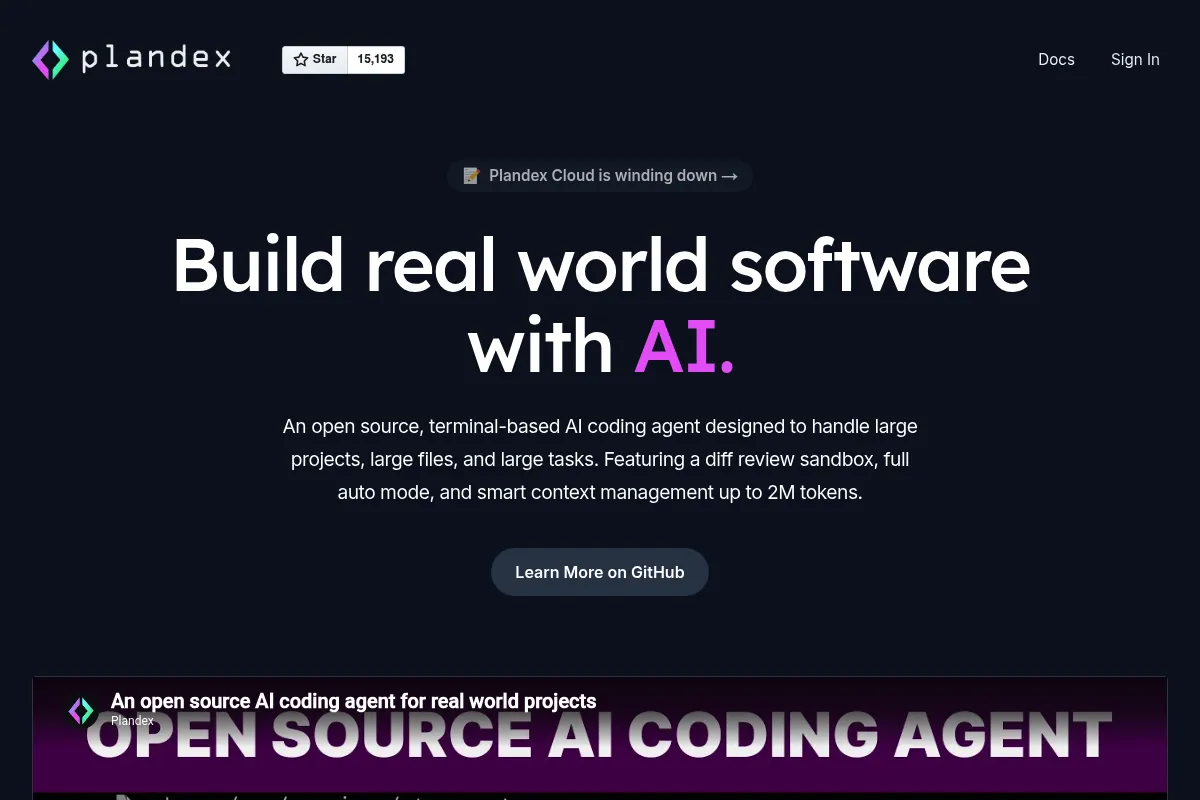
Plandex is an open-source, terminal-centric coding engine built to automate complex development tasks. It focuses on multi-file orchestration, allowing developers to describe high-level requirements that the AI then decomposes into actionable code changes.
Official profiles
What it actually does
It analyzes your codebase, creates a plan for a requested feature or fix, and executes that plan in a protected sandbox. Users review the diffs and can iterate on the plan before applying the changes to their actual files.
What makes it different
Unlike standard AI chat interfaces, Plandex uses a 'plan-first' architecture. It treats tasks as long-running processes that can span hundreds of files, maintaining a persistent state in the terminal rather than an ephemeral chat window.
Ratings across the web


Ratings aggregated from independent review platforms.
Key Features
The Sandbox
Proposes changes in a separate environment so you don't break your build during the generation phase.
Context Management
Automatically pulls in relevant files and documentation to reduce manual copy-pasting.
Model Agnostic
Allows switching between GPT-4o, Claude 3.5 Sonnet, and other models depending on the task.
CLI-First Workflow
Keeps developers in the terminal, integrating with existing shell tools and scripts.
Iterative Refinement
Lets you give feedback on a plan and have the AI adjust its approach before any code is written.
Open Source
Can be self-hosted for teams with strict data privacy requirements.
Pricing
Open Source
- Self-hosted
- Use your own API keys
- Full CLI access
- Community support
Cloud Individual
- Managed infrastructure
- No API keys required (optional)
- Higher rate limits
- Priority updates
Cloud Team
- Shared project context
- Team collaboration tools
- Admin controls
- Direct support
Pricing checked 6 months ago
Pricing guidance
- When you want to avoid managing individual LLM API keys
- When you need to collaborate on AI-generated plans with a team
- When you require higher reliability than a self-hosted setup
- Self-hosted users are still subject to their own LLM provider rate limits
- Cloud tier has monthly token usage caps depending on the specific model used
Competitive with other AI coding agents, offering a low-cost entry point for self-hosters.
Pros & Cons
Strengths
-
Handles large-scale refactors
Effectively manages changes across 50+ files without losing track of the goal, which is a significant step up from standard chat-based AI.
-
Reduced hallucination impact
The mandatory sandbox review step ensures you catch AI errors or logic flaws before they ever enter your git history.
-
High-density context
Its ability to ingest entire directories makes it more aware of project-wide patterns than simple chat windows.
Weaknesses
-
Steep learning curve
Requires mastering a specific set of CLI commands and concepts like 'plans' and 'upserts' which is slower than a GUI initially.
Affects: Beginners or developers who want instant gratification
-
Token heavy
Large context windows and multi-file analysis can lead to high API costs if using your own keys for massive projects.
Affects: Individual developers on a budget
-
No native IDE plugin
Lacks the 'inline' feel of Cursor, requiring constant context switching between the terminal and your editor to see the code.
Affects: Developers who prefer a unified workspace
Real User Sentiment
Generally positive among senior engineers who value the 'plan and review' workflow over 'chat and pray'.
Users tend to like
- The ability to review diffs before applying
- Strong context management
- Terminal-centric design
- Open-source nature
Users commonly complain about
- CLI can feel clunky for simple tasks
- Occasional issues with large file context limits
- Setup can be complex for non-technical users
Recurring tradeoffs
- You trade the speed of inline completion for the accuracy of a planned multi-file change.
Happiest users
CLI-native developers working on large legacy codebases or complex new features.
Often frustrated
Developers who want a 'magic' button in their editor and dislike using the terminal.
Use Cases
Large-scale refactoring
Renaming variables or changing API structures across 20+ files.
Feature scaffolding
Generating the boilerplate for a new module including tests and documentation.
Bug fixing
Providing a stack trace and letting the agent find and fix the root cause across the repo.
Documentation updates
Scanning the codebase to update READMEs or API docs based on recent code changes.
Test generation
Writing unit and integration tests for existing logic across multiple directories.
Frequently Asked Questions
How does Plandex compare to Aider?
While both are CLI-based, Plandex focuses more on a structured 'planning' phase and a sandbox environment. Aider is often faster for quick edits, but Plandex is generally more reliable for complex, multi-step tasks that require careful review before committing.
Is there a free version of Plandex?
Yes, Plandex is open-source. You can download the CLI and run it for free using your own LLM API keys (like OpenAI or Anthropic). The paid Cloud version is optional for those who want a managed experience.
Which LLMs does Plandex support?
Plandex supports major providers including OpenAI (GPT-4o), Anthropic (Claude 3.5 Sonnet), and can be configured to work with other models via local providers like Ollama or OpenRouter.
Does Plandex integrate with VS Code?
Plandex is primarily a terminal tool. While it doesn't have a native VS Code sidebar like Cursor, it works alongside any editor. You run Plandex in your terminal, and it modifies the files in your project which then update in your editor.
What are the main limitations of Plandex?
The primary limitation is the lack of a GUI, which can make visualizing large diffs harder than in an IDE. Additionally, like all LLM tools, it can struggle with extremely large files that exceed the model's context window.
Can I use Plandex for private codebases?
Yes. Because it is open-source and can be self-hosted, your code doesn't have to leave your environment except for the fragments sent to the LLM provider you choose.
Why trust this page?
This evaluation combines product positioning, pricing analysis, traffic and market signals, and public user sentiment into a single decision-support page. Content is generated editorially — not copied from the vendor's website.
Funding & Company
Founded
2024
Stage
—
Total Raised
—
Latest Round
Seed (May 2024)
Notable Investors
Plandex raised a single pre-seed/seed round of an undisclosed amount from Lombardstreet Ventures in May 2024. However, the solo founder announced in October 2025 that the company and its cloud service were being shut down, indicating the initial capital was insufficient to compete in the crowded AI developer tool market.
Market Signals & Traffic
Estimated visits, global rank, geography, traffic sources, monthly visit trends, and organic search keywords (Similarweb)—on a dedicated page built for depth and search.
- Estimated visits
- 0
- Global rank
- —
- Snapshot
- May 2026
- Traffic trend
- Steady
Estimated monthly visits
Alternatives to Plandex
View all alternativesAider
Developer Tools, Productivity

AI pair programming assistant for your terminal.
Claude
AI Assistant

A conversational AI assistant for writing, analysis, coding, and more.
Cursor
AI Assistant

An AI-powered code editor designed to help developers build software faster.
Similar Tools
Cognition
Developer Tools, Automation & Agents

Autonomous software engineer that plans and executes complex coding tasks.
Zep
Developer Tools, Automation & Agents

Long-term memory and data persistence layer for LLM applications.
Cerebras
Developer Tools, Automation & Agents

High-speed infrastructure for large-scale model inference and training
Nexa AI
Developer Tools, Automation & Agents

On-device model deployment and optimization for edge computing
Algolia
Developer Tools, Automation & Agents

API-first search and discovery platform for websites and apps.
Sweep
Developer Tools, Automation & Agents

Junior developer assistant that handles bug fixes and feature requests