

An ambient clinical scribe that prioritizes template flexibility and a generous free tier, making it a top entry point for clinicians moving away from manual charting.
Excellent for solo practitioners needing customizable SOAP notes, weaker for deep native EHR integrations compared to enterprise-grade incumbents.
Analysis based on product data, pricing structure, traffic signals, and public user sentiment.
Who Should Use Heidi Health?
Typical users
Solo clinicians, small private practices, and allied health professionals like physiotherapists or psychologists.
Maturity fit
beginner to scaling
Choose this if…
- You want to eliminate manual charting without an immediate financial commitment
- Your workflow requires highly specific, non-standard note templates
- You want to generate referral letters or patient instructions directly from consultation audio
Skip this if…
- You require deep, bi-directional native integration with a legacy EHR that lacks browser extension support
- Your clinic has strict policies against cloud-based AI processing of patient data
- You need a tool that handles complex multi-party billing codes automatically
About Heidi Health
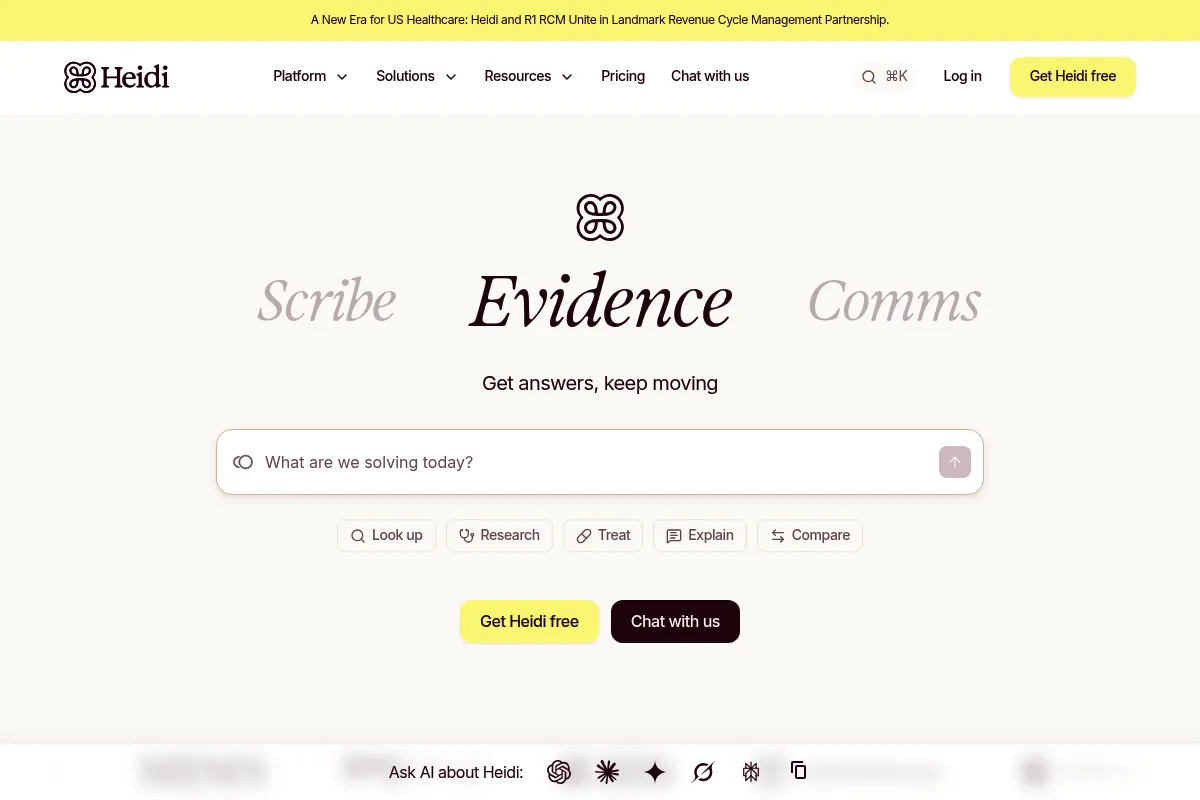
Heidi Health is an AI-powered ambient medical scribe designed to automate the creation of clinical documentation. It records patient encounters and converts them into structured SOAP notes, letters, and summaries, aiming to reduce the administrative burden on healthcare providers.
Official profiles
What it actually does
The tool uses ambient listening to capture dialogue during a patient visit and uses large language models to extract relevant medical information. It formats this data into clinical documentation that can be reviewed, edited, and synced to an Electronic Health Record (EHR).
What makes it different
Unlike many competitors that offer rigid templates, Heidi provides a 'Pro' feature called 'Ask Heidi' which allows clinicians to interact with the transcript like a chatbot to generate specific documents. Its free tier is notably more permissive than rivals like Nabla or Freed, offering unlimited sessions.
Ratings across the web

Ratings aggregated from independent review platforms.
Key Features
Ask Heidi
Allows clinicians to prompt the AI to rewrite notes or extract specific data points using natural language.
Custom Templates
Enables the creation of bespoke note structures that match specific specialty requirements.
Browser Extension
Facilitates the transfer of generated notes into web-based EHRs without manual copy-pasting.
Multi-lingual Processing
Can listen to a consultation in one language and produce notes in another.
Dictation Mode
Switches from ambient listening to direct dictation for post-visit thoughts.
Patient Instructions
Automatically generates plain-language summaries for patients to take home.
Team Sharing
Allows practices to share templates and standardized documentation styles across a group.
Mobile App
Provides a portable way to record sessions without needing a laptop in the exam room.
Pricing
Free
- Unlimited sessions
- Standard templates
- Basic AI scribing
- HIPAA compliance
Pro
- Ask Heidi (AI Chat)
- Custom templates
- Advanced formatting
- Priority support
- Browser extension
Clinic
- Centralized billing
- Shared templates
- Admin dashboard
- Enterprise-grade security
Pricing checked 5 months ago
Pricing guidance
- When you need to generate documents other than SOAP notes (e.g., referral letters)
- When you want to use the browser extension to speed up EHR entry
- When you need to customize the note structure to fit a specific specialty
- The free plan lacks the 'Ask Heidi' feature, which is the tool's primary competitive advantage.
- Direct EHR integration is often limited to what the browser extension can 'paste' into fields.
Aggressively priced to capture market share from more expensive incumbents like Suki or Abridge.
Pros & Cons
Strengths
-
Generous free tier
Unlike competitors that cap sessions or minutes, Heidi allows unlimited recordings on its free plan, making it accessible for low-margin practices.
-
High template flexibility
The ability to build and refine custom templates ensures the output matches the clinician's specific style rather than a generic medical format.
-
Interactive AI assistant
The 'Ask Heidi' feature functions as a secondary processor, allowing users to generate complex documents like insurance appeals from the same transcript.
-
Rapid product iteration
The development team frequently pushes updates based on clinician feedback, often adding requested features within weeks.
Weaknesses
-
Mobile app stability issues
Users occasionally report sync errors or crashes when using the mobile application compared to the more stable web interface.
Affects: Clinicians who prefer recording on a phone while moving between exam rooms.
-
Limited native EHR integrations
While the browser extension works for web-based systems, it lacks the deep, server-side integration found in more expensive enterprise solutions.
Affects: Large hospital systems using legacy desktop-based EHR software.
-
Occasional medical hallucinations
Like all LLM-based tools, it can occasionally misinterpret specific dosages or clinical nuances if the audio quality is poor.
Affects: Specialists in high-acuity fields where precise terminology is critical.
Real User Sentiment
Generally positive, with users highlighting the time saved on documentation and the responsiveness of the support team.
Users tend to like
- The 'Ask Heidi' feature for generating custom letters
- The generous unlimited free session policy
- The ability to handle different accents and languages
- Clean and intuitive user interface
Users commonly complain about
- Occasional lag in generating notes during peak hours
- Mobile app bugs and connectivity issues
- The need to manually verify AI-generated dosages
Recurring tradeoffs
- Users trade deep native EHR integration for lower cost and higher template flexibility.
Happiest users
Solo practitioners and allied health professionals who previously spent 2+ hours a day on manual charting.
Often frustrated
Clinicians in large hospital systems with locked-down IT environments that prevent the use of browser extensions.
Use Cases
General Practice
Automating standard SOAP notes for high-volume patient days.
Psychology
Capturing long-form therapy sessions and summarizing key themes and risk factors.
Physiotherapy
Documenting physical assessments and generating exercise plans for patients.
Specialist Referrals
Using the 'Ask Heidi' feature to instantly turn a consultation transcript into a formal letter to another doctor.
Multi-lingual Clinics
Recording a session in Spanish and generating the clinical note in English for the EHR.
Frequently Asked Questions
Is Heidi Health HIPAA compliant?
Yes, Heidi Health is HIPAA, GDPR, and SOC2 compliant. They use encryption for data at rest and in transit, and they offer a Business Associate Agreement (BAA) for providers to ensure legal compliance in handling Protected Health Information (PHI).
How does Heidi Health compare to Nabla?
While both offer ambient scribing, Heidi Health provides more flexibility through its 'Ask Heidi' feature and custom templates. Nabla is often praised for its polished UI, but Heidi's free tier is currently more generous with unlimited sessions compared to Nabla's usage limits.
Can I use Heidi Health with my existing EHR?
Heidi integrates primarily through a browser extension that allows you to transfer notes into web-based EHRs like Athenahealth, Jane, or Cliniko. For desktop-based EHRs, you will likely need to use copy-and-paste, as native deep-level integrations are limited.
Does the free plan have a limit on the number of patients?
No, the current free plan allows for unlimited patient sessions. However, it restricts access to advanced features like custom templates, the browser extension, and the 'Ask Heidi' AI assistant, which are reserved for the Pro plan at $49/month.
Does it work for telehealth?
Yes, Heidi can record audio from telehealth sessions if run on the same computer or via the mobile app placed near the speakers. It is frequently used by remote therapists and GPs for this purpose.
Can it handle multiple people speaking at once?
The AI is designed to distinguish between the clinician and the patient. While it handles standard dialogue well, very chaotic environments with multiple family members speaking simultaneously may require more manual editing of the final note.
Why trust this page?
This evaluation combines product positioning, pricing analysis, traffic and market signals, and public user sentiment into a single decision-support page. Content is generated editorially — not copied from the vendor's website.
Funding & Company
Founded
2019
Stage
Series b
Total Raised
$96.6M
Latest Round
Series B (Oct 2025)
Notable Investors
Heidi Health has raised a total of $96.6 million across four funding rounds, culminating in a $65 million Series B in October 2025. This significant and recent funding from notable investors like Point72 Private Investments and Blackbird provides a strong capital base for product development and global expansion.
Market Signals & Traffic
Estimated visits, global rank, geography, traffic sources, monthly visit trends, and organic search keywords (Similarweb)—on a dedicated page built for depth and search.
- Estimated visits
- 1,815,594
- Global rank
- #24,565
- Snapshot
- Apr 2026
- Traffic trend
- Rising
Estimated monthly visits
Alternatives to Heidi Health
View all alternativesAbridge
Health & Wellness, Documentation, Workflow

Ambient clinical documentation for healthcare providers and medical systems.
Ambience Healthcare
Health & Wellness, Automation, Documentation

Operating system for automated clinical documentation and healthcare workflows.
Similar Tools
Decagon
Automation & Agents, Communication, AI Assistant

Automated customer support platform for enterprise service teams.
1min.AI
AI Assistant, Content Creation, Productivity

Unified workspace for text, image, video, and audio generation.
Symbolic
Content Creation, Workflow, Automation & Agents

Streamline publishing workflows by capturing and reusing institutional editorial knowledge.
Bookmark AI
AI Assistant, Content Creation, Productivity

AI-powered website builder for non-technical users.
Jumpshare
Communication, Productivity, Video Creation

Visual communication platform for screen recording, screenshots, and file sharing.
Panopto
Education, Training & Onboarding, Communication

Video management platform for education and enterprise training.