

Plexigen AI
A visual development environment for building and deploying multi-agent AI systems, best for teams bridging the gap between prompt engineering and production-ready applications.
Excellent for rapid agent orchestration and API deployment, weaker for developers who prefer code-first frameworks like LangGraph.
Analysis based on product data, pricing structure, traffic signals, and public user sentiment.
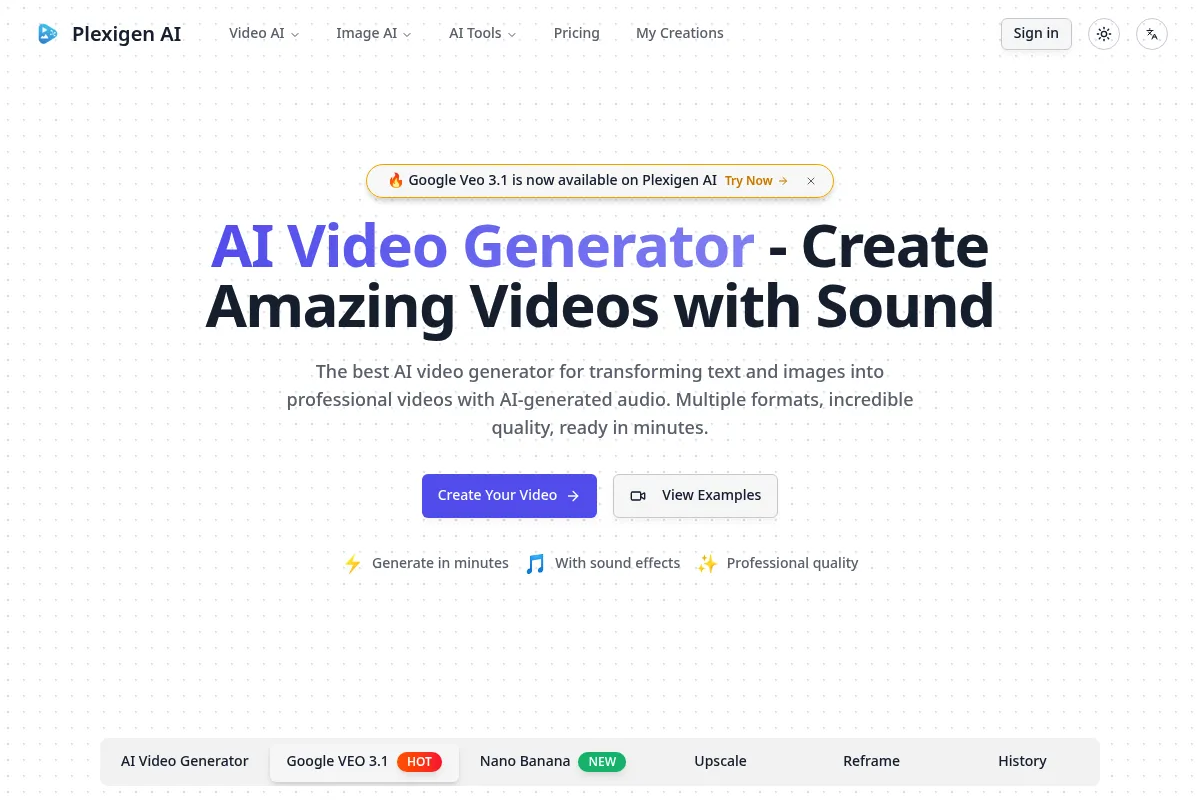
Who Should Use Plexigen AI?
Typical users
Technical product managers and full-stack developers in small-to-medium startups who need to build AI features without managing infrastructure.
Maturity fit
scaling
Choose this if…
- You need to visualize complex agent handoffs and logic
- Your priority is speed to market over custom infrastructure control
- You want to deploy agents as managed APIs without writing boilerplate backend code
Skip this if…
- You require local-first execution or self-hosting for data privacy
- Your workflow requires deep, low-level customization of the orchestration engine
- You are already committed to a code-only workflow using LangChain or Haystack
About Plexigen AI
Plexigen is a low-code platform designed to simplify the creation of autonomous AI agents. It provides a visual interface to connect LLMs with external tools, memory, and other agents, aiming to reduce the friction of moving from a prototype to a deployed service.
What it actually does
It allows users to build 'agentic' workflows where multiple AI models collaborate to solve tasks. It handles the infrastructure for hosting these agents, managing their state, and exposing them via API endpoints for integration into existing apps.
What makes it different
Unlike pure code frameworks, Plexigen prioritizes a visual canvas for debugging and logic mapping. It focuses on the orchestration layer, making it easier to see how data flows between different agents compared to reading nested Python scripts.
Key Features
Visual Canvas
Maps out agent logic and handoffs visually for easier debugging.
Managed API Endpoints
Turns workflows into usable endpoints instantly for frontend integration.
Stateful Memory
Maintains context across multiple user interactions without manual database setup.
Tool Integration
Connects agents to external APIs and databases via pre-built or custom nodes.
Multi-Model Support
Allows switching between different LLM providers within a single workflow.
Human-in-the-loop
Enables manual intervention or approval steps within automated processes.
Pricing
Free
- Limited monthly agent runs
- Basic visual builder access
- Community support
- Standard model access
Pro
- Increased run limits
- Priority support
- Custom tool integration
- Advanced memory management
Enterprise
- Unlimited runs
- Dedicated support
- SSO and advanced security
- Custom SLA
Pricing checked 5 months ago
Pricing guidance
- When you exceed the monthly run limits on the free tier
- When you need to connect custom internal APIs as tools
- When you require faster response times and priority support
- Model costs are typically separate from the platform fee
- Rate limits on API endpoints may apply based on tier
Positioned as a premium managed service for teams that value development speed over infrastructure control.
Pros & Cons
Strengths
-
Rapid Prototyping
Drastically reduces the time to build a multi-step agent compared to manual coding, allowing for faster iteration cycles.
-
Visual Debugging
Seeing the flow of information helps identify exactly where logic breaks in complex chains, which is often opaque in code-only setups.
-
Deployment Speed
Removes the need to set up separate server infrastructure or containerization for agent hosting.
Weaknesses
-
Vendor Lock-in
Workflows built within the platform are difficult to export to other frameworks, making you dependent on their ecosystem.
Affects: Teams planning for long-term platform independence
-
Limited Customization
Advanced users may find the visual nodes restrictive for highly specific edge-case logic that requires raw code.
Affects: Senior AI Engineers
-
SaaS Dependency
Performance and uptime are tied to Plexigen’s infrastructure, which may not meet strict enterprise SLAs.
Affects: Enterprise users
Real User Sentiment
Generally positive among early adopters who appreciate the UI, though some express concerns about the maturity of the documentation.
Users tend to like
- Intuitive drag-and-drop interface
- Ease of connecting different LLMs
- Quick API deployment
Users commonly complain about
- Occasional UI bugs in the canvas
- Documentation lacks depth for complex use cases
- Limited pre-built templates
Recurring tradeoffs
- Ease of use vs. long-term flexibility and code ownership
Happiest users
Product engineers who need to ship AI features quickly without a dedicated ML Ops team.
Often frustrated
Hardcore developers who find visual builders slower than writing code.
Use Cases
Customer Support
Building an agent that can query a database and respond to tickets.
Content Operations
Orchestrating multiple agents to research, draft, and edit articles.
Data Extraction
Creating a workflow to scrape websites and structure the data into a CRM.
Sales Automation
Developing an agent to qualify leads based on LinkedIn profiles and company data.
Internal Tooling
Building a Slack bot that interacts with internal company documentation.
Frequently Asked Questions
Is there a free plan available?
Yes, Plexigen offers a free tier that allows users to explore the visual builder and run a limited number of agent tasks per month for testing purposes.
How does Plexigen compare to Flowise or LangFlow?
Plexigen is a managed SaaS platform, whereas Flowise and LangFlow are often self-hosted open-source tools. Plexigen focuses more on the deployment and hosting aspect, while the others are primarily for local development.
Can I use my own API keys?
Yes, you typically provide your own API keys for providers like OpenAI or Anthropic, giving you control over your model usage and costs.
What are the main limitations?
The primary limitation is the managed nature of the platform, which prevents you from modifying the underlying orchestration engine or easily exporting your logic to a different framework.
Does it support multi-agent collaboration?
Yes, one of its core strengths is the ability to create workflows where different agents with specific roles can pass tasks and information to one another.
What integrations are supported?
Plexigen supports common LLM providers and allows for custom tool creation via webhooks and API calls, enabling integration with most modern software stacks.
Why trust this page?
This evaluation combines product positioning, pricing analysis, traffic and market signals, and public user sentiment into a single decision-support page. Content is generated editorially — not copied from the vendor's website.
Funding & Company
Founded
2025
Stage
Bootstrapped
Total Raised
Bootstrapped
Latest Round
—
There is no publicly available information on funding for Plexigen AI. The company appears to be bootstrapped or has not disclosed any external investment, which suggests it is operating on its own revenue.
Market Signals & Traffic
Estimated visits, global rank, geography, traffic sources, monthly visit trends, and organic search keywords (Similarweb)—on a dedicated page built for depth and search.
- Estimated visits
- 0
- Global rank
- —
- Snapshot
- May 2026
- Traffic trend
- Falling
Estimated monthly visits
Alternatives to Plexigen AI
View all alternativesSynthesia
Video Creation, Content Creation, Training & Onboarding

An AI video generation platform for creating professional videos without traditional equipment.
HeyGen
Video Creation, Content Creation, AI Assistant

AI-powered video creation platform with realistic avatars and multi-language support.
Runway ML
Video Creation, Content Creation

AI-powered creative suite for generating and editing video, images, and audio.
Similar Tools
OpusClip
Video Creation, Content Creation, Marketing Automation

Repurpose long-form videos into viral short-form clips.
VMEG AI
Video Creation, Content Creation, Marketing Automation

Create short-form social media videos from text scripts
Seedance
Video Creation, Content Creation, Marketing Automation

Multimodal video generation for cinematic multi-shot content.
Munch
Video Creation, Content Creation, Marketing Automation

Extract and edit viral short-form clips from long-form videos
Podcastle
Content Creation, Video Creation, Communication

All-in-one platform for broadcast-quality audio and video production
Writesonic
AI Assistant, Content Creation

AI-powered platform for content creation, SEO, and AI search visibility.