

A streamlined text-to-video generator for faceless social media channels that prioritizes production speed over granular creative control.
Excellent for high-volume faceless content creators, weaker for brands requiring specific custom footage or complex manual editing.
Analysis based on product data, pricing structure, traffic signals, and public user sentiment.
Who Should Use VMEG AI?
Typical users
Solopreneurs, affiliate marketers, and faceless channel operators managing multiple TikTok, Reels, or Shorts accounts.
Maturity fit
beginner to scaling
Choose this if…
- Your priority is publishing 5-10 videos per week with minimal manual effort
- You want an all-in-one script, voiceover, and caption workflow in a single interface
- You are comfortable using stock footage to represent your brand or message
Skip this if…
- You need to upload and precisely sync large amounts of your own original b-roll
- Your brand requires a highly specific, non-AI aesthetic
- You require advanced timeline editing features like multi-track audio or complex transitions
About VMEG AI
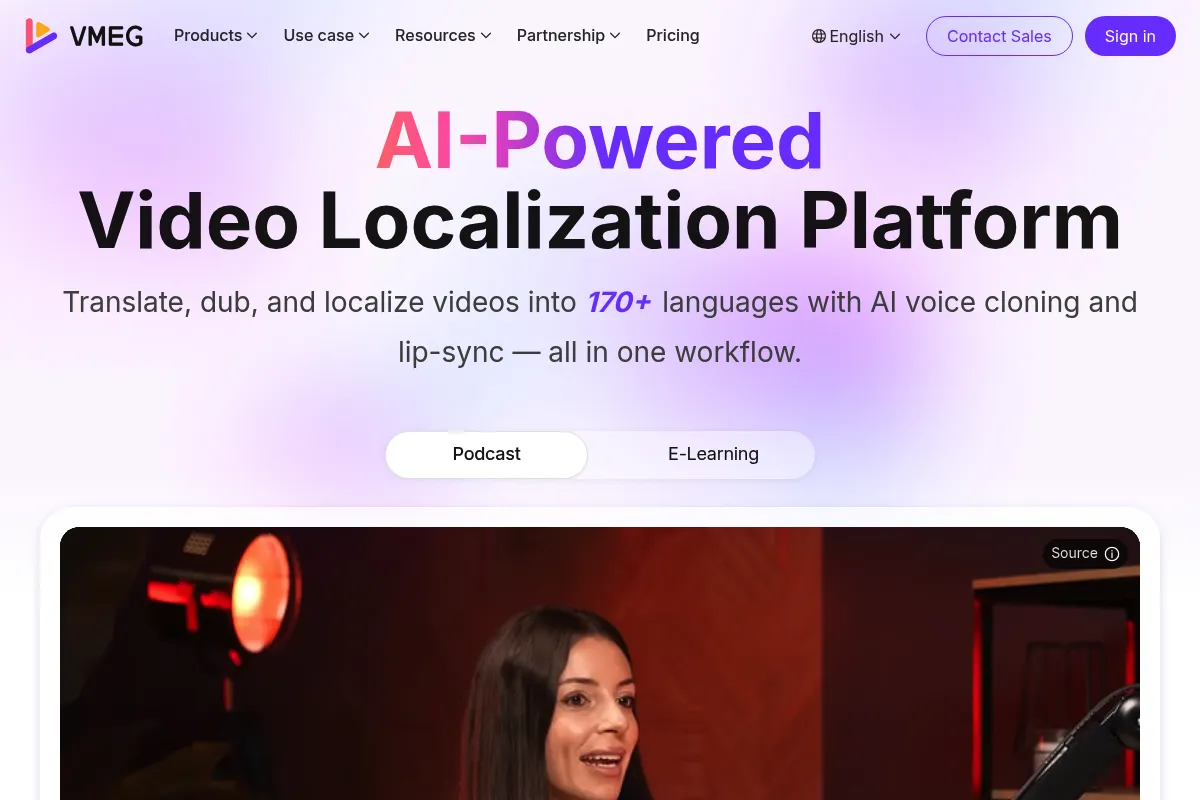
VMEG AI is a browser-based video generation tool built specifically for the short-form vertical video market. It automates the transition from a text prompt or script to a finished video by assembling AI voiceovers, dynamic captions, and stock clips. It exists to remove the technical barriers of video editing for creators who focus on content volume.
Official profiles
What it actually does
The tool generates a full video project from a single text prompt. It writes a script using LLMs, selects matching stock footage from integrated libraries, overlays AI-generated speech, and applies animated captions that match the voiceover timing.
What makes it different
VMEG is more restrictive but faster than competitors like InVideo or CapCut. It trades a traditional timeline editor for a prompt-based workflow, specifically optimized for the 'faceless' video trend where the creator's identity and original footage are not required.
Ratings across the web


Ratings aggregated from independent review platforms.
Key Features
Prompt-to-Video
Generates a complete draft including script and visuals from a short description.
Dynamic Captions
Automatically creates high-engagement, 'Alex Hormozi style' subtitles that sync with the audio.
AI Voice Library
Provides a range of synthetic voices across different accents and languages to narrate scripts.
Stock Media Integration
Pulls clips from libraries like Pexels and Pixabay to fill the visual timeline automatically.
Script Editor
Allows manual overrides of AI-generated text before the final video render.
Voice Cloning
Available on higher tiers to create a consistent brand voice across multiple videos.
Brand Kits
Saves specific fonts and colors to ensure caption consistency across a channel.
Pricing
Free
- 1 video per month
- 720p resolution
- VMEG watermark included
- Standard AI voices
Starter
- 15 videos per month
- 1080p resolution
- No watermark
- Commercial usage rights
- Standard stock library access
Pro
- 50 videos per month
- 4K resolution
- Voice cloning features
- Priority rendering
- Premium stock library access
Pricing checked 6 months ago
Pricing guidance
- When you need to remove the VMEG watermark
- When you scale to posting more than 3 times per week
- When you want to use your own cloned voice for brand consistency
- Video length is typically capped at 60-90 seconds
- Storage for past projects may be limited on lower tiers
- Stock footage variety is tied to third-party library availability
Competitive with other AI video tools like Fliki, though slightly more expensive per video than some bulk-generation alternatives.
Pros & Cons
Strengths
-
Significant reduction in production time
A process that takes 2 hours in a traditional editor can be completed in under 10 minutes, which is vital for creators testing multiple niches.
-
Low technical barrier to entry
Requires zero video editing experience; if you can write a prompt, you can produce a social-ready video.
-
Integrated captioning
Eliminates the need for secondary apps like Captions.ai or Submagic by building high-quality subtitle animations directly into the render.
Weaknesses
-
Generic stock footage selection
The AI sometimes selects literal or repetitive clips that may not perfectly align with nuanced script points.
Affects: Creators in highly technical or specialized niches
-
Limited creative flexibility
You cannot perform complex frame-by-frame edits or advanced color grading within the tool.
Affects: Professional video editors and high-end brand marketers
-
Robotic voice artifacts
While high quality, some AI voices still carry a synthetic cadence that can be spotted by discerning audiences.
Affects: Creators aiming for a high-trust, personal connection
Real User Sentiment
Generally positive among efficiency-focused creators, though some users find the stock footage matching hit-or-miss.
Users tend to like
- Speed of generation
- Ease of use for non-editors
- Quality of the dynamic caption styles
- Ability to quickly pivot content ideas
Users commonly complain about
- Occasional irrelevant stock clip selection
- Limited manual control over clip transitions
- Price per video feels high for some hobbyists
Recurring tradeoffs
- Users trade creative uniqueness for extreme production speed.
Happiest users
Affiliate marketers running multiple niche accounts who need to churn out content daily.
Often frustrated
Creative directors who want to tweak every single frame and transition.
Use Cases
Faceless TikTok Channels
Creating daily 'did you know' or motivational content.
Affiliate Marketing
Rapidly producing product highlight videos for Amazon or TikTok Shop.
News Summaries
Converting daily news headlines into quick vertical video updates.
Educational Shorts
Turning blog posts or educational scripts into bite-sized social content.
Real Estate Teasers
Generating quick property highlight videos from listing descriptions.
Frequently Asked Questions
Does VMEG AI have a watermark?
Yes, the Free plan includes a VMEG watermark on all exports. You must upgrade to the Starter or Pro plan to remove it and get commercial usage rights.
How does VMEG compare to InVideo AI?
VMEG is more specialized for short-form vertical content and has a simpler interface. InVideo AI offers more robust editing tools and a larger library but has a steeper learning curve for beginners.
Can I use my own voice in VMEG?
Yes, the Pro plan includes voice cloning features that allow you to upload a sample of your voice to be used as the narrator for your generated videos.
Are the videos copyright-free?
Videos created on paid plans use royalty-free stock footage and music, making them safe for monetization on platforms like YouTube and TikTok. Always check the specific license in your account settings.
What languages does VMEG support?
VMEG supports over 20 languages for both script generation and voiceovers, including English, Spanish, French, German, and Portuguese.
Can I edit the video after it is generated?
You can edit the script, swap out specific stock clips for others in the library, and change the background music, but you cannot perform advanced multi-track editing.
Why trust this page?
This evaluation combines product positioning, pricing analysis, traffic and market signals, and public user sentiment into a single decision-support page. Content is generated editorially — not copied from the vendor's website.
Funding & Company
Founded
2020
Stage
Bootstrapped
Total Raised
Bootstrapped
Latest Round
—
VMEG AI, developed by PixRipple Technology Limited, appears to be a bootstrapped company. There is no public record of the company raising external funding, which suggests a focus on organic growth and product-led revenue.
Market Signals & Traffic
Estimated visits, global rank, geography, traffic sources, monthly visit trends, and organic search keywords (Similarweb)—on a dedicated page built for depth and search.
- Estimated visits
- 359,714
- Global rank
- #104,962
- Snapshot
- Apr 2026
- Traffic trend
- Cooling
Estimated monthly visits
Alternatives to VMEG AI
View all alternativesHeyGen
Video Creation, Content Creation, AI Assistant

AI-powered video creation platform with realistic avatars and multi-language support.
InVideo
Video Creation, Content Creation

An AI-powered video creation platform for quickly producing professional-quality videos.
Pictory
Content Creation, Video Creation

AI-powered platform to create engaging videos from text and existing content.
Similar Tools
Plexigen AI
Video Creation, Content Creation, Marketing Automation

Transform text and images into videos with synchronized audio.
Seedance
Video Creation, Content Creation, Marketing Automation

Multimodal video generation for cinematic multi-shot content.
Munch
Video Creation, Content Creation, Marketing Automation

Extract and edit viral short-form clips from long-form videos
OpusClip
Video Creation, Content Creation, Marketing Automation

Repurpose long-form videos into viral short-form clips.
Durable
Productivity, Content Creation, Automation & Agents

AI-powered platform for building websites and managing businesses.
NotebookLM
AI Assistant, Productivity, Documentation

AI-powered research assistant that synthesizes information from your documents.