

A professional design-to-code accelerator that uses AI to generate sitemaps and wireframes, then maps them to a massive library of standardized Webflow and Figma components.
Excellent for Webflow agencies needing to standardize production speed, weaker for designers who avoid the Finsweet Client-First framework.
Analysis based on product data, pricing structure, traffic signals, and public user sentiment.
Who Should Use Relume?
Typical users
Freelance Webflow developers and small-to-medium design agencies who build multiple client sites per month.
Maturity fit
scaling
Choose this if…
- You use the Finsweet Client-First naming convention for Webflow builds.
- Your priority is reducing the time spent on low-fidelity wireframing and sitemap planning.
- You want a standardized component library that works across both Figma and Webflow.
Skip this if…
- You build highly experimental, non-standard layouts that don't fit into a component-based structure.
- You are a non-technical business owner looking for a one-click website builder like Wix or Squarespace.
- You prefer styled UI kits over unstyled, 'wireframe-first' components.
About Relume
Relume is a component library and AI-powered design framework specifically for the Webflow and Figma ecosystem. It exists to eliminate the 'blank canvas' problem by providing a massive database of unstyled UI elements and an AI engine that structures entire site layouts in minutes.
Official profiles
What it actually does
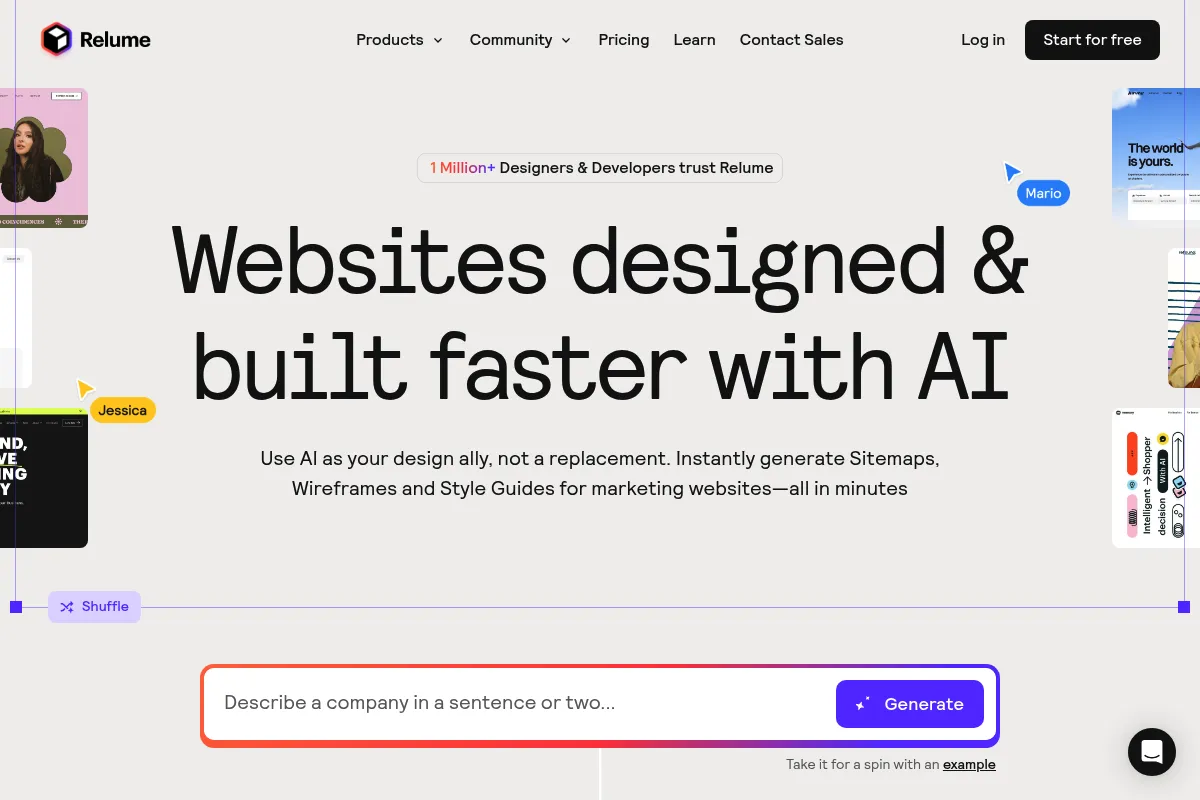
It generates website sitemaps and low-fidelity wireframes from text prompts using a library of over 1,000 pre-built components. Users can then sync these wireframes directly into Figma for design or Webflow for development, maintaining consistent class naming throughout.
What makes it different
Unlike most AI site builders that attempt to generate a finished, often low-quality website, Relume focuses on the professional workflow. It uses AI to assemble human-designed components that follow the 'Client-First' industry standard, ensuring the final code is clean and scalable.
Ratings across the web


Ratings aggregated from independent review platforms.
Key Features
AI Site Builder
Generates a full site structure and wireframe from a single description.
Relume Library
A searchable database of 1,000+ components like navbars, hero sections, and footers.
Client-First Integration
Ensures all components use standardized naming for easier handoffs and maintenance.
Figma Plugin
Allows designers to use the exact same component library in Figma that developers use in Webflow.
Relume Chrome Extension
Lets you browse and paste components directly inside the Webflow Designer.
Class Sync
Prevents class duplication when pasting components into existing Webflow projects.
Relume Ipsum
Uses AI to write context-aware copy for wireframes so you don't use 'Lorem Ipsum'.
Pricing
Free
- 1 Project
- 1 Page per project
- 30 Webflow components
- Figma export only
Starter
- 1 Project
- 5 Pages per project
- Full component library access
- Webflow & Figma export
Pro
- Unlimited Projects
- Unlimited Pages
- Full component library access
- Priority support
Pricing checked 5 months ago
Pricing guidance
- When you need to export more than one page to Webflow
- When you start your second client project
- When you need access to the full 1,000+ component library
- Starter plan is limited to a single project
- AI sitemap generations have monthly credits even on paid plans
- Requires separate Webflow and Figma subscriptions to be useful
Premium positioning within the Webflow niche, justified by significant time savings for high-value agency work.
Pros & Cons
Strengths
-
Massive production speed gains
Agencies report cutting the discovery and wireframing phase from days to hours by using the AI sitemap and wireframe generator.
-
Standardized code quality
By adhering to the Client-First framework, it ensures that even if different developers work on a project, the class naming remains consistent and professional.
-
Unstyled components allow for creativity
Because components are low-fidelity, they don't force a specific aesthetic, allowing designers to apply their own branding without fighting pre-existing styles.
Weaknesses
-
High cost for solo users
The subscription is an additional overhead on top of Webflow and Figma costs, which can be hard to justify for low-volume freelancers.
Affects: Solo freelancers and hobbyists
-
AI copy requires heavy editing
While better than placeholder text, the AI-generated copy is often generic and requires a human touch to be client-ready.
Affects: Content-heavy projects
-
Steep learning curve for Client-First
To get the most value, you must understand the Finsweet Client-First system; otherwise, the class structure will feel over-engineered.
Affects: Beginner Webflow users
Real User Sentiment
Highly positive among professionals who value workflow efficiency, though some criticism exists regarding its price and the 'commoditization' of design.
Users tend to like
- Speed of the AI sitemap generator
- Cleanliness of the exported Webflow code
- Consistency between Figma and Webflow libraries
- The 'Component Day' monthly updates
Users commonly complain about
- The jump from Starter to Pro pricing is steep
- AI-generated layouts can feel repetitive
- Starter plan project limits are frustrating
Recurring tradeoffs
- Speed vs. Uniqueness: It's faster to use components, but it takes effort to make them look distinct.
Happiest users
Webflow agency owners who need to scale their output without hiring more developers.
Often frustrated
Beginners who expect a 'done-for-you' website and find the technical setup overwhelming.
Use Cases
Agency Discovery
Generating sitemaps live on a client call to define project scope.
Rapid Prototyping
Moving from a client brief to a clickable wireframe in under an hour.
Standardizing Builds
Ensuring a team of developers uses the same class naming and component logic.
SEO Planning
Using the AI sitemap tool to map out keyword-targeted landing pages.
Figma-to-Webflow Handoff
Designing in Figma with components that are guaranteed to work in Webflow.
Frequently Asked Questions
Does Relume build the whole website for me?
No. Relume generates the sitemap and the unstyled wireframe. You still need to design the visuals in Figma and do the final styling and logic in Webflow. It is a 'first-draft' tool for professionals, not a replacement for a developer.
What is the difference between Relume and Flowbase?
Flowbase provides polished, pre-styled components that look 'finished' immediately. Relume provides unstyled, low-fidelity components that follow the Client-First naming convention. Relume is better for custom design workflows; Flowbase is better for quick, pre-styled builds.
Can I use Relume without a Webflow subscription?
Technically yes, you can use it for Figma wireframing, but the tool's primary value is the export to Webflow. Without a Webflow account, you lose 50% of the utility.
Is the AI copy good enough to use for clients?
It is better than 'Lorem Ipsum' because it uses context from your prompt, but it is rarely final-draft quality. It serves as a great prompt for a copywriter rather than a replacement for one.
What is the 'Client-First' framework?
It is a naming convention for Webflow classes created by Finsweet. Relume components are built using this system, which makes the code organized, scalable, and easy for other developers to understand.
Can I export Relume components to Framer?
No, Relume is specifically built for Webflow and Figma. While you could manually recreate the designs in Framer, there is no direct export or sync functionality currently supported.
Why trust this page?
This evaluation combines product positioning, pricing analysis, traffic and market signals, and public user sentiment into a single decision-support page. Content is generated editorially — not copied from the vendor's website.
Funding & Company
Founded
2020
Stage
Bootstrapped
Total Raised
Bootstrapped
Latest Round
—
Relume is a bootstrapped company that has intentionally avoided external funding. Its growth is financed directly by its own revenue, indicating a strong product-market fit and operational discipline without reliance on venture capital.
Market Signals & Traffic
Estimated visits, global rank, geography, traffic sources, monthly visit trends, and organic search keywords (Similarweb)—on a dedicated page built for depth and search.
- Estimated visits
- 0
- Global rank
- —
- Snapshot
- May 2026
- Traffic trend
- Falling
Estimated monthly visits
Alternatives to Relume
View all alternativesWix AI
Design, Content Creation, Productivity

All-in-one website builder with drag-and-drop functionality and AI tools.
Framer AI
Design, Developer Tools, Productivity

No-code website builder for designers and teams.
Similar Tools
Flodesk
Email Marketing, Marketing Automation, Content Creation

Design-focused email marketing and digital commerce platform for creatives.
Poe
AI Assistant, Content Creation

A platform to chat with and create AI bots, accessing multiple models in one place.
AppSheet
Automation, Developer Tools, Productivity

No-code platform for building custom business applications and automations.
Shopify
Website Builder, Marketing Automation, Automation

Comprehensive platform for building and managing online retail stores.
Lovable
Developer Tools, Website Builder, Productivity

AI platform to build full-stack web apps and websites from natural language prompts.
Fillout
Content Creation

A powerful no-code form builder to create highly customizable forms, surveys, and quizzes.