

Replit is an AI-assisted development environment that removes the friction of setup, making it fast to go from an idea to a deployed application directly in a browser. It's strongest for prototyping and for users who prioritize speed over granular control.
Excellent for rapid prototyping and beginners, weaker for large-scale production applications requiring fine-tuned control and predictable costs.
Analysis based on product data, pricing structure, traffic signals, and public user sentiment.
Who Should Use Replit?
Typical users
Solo developers, students, and non-technical founders who want to quickly build and deploy MVPs and side projects without complex environment setup.
Maturity fit
beginner to scaling
Choose this if…
- Your primary goal is to turn an idea into a functional app as quickly as possible.
- You want to avoid local environment configuration and dependency management.
- You are a beginner or non-coder who needs significant AI assistance to build a first project.
- You need an all-in-one platform for coding, collaboration, and deployment for a small project.
Skip this if…
- You require predictable, fixed monthly costs for development and hosting.
- Your project is large-scale or resource-intensive, requiring robust performance and stability.
- You need granular control over your deployment environment and infrastructure.
- You are an experienced developer who finds the AI's code generation and intervention to be more of a hindrance than a help.
About Replit
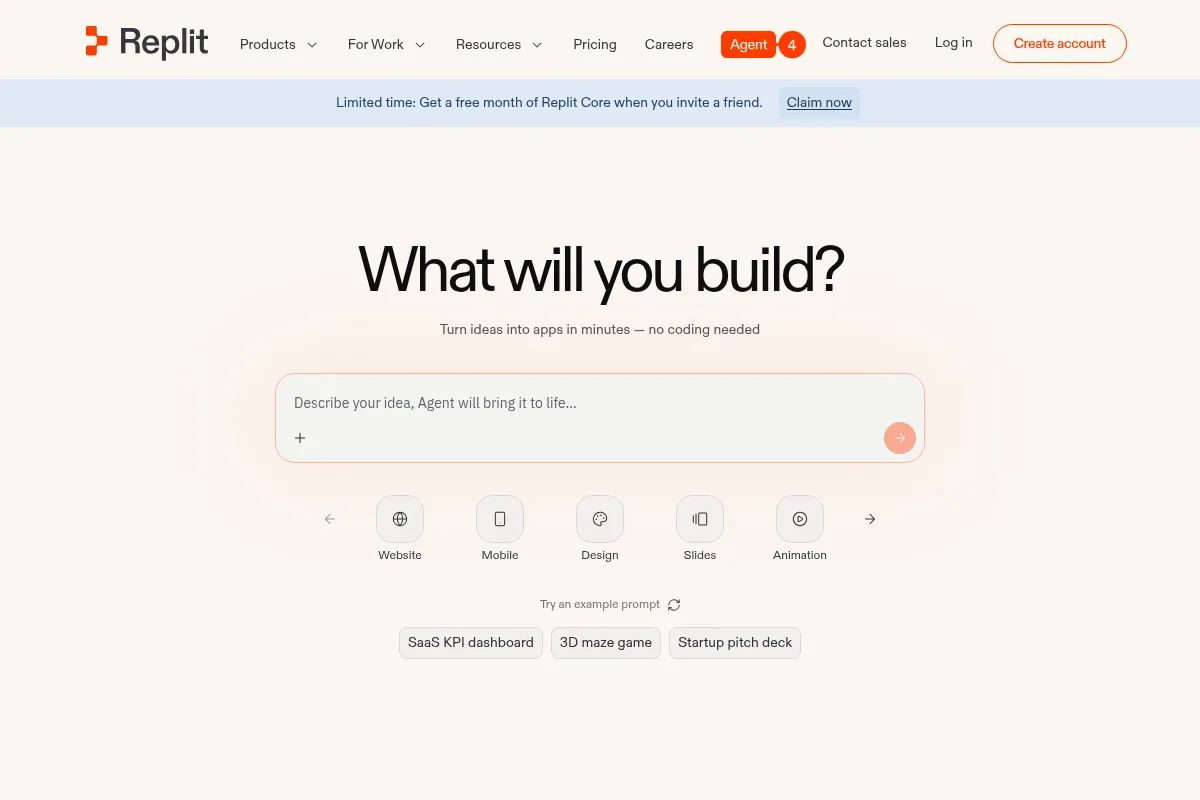
Replit is a cloud-based Integrated Development Environment (IDE) with a heavy focus on its AI Agent, which can generate entire applications from natural language prompts. It supports over 50 languages and bundles coding, AI assistance, real-time collaboration, and one-click deployment into a single browser-based platform. The core value is removing setup friction, allowing users to go from idea to a live application within one interface.
What it actually does
Replit provides a complete, in-browser environment to write, run, and deploy code. Users can start projects from templates, import from GitHub, or generate entire applications using the AI Agent. It includes a code editor, shell, console, and built-in tools for database management and secrets. Once built, applications can be published directly to Replit's cloud infrastructure with various hosting options.
What makes it different
Replit's primary differentiator is its focus on AI-driven, end-to-end application generation, not just code completion. Unlike local IDEs or other cloud editors like VS Code Online, Replit's AI Agent is designed to handle multi-step workflows, from scaffolding the project and installing dependencies to deploying the final product. This integrated, prompt-driven approach makes it accessible to non-coders in a way that traditional developer tools are not.
Ratings across the web



Ratings aggregated from independent review platforms.
Key Features
Replit Agent
Generates, debugs, and modifies entire applications from prompts, drastically reducing initial build time for MVPs.
Zero-Setup Environment
Eliminates the need for local installation and configuration, allowing users to start coding instantly.
Integrated Deployments
Publish apps directly to the cloud with options for static sites, autoscaling servers, and reserved VMs.
Multiplayer Collaboration
Enables real-time, Google Docs-style collaboration in the code editor for pair programming and teaching.
Built-in Database & Storage
Provides simple key-value and PostgreSQL databases that are automatically configured for each project.
GitHub Integration
Import existing repositories to work on them in Replit or push new projects to GitHub.
Figma to React Importer
The AI Agent can convert Figma designs into functional React applications, bridging the gap between design and development.
Pricing
Starter
- Free daily Agent credits (limited)
- Publish 1 app (expires after 30 days)
- Basic workspace (1 vCPU, 2 GiB RAM)
- Public projects only
Replit Core
- $20 of monthly usage credits
- Full Replit Agent access
- Includes up to 5 collaborators
- Unlimited public & private apps
- More powerful workspace (4 vCPUs, 8 GiB RAM)
Replit Pro
- $100 of monthly usage credits (pooled)
- Includes up to 15 collaborators (no per-seat fee)
- Access to most powerful AI models
- Priority support
- Private deployments
Enterprise
- All Pro features
- SSO/SAML and advanced security controls
- Custom seat limits
- Dedicated support
- Single-tenant environments
Pricing checked 6 months ago
Pricing guidance
- You need to create private projects.
- You consistently run out of the free plan's daily AI credits.
- You need to publish more than one application or want it to persist.
- You require a more powerful development workspace for a larger project.
- The monthly subscription fee is just a baseline; significant costs come from usage-based billing for AI, compute, and data transfer once included credits are used.
- There is no built-in spending cap, so a complex AI prompt can lead to unexpected charges without warning.
- Free plan deployments expire after 30 days and must be manually republished.
- Workspace resources like CPU and RAM are strictly tied to your plan.
The pricing is complex and positioned as a pay-for-what-you-use service on top of a subscription fee, which can be misleadingly expensive for active users.
Pros & Cons
Strengths
-
Extremely fast prototyping
The combination of a zero-setup environment and the AI Agent allows users to go from a simple idea to a deployed MVP in hours, not days. This is ideal for testing concepts and building side projects.
-
Accessible for beginners
Replit removes the intimidating setup process that often discourages new coders. The AI assistance provides a scaffold for learning and building functional projects without deep prior knowledge.
-
All-in-one platform
Having the IDE, database, hosting, and collaboration tools in one place simplifies the development workflow, especially for solo makers and small teams who don't want to manage separate services.
-
Seamless real-time collaboration
The multiplayer feature allows teams to code together in real-time, making it effective for pair programming, interviews, and educational workshops.
Weaknesses
-
Unpredictable, usage-based costs
The pricing model, which relies on credits for AI usage, compute, and hosting, can lead to unexpectedly high bills. Many users report burning through their monthly credits quickly and incurring overage charges.
Affects: Users on a fixed budget
-
AI can be unreliable and inconsistent
The AI Agent can misunderstand prompts, introduce bugs, break existing code, or hallucinate changes. Its effectiveness often depends heavily on the user's ability to write precise prompts and debug the output.
Affects: Non-technical users and developers working on complex projects
-
Performance and stability issues
Users report slow loading times, a sluggish interface compared to desktop IDEs, and occasional crashes, particularly on larger projects. Deployed applications can also suffer from reliability problems.
Affects: Users building production-grade applications
-
Not ideal for large-scale applications
While excellent for MVPs, Replit's environment can be limiting for complex, production-ready applications that require more control, specialized infrastructure, and robust security.
Affects: Scaling startups and enterprise teams
Real User Sentiment
User sentiment is polarized. Beginners and non-coders often express amazement at their ability to create functional applications quickly. However, more experienced users and those trying to build production-ready apps frequently voice frustration with unpredictable costs, AI unreliability, and platform limitations.
Users tend to like
- The speed of going from idea to a running app.
- The elimination of local environment setup.
- The feeling of empowerment for non-technical users.
- The convenience of an all-in-one development and deployment tool.
- Real-time collaboration for pair programming and teaching.
Users commonly complain about
- Unpredictable and surprisingly high costs from the credit-based system.
- The AI Agent frequently misunderstands requests, introduces bugs, or breaks existing code.
- Poor performance (slowness, crashes) on larger projects.
- Unreliable deployments that fail or behave differently than the development environment.
- Poor customer support, especially regarding billing disputes.
Recurring tradeoffs
- Speed vs. Control: You get an incredibly fast start, but sacrifice granular control over your environment and deployment.
- Convenience vs. Cost: The all-in-one platform is convenient, but can be significantly more expensive than managing your own infrastructure.
- AI Assistance vs. Reliability: The AI can build a v1 quickly, but its unreliability can create significant debugging work as the project scales.
Happiest users
Beginners, students, and non-technical founders who are building their first simple application or a proof-of-concept.
Often frustrated
Experienced developers trying to build and deploy complex, production-grade applications who are constrained by the platform's limitations and unpredictable costs.
Use Cases
Rapid Prototyping
A founder builds a functional MVP of a web app over a weekend to show potential investors.
Learning to Code
A student uses the zero-setup environment to complete programming assignments in Python without installing anything.
Building Internal Tools
An operations manager with no coding experience builds a simple inventory management system by prompting the AI Agent.
Collaborative Hackathons
A team of developers uses the multiplayer feature to code together in real-time on a single project from different locations.
API Testing
A developer quickly spins up a backend server to test an API endpoint without configuring a local server.
Side Projects
A developer with a full-time job uses Replit to quickly build and deploy a personal project in their spare time.
Frequently Asked Questions
Is Replit actually free?
Replit has a free 'Starter' plan, but its capabilities are very limited. It allows you to publish one application, but the deployment expires after 30 days. You get a small amount of daily AI credits, which can be used up quickly. For any serious or persistent project, you will need to upgrade to a paid plan like Replit Core, which starts at $17/month when billed annually.
How does Replit's pricing and credit system work?
Replit uses a hybrid model. You pay a monthly subscription fee for a plan (e.g., Replit Core), which includes a set amount of monthly credits ($20 worth for the Core plan). These credits are consumed by AI Agent usage, application hosting (compute), database usage, and data transfer. Once you use up your included credits, Replit automatically bills your payment method for any additional usage on a pay-as-you-go basis. This can lead to unpredictable costs if you are not carefully monitoring your usage.
Can I use Replit for a real, production application?
While you can deploy applications on Replit, it is generally better suited for MVPs, internal tools, and smaller projects rather than large-scale, mission-critical production applications. Users frequently report issues with performance, reliability, and deployment stability as projects become more complex. For serious production use, it's common for developers to build the initial version on Replit and then migrate to a dedicated cloud provider like AWS or Vercel for more control and stability.
What are the main limitations of Replit?
The main limitations are the unpredictable cost structure, the unreliability of the AI Agent which can introduce bugs, and performance issues with larger projects. You also have less control over the underlying infrastructure compared to traditional cloud hosting. Additionally, the platform's resources (CPU, RAM, Storage) are strictly tied to your subscription plan, which can be a bottleneck for resource-intensive applications.
How does Replit compare to VS Code with GitHub Copilot?
Replit is an integrated platform that provides the IDE, AI, and hosting in one place. Its AI Agent is designed for end-to-end application generation, not just code completion. VS Code with Copilot is a code editor with an AI assistant focused on code completion and suggestions within your local development environment. With VS Code, you still need to manage your own environment, dependencies, and deployment separately. Choose Replit for all-in-one speed and prototyping; choose VS Code for more control and professional development workflows.
Can I connect Replit to my GitHub account?
Yes, Replit has strong integration with GitHub. You can import an existing GitHub repository into Replit to start working on it immediately. You can also create a new project on Replit and then push the entire codebase to a new or existing GitHub repository. This allows you to use Replit as your IDE while still using GitHub as your source control and for CI/CD pipelines that deploy to other services.
What happens when I run out of credits on a paid plan?
When you exhaust the monthly credits included in your paid plan (e.g., the $20 of credits in the Core plan), Replit does not stop your services. Instead, it begins charging your credit card on file for any further usage of the AI Agent, deployments, or databases. There is no hard spending limit, so costs can accumulate quickly without direct warning for each charge.
Why trust this page?
This evaluation combines product positioning, pricing analysis, traffic and market signals, and public user sentiment into a single decision-support page. Content is generated editorially — not copied from the vendor's website.
Funding & Company
Founded
2016
Stage
—
Total Raised
$877.02M
Latest Round
Series D (Mar 2026)
Notable Investors
Replit has raised approximately $876.9 million over nine funding rounds, indicating strong investor confidence in its AI-powered software development platform. Its most recent funding was a $400 million Series D in March 2026, which significantly increased its valuation to $9 billion. This substantial funding provides a long runway for product development and expansion, suggesting a high degree of stability for users committing to the platform.
Market Signals & Traffic
Estimated visits, global rank, geography, traffic sources, monthly visit trends, and organic search keywords (Similarweb)—on a dedicated page built for depth and search.
- Estimated visits
- 12,174,167
- Global rank
- #3,683
- Snapshot
- Apr 2026
- Traffic trend
- Rising
Estimated monthly visits
Alternatives to Replit
View all alternatives
Similar Tools
Groq
Developer Tools, AI Assistant

AI inference acceleration platform with specialized LPU chips.
Sourcegraph
Developer Tools, AI Assistant

Code intelligence platform for searching, writing, and understanding codebases
NXCode
Developer Tools, AI Assistant

Coding assistant for generating, debugging, and optimizing software code.
Reka
Developer Tools, AI Assistant

Multimodal language models for text, image, video, and audio.
Magic
Developer Tools, AI Assistant

Software engineering assistant with an ultra-long context window.
GitHub Copilot
Developer Tools, AI Assistant

AI-powered coding assistant that suggests and generates code.