

A high-speed factory for faceless short-form content that prioritizes production volume over granular creative control.
Excellent for rapid-fire social media testing and faceless niche channels, weaker for brands requiring high-fidelity custom assets or precise frame-by-frame editing.
Analysis based on product data, pricing structure, traffic signals, and public user sentiment.
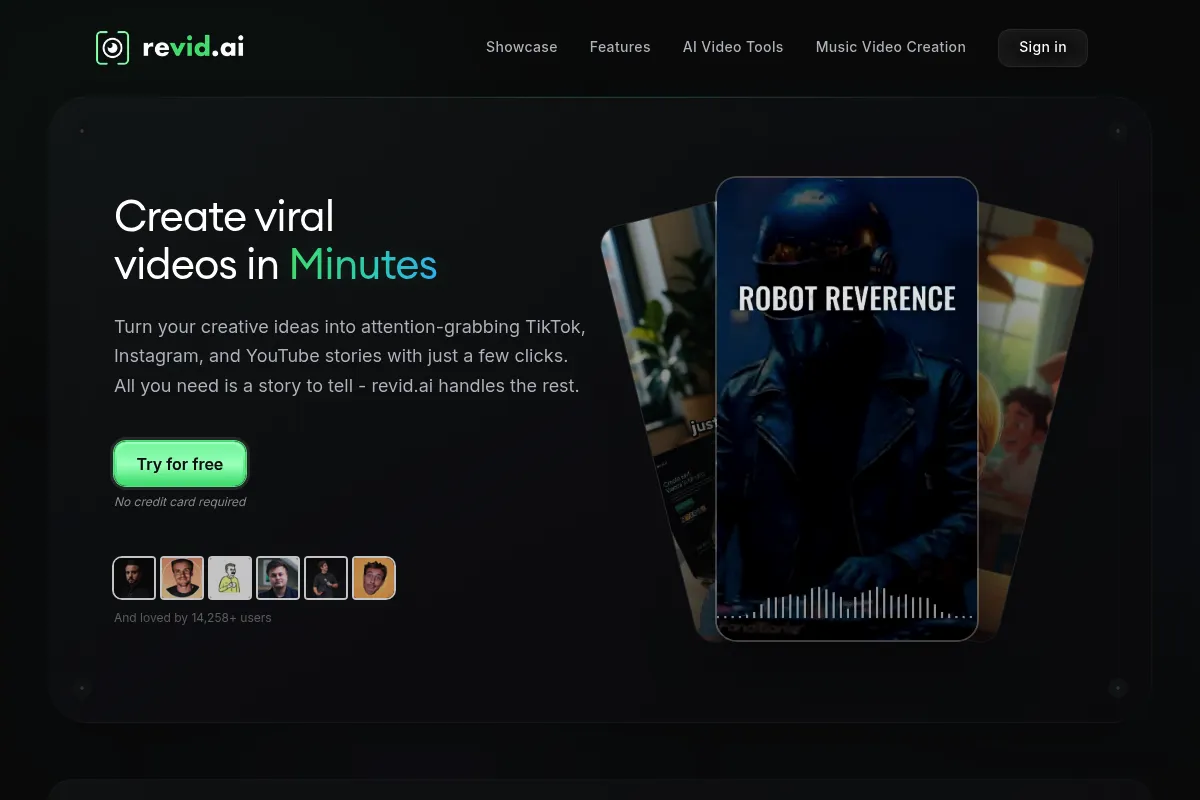
Who Should Use Revid AI?
Typical users
Solo content creators running faceless channels, affiliate marketers, and social media managers who need to maintain high posting frequencies across TikTok and Reels.
Maturity fit
beginner to scaling
Choose this if…
- You want to turn blog posts or scripts into videos in under 5 minutes
- Your strategy relies on high-volume posting to find viral winners
- Your priority is speed over unique cinematic styling
Skip this if…
- You require precise control over every visual transition and frame
- Your brand identity depends on custom-shot footage rather than stock libraries
- You need advanced multi-track video editing capabilities
About Revid AI
Revid AI is a specialized video generator focused on the faceless short-form content niche. It automates the transition from text or URL to a finished video by layering AI voiceovers, stock footage, and dynamic captions into vertical formats.
Official profiles
What it actually does
Users input a script, a link, or a topic, and the tool generates a vertical video complete with background music, AI-generated speech, and relevant stock clips. It handles the manual parts of short-form production—captioning and B-roll selection—automatically.
What makes it different
Unlike general-purpose editors, Revid is built specifically for the viral aesthetic of TikTok and Reels. It prioritizes a one-click workflow that minimizes the time spent in an editor, making it faster than tools like InVideo but less flexible.
Ratings across the web

Ratings aggregated from independent review platforms.
Key Features
URL to Video
Converts blog posts or articles into scripts and visual sequences automatically.
AI Voiceovers
Provides human-sounding voices to narrate scripts without recording equipment.
Auto-Captions
Generates and syncs high-contrast captions popular in short-form media.
Stock Library Access
Pulls B-roll from integrated libraries to match the context of the script.
Script Assistant
Uses LLMs to write or refine video scripts based on a simple prompt.
Batch Generation
Allows for creating multiple variations of a video to test different hooks.
Pricing
Free
- 1 Video per month
- Watermarked exports
- Standard AI voices
Basic
- 15 Videos per month
- No watermarks
- Premium AI voices
- Standard support
Pro
- 40 Videos per month
- Priority generation
- Advanced script tools
- Commercial rights
Agency
- 150 Videos per month
- Dedicated account manager
- Bulk export options
Pricing checked 6 months ago
Pricing guidance
- When you need to remove the watermark for professional posting
- When you move from testing to a daily posting schedule
- When you require commercial usage rights for affiliate content
- Credits typically do not roll over month-to-month
- High-quality voice clones may require higher tiers
- Storage for project files is often capped
Competitive pricing that aligns with other AI video wrappers like Fliki or Pictory.
Pros & Cons
Strengths
-
Extreme production speed
Reduces the time to create a 60-second video from hours to minutes, which is vital for creators testing multiple niches simultaneously.
-
Low technical barrier
Requires zero video editing experience; if you can write a prompt or paste a link, you can produce a social-ready video.
-
Effective for faceless channels
The combination of AI voices and stock footage is specifically tuned for the informative or storytelling style that performs well on TikTok.
Weaknesses
-
Stock footage relevance issues
The AI sometimes selects B-roll that is tangentially related or repetitive, requiring manual swaps to maintain quality.
Affects: Users in highly specific or technical niches
-
Rigid creative templates
The styles are somewhat fixed; you cannot easily deviate from the standard AI video look or create custom brand layouts.
Affects: Brand-conscious marketers
-
Credit-based pricing friction
The jump between tiers can feel steep if your volume needs fall right in the middle of the plan limits.
Affects: Scaling creators
Real User Sentiment
Generally positive for its intended use case—speed and automation—though power users find the lack of editing depth frustrating.
Users tend to like
- Speed of generation
- Ease of use for non-editors
- Quality of the AI voiceovers
- URL-to-video accuracy
Users commonly complain about
- Repetitive stock footage
- Occasional caption errors
- Limited font and styling options
- Credit costs
Recurring tradeoffs
- You trade creative uniqueness for the ability to post 5x more often.
Happiest users
Affiliate marketers and niche news aggregators who value quantity.
Often frustrated
Professional video editors or brand designers who expect Adobe Premiere-level control.
Use Cases
Faceless TikTok Channels
Generating daily storytelling or trivia videos.
Affiliate Marketing
Turning product descriptions into quick promotional clips for Pinterest or Reels.
Blog Repurposing
Converting long-form articles into teaser videos for social traffic.
News Aggregation
Rapidly creating news update clips from trending headlines.
Educational Snippets
Turning lesson summaries into digestible shorts for students.
Frequently Asked Questions
How does Revid AI compare to InVideo?
InVideo offers a more comprehensive editor with a timeline and manual control, making it better for complex projects. Revid is faster and more automated, specifically optimized for the one-click generation of short-form vertical content.
Can I use my own voice in Revid?
Yes, Revid supports voice cloning and audio uploads. This allows you to maintain a consistent personal brand without having to record a new voiceover for every single video you generate.
Is there a free version of Revid AI?
There is a free tier, but it is very limited. You get 1 video credit per month and the output includes a Revid watermark, making it suitable only for a quick trial of the features.
Does Revid AI provide stock footage?
Yes, it integrates with libraries like Pexels and Storyblocks. The AI automatically selects clips based on your script, though you can manually swap them if the AI's choice doesn't fit your vision.
Can I export videos in 4K?
Most plans focus on 1080p vertical resolution, which is the standard for TikTok and Reels. 4K is generally not supported as it isn't necessary for the target social platforms and would slow down generation times.
What languages does Revid support?
Revid supports over 20 languages for both script generation and voiceovers. This makes it a strong choice for creators looking to localize content for different regional markets without hiring translators.
Why trust this page?
This evaluation combines product positioning, pricing analysis, traffic and market signals, and public user sentiment into a single decision-support page. Content is generated editorially — not copied from the vendor's website.
Funding & Company
Founded
2023
Stage
Bootstrapped
Total Raised
Bootstrapped
Latest Round
—
Revid AI is a bootstrapped company that has not raised any external venture capital, funding its growth entirely through its own revenue. This indicates early product-market fit and operational discipline, suggesting the company's stability is directly tied to its customer base rather than investor runway.
Market Signals & Traffic
Estimated visits, global rank, geography, traffic sources, monthly visit trends, and organic search keywords (Similarweb)—on a dedicated page built for depth and search.
- Estimated visits
- 731,953
- Global rank
- #61,943
- Snapshot
- Apr 2026
- Traffic trend
- Steady
Estimated monthly visits
Alternatives to Revid AI
View all alternativesInVideo
Video Creation, Content Creation

An AI-powered video creation platform for quickly producing professional-quality videos.
Fliki
Content Creation, Video Creation

AI-powered text-to-video and text-to-speech creator.
HeyGen
Video Creation, Content Creation, AI Assistant

AI-powered video creation platform with realistic avatars and multi-language support.
Similar Tools
Vortexify
Video Creation, Social Media, Content Creation

Automated video creation for faceless social media channels
VideoPrompt Studio
Video Creation, Content Creation, Design

Visual prompt engineering tool for professional video generation
ZapCap
Content Creation, Video Creation, Productivity

AI-powered video editing and captioning tool for creators.
StepFun
AI Assistant, Content Creation, Developer Tools

Multimodal platform for text, image, video, and audio generation
JoggAI
Video Creation, E-commerce, Marketing Automation

Transform product URLs into high-converting video ads and content.
Photo AI
Content Creation, Video Creation

AI-powered tool for creating realistic digital avatars and videos.