

An automated video production tool that converts product URLs into social media ads using AI avatars—strongest for high-volume e-commerce testing, limited for high-end creative direction.
Best for TikTok and Amazon sellers needing rapid UGC-style content, weaker for brands requiring bespoke cinematography.
Analysis based on product data, pricing structure, traffic signals, and public user sentiment.
Who Should Use JoggAI?
Typical users
E-commerce operators, dropshippers, and performance marketers managing multiple SKUs across TikTok Shop, Amazon, or Shopify.
Maturity fit
scaling
Choose this if…
- You need to turn a high volume of product listings into video ads quickly
- Your priority is testing multiple ad hooks rather than high-fidelity brand storytelling
- You lack the budget or time for manual video editing and hiring UGC creators
- You want to localize ads for international markets using AI dubbing
Skip this if…
- You require precise control over every frame and motion graphic element
- Your brand identity relies on high-end, cinematic production values
- You need the AI avatars to perform complex physical interactions with your product
- Your workflow requires offline editing or integration with professional NLEs like Premiere Pro
About JoggAI
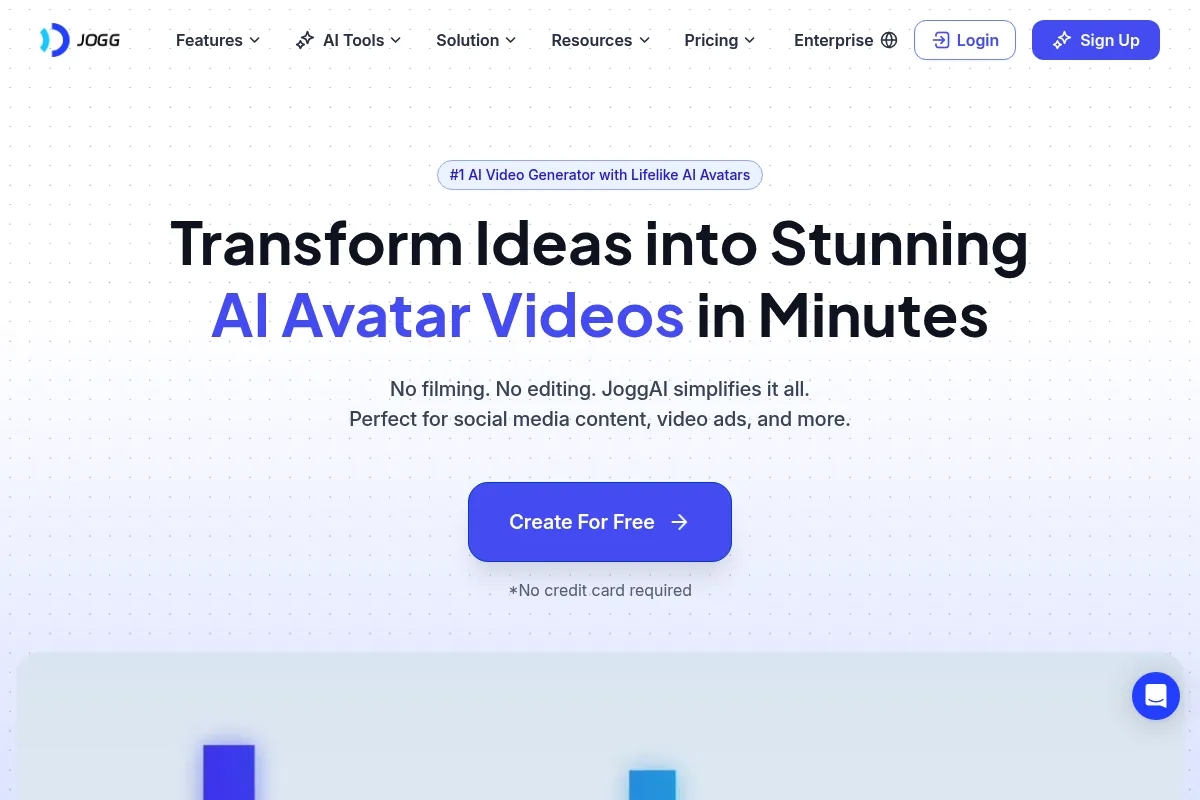
JoggAI is a specialized video generation platform built to solve the content bottleneck in social commerce. It uses AI to scrape product data from URLs and synthesize it into short-form video ads featuring digital human presenters.
What it actually does
The tool automates the entire ad creation pipeline: it extracts images and features from a product link, writes a marketing script, selects relevant stock footage, and overlays a digital avatar to deliver the pitch. Users can then refine the output using a browser-based editor.
What makes it different
Unlike general-purpose AI video tools that start with a blank script, JoggAI is built around the 'URL-to-Video' workflow. Its architecture is optimized for e-commerce data extraction, specifically targeting the visual style and pacing of TikTok and Instagram Reels.
Ratings across the web

Ratings aggregated from independent review platforms.
Key Features
Product Link Scraper
Automatically pulls images and descriptions from Amazon or Shopify to build scenes.
AI Avatars
Provides a library of digital humans to act as presenters, eliminating the need for on-camera talent.
Script Generator
Uses LLMs to write ad copy based on specific marketing frameworks like AIDA or PAS.
Template Library
Offers pre-set layouts optimized for TikTok, Instagram, and YouTube Shorts.
Voice Cloning
Allows users to upload their own voice to be used by the digital avatars.
Batch Creation
Enables the generation of multiple ad variations from a single product link to facilitate A/B testing.
Pricing
Free
- 1 Credit per month
- Standard AI Avatars
- 720p Export resolution
- JoggAI Watermark
Basic
- 15 Credits per month
- No Watermark
- 1080p Export resolution
- Commercial usage rights
Pro
- 60 Credits per month
- Priority rendering
- Access to premium avatars
- Custom avatar options
Business
- 200 Credits per month
- Team collaboration tools
- Dedicated account support
- API access
Pricing checked 6 months ago
Pricing guidance
- When you need to remove the watermark for professional ads
- When you scale your SKU count and need more than 15 videos a month
- When you require 1080p resolution for better ad performance
- Credits typically do not roll over to the next month
- 1 credit usually equals 1 minute of video; shorter videos still consume a full credit in many scenarios
- Advanced avatars or custom voice cloning may require higher-tier plans
Competitive pricing for the e-commerce niche, positioned as a cheaper alternative to hiring creators but more expensive than basic video editors.
Pros & Cons
Strengths
-
Rapid production speed
Reduces the time to create a social-ready ad from hours to minutes by automating the asset gathering and scriptwriting phases.
-
Lowered barrier to UGC-style content
Provides a way to create 'person-on-camera' ads without the logistical overhead of shipping products to creators or hiring actors.
-
Efficient localization
The multi-language support allows brands to test products in different geographic markets without re-shooting content.
Weaknesses
-
Rigid credit-based pricing
The credit system can be punishing; if a generation doesn't meet expectations, users often feel they've wasted paid resources.
Affects: Small teams with tight budgets
-
Avatar 'Uncanny Valley'
While realistic, the avatars can still appear robotic in their movements or lip-syncing, which may lower trust for premium brands.
Affects: High-end luxury or lifestyle brands
-
Limited creative flexibility
The automated templates can lead to a 'cookie-cutter' look where many ads generated by the platform start to look identical.
Affects: Creative directors and brand managers
Real User Sentiment
Generally positive among performance marketers who value speed, though some frustration exists regarding the credit system and occasional AI hallucinations in scripts.
Users tend to like
- The speed of the URL-to-video feature
- Ease of use for non-editors
- Quality of the voiceovers
- Effectiveness for TikTok Shop ads
Users commonly complain about
- Credits being consumed for failed or poor renders
- Limited avatar diversity in lower tiers
- Occasional glitches in the web-based editor
Recurring tradeoffs
- Users trade creative control for extreme production speed
- Lower cost than human creators but higher risk of 'AI-looking' content
Happiest users
Solo dropshippers and small e-commerce teams who need to push out 20+ ads a week on a shoestring budget.
Often frustrated
Professional video editors who find the timeline tools too restrictive and brand purists who dislike the digital avatar aesthetic.
Use Cases
TikTok Shop Sellers
Creating rapid-fire product showcases to capitalize on trending items.
Amazon Brand Registry Owners
Converting existing listing images into video ads for Amazon DSP.
Dropshippers
Testing product viability by generating ads before committing to inventory.
Affiliate Marketers
Producing high volumes of review-style videos for social media traffic.
Global Brands
Localizing successful US-based ads for European or Asian markets using AI dubbing.
Frequently Asked Questions
Does JoggAI have a free plan?
Yes, JoggAI offers a free plan, but it is very limited. You receive 1 credit per month, and all exported videos will have a JoggAI watermark. It is intended for testing the platform's capabilities rather than for commercial use.
How does JoggAI compare to Creatify.ai?
Both tools focus on e-commerce URL-to-video. JoggAI is often cited for having a slightly more intuitive editor and competitive pricing at the entry level, while Creatify.ai is sometimes preferred for its specific ad-hook templates. The choice often comes down to which platform's avatar library fits your brand better.
What are the main limitations of JoggAI?
The primary limitations are the credit-based system, which can feel restrictive, and the 'uncanny valley' effect of AI avatars. Additionally, you cannot perform complex video editing tasks like advanced color grading or custom 3D animations within the tool.
Can I use my own voice in the videos?
Yes, JoggAI supports voice cloning on its higher-tier plans. You can upload a recording of your voice, and the AI will use it to narrate the scripts delivered by the digital avatars.
Which e-commerce platforms does it support?
JoggAI can scrape data from most major platforms, including Amazon, Shopify, eBay, and Etsy. As long as the product page has clear images and text descriptions, the tool can usually process the URL.
Do I own the rights to the videos I create?
On paid plans (Basic and above), you receive full commercial usage rights for the videos you generate. On the free plan, usage is generally restricted to personal testing.
Why trust this page?
This evaluation combines product positioning, pricing analysis, traffic and market signals, and public user sentiment into a single decision-support page. Content is generated editorially — not copied from the vendor's website.
Company
Founded
2024
Stage
Seed
HQ
Singapore
JoggAI has no publicly disclosed venture capital funding to date. The company appears to be bootstrapped or operating on early, undisclosed funds, relying on revenue from direct sales and lifetime deals on platforms like AppSumo.
Market Signals & Traffic
Estimated visits, global rank, geography, traffic sources, monthly visit trends, and organic search keywords (Similarweb)—on a dedicated page built for depth and search.
- Estimated visits
- 428,770
- Global rank
- #69,822
- Snapshot
- Apr 2026
- Traffic trend
- Falling
Estimated monthly visits
Alternatives to JoggAI
View all alternativesFlexClip
Video Creation, Content Creation, Design

AI-powered online video editor with templates and stock media.
InVideo
Video Creation, Content Creation

An AI-powered video creation platform for quickly producing professional-quality videos.
Similar Tools
Monity
Automation & Agents, Data Extraction, SEO

Monitor website changes and automate browser tasks using natural language.
Vayu Robotics
Automation, E-commerce

Autonomous delivery robots for cost-effective last-mile logistics.
Rask AI
Video Creation, Communication, Training & Onboarding

Video localization and dubbing platform for global content distribution.
1min.AI
AI Assistant, Content Creation, Productivity

Unified workspace for text, image, video, and audio generation.
Metricool
Marketing Automation, Content Creation, AI Assistant

Unified platform for social media scheduling, analytics, and advertising.
LiveX AI
AI Assistant, Automation & Agents, Communication

Omnichannel customer engagement agents for support, sales, and retention.