

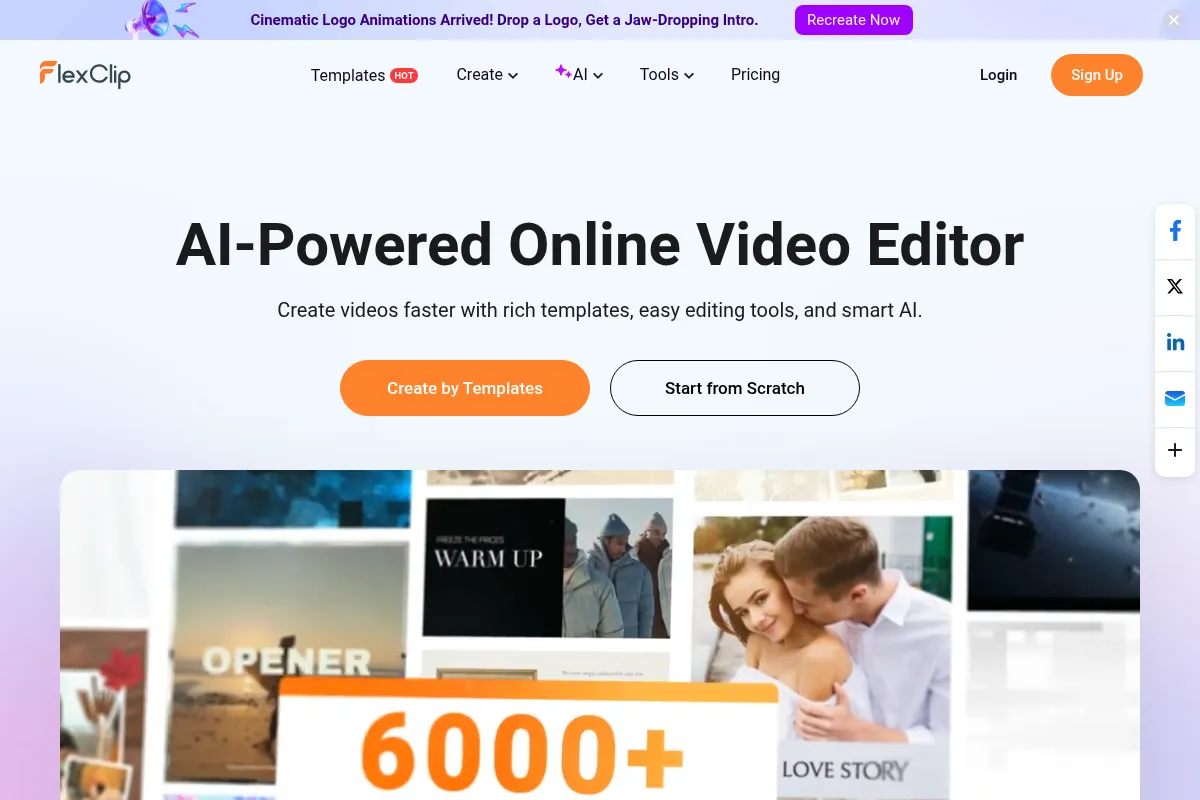
A browser-based editor that prioritizes speed and template-driven workflows over granular control—best for social media clips and simple business presentations.
Excellent for non-editors needing quick social content, weaker for professional-grade color grading or complex motion graphics.
Analysis based on product data, pricing structure, traffic signals, and public user sentiment.
Who Should Use FlexClip?
Typical users
Solo marketers, small business owners, and social media managers who need to churn out video ads or internal training content without a learning curve.
Maturity fit
beginner to scaling
Choose this if…
- You want a drag-and-drop interface with pre-built stock assets
- Your priority is speed and template variety over creative depth
- You need AI-assisted tools like auto-subtitles and text-to-speech in one place
Skip this if…
- You need multi-track editing with complex layering and masking
- Your workflow requires offline editing or heavy local file management
- You require advanced color grading or high-end motion graphics
About FlexClip
FlexClip is a cloud-based video creation platform designed to bridge the gap between basic slideshow makers and professional editing suites. It focuses on a template-first approach, allowing users to assemble videos using a mix of personal uploads and a built-in stock library. The platform has recently pivoted heavily toward AI features to automate the more tedious aspects of video production.
Official profiles
What it actually does
Users can create videos from scratch or via templates by dragging elements onto a storyboard or timeline. It handles basic trimming, transitions, and text overlays while providing integrated access to stock photos, videos, and music. The platform also includes specialized tools for screen recording, background removal, and automated subtitle generation.
What makes it different
Unlike Canva, which treats video as an extension of graphic design, FlexClip uses a more traditional (yet simplified) video timeline and storyboard hybrid. It offers a higher volume of video-specific AI utilities, such as an AI script-to-video generator, which are more integrated into the editing flow than in many generalist design tools.
Ratings across the web



Ratings aggregated from independent review platforms.
Key Features
AI Video Script
Generates video outlines and scripts based on prompts to jumpstart production.
Auto Subtitle
Transcribes audio into synchronized on-screen text to improve social media engagement.
Text-to-Video
Automatically matches stock footage to your script to create a rough draft in seconds.
Stock Media Library
Provides millions of royalty-free photos, videos, and music tracks directly in the editor.
Branding Kit
Stores logos, fonts, and color palettes to maintain visual consistency across projects.
AI Image Generator
Creates custom visuals from text prompts when stock photos don't fit the niche.
Video Compressor
Reduces file sizes for easier sharing without significant quality loss.
Team Collaboration
Allows multiple users to edit projects and share assets within a workspace.
Pricing
Free
- 480p SD downloads
- FlexClip watermark
- 1 stock video per project
- Maximum 12 projects
Plus
- 1080p Full HD downloads
- No FlexClip watermark
- 5 stock videos per project
- Unlimited projects
- 10GB cloud storage
Business
- 4K Ultra HD downloads
- Unlimited stock videos
- 100GB cloud storage
- Unlimited AI credits (within fair use)
- Branding kits
Pricing checked 5 months ago
Pricing guidance
- When you need to export in 1080p or 4K
- When you need to remove the FlexClip branding
- When you exceed the monthly AI credit limit for subtitles or voiceovers
- AI credits for text-to-speech and auto-subtitles are capped monthly
- Cloud storage is limited even on the Business plan (100GB)
- Stock media access is tiered; the Plus plan only allows 5 stock items per project
Affordable for individuals and small teams, positioned as a cheaper alternative to the Adobe ecosystem.
Pros & Cons
Strengths
-
Low barrier to entry
The interface is intuitive enough that a user with zero editing experience can produce a usable marketing video in under 30 minutes.
-
Efficient AI utility suite
The auto-subtitle and text-to-speech tools save hours of manual labor, making it highly effective for creating 'faceless' YouTube channels or quick ads.
-
Flexible editing modes
The choice between Storyboard (for beginners) and Timeline (for more control) allows the tool to grow slightly with the user's skill level.
Weaknesses
-
Performance bottlenecks
As a browser-based tool, it can lag or crash when handling high-resolution files or complex projects with many layers.
Affects: Users working with 4K footage or long-form content
-
Limited creative control
You cannot perform advanced tasks like keyframe animation, custom masking, or sophisticated audio mixing.
Affects: Professional editors or creators with a specific artistic vision
-
AI credit limitations
Even on paid plans, AI features like text-to-speech and auto-subtitles are often metered, which can lead to unexpected costs for high-volume users.
Affects: Power users and content agencies
Real User Sentiment
Users generally appreciate the speed and ease of use, though power users frequently complain about browser-related performance issues.
Users tend to like
- Extensive template library
- Accurate auto-subtitle feature
- Simple drag-and-drop workflow
- Good variety of AI voices
Users commonly complain about
- Slow rendering and export times
- Occasional loss of progress due to sync issues
- Limited font and text styling options
- Stock library can feel repetitive
Recurring tradeoffs
- Ease of use comes at the expense of granular editing control
- Cloud convenience is offset by dependence on a stable internet connection
Happiest users
Small business owners who need to make a 30-second social media ad in 10 minutes.
Often frustrated
Experienced editors trying to use it for complex storytelling or high-bitrate video production.
Use Cases
Real Estate
Creating property walkthroughs using templates and background music.
YouTube Creators
Generating 'faceless' videos using AI scripts and stock footage.
HR Teams
Producing quick internal training videos or company announcements.
E-commerce
Building short, punchy video ads for Instagram or TikTok.
Educators
Creating instructional content with auto-generated subtitles for accessibility.
Frequently Asked Questions
Is FlexClip actually free?
FlexClip offers a free tier, but it is very restrictive. You are limited to 480p resolution, and your videos will have a FlexClip watermark. It is best used for testing the interface rather than producing final content.
How does FlexClip compare to Canva?
Canva is a generalist design tool where video is one of many features. FlexClip is a dedicated video editor with a more traditional timeline, making it better for projects that require precise timing, though Canva has a superior library of static design assets.
Can I use FlexClip on my phone?
FlexClip is primarily a desktop browser-based tool. While you can access the site on mobile, the editing experience is not optimized for small screens; for mobile-first editing, tools like CapCut are superior.
What are the AI credits and how do they work?
AI credits are used for features like Text-to-Speech and Auto-Subtitles. Each plan has a monthly quota. If you run out, you'll need to wait for the next billing cycle or upgrade your plan to continue using those specific AI tools.
Does FlexClip support 4K video?
Yes, but only on the Business plan. The Plus plan is limited to 1080p, and the Free plan is limited to 480p.
Can I collaborate with my team on FlexClip?
The Business plan includes team collaboration features, allowing you to create a shared workspace where members can edit the same projects and access a centralized brand kit.
Why trust this page?
This evaluation combines product positioning, pricing analysis, traffic and market signals, and public user sentiment into a single decision-support page. Content is generated editorially — not copied from the vendor's website.
Funding & Company
Founded
2006
Stage
Bootstrapped
Total Raised
Bootstrapped
Latest Round
—
FlexClip is a product of PearlMountain Limited, a company that has been operating since 2006 and appears to be entirely self-funded. The absence of any publicly disclosed funding rounds indicates a long-term, bootstrapped strategy focused on sustainable growth through revenue.
Market Signals & Traffic
Estimated visits, global rank, geography, traffic sources, monthly visit trends, and organic search keywords (Similarweb)—on a dedicated page built for depth and search.
- Estimated visits
- 2,005,218
- Global rank
- #25,755
- Snapshot
- Apr 2026
- Traffic trend
- Steady
Estimated monthly visits
Alternatives to FlexClip
View all alternativesCanva AI
Content Creation

Online design tool for creating graphics, presentations, videos, and websites.
VEED AI
Video Creation, Content Creation

AI-powered online video editor for creating and enhancing content.
InVideo
Video Creation, Content Creation

An AI-powered video creation platform for quickly producing professional-quality videos.
Similar Tools
LivePortrait
Video Creation, Content Creation, Design

Animate static portraits using driving videos or audio
VideoPrompt Studio
Video Creation, Content Creation, Design

Visual prompt engineering tool for professional video generation
Animaker
Video Creation, Content Creation, Design

Create animated videos and visual content with a DIY editor.
PixVerse
Video Creation, Content Creation, Design

Generate high-quality cinematic videos from text and image prompts
Reface
Video Creation, Content Creation, Design

AI-powered face swap app for videos, GIFs, and photos.
Animoto
Video Creation, Content Creation, Design

Easy-to-use online video creation platform for professional-quality videos.