

An open-source portrait animation framework that delivers high-speed facial retargeting and blending without the heavy compute costs of diffusion-based alternatives.
Best for developers and technical creators needing fast, controllable talking heads; weaker for full-body movement or commercial-ready licensing.
Analysis based on product data, pricing structure, traffic signals, and public user sentiment.
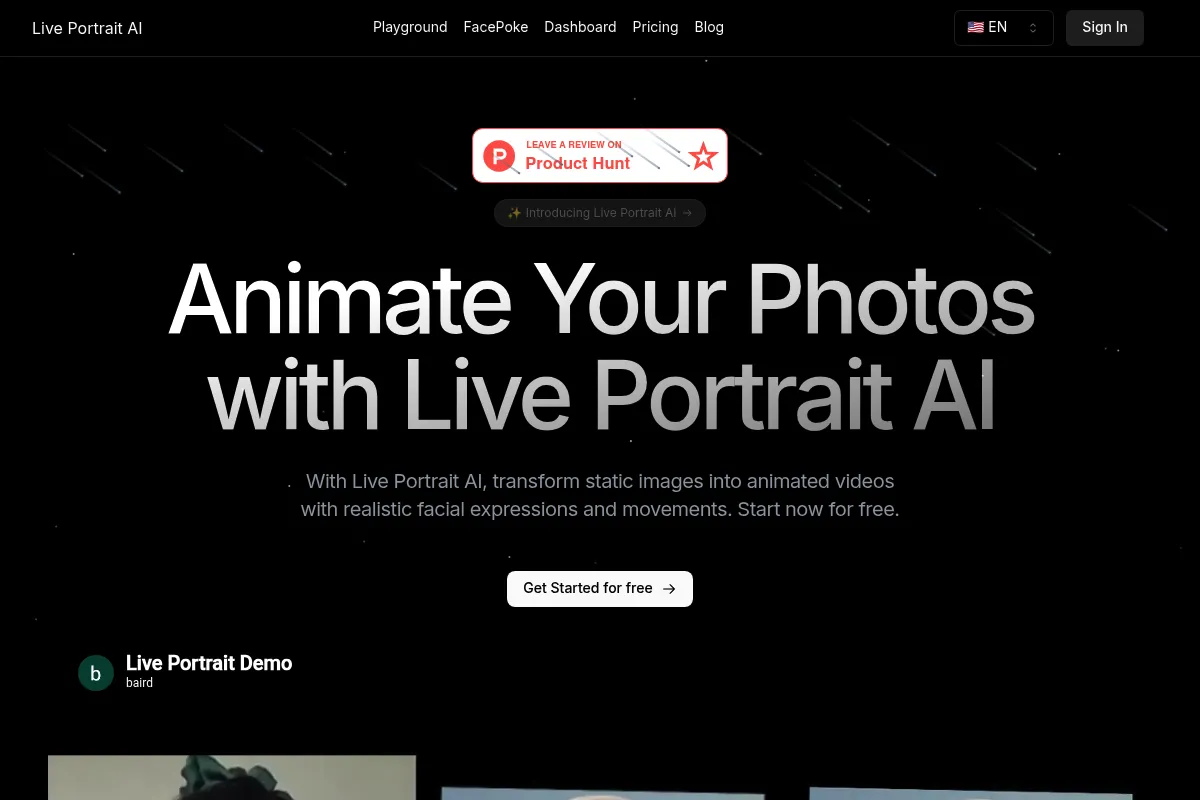
Who Should Use LivePortrait?
Typical users
AI developers building avatar applications, motion designers using ComfyUI, and social media creators with technical setups.
Maturity fit
beginner to advanced
Choose this if…
- You need sub-second inference speeds for real-time or batch processing.
- Your priority is avoiding 'floating head' artifacts through precise neck and shoulder stitching.
- You want deep control over specific facial features like eye blinking and lip-syncing accuracy.
Skip this if…
- You require a commercial license for the model weights to build a for-profit product.
- You need to animate full bodies or complex hand movements.
- You want a polished, one-click SaaS interface with dedicated customer support.
About LivePortrait
LivePortrait is an efficient portrait animation framework developed by Kuaishou Technology. It focuses on transforming static 2D images into dynamic videos using a driving video or audio source. Unlike heavy diffusion models, it uses a keypoint-based approach to achieve high-quality results with significantly lower computational overhead.
Official profiles
What it actually does
The tool maps the facial expressions and head movements from a 'driving' video onto a static 'source' image. It generates a video where the subject in the image mimics the movements of the driver while maintaining the original image's identity and background. It includes specific modules for stitching the animated face back onto the original torso to prevent visual glitches.
What makes it different
It prioritizes 'stitching and retargeting' rather than full-frame generation. By only calculating facial changes and blending them back into the source image, it maintains higher resolution and temporal consistency than many generative models. It is notably faster than competitors like SadTalker, reaching ~12ms per frame on consumer-grade GPUs.
Ratings across the web

Ratings aggregated from independent review platforms.
Key Features
Stitching Module
Blends the animated face back into the original image to eliminate neck seams.
Expression Retargeting
Allows users to adjust the intensity of specific facial movements like smiles or blinks.
Keypoint-Based Architecture
Uses 2D landmarks instead of 3D morphable models for better speed and flexibility.
Landmark Optimization
Reduces jittering in video output for a more stable, lifelike appearance.
Audio-to-Video Support
Animates portraits based on speech files rather than just video drivers.
Open-Source Codebase
Available on GitHub for local deployment and custom pipeline integration.
Pricing
Open Source (Local)
- Full access to GitHub repository
- Local execution on your hardware
- No usage limits
- Community-driven updates
Hugging Face / Replicate
- Cloud-hosted inference
- No local GPU required
- API access for developers
- Costs based on compute time (approx. $0.0002/sec)
Pricing checked 5 months ago
Pricing guidance
- When you need to scale via API
- When you lack a local GPU with at least 8GB VRAM
- When you need to integrate it into a web-based application
- Model weights are for non-commercial use only
- Performance is highly dependent on VRAM speed
- Public Hugging Face spaces often have long queues
Open-source and community-driven, with costs only appearing if using third-party cloud providers.
Pros & Cons
Strengths
-
Exceptional inference speed
The framework is optimized for performance, making it viable for applications requiring fast turnaround or real-time interaction.
-
High temporal stability
Unlike many AI video tools that suffer from flickering, LivePortrait maintains consistent facial features across frames.
-
Minimal hardware requirements
Can run effectively on mid-range consumer GPUs (8GB VRAM), lowering the barrier for local creators.
-
Superior blending
The dedicated stitching module ensures the head doesn't look detached from the body, a common failure point in portrait AI.
Weaknesses
-
Restrictive model license
While the code is MIT, the model weights are typically released under a non-commercial research license, complicating business use.
Affects: Founders and startups
-
Limited to portrait scope
The tool is strictly for faces and heads; it cannot handle torso movement, walking, or hand gestures.
Affects: Content creators needing full-body animation
-
Technical setup required
Requires knowledge of Python, Git, or specialized UI wrappers like ComfyUI to use effectively.
Affects: Non-technical users
Real User Sentiment
Users are highly impressed with the speed-to-quality ratio, though the non-commercial license is a frequent point of frustration for developers.
Users tend to like
- The lack of 'neck seams' compared to other tools
- Extremely fast rendering times
- Ease of use within the ComfyUI ecosystem
- Natural-looking eye movements
Users commonly complain about
- Non-commercial license restriction on weights
- Difficulty animating profiles or side views
- Occasional artifacts with glasses or long hair
Recurring tradeoffs
- Speed is gained by focusing only on the face, sacrificing the ability to animate the rest of the body.
Happiest users
Technical creators and hobbyists who enjoy building custom workflows in ComfyUI.
Often frustrated
Business owners looking for a 'plug-and-play' commercial solution for marketing videos.
Use Cases
Meme Creation
Animating static images of celebrities or historical figures for social media.
Game Development
Creating low-cost talking head animations for NPC dialogue.
Digital Humans
Powering the visual component of AI chatbots or virtual assistants.
Localization
Adjusting lip-syncing in existing videos to match dubbed audio tracks.
Personalized Messaging
Generating custom video greetings from a single photo for marketing experiments.
Frequently Asked Questions
Is LivePortrait free to use?
Yes, the code is open-source under the MIT license. However, the pre-trained model weights provided by the creators are generally restricted to non-commercial research use. You can run it for free on your own hardware or use free demos on Hugging Face.
How does LivePortrait compare to HeyGen?
HeyGen is a professional SaaS platform with a commercial license, built-in voices, and a user-friendly editor, but it is expensive. LivePortrait is a technical framework that is much faster and free to run, but it requires technical setup and lacks the 'all-in-one' features of HeyGen.
What are the hardware requirements for LivePortrait?
To run LivePortrait locally at reasonable speeds, you need an NVIDIA GPU with at least 8GB of VRAM. It has been tested extensively on RTX 3090 and 4090 cards, where it achieves near real-time performance.
Can I use LivePortrait for commercial projects?
The code itself is MIT licensed, but the model weights are for research purposes. If you intend to use it for a commercial product, you should consult the specific license terms on the official GitHub repository, as Kuaishou typically prohibits commercial exploitation of the weights.
Does it support audio input?
While the primary focus is video-to-video driving, community implementations and wrappers have added audio-to-video capabilities, allowing you to drive the portrait's mouth movements using an MP3 or WAV file.
Can it animate full-body photos?
No, LivePortrait is specifically designed for portrait images. It focuses on the head and shoulders. If you try to animate a full-body shot, it will only manipulate the facial region and attempt to stitch it back onto the static body.
Why trust this page?
This evaluation combines product positioning, pricing analysis, traffic and market signals, and public user sentiment into a single decision-support page. Content is generated editorially — not copied from the vendor's website.
Funding & Company
Founded
—
Stage
Bootstrapped
Total Raised
Bootstrapped
Latest Round
—
LivePortrait is an open-source project that originated from academic and corporate research, not a venture-backed company. It has not raised any external funding and appears to be bootstrapped by its parent entity, ARTFUSION INNOVATIONS LTD, with monetization through a freemium web-based tool.
Market Signals & Traffic
Estimated visits, global rank, geography, traffic sources, monthly visit trends, and organic search keywords (Similarweb)—on a dedicated page built for depth and search.
- Estimated visits
- 67,676
- Global rank
- #449,743
- Snapshot
- Apr 2026
- Traffic trend
- Surging
Estimated monthly visits
Alternatives to LivePortrait
View all alternativesHeyGen
Video Creation, Content Creation, AI Assistant

AI-powered video creation platform with realistic avatars and multi-language support.
Vidu AI
Content Creation, Video Creation

AI-powered tool to generate cinematic videos from text and images.
Runway ML
Video Creation, Content Creation

AI-powered creative suite for generating and editing video, images, and audio.
Similar Tools
PixVerse
Video Creation, Content Creation, Design

Generate high-quality cinematic videos from text and image prompts
FlexClip
Video Creation, Content Creation, Design

AI-powered online video editor with templates and stock media.
Reface
Video Creation, Content Creation, Design

AI-powered face swap app for videos, GIFs, and photos.
Animoto
Video Creation, Content Creation, Design

Easy-to-use online video creation platform for professional-quality videos.
Animaker
Video Creation, Content Creation, Design

Create animated videos and visual content with a DIY editor.
VideoPrompt Studio
Video Creation, Content Creation, Design

Visual prompt engineering tool for professional video generation