

A template-driven animation suite for non-designers that excels at character-based storytelling but struggles with editor performance and restrictive export limits on lower tiers.
Best for HR trainers and social media marketers needing custom characters without a studio budget; weaker for professional animators or those requiring high-performance web editors.
Analysis based on product data, pricing structure, traffic signals, and public user sentiment.
Who Should Use Animaker?
Typical users
Solo marketers, HR professionals, and educators in small to mid-sized organizations.
Maturity fit
beginner to scaling
Choose this if…
- You need to create explainer videos with unique, customizable characters
- Your priority is speed of creation over frame-by-frame precision
- You want built-in text-to-speech to avoid hiring voice actors
- You require a massive library of pre-made stock assets and templates
Skip this if…
- You need professional-grade motion graphics or frame-by-frame control
- Your workflow requires offline editing or a lightweight browser experience
- You have a high volume of video exports (monthly limits are tight)
- You need advanced character rigging or custom asset imports beyond basic images
About Animaker
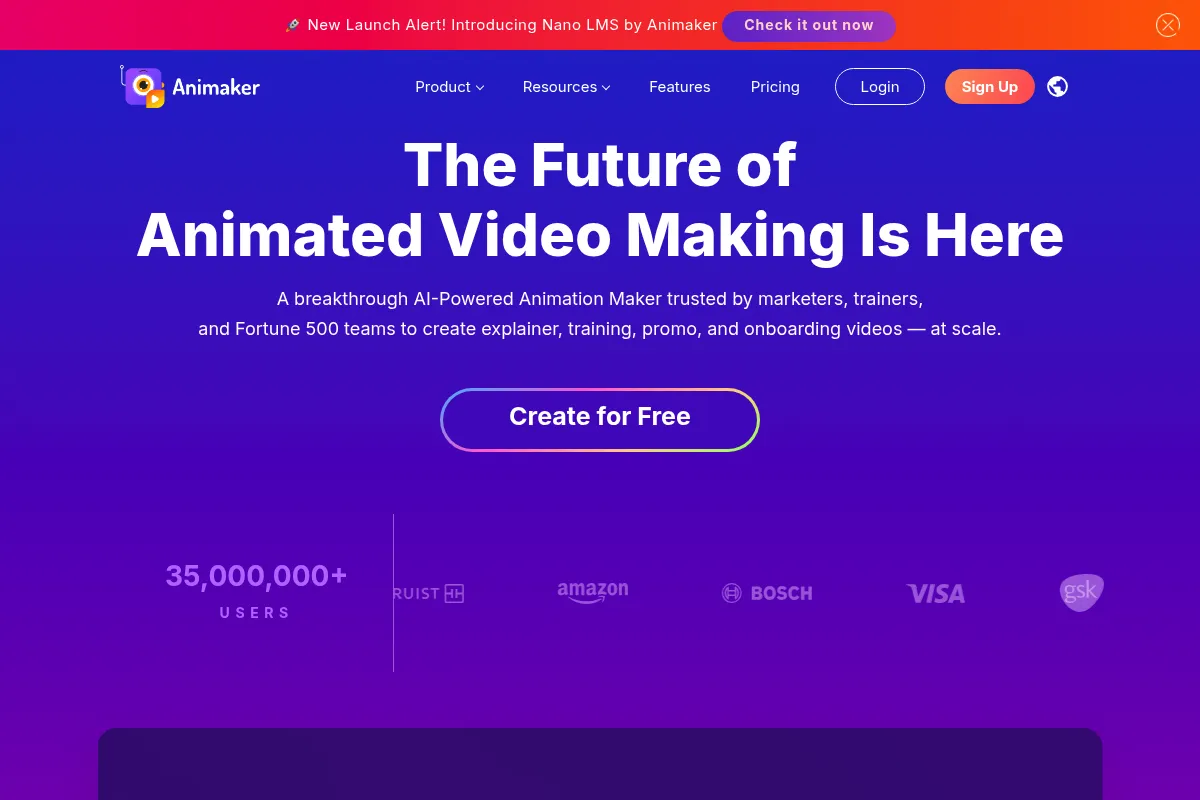
Animaker is a cloud-based DIY video creation tool designed to bridge the gap between static presentations and professional animation. It targets non-technical users who need to produce character-led explainer videos, social content, and internal training materials using a drag-and-drop interface.
Official profiles
What it actually does
Users build videos by selecting pre-animated characters, backgrounds, and props from a library. The tool automates complex movements like walking or talking through simple 'action' commands and syncs character lip-movements to uploaded audio or generated text-to-speech.
What makes it different
The standout differentiator is the 'Character Builder,' which allows for significantly more granular customization of avatars (facial features, clothing, accessories) than competitors like Canva or Powtoon. While most tools offer static sets of characters, Animaker treats characters as modular assets.
Ratings across the web

Ratings aggregated from independent review platforms.
Key Features
Character Builder
Allows users to create unique brand mascots with specific outfits and features.
Auto Lip-Sync
Matches character mouth movements to audio files or text-to-speech automatically.
Smart Move
Simplifies complex animations by letting users define start and end points for objects.
Action Plus
Chains multiple character animations together for more fluid, continuous movement.
Video Resizer
Instantly converts horizontal videos to vertical or square formats for social media.
AI Voiceovers
Generates human-like narration from text scripts directly within the editor.
Brand Kit
Stores logos, colors, and fonts to ensure consistency across team projects.
Pricing
Free
- Animaker watermark on exports
- 3 downloads per month
- SD quality
- Character builder (limited)
Basic
- 5 downloads per month
- HD quality (720p)
- 5 custom characters/mo
- 10 premium asset credits
Starter
- 10 downloads per month
- Full HD quality (1080p)
- 15 min video length
- 10 custom characters/mo
Pro
- 20 downloads per month
- 2K quality
- 30 min video length
- 30 custom characters/mo
- Commercial rights
Enterprise
- Unlimited downloads
- 4K quality
- Collaboration tools
- Dedicated account manager
Pricing checked 6 months ago
Pricing guidance
- When you need to remove the Animaker watermark
- When you require 1080p or 4K resolution
- When you exceed the 5-download monthly limit on the Basic plan
- When you need commercial rights to sell your videos to clients
- Monthly download limits apply even to paid tiers
- Premium assets (music/images) often require 'credits' even if you have a subscription
- Commercial rights are excluded from the Basic and Starter plans
Mid-range pricing that starts cheap but scales quickly once you need professional resolution and commercial rights.
Pros & Cons
Strengths
-
Granular character customization
The ability to modify specific facial features and outfits makes it easier to create videos that feel unique rather than generic template clones.
-
Efficient text-to-speech integration
The built-in engine is surprisingly competent, saving significant time and budget for users who don't want to record their own voiceovers.
-
Massive asset library
Access to millions of stock images, videos, and icons within the interface reduces the need for external subscriptions like Getty or Shutterstock.
-
Low barrier to entry
The drag-and-drop logic is intuitive enough that a user can produce a functional explainer video in a few hours without prior training.
Weaknesses
-
Heavy browser performance
The editor is resource-intensive; users on older hardware or slow internet connections frequently report significant lag and crashes.
Affects: Users with mid-range laptops or remote workers with unstable connections.
-
Restrictive export limits
Even paid plans have a hard cap on the number of downloads per month, which can be a bottleneck for high-volume content creators.
Affects: Social media managers and agencies producing multiple videos weekly.
-
Steep learning curve for 'Action Plus'
While basic movements are easy, syncing complex sequences of actions can become tedious and frustrating due to the timeline UI.
Affects: Users trying to create more sophisticated, professional-looking narratives.
Real User Sentiment
Generally positive regarding the creative possibilities, but frequently marred by complaints about technical performance and billing transparency.
Users tend to like
- The character customization depth
- Ease of lip-syncing
- Variety of pre-made templates
- Quality of the text-to-speech voices
Users commonly complain about
- Slow editor performance and lag
- Difficulty canceling subscriptions
- Strict monthly download limits
- Occasional bugs during the export process
Recurring tradeoffs
- Users trade the precision of professional software for the speed of a template-based system.
- The low entry price is offset by the 'credit' system for premium assets.
Happiest users
HR managers creating internal training videos and teachers making educational content.
Often frustrated
Professional freelancers who need to export dozens of videos monthly or those working on low-spec hardware.
Use Cases
HR Training
Creating animated safety or compliance videos for employees.
YouTube Explainers
Building educational content without showing your face on camera.
Social Media Ads
Quickly generating square or vertical animated promos for Instagram and TikTok.
Sales Pitches
Replacing static slide decks with personalized animated video messages.
Internal Comms
Announcing company updates or new features to a remote team in an engaging format.
Frequently Asked Questions
Is Animaker actually free?
Animaker offers a free plan, but it is highly limited. Every video you export will have a visible Animaker watermark, and you are restricted to only 3 downloads per month at SD quality. It is best used as a sandbox to test features before committing to a paid plan.
How does Animaker compare to Vyond?
Vyond is generally considered more professional and stable, with better business-themed assets, but it is significantly more expensive (starting around $49/mo). Animaker is more affordable for individuals and offers better character customization, but its editor is often slower and less reliable than Vyond's.
Can I use Animaker videos for commercial purposes?
Only if you are on the Pro or Enterprise plans. The Basic and Starter plans do not include commercial rights, meaning you cannot legally use those videos for paid advertising or sell them to clients.
Does Animaker work on a Mac or PC?
Animaker is entirely browser-based, so it works on both Mac and PC. However, because it is resource-heavy, it requires a modern browser (Chrome is recommended) and a computer with decent RAM to avoid lag.
Can I upload my own images and music?
Yes, all paid plans allow you to upload your own assets, including images, audio files, and fonts. This is essential for maintaining brand consistency beyond the built-in library.
What are 'Premium Credits'?
Even on paid plans, certain high-quality assets in the library are marked as 'Premium.' You get a set number of credits each month to use these specific assets; if you run out, you have to pay extra or wait for the next month.
Why trust this page?
This evaluation combines product positioning, pricing analysis, traffic and market signals, and public user sentiment into a single decision-support page. Content is generated editorially — not copied from the vendor's website.
Funding & Company
Founded
2014
Stage
Bootstrapped
Total Raised
Bootstrapped
Latest Round
—
Animaker is a fully bootstrapped and profitable company that has not taken any external venture capital funding. Its growth has been financed by revenue from its large user base and initial funding from the founders' previous company, Bode Animation. This financial independence suggests a stable, product-focused operation.
Market Signals & Traffic
Estimated visits, global rank, geography, traffic sources, monthly visit trends, and organic search keywords (Similarweb)—on a dedicated page built for depth and search.
- Estimated visits
- 1,063,413
- Global rank
- #44,654
- Snapshot
- Apr 2026
- Traffic trend
- Falling
Estimated monthly visits
Alternatives to Animaker
View all alternativesCanva AI
Content Creation

Online design tool for creating graphics, presentations, videos, and websites.
InVideo
Video Creation, Content Creation

An AI-powered video creation platform for quickly producing professional-quality videos.
Similar Tools
FlexClip
Video Creation, Content Creation, Design

AI-powered online video editor with templates and stock media.
VideoPrompt Studio
Video Creation, Content Creation, Design

Visual prompt engineering tool for professional video generation
Animoto
Video Creation, Content Creation, Design

Easy-to-use online video creation platform for professional-quality videos.
LivePortrait
Video Creation, Content Creation, Design

Animate static portraits using driving videos or audio
Reface
Video Creation, Content Creation, Design

AI-powered face swap app for videos, GIFs, and photos.
PixVerse
Video Creation, Content Creation, Design

Generate high-quality cinematic videos from text and image prompts