

A specialized AI editor for short-form social content that automates captions and B-roll—strong for high-volume creators, limited for those needing manual creative control.
Best for creators who need viral-style captions and stock overlays at scale, weaker for precise cinematic editing.
Analysis based on product data, pricing structure, traffic signals, and public user sentiment.
Who Should Use ZapCap?
Typical users
Solo content creators, social media managers, and agencies producing high volumes of TikToks, Reels, and Shorts.
Maturity fit
beginner to scaling
Choose this if…
- Your priority is speed over manual frame-by-frame precision
- You want AI to automatically select and overlay B-roll based on your script
- You need to produce 'talking head' videos with dynamic, emoji-heavy captions
- You manage multiple social accounts and need a consistent visual style
Skip this if…
- You require a traditional multi-track timeline for complex video compositions
- Your workflow depends on deep integration with professional suites like Adobe Premiere Pro
- You need to edit long-form content (over 20 minutes) frequently
About ZapCap
ZapCap is a browser-based AI video editor designed to automate the post-production of short-form vertical video. It targets the 'viral' aesthetic popularized by creators like Alex Hormozi, focusing on high-retention elements like dynamic captions and contextual stock footage.
What it actually does
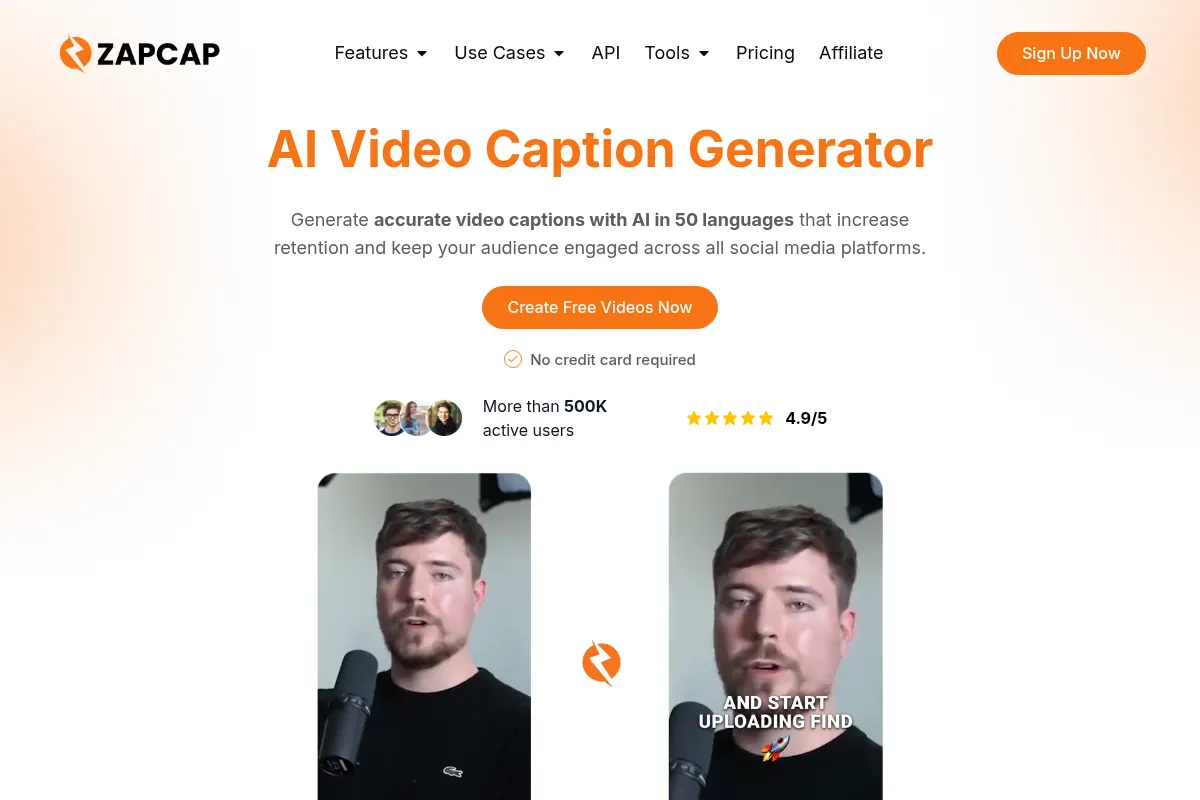
The tool transcribes video footage, generates synchronized captions with automated emoji placement, and uses AI to insert relevant B-roll from stock libraries. It also handles silence removal and provides templates to standardize branding across social media clips.
What makes it different
Unlike general-purpose editors, ZapCap prioritizes the 'B-roll engine' which attempts to match visual overlays to the context of spoken words. This reduces the time spent manually searching stock sites, moving the tool closer to a 'one-click' social media production house.
Ratings across the web

Ratings aggregated from independent review platforms.
Key Features
AI B-Roll
Automatically scans your transcript to overlay relevant stock footage and images.
Dynamic Captions
Generates word-by-word highlighted subtitles with automated emoji matching.
Auto-Cut
Identifies and removes dead air and 'um/uh' sounds to keep pacing tight.
Multi-Language Support
Transcribes and translates content for global audience reach.
Template Library
Provides pre-set styles that mimic high-performing social media creators.
Brand Kits
Allows users to lock in specific fonts, colors, and logos for every export.
Magic Zooms
Automatically applies zooms on key phrases to emphasize points and maintain engagement.
Pricing
Free
- 10 minutes of video per month
- ZapCap watermark on exports
- Standard caption styles
- 720p export resolution
Starter
- 30 minutes of video per month
- No watermark
- Full AI B-roll access
- 1080p export resolution
Pro
- 100 minutes of video per month
- Priority AI processing
- Custom brand kits
- Advanced caption templates
Agency
- 250 minutes of video per month
- Team collaboration tools
- Dedicated support
- Highest processing speed
Pricing checked 5 months ago
Pricing guidance
- When you need to remove the ZapCap watermark
- When your monthly output exceeds 30 minutes of finished footage
- When you need to save custom brand styles for consistent client work
- Unused minutes typically do not roll over to the next month
- Higher resolution exports (4K) may be restricted or slower on lower tiers
- AI B-roll usage may have internal stock library credit limits
Competitive pricing that undercuts some high-end AI editors while remaining more expensive than manual tools like CapCut.
Pros & Cons
Strengths
-
Significant time savings on captions
The automated emoji and highlighting logic is accurate enough to require only minimal manual tweaks, which is the most time-consuming part of short-form editing.
-
Contextual B-roll automation
The ability to have AI suggest and place stock footage based on the script is a major advantage for creators who lack the budget or time for manual asset sourcing.
-
Low barrier to entry
The interface is intuitive for non-editors, making it accessible for founders or marketers who don't want to learn professional software.
Weaknesses
-
B-roll relevance varies
The AI sometimes selects stock footage that is too literal or slightly off-context, requiring manual replacement for high-quality results.
Affects: Creators in niche or technical industries
-
Rigid editing structure
Because it is optimized for speed, you lose the granular control over layers and timing found in traditional editors like CapCut or Premiere.
Affects: Professional video editors
-
Minute-based pricing limits
The credit-based system means you are charged for the length of video processed, which can become expensive for those experimenting with many takes.
Affects: High-volume creators on a budget
Real User Sentiment
Generally positive, with users praising the speed of the captioning engine but noting that the AI B-roll still requires a 'human eye' for final polish.
Users tend to like
- Speed of the 'Auto-Cut' feature
- Modern, viral-style caption templates
- Ease of generating B-roll without leaving the app
Users commonly complain about
- Occasional transcription errors in non-English languages
- Stock footage can feel repetitive if used too frequently
- Lack of a mobile app for on-the-go editing
Recurring tradeoffs
- You trade creative flexibility for extreme production speed
- Automated B-roll saves time but can result in a 'generic' stock-heavy look
Happiest users
Solopreneurs who need to turn one hour of recording into a week's worth of social content in under 30 minutes.
Often frustrated
Editors who want to manually time every transition or use custom motion graphics.
Use Cases
Podcast Highlights
Turning long-form video podcasts into bite-sized, captioned clips for TikTok.
Educational Content
Adding visual B-roll to 'talking head' tutorials to explain complex concepts.
Ad Creative
Rapidly testing different caption styles and hooks for social media advertisements.
Personal Branding
Maintaining a consistent visual identity across daily LinkedIn and Reel updates.
Agency Scaling
Managing the editing workflow for multiple clients without hiring a full-time video team.
Frequently Asked Questions
Does ZapCap have a free version?
Yes, ZapCap offers a free plan that includes 10 minutes of video per month, but all exports will include a ZapCap watermark. To remove the watermark and access higher export resolutions, you must upgrade to a paid tier starting at $12/month (billed annually).
How does ZapCap compare to Submagic?
ZapCap and Submagic are very similar in their focus on short-form captions. However, ZapCap places a heavier emphasis on its AI B-roll engine, which automatically inserts stock footage. Submagic is often cited for having slightly more 'polished' caption templates, but ZapCap is generally seen as a more comprehensive 'all-in-one' editor for those who want the AI to handle visual overlays too.
Can I use my own B-roll or only the AI-suggested ones?
You can absolutely upload your own media. While the AI suggests B-roll from integrated stock libraries, you have the option to replace any segment with your own clips or images to ensure the video remains authentic to your brand.
What languages does ZapCap support?
ZapCap supports transcription and captioning in over 50 languages, including English, Spanish, French, German, Portuguese, and many others. This makes it a strong choice for creators looking to localize their content for different regions.
Is there a limit on how many videos I can export?
The limits are based on the total duration of the videos processed, not the number of files. For example, the Starter plan allows for 30 minutes of video per month, which could be thirty 1-minute clips or sixty 30-second clips.
Does ZapCap integrate with other editing software?
ZapCap is primarily a standalone web-based editor. While you can export your finished videos to use elsewhere, it does not currently offer direct project file exports (like .prproj for Premiere) or deep API integrations with other creative suites.
Why trust this page?
This evaluation combines product positioning, pricing analysis, traffic and market signals, and public user sentiment into a single decision-support page. Content is generated editorially — not copied from the vendor's website.
Funding & Company
Founded
—
Stage
Bootstrapped
Total Raised
Bootstrapped
Latest Round
—
ZapCap is an unfunded company, indicating it is bootstrapped and has not taken on external venture capital. Its growth is financed through its own revenue, which suggests a focus on sustainable, product-led growth rather than rapid, VC-fueled expansion.
Market Signals & Traffic
Estimated visits, global rank, geography, traffic sources, monthly visit trends, and organic search keywords (Similarweb)—on a dedicated page built for depth and search.
- Estimated visits
- 218,492
- Global rank
- #207,837
- Snapshot
- Apr 2026
- Traffic trend
- Surging
Estimated monthly visits
Alternatives to ZapCap
View all alternativesVEED AI
Video Creation, Content Creation

AI-powered online video editor for creating and enhancing content.
Descript
Content Creation, Video Creation

AI-powered audio and video editor that edits like a document.
Kapwing AI
Content Creation, Video Creation

Online video editor with AI tools for content creation and repurposing.
Similar Tools
Banana
Developer Tools, Automation

Serverless GPU infrastructure for deploying and scaling machine learning models.
Brandi AI
Design, Marketing Automation, Content Creation

Create and manage consistent brand identities and marketing assets.
Bardeen AI
AI Assistant, Developer Tools

AI-powered no-code automation tool for browser workflows.
Pyramid Flow
Video Creation, Developer Tools, Content Creation

Generate high-resolution videos from text and image prompts efficiently.
Akash Network
Developer Tools, Research

Decentralized cloud marketplace for high-performance GPU and compute resources.
Copy.ai
Content Creation, AI Assistant

AI-powered copywriting and content generation platform.