

A scheduling tool focused on service-based businesses that offers the most generous multi-user free tier in the category, though it lacks advanced workflow customization.
Excellent for small service teams needing multi-user support on a budget, weaker for complex enterprise sales workflows.
Analysis based on product data, pricing structure, traffic signals, and public user sentiment.
Who Should Use Setmore?
Typical users
Small to mid-sized service businesses like salons, clinics, and consultancies with 2-10 staff members.
Maturity fit
beginner to scaling
Choose this if…
- You need a free plan that supports up to 4 staff members
- Your primary payment processor is Square
- You want a standalone booking page without building a full website
- You prioritize a simple setup over deep UI customization
Skip this if…
- You need complex conditional logic or multi-step booking forms
- You require deep white-labeling or CSS control over the booking page
- Your workflow depends on advanced automated marketing sequences post-booking
About Setmore
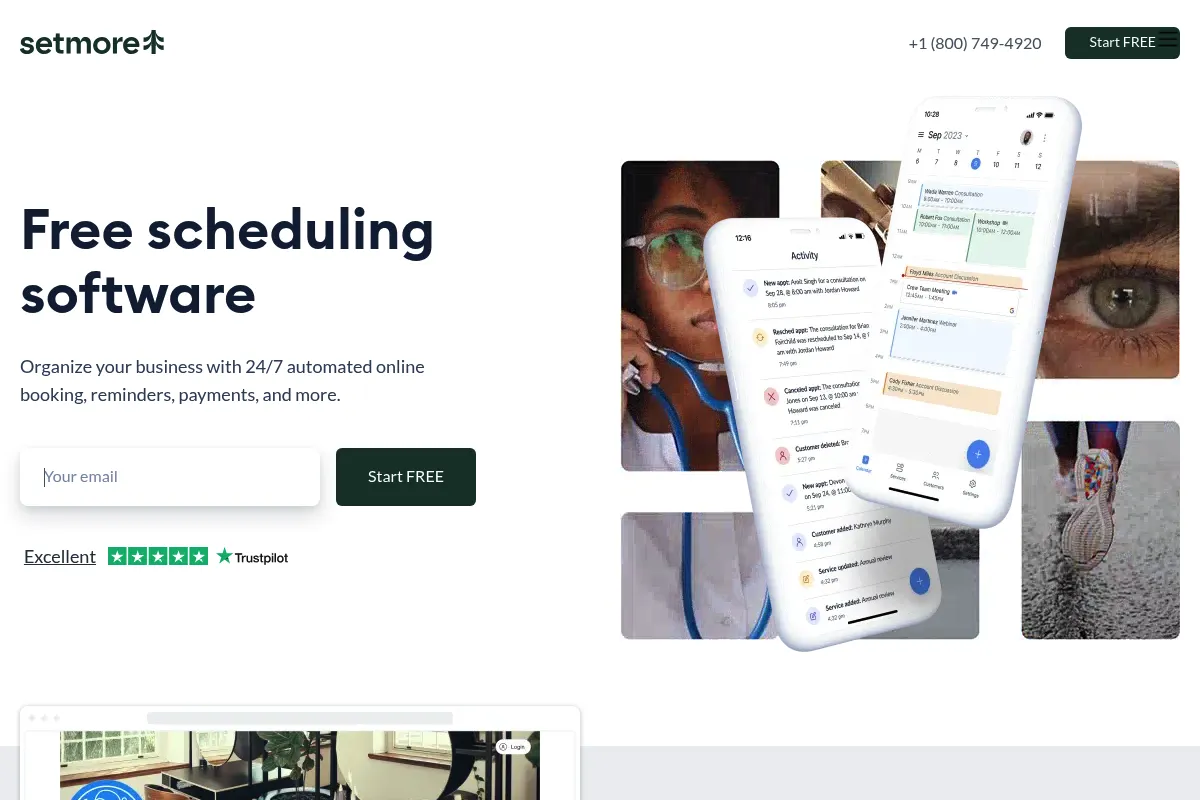
Setmore is an appointment management system designed for service providers to automate bookings and payments. It functions as a centralized hub for staff schedules and client appointments, aiming to reduce administrative overhead for small teams.
Official profiles
What it actually does
The tool provides a public-facing booking page where clients can select services, staff, and time slots. It synchronizes these appointments with staff calendars, sends automated reminders via email or SMS, and processes payments through integrated gateways.
What makes it different
Unlike most competitors that restrict free versions to a single user, Setmore allows up to four users on its free tier. It also maintains a tighter integration with Square than many other scheduling tools, making it a preferred choice for retail-heavy service businesses.
Ratings across the web



Ratings aggregated from independent review platforms.
Key Features
Multi-User Free Tier
Allows up to 4 staff profiles to manage their own calendars without a subscription fee.
Square Integration
Enables payment processing and POS syncing specifically for businesses already in the Square ecosystem.
Custom Booking URL
Provides a dedicated link (yourbusiness.setmore.com) for clients to book without needing a website.
SMS Reminders
Reduces no-shows by sending automated text alerts to clients before their scheduled time.
Teleport Video Integration
Offers a built-in video conferencing tool so users don't have to manage third-party Zoom links.
Class Bookings
Supports one-to-many scheduling for workshops, fitness classes, or group sessions.
Review Requests
Automatically prompts clients to leave feedback after an appointment is completed.
Mobile App
Allows staff to manage their schedules and book appointments on the go via iOS and Android.
Pricing
Free
- Up to 4 users
- Unlimited appointments
- Email reminders
- Square integration
- Custom booking page
Pro
- Up to 2 users
- SMS reminders
- 2-way calendar sync
- Stripe and PayPal payments
- Recurring appointments
Team
- Unlimited users
- All Pro features
- Priority support
- Customized notifications
Pricing checked 6 months ago
Pricing guidance
- When you need to sync with Google or Outlook calendars two-ways
- When you want to accept payments via Stripe or PayPal
- When you need automated SMS reminders to reduce no-shows
- The $5/user price requires annual billing; monthly rates are significantly higher (approx. $12/user).
- The Free plan limits you to Square for payments; you cannot use Stripe without upgrading.
Highly competitive pricing that undercuts Calendly and Acuity for small teams.
Pros & Cons
Strengths
-
High value free tier
Supporting 4 users for free is rare in this space, making it the most cost-effective option for very small teams starting out.
-
Simple user interface
The dashboard is intuitive for non-technical staff, requiring minimal training to manage daily schedules.
-
Strong Square synergy
The integration is deeper than a simple payment link, allowing for better reconciliation of service and retail sales.
-
Built-in video tool
The native Teleport integration simplifies virtual appointments by removing the need for external meeting software subscriptions.
Weaknesses
-
Limited booking page design
Users cannot significantly alter the layout or branding of the booking page beyond basic colors and logos.
Affects: Brands requiring a highly specific aesthetic
-
SMS locked to paid plans
While the free plan is generous with users, the critical 'no-show' prevention tool (SMS) requires a monthly subscription.
Affects: Budget-conscious businesses with high no-show rates
-
Basic reporting
The analytics provided are surface-level; businesses needing deep insights into staff utilization or lifetime value will find it lacking.
Affects: Data-driven managers and scaling operations
Real User Sentiment
Users generally appreciate the simplicity and the value of the free tier, though power users often complain about the lack of advanced features.
Users tend to like
- Ease of setup
- Generous free user limit
- Clean mobile app
- Reliable Square integration
Users commonly complain about
- Limited customization of the booking page
- Occasional sync delays with Google Calendar
- Customer support can be slow on the free tier
Recurring tradeoffs
- You trade deep customization and complex automation for a lower price point and ease of use.
Happiest users
Local service providers (barbers, therapists, tutors) who want a 'set it and forget it' booking system.
Often frustrated
Marketing agencies or high-volume sales teams who need complex lead routing and deep CRM integrations.
Use Cases
Local Salon
Managing multiple stylists' schedules and taking deposits via Square.
Private Tutor
Offering a simple link for students to book sessions and receive automated reminders.
Medical Clinic
Coordinating appointments across several practitioners with HIPAA-compliant options.
Fitness Instructor
Scheduling recurring weekly classes and processing payments upfront.
Consultancy
Syncing professional calendars to avoid double-booking while offering Zoom-integrated meetings.
Frequently Asked Questions
Is Setmore actually free for multiple users?
Yes, Setmore allows up to 4 staff members on its Free plan. This includes unlimited appointments and email reminders, which is significantly more generous than competitors like Calendly or Acuity, which typically limit free plans to one user.
How does Setmore compare to Calendly?
Calendly is optimized for 1-on-1 sales meetings and complex team routing. Setmore is built for service-based businesses (like salons or clinics) that need a public booking storefront, staff management, and point-of-sale integrations like Square.
Can I use Stripe on the free plan?
No. The Free plan only supports Square for payment processing. If you want to use Stripe or PayPal, you must upgrade to the Pro or Team plan, which starts at $5 per user/month billed annually.
Does Setmore support SMS reminders?
SMS reminders are a paid feature. They are included in the Pro and Team plans. The Free plan only includes email notifications for both the staff and the client.
Can I remove Setmore branding from my booking page?
Full removal of branding is limited. While you can add your own logo and colors on paid plans, the 'Powered by Setmore' badge remains in some areas. It is not a true white-label solution.
Does it integrate with Zoom?
Yes, Setmore integrates with Zoom and Google Meet on its paid plans. However, it offers its own native video tool called Teleport, which is available even on the free tier for 1-on-1 meetings.
Why trust this page?
This evaluation combines product positioning, pricing analysis, traffic and market signals, and public user sentiment into a single decision-support page. Content is generated editorially — not copied from the vendor's website.
Funding & Company
Founded
2002
Stage
Bootstrapped
Total Raised
Bootstrapped
Latest Round
—
Setmore is a product of its parent company, AnywhereWorks, which has been bootstrapped since its inception. The company has not taken any external funding, relying on its own revenue to fuel growth and product development, indicating a focus on sustainable, long-term operations.
Market Signals & Traffic
Estimated visits, global rank, geography, traffic sources, monthly visit trends, and organic search keywords (Similarweb)—on a dedicated page built for depth and search.
- Estimated visits
- 5,573,697
- Global rank
- #9,544
- Snapshot
- Apr 2026
- Traffic trend
- Steady
Estimated monthly visits
Similar Tools
Clean Email
Productivity, Automation, Communication

Smart inbox organizer to clean, unsubscribe, and automate email management.
Triple Whale
Marketing Automation, Automation & Agents

Centralized analytics and attribution platform for e-commerce brands.
Ortto
Marketing Automation, Email Marketing, Automation

Unified platform for customer data, marketing automation, and analytics.
Gemini
AI Assistant, Content Creation

An experimental AI-powered conversational chatbot from Google.
Beam AI
Automation & Agents, Productivity, Communication

Platform for deploying autonomous agents to automate complex business workflows.
SuperSaaS
Productivity, Automation, Workflow

Flexible online appointment scheduling and booking system for businesses.