

TeleportHQ is an AI-powered low-code platform that bridges design and development by generating production-ready code from visual interfaces.
Best for developers and designers needing to export clean code, weaker for non-technical users prioritizing rapid launch.
Analysis based on product data, pricing structure, traffic signals, and public user sentiment.
Who Should Use TeleportHQ?
Typical users
Front-end developers, UI/UX designers, and small to medium-sized agencies that require efficient conversion of designs into code across various JavaScript frameworks.
Maturity fit
beginner to advanced
Choose this if…
- You need to export clean, production-ready code in multiple JavaScript frameworks.
- You want to streamline the design-to-code handoff process.
- Your team includes both designers and developers who need to collaborate.
- You want to leverage AI to accelerate website prototyping and development.
Skip this if…
- You are a complete beginner with no technical background and need a simple, all-in-one website builder.
- Your primary need is rapid website deployment with minimal technical involvement.
- You require extensive third-party integrations beyond design tools and code repositories.
- You need advanced automation features for complex marketing campaigns.
About TeleportHQ
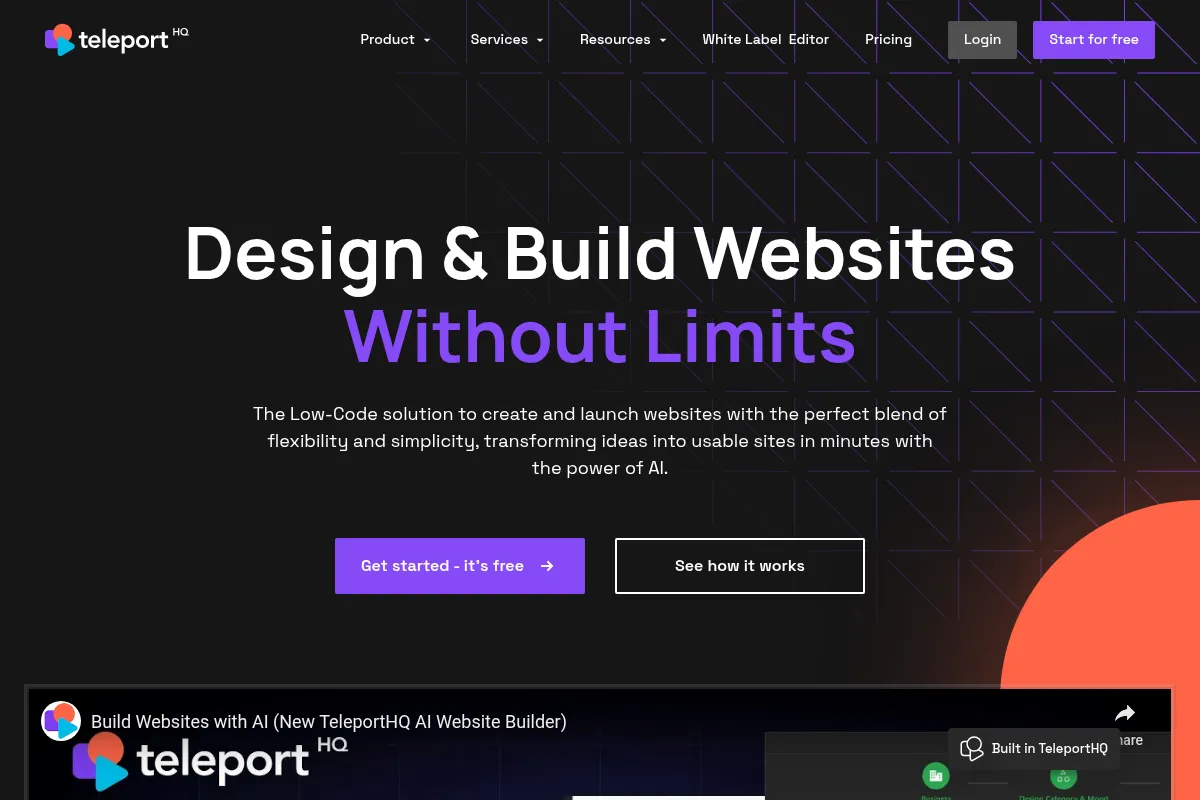
TeleportHQ is a low-code platform that uses AI to help designers and developers build websites and UIs. It focuses on generating clean, exportable code in various JavaScript frameworks, aiming to reduce the friction between design and development. The platform supports collaborative workflows and integrates with design tools like Figma.
What it actually does
TeleportHQ allows users to generate website layouts using AI prompts or by importing designs from Figma. It provides a visual editor for refinement and then exports production-ready code in multiple frameworks. The platform also offers hosting and deployment options.
What makes it different
TeleportHQ's core differentiator is its focus on generating clean, framework-agnostic code via its User Interface Definition Language (UIDL). This approach aims to provide developers with code that requires minimal refactoring, unlike some other design-to-code tools that may produce less optimized output. It also emphasizes AI-driven generation from prompts as a starting point.
Ratings across the web

Ratings aggregated from independent review platforms.
Key Features
AI Website Generator
Generates initial website layouts and structures based on text prompts, accelerating the starting point for development.
Figma Integration
Allows direct import of Figma designs, converting them into responsive websites or components, streamlining the design-to-code workflow.
Code Export
Exports production-ready code in 9 JavaScript frameworks (React, Vue, Next.js, Angular, etc.), providing flexibility for developers to integrate into their existing stacks.
Visual Editor with Drag-and-Drop
Offers an intuitive interface for refining designs and making adjustments without extensive coding knowledge.
Real-Time Collaboration
Enables multiple team members to work on projects simultaneously, improving team efficiency and communication.
Headless CMS Integration
Connects with various headless CMS platforms to create dynamic, content-driven websites.
Component Libraries
Allows creation and reuse of customizable UI elements across projects, promoting consistency and efficiency.
Pricing
Free
- 1 Project
- 3 Pages/project
- 10 Code views or downloads
- 15k AI tokens
- 1 Form
- 30 Form submissions
- Watermark on website
Professional
- Unlimited projects
- Unlimited code views or downloads
- Unlimited view-only collaborators
- Upload videos
- Private projects
- Dedicated customer support
Agency
- Unlimited projects
- Unlimited code views or downloads
- White-label editor
- Custom domain hosting
- Unique hosting needs
Pricing checked 6 months ago
Pricing guidance
- When you need to work on more than one project.
- When you require unlimited code exports for multiple projects.
- When you need to collaborate with more than a few team members on private projects.
- When you want to remove watermarks and use custom domains.
- AI token limits on the Free plan (though generous, they can be regional).
- Watermark on websites in the Free plan.
- Project and code view/download limits on the Free plan.
- The 'editor' pricing model for the Professional plan means each collaborator with editing rights incurs a cost.
TeleportHQ offers a tiered pricing structure that is affordable for individuals and small teams, with a clear upgrade path for more extensive use.
Pros & Cons
Strengths
-
Clean Code Export
Generates production-ready code in multiple JavaScript frameworks, which developers can readily use and extend, reducing refactoring time.
-
Figma Integration
Seamlessly imports Figma designs, significantly speeding up the process of translating visual mockups into functional code.
-
AI-Powered Generation
Accelerates the initial website creation process by generating layouts and content from simple text prompts, ideal for rapid prototyping.
-
Collaborative Environment
Supports real-time collaboration, making it suitable for teams of designers and developers working together on projects.
-
Framework Agnostic Code
Utilizes UIDL to generate code for various frameworks, offering flexibility and avoiding vendor lock-in.
Weaknesses
-
Steeper Learning Curve
The platform's interface and advanced features can be challenging for complete beginners to grasp, requiring some technical understanding.
Affects: Non-technical users and beginners
-
Limited Customization in AI Output
While AI generation is fast, fine-tuning specific elements or achieving highly unique designs may require significant manual editing or a different approach.
Affects: Users seeking highly bespoke designs without manual input
-
Potential for Bugs and Freezing
Some user feedback indicates instances of editor freezing and bugs, suggesting potential stability issues.
Affects: Users prioritizing a consistently stable editing experience
-
Limited Third-Party Integrations
Focuses on developer-centric integrations like Figma and GitHub, with a smaller ecosystem compared to broader website builders.
Affects: Users needing a wide array of marketing or business tool integrations
Real User Sentiment
Mixed, with praise for its core functionality but significant concerns regarding stability and support.
Users tend to like
- Clean and exportable code generation
- Efficient Figma integration
- AI-powered design generation speed
- Collaborative features for design and development teams
Users commonly complain about
- Editor freezing and bugs
- Lack of responsive customer support
- Pre-built sections not working correctly
- Steep learning curve for non-technical users
Recurring tradeoffs
- Speed of AI generation vs. stability of the editor
- Code export capabilities vs. ease of use for beginners
- Feature-richness vs. responsiveness of support
Happiest users
Developers and agencies who value clean code export and efficient design-to-code workflows, and who can navigate potential technical issues.
Often frustrated
Non-technical users or those who encounter bugs and lack responsive support, leading to a poor user experience.
Use Cases
Rapid prototyping of web UIs for developers
Streamlining design-to-code handoffs for agencies
Building landing pages and marketing sites with AI assistance
Creating reusable component libraries for design systems
Collaborative development of front-end applications
Converting Figma designs into functional code for React, Vue, or other frameworks
Frequently Asked Questions
What is TeleportHQ?
TeleportHQ is an AI-powered, low-code front-end development platform designed to help designers and developers build websites and user interfaces. It focuses on generating clean, exportable code in various JavaScript frameworks, integrating visual design tools with automated code generation to streamline the web development process. It aims to bridge the gap between design and development by enabling collaborative workflows and efficient conversion of designs into production-ready code.
How does TeleportHQ's AI website builder work?
You start by providing a text prompt describing your desired website. The AI then generates a complete layout, structure, and content. You can refine this AI-generated design using the visual editor, making adjustments to text, images, and layout. The platform also allows for AI-assisted editing of specific sections or elements. Finally, you can export the production-ready code or deploy the site directly.
What frameworks can I export code to?
TeleportHQ supports exporting production-ready code in 9 different JavaScript frameworks and formats: React, Vue, Next.js, Gatsby, Angular, Preact, Nuxt, Gridsome, and plain HTML/CSS. This flexibility allows developers to integrate the generated code into their preferred tech stack with minimal friction.
What are the limitations of the Free plan?
The Free plan includes 1 project, 3 pages per project, 10 code views or downloads, and 15k AI tokens. It also has limitations on form submissions (30) and includes a watermark on the website. While it's great for testing and small personal projects, professional use requiring multiple projects or unlimited code exports will necessitate an upgrade.
How does TeleportHQ compare to Webflow?
Webflow is a more comprehensive, all-in-one website builder with a strong focus on visual design and a built-in CMS, ideal for users who want to build and host entirely within one platform. TeleportHQ, on the other hand, emphasizes the design-to-code export process, providing developers with clean, framework-specific code that can be taken elsewhere. Webflow offers more design freedom and a managed hosting experience, while TeleportHQ excels in generating exportable code for developer workflows.
Does TeleportHQ have integrations?
TeleportHQ offers integrations with key design tools like Figma, and code repositories like GitHub. It also supports integration with various headless CMS platforms (e.g., Strapi, Contentful, WordPress) to enable dynamic content. While it focuses on developer-centric integrations, its ecosystem is smaller compared to broader website builders that offer extensive app marketplaces.
What are the main drawbacks of using TeleportHQ?
Some users report issues with the editor freezing and bugs, alongside concerns about the responsiveness of customer support. For non-technical users, the learning curve can be steep. While the AI generation is fast, achieving highly unique or complex designs might require significant manual refinement or a different approach than what the AI initially provides.
Why trust this page?
This evaluation combines product positioning, pricing analysis, traffic and market signals, and public user sentiment into a single decision-support page. Content is generated editorially — not copied from the vendor's website.
Funding & Company
Founded
2017
Stage
Seed
Total Raised
$3.67M
Latest Round
Seed (May 2022)
Notable Investors
TeleportHQ has raised a total of $3.67M over two rounds, including a recent $2.5M Seed round in May 2022. This funding provides the company with capital to expand its low-code, AI-powered platform for front-end developers.
Market Signals & Traffic
Estimated visits, global rank, geography, traffic sources, monthly visit trends, and organic search keywords (Similarweb)—on a dedicated page built for depth and search.
- Estimated visits
- 136,606
- Global rank
- #219,197
- Snapshot
- Apr 2026
- Traffic trend
- Falling
Estimated monthly visits
Alternatives to TeleportHQ
View all alternatives
Similar Tools
FLUX (by Black Forest Labs)
Developer Tools, Design, Productivity

Collaborative PCB design platform for hardware engineering teams.
Moises
Content Creation, Productivity

Isolate vocals and instruments from any song for musical practice.
Mammouth AI
Automation & Agents, Workflow, Productivity

Build and deploy autonomous agents for complex workflow automation
Murf AI
Content Creation, Video Creation

AI voice generator for creating realistic text-to-speech voiceovers.
Designs.ai
Content Creation, Video Creation, AI Assistant

Unified AI platform for creating communication assets like copy, visuals, and video.
Nano Banana
Video Creation, Content Creation, Social Media

Generate faceless social media videos from text prompts.