

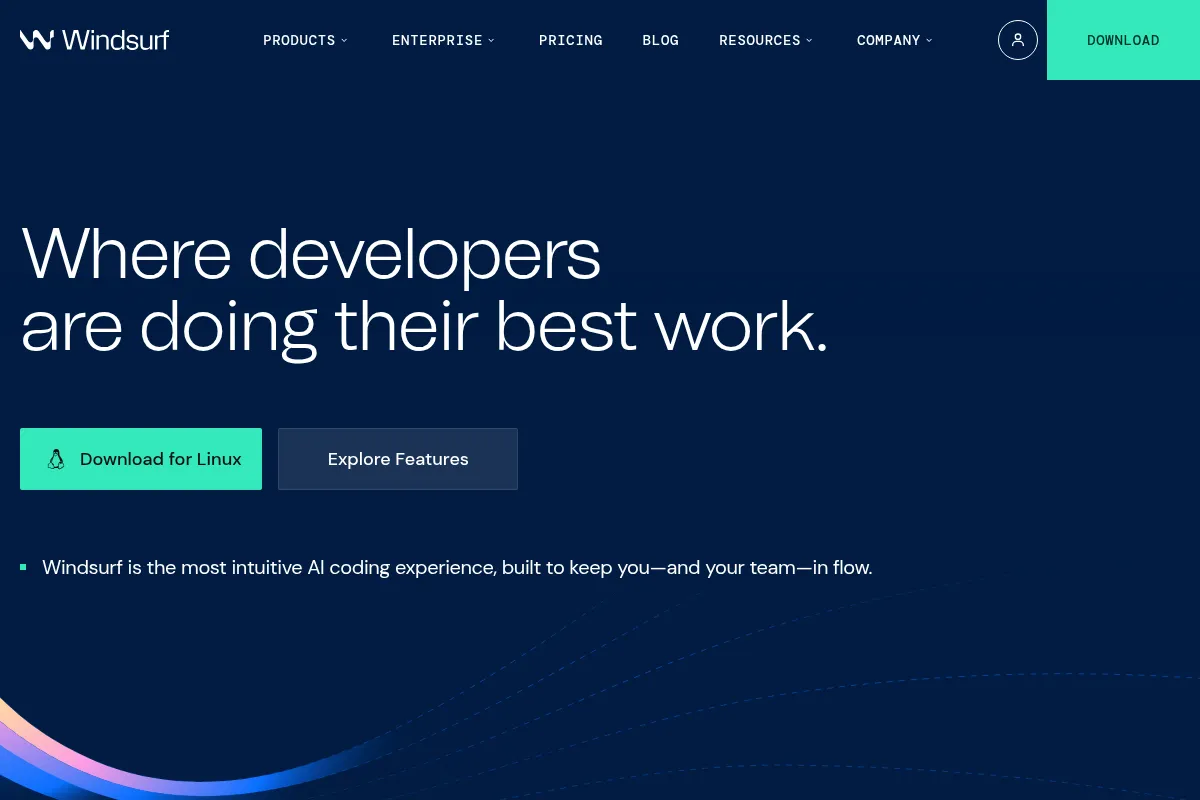
Windsurf is an AI-native IDE that automates coding tasks and assists with complex development workflows, particularly for enterprise teams and large codebases.
Best for enterprise teams needing advanced AI coding assistance, weaker for individual developers prioritizing granular control.
Analysis based on product data, pricing structure, traffic signals, and public user sentiment.
Who Should Use Windsurf?
Typical users
Enterprise development teams and professional software engineers, especially those working with large, complex codebases or in regulated industries. It's also suitable for developers who prefer an opinionated, assistive AI experience.
Maturity fit
scaling to advanced
Choose this if…
- You need an AI assistant that can understand and refactor across multiple files.
- Your organization requires robust security and enterprise-grade features.
- You prefer an IDE that automates complex tasks and maintains context across projects.
- You are working with large monorepos or multi-module architectures.
Skip this if…
- You need granular control over AI behavior and prefer a highly customizable IDE.
- Your primary need is basic code completion and you're on a tight budget.
- You are a beginner developer who finds highly automated tools overwhelming.
- You rely heavily on a specific VS Code extension that may not be compatible.
About Windsurf
Windsurf is an AI-first IDE built on VS Code, designed to enhance developer productivity through deep codebase understanding and automated workflows. It aims to keep developers in a 'flow state' by handling repetitive tasks and assisting with complex coding challenges, making it particularly suited for enterprise environments and large projects.
What it actually does
Windsurf provides AI-powered code completion, refactoring, debugging, and code generation from natural language prompts. Its 'Cascade' agent analyzes entire codebases to offer context-aware suggestions, automate multi-file edits, and manage complex development tasks, aiming to streamline the entire coding process.
What makes it different
Windsurf differentiates itself with its 'Cascade' agent, which offers deep codebase understanding and automatic context retrieval, making it highly effective for large and complex projects. It also emphasizes enterprise-grade features, security, and a more opinionated, assistive AI experience compared to more customizable alternatives.
Ratings across the web


Ratings aggregated from independent review platforms.
Key Features
Cascade Agent
Provides deep codebase understanding and automatic context retrieval for complex tasks.
AI Flows
Enables seamless collaboration between developers and AI, maintaining context across projects.
Supercomplete
Goes beyond traditional autocomplete to predict entire code blocks and context-aware suggestions.
Inline AI
Allows for direct code modifications, docstring generation, and refactoring on specific lines.
AI Terminal
Integrates command execution within the IDE, with context awareness and error retry capabilities.
Windsurf Previews
Allows live preview of applications within the IDE and instant reshaping of elements.
Linter Integration
Automatically fixes code generated by Cascade if it fails linter checks.
Model Context Protocol (MCP)
Enhances AI workflows by connecting to custom tools and services.
Pricing
Free
- 25 prompt credits/month
- Unlimited SWE-1 Lite model usage
- 1 App Deploy/day
- Basic model access
Pro
- 500 prompt credits/month
- Unlimited SWE-1 model usage
- 5 App Deploys/day
- Access to all premium AI models
- Full Cascade experience
Teams
- 500 prompt credits/user/month
- Centralized billing
- Admin analytics
- Priority support
Enterprise
- 1,000 prompt credits/user/month (for 200+ seats)
- RBAC
- Advanced SSO
- Access controls
- Hybrid deployment
- Dedicated support
Pricing checked 6 months ago
Pricing guidance
- When you consistently exceed 25 prompt credits per month.
- When you need access to premium AI models beyond the SWE-1 Lite.
- When you require team collaboration features like centralized billing and admin controls.
- When you need to deploy more than one application per day.
- Credit consumption varies significantly based on the AI model used (flat rate vs. token-based).
- Third-party model pricing includes a 20% margin on top of provider API prices.
- Auto-refill features can lead to unexpected overspending if not monitored.
- While VS Code extensions are generally compatible, specific integrations may not perform identically.
Positioned as a premium, AI-first IDE with competitive pricing for individuals and a scalable, feature-rich offering for enterprises.
Pros & Cons
Strengths
-
Advanced context handling for large codebases
Windsurf's Cascade agent excels at understanding and navigating complex repositories, making it ideal for enterprise teams and large projects. It automatically retrieves relevant context without manual tagging.
-
Enterprise-grade features and security
The platform offers robust security, including SOC 2 Type II compliance and optional SSO, making it suitable for regulated industries and large organizations. Features like RBAC and advanced access controls are available in higher tiers.
-
Assistive and opinionated AI experience
Windsurf's AI is designed to be highly proactive and guiding, which can be beneficial for developers who want the AI to manage structured tasks end-to-end and prefer less manual configuration.
-
Streamlined multi-file editing and refactoring
The IDE's ability to perform coherent edits across multiple files and manage complex refactoring tasks simplifies workflows and saves significant development time.
-
Competitive pricing for Pro users
At $15/month, the Pro plan offers significant value with unlimited SWE-1 model usage and 500 prompt credits, making it more affordable than some competitors for individual developers.
Weaknesses
-
Less granular control for power users
Advanced developers who require extensive customization.
Affects: Power users and developers who prefer fine-grained control.
-
Potential for premium pricing at scale
Larger teams or organizations with high AI usage.
Affects: Teams and enterprises with significant AI consumption.
-
Learning curve for advanced features
Users new to agentic IDEs or complex AI workflows.
Affects: New users exploring advanced AI features.
-
Limited direct comparison to VS Code extensions
Users heavily reliant on specific VS Code extensions.
Affects: Developers with specialized VS Code extension needs.
Real User Sentiment
Users generally praise Windsurf for its advanced AI capabilities, particularly its context handling and multi-file editing features, though some find it less customizable than competitors.
Users tend to like
- Cascade agent's deep codebase understanding
- Automated multi-file edits and refactoring
- Proactive and assistive AI workflows
- Competitive pricing for the Pro plan
- Enterprise-grade security and features
Users commonly complain about
- Less granular control compared to some competitors
- Potential for high costs with third-party models and heavy usage
- Learning curve for advanced features
- Some users report issues with credit system reliability or support.
Recurring tradeoffs
- Assisted workflow vs. granular control
- Enterprise features vs. individual developer cost
- Proprietary models vs. third-party model flexibility
Happiest users
Enterprise development teams and professional engineers working with large, complex codebases who value automated workflows and deep context awareness.
Often frustrated
Developers who require extensive customization, find the credit system unpredictable, or prefer a simpler, less opinionated AI assistant.
Use Cases
Automating the implementation of multi-file features and migrations
Refactoring large sections of code across an entire project
Generating boilerplate code and configuration files for new projects
Onboarding new developers to complex codebases with AI guidance
Developing full-stack applications from natural language prompts
Streamlining debugging processes with AI-assisted error identification and correction
Maintaining code quality and consistency in enterprise environments
Frequently Asked Questions
What is Windsurf AI?
Windsurf AI is an AI-first Integrated Development Environment (IDE) designed to enhance developer productivity. It leverages AI agents, like its proprietary 'Cascade' agent, to understand entire codebases, automate complex coding tasks, assist with refactoring, debugging, and code generation. It aims to keep developers in a 'flow state' by handling repetitive tasks and providing intelligent, context-aware assistance. Windsurf is built on VS Code foundations and offers features like multi-file editing, AI flows, and deep codebase awareness, making it suitable for both individual developers and enterprise teams.
How does Windsurf AI compare to Cursor?
Windsurf and Cursor are both AI-native IDEs built on VS Code. Windsurf is generally considered more suited for enterprise teams and large codebases due to its advanced context retrieval, security features, and more opinionated, assistive AI. Cursor is often preferred by individual developers and smaller teams who value granular control, a familiar VS Code experience with deep AI integration, and faster feedback loops. Windsurf tends to be more proactive in suggesting and implementing changes across files, while Cursor offers more direct control and customization. Pricing is also a factor, with Windsurf's Pro plan being slightly cheaper than Cursor's.
What are the pricing plans for Windsurf?
Windsurf offers several pricing plans: Free ($0/month) with limited credits and basic features; Pro ($15/month) for individual developers with more credits and full access to premium models; Teams ($30/user/month) for small teams with administrative features; and Enterprise ($60/user/month) for large organizations with advanced security and support. The Pro plan is often recommended for its balance of features and cost for solo developers.
Does Windsurf AI have limitations?
Yes, Windsurf has limitations. While it excels at multi-file edits and project-wide reasoning, some advanced users may find its opinionated, assistive approach less customizable than other IDEs. The credit system for third-party models can also lead to unpredictable costs if not managed carefully. Additionally, while it integrates with the VS Code ecosystem, the full compatibility and performance of all VS Code extensions within Windsurf are not always guaranteed. For beginners, the advanced automation might present a learning curve.
What integrations does Windsurf AI support?
Windsurf is built on VS Code, meaning it generally supports many VS Code extensions and plugins, allowing for easy addition of extra features. It also supports the Model Context Protocol (MCP), which enhances AI workflows by connecting to custom tools and services. This allows Windsurf to integrate with various APIs and technologies, extending its capabilities beyond core coding functions. Specific integrations are often managed through the VS Code marketplace or MCP connections.
Is Windsurf AI suitable for beginners?
Windsurf can be suitable for beginners, especially those who appreciate a more guided and assistive AI experience. Its proactive suggestions and automated workflows can help new developers learn and code more efficiently. However, some users note that its advanced automation might feel overwhelming initially, and for those who prefer a more hands-on, customizable approach, other tools might be a better fit. The Pro plan's affordability also makes it accessible for beginners looking to experiment with advanced AI coding tools.
How does Windsurf handle large codebases and monorepos?
Windsurf is specifically designed to handle large codebases and monorepos effectively. Its 'Cascade' agent features deep codebase understanding and automatic context retrieval, meaning it can intelligently identify and load relevant files for a given task without manual tagging. This capability is crucial for navigating complex, multi-module architectures and maintaining context across hundreds or thousands of files, which is a significant advantage over tools with more limited context awareness.
Why trust this page?
This evaluation combines product positioning, pricing analysis, traffic and market signals, and public user sentiment into a single decision-support page. Content is generated editorially — not copied from the vendor's website.
Funding & Company
Founded
2021
Stage
Acquired
Total Raised
$243M
Latest Round
Series C (Aug 2024)
Notable Investors
Windsurf has raised a total of $243 million across four funding rounds, culminating in a $150 million Series C in August 2024 which valued the company at $1.25 billion. This substantial backing from top-tier investors like General Catalyst and Kleiner Perkins fueled its rapid growth before its acquisition by Cognition AI in July 2025.
Market Signals & Traffic
Estimated visits, global rank, geography, traffic sources, monthly visit trends, and organic search keywords (Similarweb)—on a dedicated page built for depth and search.
- Estimated visits
- 2,952,811
- Global rank
- #16,310
- Snapshot
- Apr 2026
- Traffic trend
- Surging
Estimated monthly visits
Alternatives to Windsurf
View all alternativesGitHub Copilot
Developer Tools, AI Assistant

AI-powered coding assistant that suggests and generates code.
Cursor
AI Assistant

An AI-powered code editor designed to help developers build software faster.
Tabnine
Developer Tools

AI code assistant for faster, more accurate software development.
Similar Tools
Poolside
Developer Tools, Productivity, Content Creation

AI platform for software development, code generation, and completion.
Kenect
Communication, Marketing Automation, E-commerce

Business texting platform for lead generation, reviews, and payments.
Groq
Developer Tools, AI Assistant

AI inference acceleration platform with specialized LPU chips.
Adept
Automation & Agents, Productivity, Workflow

Automate complex workflows across any software tool or website
Revid AI
Video Creation, Social Media, Content Creation

Create viral short-form videos from text, scripts, and URLs.
HoneyBook
AI Assistant, Workflow, Automation

All-in-one client management software for freelancers and small businesses.