

A local-first AI agent that automates desktop and web tasks by watching your screen, best for repetitive admin work but still in early-stage development.
Excellent for privacy-conscious users automating legacy desktop software, weaker for high-volume, unattended cloud processing.
Analysis based on product data, pricing structure, traffic signals, and public user sentiment.
Who Should Use WorkBeaver?
Typical users
Solo founders, small business operators, and administrative staff who spend hours on manual data entry across multiple apps.
Maturity fit
beginner to scaling
Choose this if…
- You need to automate software that lacks an API or modern integrations
- Your priority is data privacy and keeping processing on your local machine
- You want to build automations by demonstrating actions rather than writing logic
Skip this if…
- You need 100% reliability for mission-critical financial transactions
- Your workflow requires high-volume, background processing while you use your computer for other things
- You prefer a mature, cloud-based RPA with extensive enterprise support
About WorkBeaver
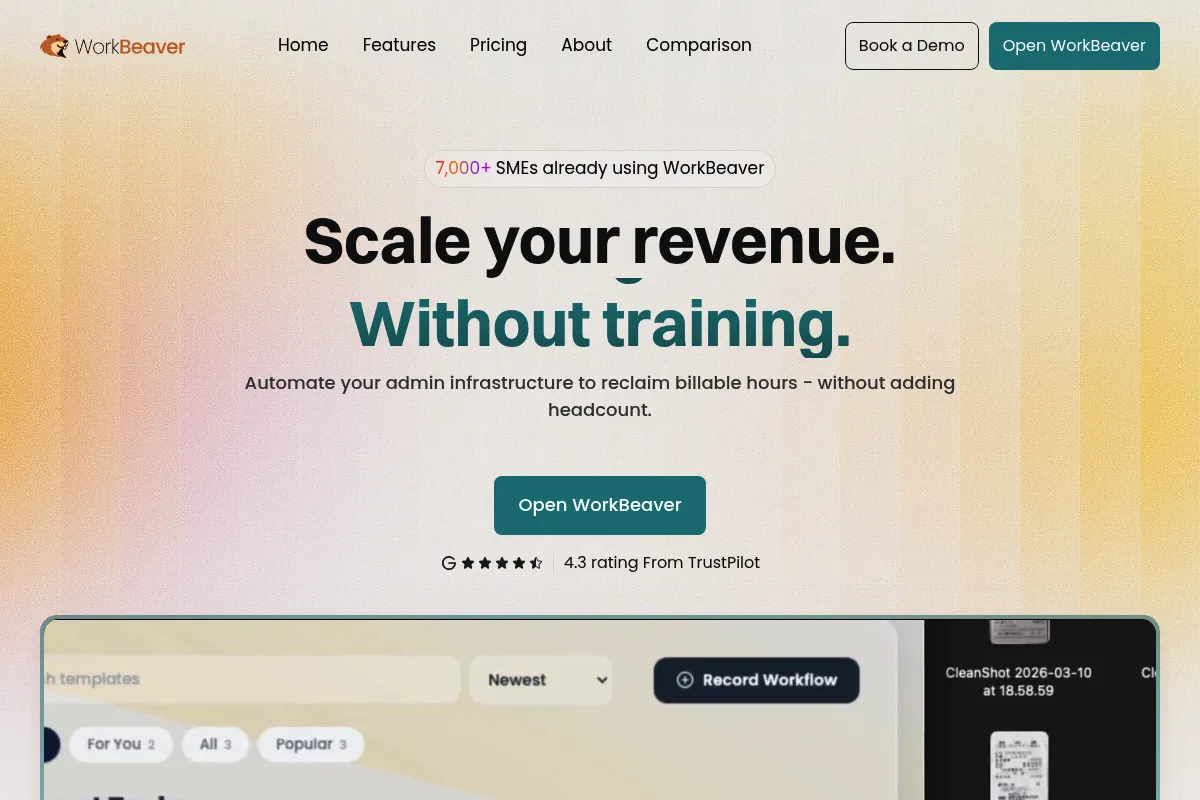
WorkBeaver is a desktop-based AI agent designed to bridge the gap between manual work and traditional automation. It functions as a digital assistant that learns to perform tasks by observing your screen or following text-based prompts. It exists to help non-technical users automate workflows across any software without needing APIs or code.
What it actually does
The tool records user actions—clicks, keystrokes, and navigation—to build a functional model of a task. Once 'taught,' the agent can replicate the workflow across desktop applications and web browsers. It handles multi-step processes like data migration, form filling, and report generation by interacting with the UI directly.
What makes it different
Unlike cloud-based agents like MultiOn that are restricted to the browser, WorkBeaver operates at the OS level, meaning it can control legacy desktop apps and local files. It also prioritizes local execution and zero-knowledge encryption, ensuring that sensitive task data never leaves the user's hardware.
Ratings across the web

Ratings aggregated from independent review platforms.
Key Features
Teach-by-Showing
Record a task once to create an automated workflow.
Text-to-Action
Describe a task in a chat interface for the agent to execute on your desktop.
Local-First Execution
Processes data on your machine to maintain privacy and security.
Universal Compatibility
Works with any software visible on your screen, including custom or legacy apps.
Resilient AI
Adapts to minor changes in button positions or UI shifts without breaking.
Credit-Based Trial
Offers a set number of actions for free to test workflow viability.
Pricing
Free Trial
- 500 credits for testing
- Access to desktop and web automation
- Standard security features
Early Adopter
- Lifetime discounted rate
- Unlimited local workflows
- Priority beta access
- Full desktop compatibility
Standard
- Post-beta pricing
- Enterprise security standards
- Dedicated support
Pricing checked 6 months ago
Pricing guidance
- When you exhaust the 500 trial credits
- When you need to run daily recurring workflows
- When you want to lock in lifetime beta pricing
- Credit-based usage for certain AI-heavy tasks
- Requires macOS 11.6+ or Windows 10+
- Local hardware must be powerful enough to run the agent models
Aggressive entry-level pricing designed to capture users from more expensive, complex RPA competitors.
Pros & Cons
Strengths
-
No API or integration required
Because it 'sees' the screen, it can automate old or proprietary software that doesn't connect to tools like Zapier.
-
Privacy-first architecture
Local processing and zero-knowledge protocols make it suitable for handling sensitive client or financial data.
-
Low technical barrier
Users don't need to understand conditional logic or coding; they just need to know how to perform the task manually once.
Weaknesses
-
Resource intensive
Running an AI agent locally can consume significant RAM and CPU, potentially slowing down other applications.
Affects: Users with older or lower-spec hardware
-
Screen takeover
The agent often requires control of the mouse and keyboard, making it difficult to work on other tasks simultaneously.
Affects: Solo operators with only one primary machine
-
Early-stage flakiness
As a beta product, it may struggle with complex UI elements or non-standard web layouts, requiring manual intervention.
Affects: Teams needing high-reliability, unattended automation
Real User Sentiment
Users are generally impressed by the 'show-and-tell' interface but remain cautious about its reliability for complex, unattended tasks.
Users tend to like
- Ease of setup compared to Zapier or UiPath
- Ability to automate desktop-only legacy apps
- Privacy of local processing
Users commonly complain about
- Occasional failures in UI element recognition
- High system resource usage
- Lack of background execution mode
Recurring tradeoffs
- You trade cloud-based 'set and forget' convenience for local privacy and desktop control.
Happiest users
Small business owners who have a specific, repetitive 'click-fest' task that lacks an API.
Often frustrated
Users expecting a fully autonomous agent that can handle high-volume background work without supervision.
Use Cases
Data Entry
Moving information from unstructured PDFs into a legacy desktop CRM.
Invoicing
Automatically generating and sending invoices by pulling data from spreadsheets into accounting software.
Client Onboarding
Creating new folders, renaming files, and sending welcome emails across different apps.
Research
Scraping data from multiple web sources and organizing it into a local Excel file.
Social Media
Replicating repetitive posting or engagement steps across desktop social apps.
Frequently Asked Questions
Is there a free plan?
WorkBeaver offers a free trial that includes 500 credits, allowing you to test the agent's ability to navigate your specific desktop or web applications before committing to a paid tier.
How does WorkBeaver compare to Zapier?
Zapier relies on APIs to connect apps, which means it only works if the software developer allows it. WorkBeaver uses computer vision to 'see' your screen, allowing it to automate any app you can open on your computer, even if it has no API.
Does it work on both Mac and Windows?
Yes, WorkBeaver is compatible with macOS 11.6 or newer and Windows 10 or newer. It can be downloaded directly from the website or the Microsoft Store.
Is my data safe with WorkBeaver?
WorkBeaver uses a local-first approach where processing happens on your machine. It employs AES-256 encryption and zero-knowledge protocols, meaning the company cannot access your workflows or the data within them.
Can it run in the background?
Currently, WorkBeaver often requires focus on the application it is automating, meaning it may take over your mouse and screen. It is not yet a 'headless' background automation tool for most desktop tasks.
Do I need to know how to code?
No. WorkBeaver is designed as a no-code tool. You create automations by either performing the task once for the agent to watch or by typing instructions in plain English.
Why trust this page?
This evaluation combines product positioning, pricing analysis, traffic and market signals, and public user sentiment into a single decision-support page. Content is generated editorially — not copied from the vendor's website.
Funding & Company
Founded
2024
Stage
Bootstrapped
Total Raised
Bootstrapped
Latest Round
—
WorkBeaver is a bootstrapped company that has not raised any external funding to date. It launched its public beta in January 2025 and is focused on acquiring early adopters through a self-serve SaaS model.
Market Signals & Traffic
Estimated visits, global rank, geography, traffic sources, monthly visit trends, and organic search keywords (Similarweb)—on a dedicated page built for depth and search.
- Estimated visits
- 0
- Global rank
- —
- Snapshot
- May 2026
- Traffic trend
- —
Estimated monthly visits
Alternatives to WorkBeaver
View all alternativesZapier AI
Productivity, Automation

Automate tasks and workflows between your favorite apps without code.
Make AI
Automation & Agents, Developer Tools

Visual platform to connect apps and automate workflows without code.
Gumloop
Automation & Agents, Productivity

No-code platform for building AI agents and automating complex workflows.
Similar Tools
ServiceNow
Automation & Agents, Productivity

Enterprise platform for digital workflows and business process automation.
1X
Automation & Agents, Productivity

Humanoid robots designed to work alongside people in everyday environments.
Gumloop
Automation & Agents, Productivity
No-code platform for building AI agents and automating complex workflows.
OnBrand
Workflow, Design, E-commerce

Product lifecycle management platform for fashion and apparel brands.
AgentSpace
Automation & Agents, Developer Tools, Workflow

Build, deploy, and manage autonomous agent workflows for business automation.
Skild AI
Automation & Agents, Developer Tools

General-purpose foundation model for robotics and physical intelligence.