
Acrolinx is a heavy-duty enterprise governance engine designed to enforce strict brand, style, and terminology standards across massive, decentralized content teams.
Best fit for global enterprises with complex technical documentation or high compliance needs, but far too rigid and expensive for agile marketing teams.
Analysis based on product data, pricing structure, traffic signals, and public user sentiment.
Who Should Use Acrolinx?
Typical users
Content governance leads, technical documentation managers, and global brand directors at Fortune 500 companies.
Maturity fit
advanced
Choose this if…
- Your priority is absolute terminology consistency across thousands of technical documents.
- You operate in a regulated industry where specific word choices carry legal or safety risks.
- You need to manage content quality across a global workforce of thousands of writers.
Skip this if…
- You are a small to mid-sized team looking for a simple grammar and spell checker.
- Your workflow requires creative flexibility rather than rigid adherence to a centralized style guide.
- You need a tool that is ready to use out-of-the-box without weeks of configuration.
About Acrolinx
Acrolinx is an enterprise-grade content impact platform that uses a proprietary linguistic engine to align content with corporate guidelines. It functions as a centralized 'linguistic brain' that monitors and scores content for clarity, tone, and terminology before it is published.
Official profiles
What it actually does
The platform scans text within professional authoring tools and provides a real-time 'Acrolinx Score' based on pre-defined brand rules. It identifies non-compliant language, suggests corrections, and provides analytics to help managers track content quality across the entire organization.
What makes it different
Unlike general-purpose AI writers that prioritize fluency, Acrolinx focuses on governance. It uses a sophisticated symbolic linguistic model that handles complex technical hierarchies and forbidden terminology better than standard Large Language Models (LLMs).
Ratings across the web


Ratings aggregated from independent review platforms.
Key Features
Acrolinx Score
Acts as a quality gate to prevent non-compliant content from being published.
Terminology Management
A single source of truth for approved and deprecated technical terms.
Deep Integrations
Plugs directly into Oxygen XML, Adobe Experience Manager, and MadCap Flare.
Targets
Allows admins to set different linguistic rules for different audiences or document types.
AI Assistant
Generates content improvements that are strictly filtered through the company's style guide.
Governance Dashboards
Provides a bird's-eye view of which departments are meeting quality standards.
Check on Save/Commit
Automates the review process by forcing a check before content can be moved in the CMS.
Pricing
Enterprise
- Full linguistic governance engine
- Unlimited terminology management
- Custom style guide configuration
- Enterprise-grade security and SSO
- Dedicated account management
Pricing checked 5 months ago
Pricing guidance
- Scaling from a single department to company-wide deployment
- Adding multi-language support requirements
- Integrating with additional enterprise CMS platforms
- Implementation and professional services fees are usually mandatory
- Training costs for 'Linguistic Admins' can be substantial
- API access may be metered based on volume
Premium enterprise positioning with a high total cost of ownership justified by risk reduction.
Pros & Cons
Strengths
-
Unmatched terminology control
It ensures that complex technical terms are used consistently across millions of pages, which is critical for product safety and user clarity.
-
Risk and compliance mitigation
Automatically flags legally sensitive language or trademark violations, reducing the need for manual legal reviews of every document.
-
Workflow integration
Works inside the specialized tools that technical writers actually use, rather than forcing them into a separate web editor.
Weaknesses
-
High implementation overhead
Setting up the linguistic rules and terminology database requires significant time and often a dedicated linguistic expert.
Affects: IT and Content Operations teams
-
Prohibitive cost
The pricing structure and setup fees make it inaccessible for anyone outside of large enterprise budgets.
Affects: Small and medium-sized businesses
-
Rigid user experience
The interface and rule-checking can feel 'policing' to creative writers, potentially slowing down the drafting process.
Affects: Creative copywriters and marketing teams
Real User Sentiment
Users generally view Acrolinx as a powerful but cumbersome necessity for maintaining standards at scale.
Users tend to like
- Consistency across global teams
- Integration with technical writing tools like Oxygen
- The ability to 'gate' content based on quality scores
Users commonly complain about
- The sidebar UI can be slow and clunky
- Initial configuration is extremely tedious
- False positives in grammar checking can be frustrating
Recurring tradeoffs
- You trade creative speed for absolute brand and legal consistency.
Happiest users
Documentation managers at global manufacturing, software, or financial firms.
Often frustrated
Individual contributors who find the tool's suggestions too pedantic or the interface outdated.
Use Cases
Technical Documentation
Ensuring consistent terminology across 1,000+ page product manuals.
Global Rebranding
Updating product names and tone of voice across millions of legacy documents.
Legal Compliance
Automatically preventing the use of high-risk words in financial or medical copy.
Translation Cost Reduction
Standardizing source text to improve machine translation accuracy and lower costs.
Freelancer Onboarding
Providing external writers with an instant 'brand check' without manual editing cycles.
Frequently Asked Questions
How much does Acrolinx cost?
Acrolinx does not publish pricing. It is an enterprise-only tool with custom quotes that typically start in the mid-five figures annually, depending on seats and volume.
Is there a free version of Acrolinx?
No. Unlike Grammarly, Acrolinx does not offer a free version or a low-cost individual tier. It is designed for organizational deployment.
How does Acrolinx compare to Grammarly Business?
Grammarly is better for general fluency and speed for individual writers. Acrolinx is superior for technical terminology management and enforcing complex, hierarchical brand rules in large organizations.
Does Acrolinx use Generative AI?
Yes, Acrolinx has introduced 'Get,' an AI feature that helps rewrite content, but it differs from ChatGPT by forcing the AI to stay within your specific brand and terminology guardrails.
Which tools does Acrolinx integrate with?
It supports over 50 integrations, including Microsoft Word, Google Docs, Adobe Experience Manager, Sitecore, Oxygen XML, and various IDEs like VS Code.
Is Acrolinx difficult to set up?
Yes. It requires a significant 'onboarding' phase where your company's specific terminology, style guides, and rules are programmed into the system.
Why trust this page?
This evaluation combines product positioning, pricing analysis, traffic and market signals, and public user sentiment into a single decision-support page. Content is generated editorially — not copied from the vendor's website.
Funding & Company
Founded
2002
Stage
Late stage
Total Raised
$27.5M
Latest Round
Series A (Sep 2025)
Notable Investors
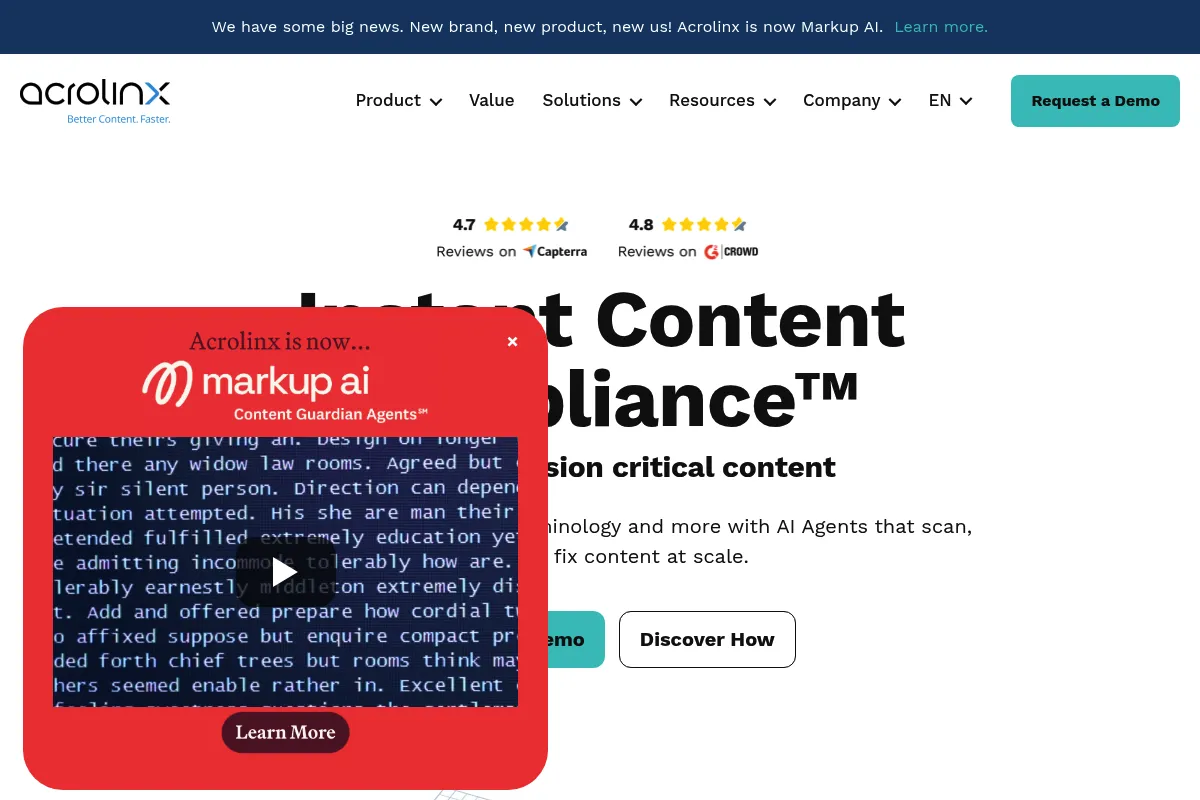
Acrolinx, now rebranded as Markup AI, is a long-standing company that was acquired by private equity firm GENUI in 2017. It secured a significant $27.5 million Series A in late 2025 to pivot its product strategy towards governing AI-generated content, indicating strong backing for its new direction.
Market Signals & Traffic
Estimated visits, global rank, geography, traffic sources, monthly visit trends, and organic search keywords (Similarweb)—on a dedicated page built for depth and search.
- Estimated visits
- 0
- Global rank
- —
- Snapshot
- May 2026
- Traffic trend
- Falling
Estimated monthly visits
Alternatives to Acrolinx
View all alternatives
Similar Tools
Coactive
Search, Data Extraction, Developer Tools
Search and analyze large-scale image and video data using SQL.
Sierra AI
AI Assistant, Automation

AI platform for building autonomous customer support agents.
Clearscope
Content Creation, Productivity

AI-powered SEO content optimization platform for better search rankings.
Arthur
Developer Tools, Privacy & Compliance

Observability and governance platform for machine learning models.
Mendix
Developer Tools, Automation & Agents, Workflow
Low-code platform for building and deploying enterprise applications.
DeepJudge
Search, Productivity, Research

Semantic search engine for legal documents and internal knowledge.