

A lightweight macOS command center that prioritizes local performance and deep automation over modern UI polish.
Excellent for power users who want a privacy-first, keyboard-driven workflow, weaker for those who prefer a plug-and-play community experience like Raycast.
Analysis based on product data, pricing structure, traffic signals, and public user sentiment.
Who Should Use Alfred?
Typical users
Developers, system administrators, and macOS power users who want to minimize mouse usage and automate repetitive file or system tasks.
Maturity fit
advanced
Choose this if…
- You prioritize local execution and privacy over cloud-synced features
- You want a one-time purchase rather than a subscription model
- You prefer building custom logic via a visual workflow editor
- You need a tool with a minimal memory footprint that stays out of the way
Skip this if…
- You want a modern, Electron-based UI with built-in AI features
- You are not comfortable configuring workflows or keywords manually
- You need a tool that works across Windows or Linux
- You want a large, centralized 'store' for extensions that requires zero setup
About Alfred
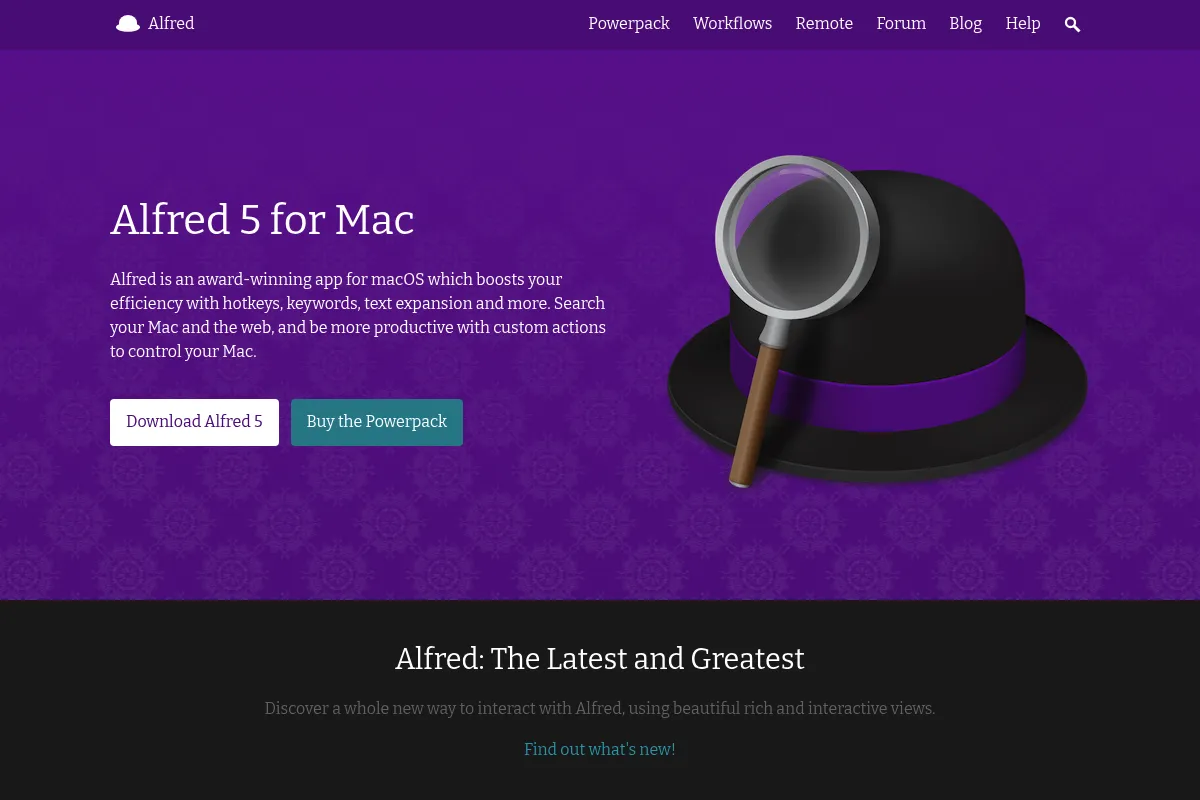
Alfred is a legacy productivity launcher for macOS designed to replace Spotlight with faster search and deeper system control. It exists to bridge the gap between simple app launching and complex system automation through a keyboard-first interface.
Official profiles
What it actually does
It provides a command bar to find files, launch applications, and execute system commands. With the Powerpack upgrade, it adds clipboard management, text expansion, and a visual editor for creating multi-step automated workflows.
What makes it different
Unlike its primary competitor Raycast, Alfred is a native Objective-C application, making it significantly more resource-efficient. It also uses a visual 'blocks' approach to automation logic, allowing users to map out complex branching paths without writing code.
Ratings across the web

Ratings aggregated from independent review platforms.
Key Features
Visual Workflow Editor
Build complex automations using triggers, inputs, and actions in a logic-based canvas.
Clipboard History
Search and paste from a history of copied text, images, and file paths.
Snippet Expansion
Create abbreviations that automatically expand into full paragraphs or code blocks.
Universal Actions
Trigger specific tasks on any selected text or file across the entire OS using a hotkey.
File Buffer
Select multiple files from different folders and perform a single action on all of them at once.
Workflow Gallery
A curated, first-party repository for discovering and updating community-built automations.
Alfred Remote
Control your Mac via an iOS app to trigger workflows or system commands remotely.
Pricing
Free
- Launch apps
- Find files
- Basic web search
- Calculator and dictionary
Single License
- Workflows and automation
- Clipboard history
- Snippet expansion
- Theme editor
- Free updates for Alfred 5.x
Mega Supporter
- All Powerpack features
- Free lifetime updates to all future versions
- Priority support
- Usage on up to two Macs
Pricing checked 6 months ago
Pricing guidance
- When you need to manage clipboard history
- When you want to automate repetitive tasks with workflows
- When you need text expansion for snippets
- Single License is tied to a major version (e.g., v5) and requires a paid upgrade for v6
- Syncing settings requires a third-party service like Dropbox or iCloud
Fair and traditional. It avoids the SaaS model in favor of a 'pay for what you use' approach that rewards long-term users.
Pros & Cons
Strengths
-
Exceptional performance and low overhead
As a native app, it uses minimal RAM and CPU compared to modern Electron-based launchers, which is critical for users with older hardware or heavy workloads.
-
Privacy-first architecture
Everything runs locally by default. There is no mandatory account creation or cloud syncing of your sensitive clipboard data unless you manually set up a sync folder.
-
One-time payment model
The Mega Supporter license provides lifetime updates, avoiding the 'subscription fatigue' common in the current productivity tool market.
-
Deeply granular search filters
Users can create specific search scopes for different file types or projects, making it faster to find deep-linked files than using standard Spotlight.
Weaknesses
-
Dated user interface
The design language feels like an older era of macOS. While functional, it lacks the sleek, modern aesthetic of newer competitors.
Affects: Design-conscious users
-
Steep learning curve for workflows
While basic features are easy, building or debugging complex workflows requires time and an understanding of logic gates and variables.
Affects: Non-technical users
-
Powerpack required for core value
The free version is essentially just a faster Spotlight; almost every feature that makes Alfred worth using is locked behind a paid license.
Affects: Budget-conscious beginners
Real User Sentiment
Highly positive among long-term users who value stability and speed, though there is a growing trend of users migrating to Raycast for its modern UI and extension store.
Users tend to like
- Blazing fast performance
- Reliability and lack of bugs
- The visual workflow builder
- No subscription fee
Users commonly complain about
- The UI looks outdated
- Setting up workflows can be intimidating
- Lack of built-in AI features compared to rivals
Recurring tradeoffs
- You trade a modern 'app store' experience for a more manual, highly customizable local setup.
Happiest users
Developers and power users who have spent years refining their custom workflows and value a tool that never crashes.
Often frustrated
Newer Mac users who expect a polished, social, and AI-ready experience out of the box.
Use Cases
Developer Workflow
Using a hotkey to open a specific project folder in VS Code, start a local server, and open the relevant Jira ticket.
Content Creation
Managing a massive clipboard history to move text and assets between research tabs and a CMS.
Customer Support
Using snippets to instantly expand short codes into personalized email templates.
System Management
Quickly killing unresponsive processes or emptying trash without touching the mouse.
File Organization
Using the file buffer to collect 10 different PDFs from various folders and move them all to a 'Tax' folder in one action.
Frequently Asked Questions
Is Alfred better than Raycast?
It depends on your priorities. Alfred is faster, more privacy-focused, and uses a one-time payment model. Raycast has a more modern UI, a built-in store for easy extension installation, and integrated AI features, but it is an Electron app and uses a subscription model for Pro features.
Is the Powerpack worth it?
Yes. Without the Powerpack, Alfred is just a slightly faster version of the built-in macOS Spotlight. The Powerpack unlocks the clipboard manager, snippets, and workflows, which are the core reasons to use the app.
Does Alfred work on Windows?
No, Alfred is a macOS-exclusive application. Windows users looking for similar functionality should investigate tools like Listary, Flow Launcher, or Wox.
How do I sync Alfred across multiple Macs?
Alfred does not have its own cloud sync. You must point your Alfred preferences to a folder in a service like Dropbox, iCloud Drive, or Google Drive. This allows you to keep your workflows and snippets in sync across devices.
Can Alfred use AI like ChatGPT?
Alfred does not have built-in AI, but there are many community-created workflows in the Alfred Gallery that allow you to trigger ChatGPT or other LLMs directly from the search bar using your own API keys.
What is the difference between the Single License and Mega Supporter?
The Single License (£34) covers all updates for the current major version (e.g., version 5). The Mega Supporter license (£59) gives you a lifetime of free updates for all future major versions (v6, v7, etc.).
Why trust this page?
This evaluation combines product positioning, pricing analysis, traffic and market signals, and public user sentiment into a single decision-support page. Content is generated editorially — not copied from the vendor's website.
Funding & Company
Founded
2010
Stage
Bootstrapped
Total Raised
Bootstrapped
Latest Round
—
Alfred is a long-standing, bootstrapped application developed by the UK-based company Running with Crayons Ltd. The company has operated since 2010 without any external venture capital, funding its growth through direct sales of its 'Powerpack' license.
Market Signals & Traffic
Estimated visits, global rank, geography, traffic sources, monthly visit trends, and organic search keywords (Similarweb)—on a dedicated page built for depth and search.
- Estimated visits
- 163,900
- Global rank
- #269,145
- Snapshot
- Apr 2026
- Traffic trend
- Rising
Estimated monthly visits
Alternatives to Alfred
View all alternatives
Similar Tools
Otter.ai
AI Assistant, Productivity, Documentation
AI-powered transcription and meeting assistant for accurate notes and summaries.
Tavily
Developer Tools, Data Extraction, Automation & Agents

Search engine for AI agents and RAG workflows
Stockimg AI
Content Creation, Design, Automation

AI-powered platform for generating visuals and automating social media content.
Akeneo
E-commerce, Automation, Marketing Automation

Centralize and manage product information for omnichannel commerce experiences.
Geordie
Sales, Automation & Agents, AI Assistant

Autonomous sales representative for prospecting and personalized multi-channel outreach.
Cursor
AI Assistant

An AI-powered code editor designed to help developers build software faster.