

A command-line inspired interface for macOS that replaces Spotlight by consolidating system utilities, app integrations, and AI into a single keyboard-driven bar.
Best for developers and power users who want a centralized, extensible command hub; less suitable for users who prefer the simplicity of native macOS tools.
Analysis based on product data, pricing structure, traffic signals, and public user sentiment.
Who Should Use Raycast?
Typical users
Software engineers, DevOps professionals, and technical product managers who spend most of their time on macOS.
Maturity fit
beginner to advanced
Choose this if…
- You want to manage windows, clipboard history, and snippets without installing four separate apps
- Your priority is reducing mouse usage through keyboard-first navigation
- You want a unified interface to trigger actions in third-party tools like Jira, GitHub, or Linear
Skip this if…
- You primarily use Windows or Linux, as the Windows version is still in limited preview
- You find keyboard shortcuts more confusing than helpful
- You want a one-time purchase tool rather than a subscription for AI and sync features
About Raycast
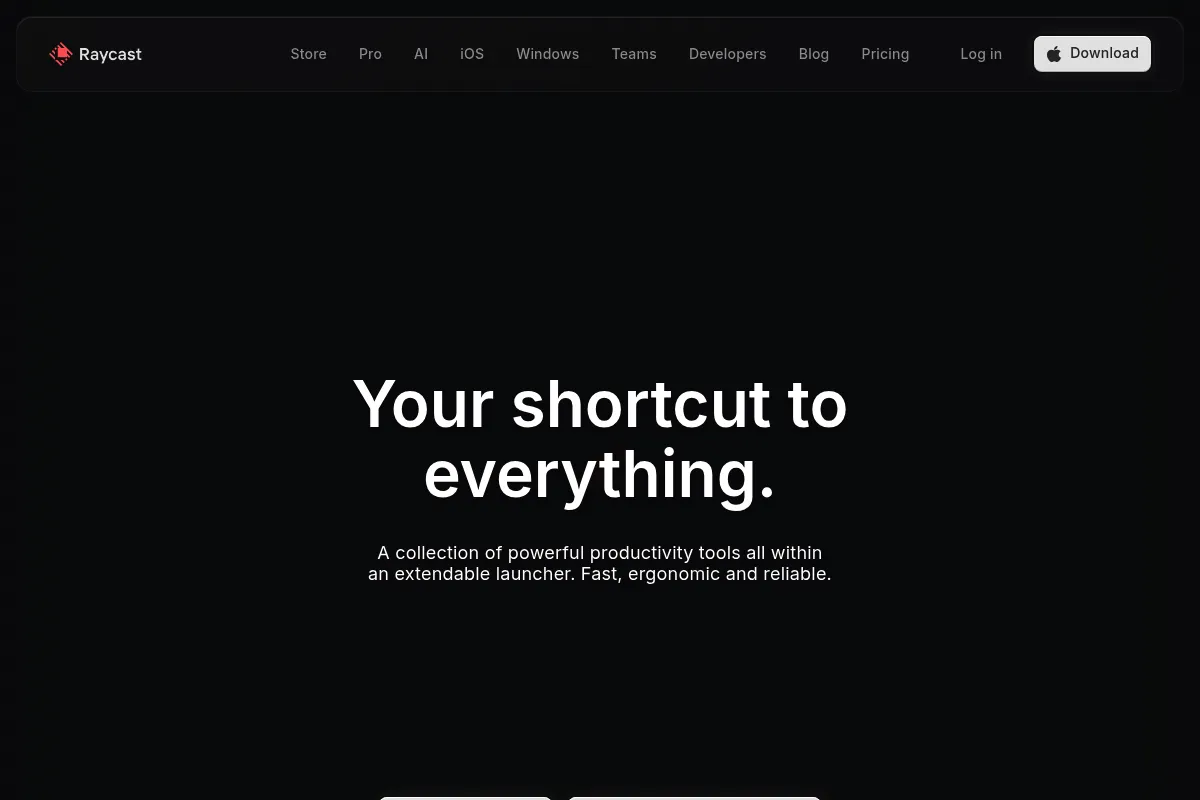
Raycast is a native macOS productivity launcher designed to replace Spotlight. It provides a searchable command bar that executes system commands, searches files, and interacts with third-party APIs through a community-driven extension ecosystem.
Official profiles
What it actually does
Raycast provides a searchable command bar to launch apps, search files, and execute scripts. It includes built-in utilities like a clipboard manager, window resizer, and calculator, while supporting a massive library of third-party extensions.
What makes it different
Unlike traditional launchers that require manual script configuration, Raycast uses a centralized Extension Store where users can install pre-built integrations for tools like Jira, GitHub, and Slack. Its API is built on React, making it more accessible for modern developers to extend compared to older competitors.
Ratings across the web


Ratings aggregated from independent review platforms.
Key Features
Extension Store
Access thousands of community-built tools for Jira, GitHub, Spotify, and more.
Window Management
Snap windows to halves, quarters, or specific displays using keyboard commands.
Clipboard History
Search and paste previous clipboard items with formatting preserved for up to 3 months on free.
Snippets
Expand text abbreviations into full templates with dynamic placeholders for dates or cursor position.
Raycast AI
Query LLMs like GPT-4o and Claude 3.5 Sonnet directly from the command bar.
Floating Notes
Keep a persistent, minimal scratchpad on top of other windows for quick thoughts.
Quicklinks
Create custom shortcuts to open specific URLs or search specific websites instantly.
Script Commands
Run custom bash, python, or ruby scripts directly from the launcher.
Pricing
Free
- Unlimited public extensions
- Clipboard History (3 months)
- Snippets & Quicklinks
- Window Management
- Calculator & Converter
Pro
- Raycast AI (GPT-4o, Claude 3.5 Sonnet)
- Cloud Sync across Macs
- Unlimited Clipboard History
- Custom Themes
- AI Chat on Desktop
Team
- Shared Snippets & Quicklinks
- Private Extension Store
- Team Management
- Unlimited AI for the team
Pricing checked 6 months ago
Pricing guidance
- When you want to use Claude or GPT-4o without leaving your current app
- When you need to sync snippets and configuration between a work and home Mac
- When you want to keep clipboard history for longer than 3 months
- AI usage is subject to a fair use policy
- Cloud sync is only available on the paid Pro tier
- Clipboard history on the free plan expires after 90 days
Freemium model where core utility is free, but convenience (sync) and premium intelligence (AI) are subscription-based.
Pros & Cons
Strengths
-
Consolidated toolset
Replaces standalone apps for window management, clipboard history, and snippets, reducing background process clutter.
-
Superior extension discovery
The built-in store makes finding and installing integrations significantly easier than the manual workflow imports required by competitors.
-
High-performance native feel
Built with Swift, the interface is highly responsive and feels like a natural part of the macOS environment.
-
Developer-friendly API
Using React and TypeScript for extensions allows developers to build custom internal tools for their teams with minimal friction.
Weaknesses
-
Subscription for core utility
Features like cloud sync and AI are locked behind a monthly fee, whereas some competitors offer sync via Dropbox/iCloud for free.
Affects: Individual users on a budget
-
Platform exclusivity
The Windows version is in early preview and lacks the feature parity and extension library of the macOS version.
Affects: Cross-platform users
-
Resource consumption
While fast, it uses more RAM than the native Spotlight or highly optimized legacy tools like Alfred.
Affects: Users with older hardware or limited memory
Real User Sentiment
Users are overwhelmingly positive about the UI and extension ecosystem, though some long-time users are wary of the shift toward a subscription-heavy AI model.
Users tend to like
- The speed and aesthetics of the interface
- Ease of creating and installing extensions
- Built-in window management
- The quality of the AI integration
Users commonly complain about
- Lack of a one-time purchase option
- Higher RAM usage compared to Spotlight
- Windows version still feels like a work-in-progress
Recurring tradeoffs
- You trade the privacy and low overhead of Spotlight for the extensibility and features of a third-party tool.
Happiest users
macOS-based developers who use multiple SaaS tools and want to control them via keyboard.
Often frustrated
Users on older Macs with limited RAM or those who strictly avoid subscription software.
Use Cases
Developer
Quickly opening Jira tickets or GitHub PRs by typing a command.
Writer
Using snippets to insert frequently used templates or markdown structures.
Product Manager
Searching through Google Drive and Notion pages without opening a browser tab.
System Admin
Running shell scripts to restart local servers or clear caches via keyboard.
Designer
Using the color picker and window management to organize a creative workspace.
Frequently Asked Questions
How does Raycast compare to Alfred?
Raycast is free for core features and has a built-in extension store, making it easier to set up. Alfred is a legacy tool that requires a one-time 'Powerpack' purchase for advanced features and relies on manual workflow downloads. Raycast feels more modern, while Alfred is more lightweight and better for complex local automation.
Is Raycast available for Windows?
Raycast for Windows is currently in a limited preview/beta phase. You can sign up for the waitlist on their website. It does not yet have the full feature set or extension library of the macOS version.
Is the Raycast AI worth the $8/month subscription?
If you already pay for ChatGPT Plus or Claude Pro, Raycast Pro is cheaper ($8/mo vs $20/mo) and lets you toggle between models like GPT-4o and Claude 3.5 Sonnet. However, it lacks some web-native features like advanced data analysis or file uploads.
Is Raycast safe to use for work?
Raycast is generally considered safe; core features run locally. However, if you use Raycast AI or Cloud Sync, your data is processed on their servers. For enterprise teams, they offer an Enterprise plan with SSO and additional security controls.
Can I use my own OpenAI API key in Raycast?
No, Raycast does not officially support using your own API keys for its native AI features. You must subscribe to Raycast Pro to use the integrated AI commands and chat.
Does Raycast slow down my Mac?
Raycast is a native Swift app and is very fast, but it does use more memory (RAM) than Spotlight. On modern Macs with 16GB+ RAM, the impact is negligible, but users on 8GB machines may notice it during heavy multitasking.
Why trust this page?
This evaluation combines product positioning, pricing analysis, traffic and market signals, and public user sentiment into a single decision-support page. Content is generated editorially — not copied from the vendor's website.
Funding & Company
Founded
2020
Stage
Series b
Total Raised
$47.85M
Latest Round
Series B (Sep 2024)
Notable Investors
Raycast has raised a total of $47.85 million over four rounds, culminating in a $30 million Series B in late 2024. This consistent backing from top-tier investors like Accel, Atomico, and Coatue signals strong confidence in its product and vision for expanding beyond macOS.
Market Signals & Traffic
Estimated visits, global rank, geography, traffic sources, monthly visit trends, and organic search keywords (Similarweb)—on a dedicated page built for depth and search.
- Estimated visits
- 0
- Global rank
- —
- Snapshot
- Jun 2026
- Traffic trend
- Falling
Estimated monthly visits
Alternatives to Raycast
View all alternatives
Similar Tools
Boundary
Developer Tools, Data Extraction

Domain-specific language for extracting structured data from LLMs
Julep
Developer Tools, Automation & Agents, Workflow

Development platform for building stateful agents with long-term memory.
OpenClaw
AI Assistant, Automation, Developer Tools

Open-source AI agent that automates tasks via messaging platforms.
Mammouth AI
Automation & Agents, Workflow, Productivity

Build and deploy autonomous agents for complex workflow automation
Aider
Developer Tools, Productivity

AI pair programming assistant for your terminal.
Agenta
Developer Tools, Automation & Agents

Open-source platform for building, evaluating, and deploying LLM applications.