

An open-source backend suite that provides a self-hostable alternative to Firebase, focusing on developer control and predictable pricing.
Best for developers who want a unified backend API without the vendor lock-in or unpredictable usage-based billing of proprietary cloud providers.
Analysis based on product data, pricing structure, traffic signals, and public user sentiment.
Who Should Use Appwrite?
Typical users
Individual developers, startup engineering teams, and mobile app creators using Flutter or React Native.
Maturity fit
beginner to scaling
Choose this if…
- You want to self-host your backend for data sovereignty or compliance
- Your priority is a consistent API across auth, database, and storage
- You want to avoid the 'surprise' billing common with Firebase usage spikes
- You are building a Flutter or mobile-first application
Skip this if…
- You require a deeply integrated NoSQL ecosystem with the specific scaling properties of Google's Firestore
- Your workflow depends on a massive library of pre-built third-party extensions
- You need a managed service with 100% feature parity with every niche AWS or GCP service
About Appwrite
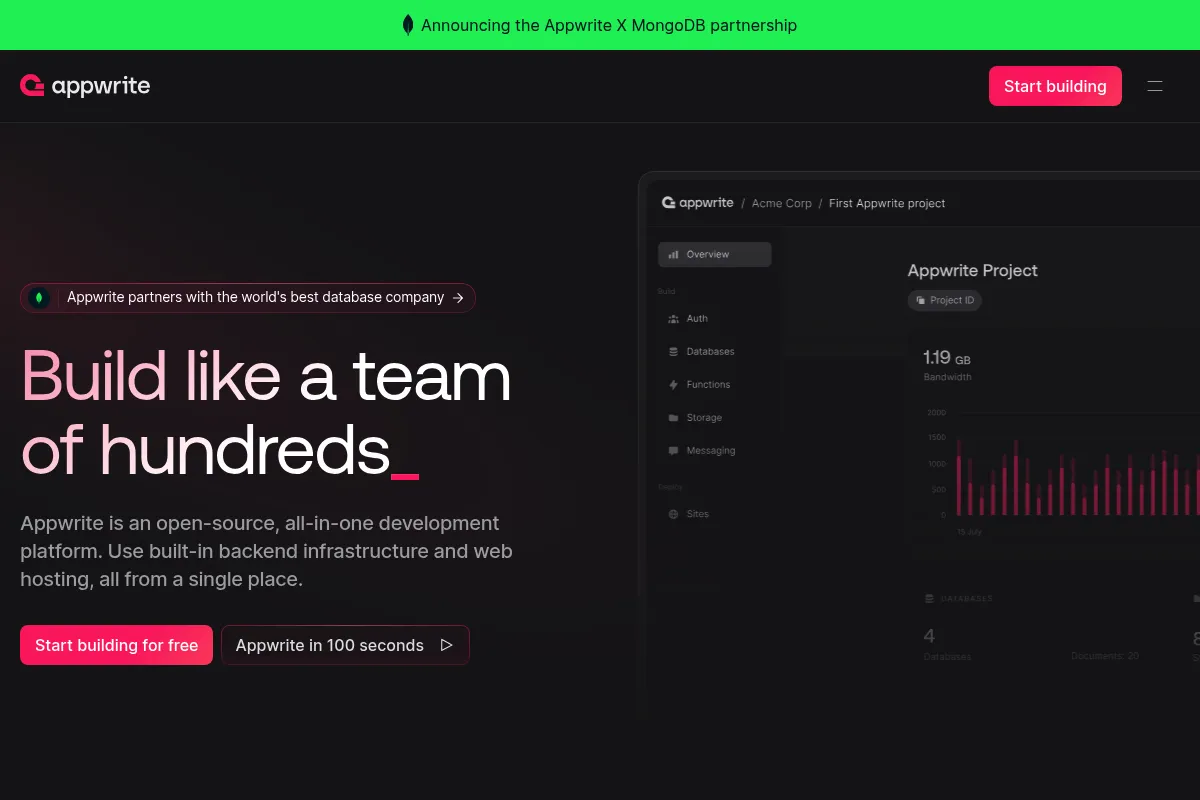
Appwrite is an open-source backend-as-a-service (BaaS) that abstracts the complexity of infrastructure management. It provides a set of REST and Realtime APIs to handle common backend tasks like user management, data persistence, and file handling.
What it actually does
It provides a pre-configured backend stack including a document database, authentication system, file storage, and serverless functions. Developers interact with these services through SDKs, eliminating the need to write boilerplate API code or manage server environments.
What makes it different
Unlike proprietary competitors, Appwrite is built to be platform-agnostic and can be self-hosted on any Docker-compatible environment. It maintains a strictly unified API design, ensuring that the experience of managing a database is identical to managing storage or users.
Ratings across the web


Ratings aggregated from independent review platforms.
Key Features
Self-hosting
Run the entire stack on your own hardware to maintain full data ownership.
Unified Auth
Manage OAuth, email/password, and magic links through a single interface.
Serverless Functions
Deploy custom logic in Node, Python, or PHP triggered by system events.
Vector Search
Store and query embeddings for AI-driven features directly in the database.
Realtime API
Subscribe to database or auth changes using WebSockets without manual polling.
Messaging
Send push notifications and transactional messages directly from the console.
Migrations Tool
Import data from Firebase or other Appwrite instances with a built-in utility.
Pricing
Starter
- 1 Member
- 2 Projects
- 750GB Bandwidth
- 5GB Storage
- 7-day log retention
Pro
- Unlimited Projects
- 300GB Bandwidth included
- 50GB Storage included
- 100k Monthly Active Users
- 30-day log retention
Scale
- Includes 10 members
- 5TB Bandwidth
- 500GB Storage
- 1M Monthly Active Users
- 90-day log retention
Pricing checked 6 months ago
Pricing guidance
- When you need to add a second team member to a project
- When you need more than 2 active projects
- When your bandwidth exceeds 750GB on the free tier
- Bandwidth overages on Pro are charged at $0.04/GB
- Function execution limits apply based on plan tier
- Database read/write operations have soft limits before requiring a Scale plan
Competitive and predictable, positioning itself as a budget-friendly alternative to the 'black box' pricing of major cloud providers.
Pros & Cons
Strengths
-
No vendor lock-in
Being open-source and Docker-based means you can migrate from Appwrite Cloud to your own servers at any time without rewriting your application.
-
Predictable pricing model
Uses a per-seat and resource-cap model rather than the complex, multi-variable usage billing found in Firebase.
-
Superior Flutter support
Highly regarded in the Flutter community for having SDKs that feel native to the ecosystem and are often updated faster than competitors.
-
Clean developer interface
The administrative console is intuitive, making it significantly faster to configure than AWS Amplify or complex GCP dashboards.
Weaknesses
-
Smaller ecosystem
Fewer third-party integrations and community-contributed plugins compared to the decade-old Firebase ecosystem.
Affects: Teams looking for 'one-click' integrations with external SaaS tools
-
Self-hosting maintenance
While Docker simplifies setup, you are still responsible for backups, security patches, and scaling if you choose not to use their managed cloud.
Affects: Solo developers with limited DevOps experience
-
Database query limitations
While improving, complex relational queries and advanced indexing aren't as mature as in a pure PostgreSQL-based BaaS like Supabase.
Affects: Applications with highly complex relational data structures
Real User Sentiment
Users generally praise Appwrite for its ease of use and the freedom provided by its open-source nature, though some note it is still catching up on niche features.
Users tend to like
- Ease of self-hosting with Docker
- Clean and modern UI/UX of the console
- Excellent documentation and community support
- Strong Flutter and Dart integration
Users commonly complain about
- Lack of built-in analytics compared to Firebase
- Occasional breaking changes in major version updates
- Limited advanced database filtering options
Recurring tradeoffs
- Choosing Appwrite means trading the massive Google ecosystem for better privacy, control, and price predictability.
Happiest users
Mobile developers building cross-platform apps who want to own their data and avoid GCP complexity.
Often frustrated
Enterprise developers who require legacy integrations or highly specialized NoSQL scaling features only found in proprietary clouds.
Use Cases
Mobile App MVP
Quickly launch a Flutter or React Native app with pre-built auth and storage.
Privacy-Conscious Apps
Self-host the backend to ensure user data never leaves your own servers.
AI-Powered Search
Use the integrated vector search to build RAG-based applications.
Realtime Dashboards
Build collaborative tools that update instantly across all clients using WebSockets.
IoT Data Collection
Use the lightweight API to ingest and store sensor data from remote devices.
Frequently Asked Questions
How does Appwrite compare to Firebase?
Appwrite is open-source and can be self-hosted, whereas Firebase is a proprietary Google service. Appwrite offers more predictable pricing and avoids vendor lock-in, but Firebase has a larger ecosystem of third-party extensions and built-in analytics.
Is Appwrite really free?
Yes, the Starter plan is free for individuals and includes generous limits like 750GB of bandwidth. If you self-host, the software is free under the BSD-3-Clause license, and you only pay for your own server costs.
Can I use Appwrite with SQL databases?
Appwrite uses MariaDB and PostgreSQL internally, but it exposes a document-based API. You don't write raw SQL; instead, you interact with 'Collections' and 'Documents' through the Appwrite SDK.
Does Appwrite support serverless functions?
Yes, Appwrite Functions allow you to run custom code in response to events like user creation or database updates. It supports multiple runtimes including Node.js, Python, PHP, Ruby, and Go.
What are the limitations of the free plan?
The free Starter plan is limited to 1 member and 2 projects. If you need to collaborate with a team or manage multiple client projects, you must upgrade to the Pro plan at $15/member/month.
How do I migrate from Firebase to Appwrite?
Appwrite provides a dedicated Migrations tool in the console that can connect to your Firebase project and automatically import users, database documents, and files.
Why trust this page?
This evaluation combines product positioning, pricing analysis, traffic and market signals, and public user sentiment into a single decision-support page. Content is generated editorially — not copied from the vendor's website.
Funding & Company
Founded
2019
Stage
Series a
Total Raised
$37M
Latest Round
Series A (Apr 2022)
Notable Investors
Appwrite has raised a total of $37 million over two funding rounds, a Seed round in 2021 and a Series A in 2022. This funding provides the company with a solid financial foundation to continue developing its open-source backend platform and expand its team.
Market Signals & Traffic
Estimated visits, global rank, geography, traffic sources, monthly visit trends, and organic search keywords (Similarweb)—on a dedicated page built for depth and search.
- Estimated visits
- 0
- Global rank
- —
- Snapshot
- May 2026
- Traffic trend
- —
Alternatives to Appwrite
View all alternativesAmazon CodeWhisperer
Developer Tools

AI-powered coding companion that generates code recommendations.
Backendless
Developer Tools, Website Builder, Automation & Agents

Visual app development platform with backend-as-a-service and UI builder.
Similar Tools
Temporal
Developer Tools, Automation

Durable execution platform for building and running reliable distributed applications
Koyeb
Developer Tools, Automation

Serverless platform for deploying high-performance applications and AI models
Mona
Developer Tools, Automation

Observability and monitoring platform for production machine learning models.
OpenPipe
Developer Tools, Automation

Fine-tune specialized models using production data from existing providers.
Roboflow
Developer Tools, Automation

Platform for building, deploying, and managing computer vision models.
Banana
Developer Tools, Automation

Serverless GPU infrastructure for deploying and scaling machine learning models.