

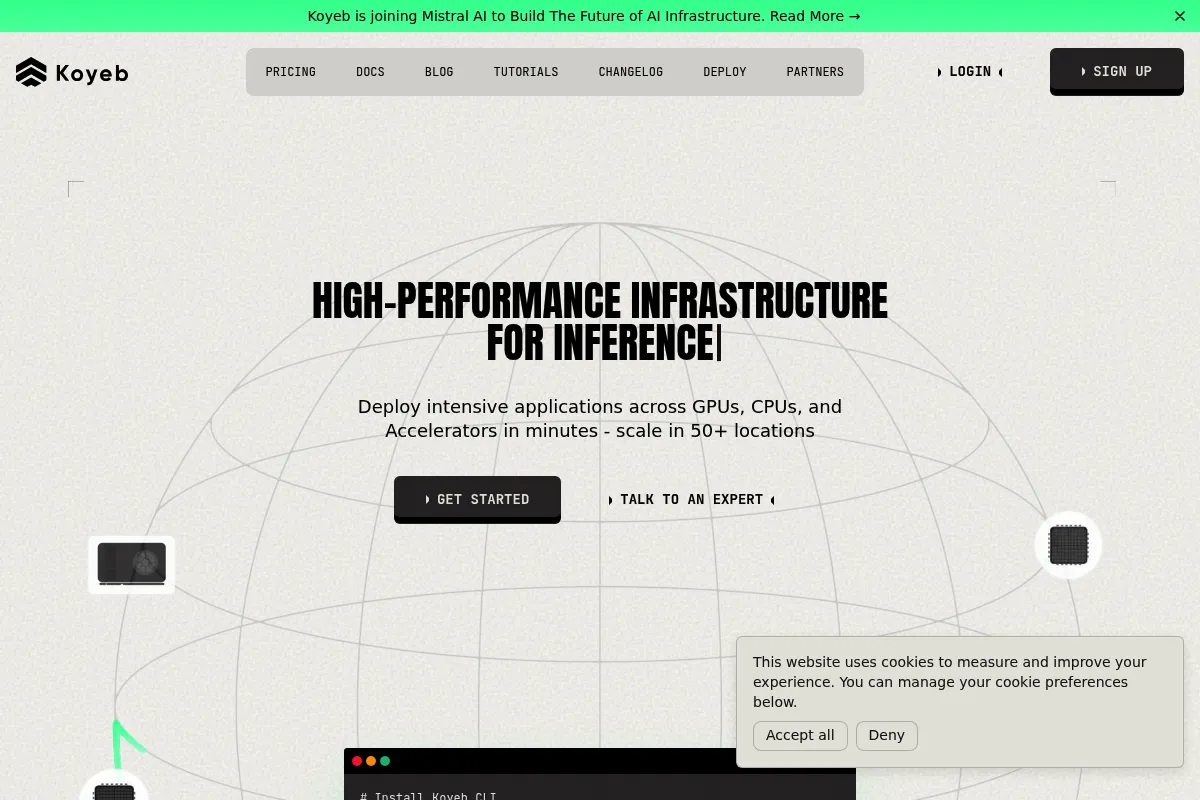
Koyeb is a high-performance serverless platform that simplifies global application deployment and AI model hosting without the configuration overhead of Kubernetes.
Excellent for developers deploying AI workloads and microservices globally, weaker for legacy monoliths requiring complex persistent local storage.
Analysis based on product data, pricing structure, traffic signals, and public user sentiment.
Who Should Use Koyeb?
Typical users
Full-stack developers, AI engineers, and small-to-mid-sized engineering teams building modern APIs or LLM-backed applications.
Maturity fit
beginner to scaling
Choose this if…
- You want a Heroku-like deployment experience but need modern GPU access for AI.
- Your priority is low-latency global distribution over deep AWS-style ecosystem integration.
- You want to deploy Docker containers or Git repos without managing underlying servers.
Skip this if…
- You require Windows-based hosting or legacy enterprise middleware.
- Your application depends on complex, high-performance local block storage that isn't network-attached.
- You need the exhaustive compliance certifications of a Tier-1 cloud provider like AWS or Azure.
About Koyeb
Koyeb is a global serverless platform built for speed and developer productivity. It provides the infrastructure to run apps, APIs, and AI models across multiple regions with automated scaling and built-in networking.
Official profiles
What it actually does
The platform takes code from a Git repository or a Docker image and deploys it to a global edge network. It handles load balancing, SSL encryption, and horizontal scaling automatically, while providing specialized instances for GPU-intensive tasks.
What makes it different
Unlike traditional PaaS providers that focus solely on web apps, Koyeb treats AI workloads as first-class citizens by offering on-demand Nvidia GPUs. Its architecture uses a custom-built 'Kuma' engine for high-performance networking, which reduces latency compared to standard cloud overlays.
Ratings across the web

Ratings aggregated from independent review platforms.
Key Features
GPU Instances
Provides direct access to Nvidia L4, A100, and H100 chips for running LLMs and machine learning inference.
Global Edge Network
Routes traffic through the nearest point of presence to reduce latency for end-users.
Microservices Native
Supports private mesh networking, allowing services to communicate securely without public internet exposure.
Auto-healing
Automatically restarts instances if they fail health checks to maintain uptime.
Zero-config CI/CD
Triggers a new build and deployment every time you push code to your connected Git branch.
Koyeb CLI
Enables full infrastructure management and deployment from the terminal for automated workflows.
Metrics and Logs
Provides real-time visibility into CPU, memory usage, and application output without external plugins.
Pricing
Nano
- 512MB RAM
- 0.1 vCPU
- Public service only
- Sleeps after inactivity
Starter
- First $5/mo credit free
- Access to all instance types
- Custom domains
- Global edge network
Startup
- Includes $100/mo credit
- Priority support
- 99.9% Availability SLA
- Advanced networking
Business
- Includes $1000/mo credit
- Dedicated account manager
- Custom contracts
- Highest support priority
Pricing checked 6 months ago
Pricing guidance
- When you need to host production traffic without service sleeping.
- When you require GPU instances for AI workloads.
- When you need a formal SLA for business reliability.
- Bandwidth costs apply after the initial free allowance.
- GPU availability is subject to regional capacity.
- Free tier instances are deleted after 30 days of inactivity.
Competitive and transparent, positioned as a more modern and cost-effective alternative to Heroku and AWS App Runner.
Pros & Cons
Strengths
-
Frictionless AI deployment
The availability of high-end GPUs on a serverless model makes it significantly easier to deploy LLMs compared to managing raw EC2 instances.
-
High-performance networking
The custom-built networking stack provides lower latency and faster inter-service communication than many competing PaaS options.
-
Predictable pricing model
Unlike AWS, the pricing is transparent with clear tiers and a pay-per-use model that includes a generous free credit monthly.
Weaknesses
-
Limited persistent storage options
While network volumes exist, they are not as mature or flexible as dedicated block storage solutions on larger clouds.
Affects: Database-heavy applications
-
Smaller ecosystem
Fewer third-party integrations and community-made 'one-click' templates compared to Heroku or DigitalOcean.
Affects: Beginner developers looking for pre-built stacks
-
Free tier limitations
The Nano plan is very resource-constrained and services will sleep after inactivity, making it unsuitable for always-on hobby projects.
Affects: Hobbyists and students
Real User Sentiment
Generally positive, with users praising the speed of the platform and the simplicity of the deployment workflow.
Users tend to like
- Fast deployment times
- Clean and intuitive UI
- Availability of H100 GPUs
- Responsive support team
Users commonly complain about
- Occasional capacity issues for specific GPU types
- Documentation can be sparse for complex networking setups
- Lack of built-in managed databases (though coming soon)
Recurring tradeoffs
- Simplicity vs. Control: You lose the granular infrastructure control of AWS in exchange for deployment speed.
Happiest users
Developers building AI startups who need to move fast and scale without a dedicated DevOps engineer.
Often frustrated
Users trying to run legacy stateful applications that require high-performance local disk I/O.
Use Cases
AI Inference
Deploying LLMs like Llama 3 using Nvidia GPUs for real-time chat or processing.
Global APIs
Hosting REST or GraphQL APIs that need to respond quickly to users worldwide.
Microservices
Running a fleet of interconnected Docker containers with private networking.
Static Sites & SPAs
Deploying React or Vue apps with automated global CDN distribution.
Background Workers
Running asynchronous tasks and cron jobs without managing a server.
Frequently Asked Questions
Does Koyeb have a free plan?
Yes, Koyeb offers a 'Nano' plan which is free but limited to 512MB RAM and 0.1 vCPU. Importantly, services on this plan will 'sleep' after a period of inactivity. For always-on services, you should use the Starter plan, which includes a $5 monthly credit.
How does Koyeb compare to Heroku?
Koyeb is faster, supports modern GPU instances for AI, and has a more advanced global networking stack. While Heroku has a larger marketplace of add-ons, Koyeb is generally more cost-effective and better suited for modern containerized workflows.
Can I run databases on Koyeb?
You can run databases using Docker containers and Koyeb's network volumes for persistence. However, Koyeb does not currently offer a fully managed database service (like RDS), so you are responsible for database backups and maintenance.
What GPUs are available on Koyeb?
Koyeb provides access to Nvidia L4, A100 (80GB), and H100 GPUs. These are available on a pay-as-you-go basis, making them accessible for startups that cannot commit to long-term hardware contracts.
Does Koyeb support custom domains?
Yes, custom domains are supported on all plans except the free Nano plan. Koyeb automatically handles SSL certificate provisioning and renewal via Let's Encrypt for all connected domains.
Where are Koyeb's data centers located?
Koyeb operates in multiple global regions including Washington D.C. (US), Frankfurt (Europe), and Singapore (Asia), allowing for low-latency deployments across three continents.
Why trust this page?
This evaluation combines product positioning, pricing analysis, traffic and market signals, and public user sentiment into a single decision-support page. Content is generated editorially — not copied from the vendor's website.
Funding & Company
Founded
2020
Stage
Seed
Total Raised
$8.64M
Latest Round
Seed (Nov 2023)
Notable Investors
Koyeb has raised a total of $8.64 million over two rounds, a Pre-Seed in 2020 and a Seed round in late 2023. This funding, backed by a mix of VCs and strategic investors like MongoDB and Samsung Next, is aimed at advancing its global serverless platform.
Market Signals & Traffic
Estimated visits, global rank, geography, traffic sources, monthly visit trends, and organic search keywords (Similarweb)—on a dedicated page built for depth and search.
- Estimated visits
- 369,391
- Global rank
- #80,637
- Snapshot
- Apr 2026
- Traffic trend
- Surging
Estimated monthly visits
Alternatives to Koyeb
View all alternatives
Similar Tools
Banana
Developer Tools, Automation

Serverless GPU infrastructure for deploying and scaling machine learning models.
Viam
Developer Tools, Automation

Software platform for building and managing smart hardware devices.
LaunchDarkly
Developer Tools, Automation

Feature management platform for controlled software releases and experimentation.
Mona
Developer Tools, Automation

Observability and monitoring platform for production machine learning models.
Roboflow
Developer Tools, Automation

Platform for building, deploying, and managing computer vision models.
Appwrite
Developer Tools, Automation

Backend platform for building web, mobile, and flutter applications.