

A developer-focused infrastructure platform for building and running autonomous browser agents, prioritizing visual-temporal understanding over brittle DOM selectors.
Excellent for automating complex UI workflows in media and enterprise apps, but overkill for basic data scraping.
Analysis based on product data, pricing structure, traffic signals, and public user sentiment.
Who Should Use Aspect?
Typical users
Developers and technical product teams building AI-driven web automations or 'digital workers' for complex, authenticated web applications.
Maturity fit
beginner to scaling
Choose this if…
- You need to automate web apps that lack APIs and have dynamic, JavaScript-heavy UIs.
- Your workflow requires agents to 'see' and understand video or visual changes over time.
- You want to avoid managing your own Playwright or Puppeteer infrastructure in the cloud.
Skip this if…
- You only need simple, static data extraction (use a dedicated scraper like Bright Data).
- You require 100% deterministic reliability (AI agents still hallucinate and fail on edge cases).
- You are a non-technical user looking for a no-code browser extension.
About Aspect
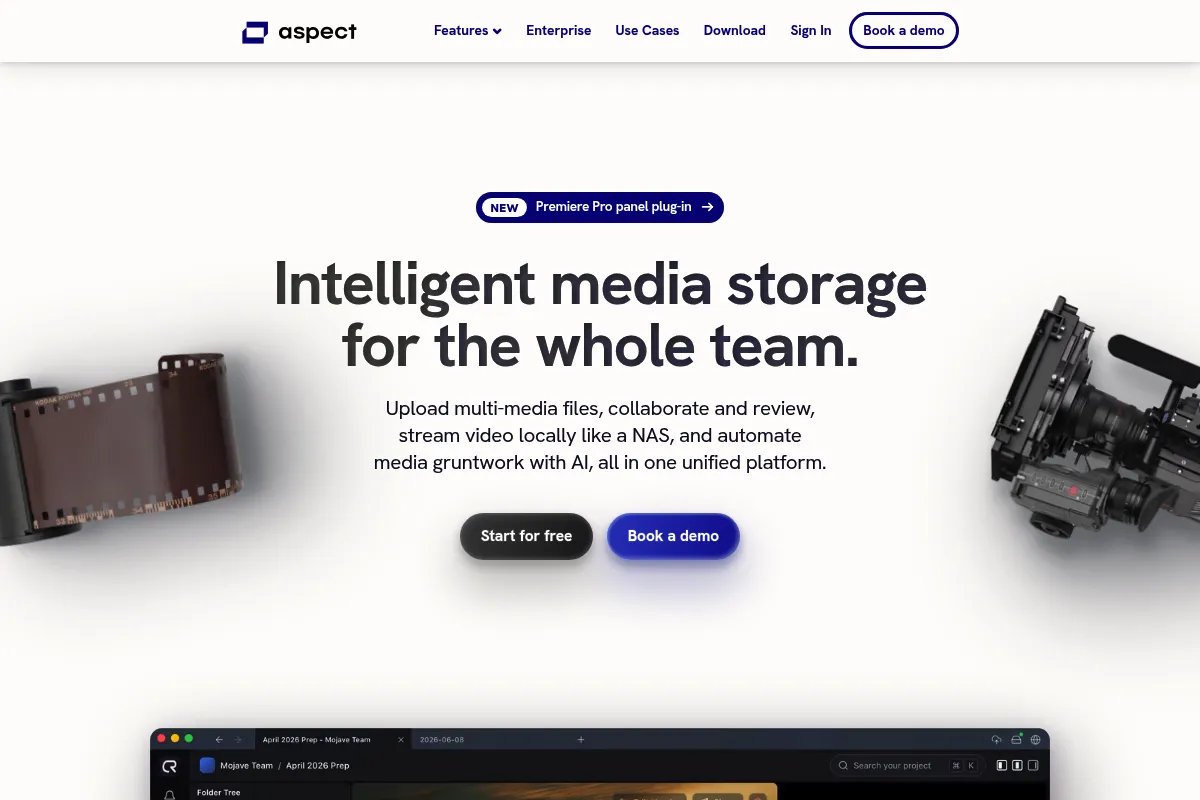
Aspect provides the infrastructure and SDKs necessary to deploy AI agents that navigate the web like humans. It combines cloud-hosted browsers with multimodal models to handle tasks that traditional RPA tools struggle with, such as complex logins and visual reasoning.
Official profiles
What it actually does
Aspect allows developers to write scripts or use natural language to drive a headless browser through multi-step tasks. It handles the underlying browser lifecycle, proxy management, and visual interpretation of the page to ensure the agent reaches its goal.
What makes it different
Unlike standard browser automation tools that rely on CSS selectors, Aspect uses a 'vision-first' approach. This allows agents to interact with elements based on how they look and their temporal context, making them more resilient to website layout changes.
Ratings across the web

Ratings aggregated from independent review platforms.
Key Features
Visual Trace Debugger
Provides a frame-by-frame replay of agent actions to identify exactly where a workflow broke.
Managed Browser Infrastructure
Eliminates the need to maintain server clusters for running Playwright or Puppeteer at scale.
Stealth Mode
Uses advanced fingerprinting and proxy rotation to bypass common bot detection systems.
Agentic SDK
A programmatic interface that allows developers to mix deterministic code with LLM-driven decision making.
Temporal Reasoning
Enables agents to understand changes in video or dynamic content over a period of time.
Hybrid DOM/Vision Navigation
Combines structural data with visual snapshots to increase click accuracy on complex elements.
Pricing
Developer
- Limited agent runs per month
- Community support
- Access to basic SDK
- Standard cloud browser minutes
Pro
- Higher concurrency limits
- Priority support
- Advanced stealth and proxy features
- Visual trace history
Enterprise
- Unlimited runs
- Dedicated infrastructure
- SLA guarantees
- Custom model fine-tuning
Pricing checked 4 months ago
Pricing guidance
- When you hit the monthly run limit on the free tier
- When your agents start getting blocked by bot detection
- When you need to run multiple agents in parallel
- LLM token costs are often billed separately or passed through via your own API keys.
- Browser minutes are capped on lower tiers and can be consumed quickly by long-running tasks.
Premium developer tool positioning, focusing on high-value enterprise automation rather than low-cost scraping.
Pros & Cons
Strengths
-
High resilience to UI changes
Because the agent relies on visual cues rather than hardcoded IDs, it doesn't break every time a developer changes a class name or moves a button.
-
Reduced infrastructure overhead
Handling browser sessions in the cloud is notoriously difficult; Aspect manages the scaling, memory, and cleanup automatically.
-
Superior visual understanding
The platform is specifically tuned for media-heavy environments, making it better at interacting with video players and creative tools than general-purpose agents.
Weaknesses
-
High operational cost
Running a cloud browser plus high-tier LLM tokens for every step makes this significantly more expensive than traditional scraping.
Affects: High-volume data operations
-
Latency in decision making
The 'Observe-Decide-Act' loop introduces a few seconds of delay per step, which is slower than scripted automation.
Affects: Time-sensitive workflows
-
Developer-only interface
There is no significant no-code builder; you must be comfortable with an SDK or API-first approach to get real value.
Affects: Non-technical operators
Real User Sentiment
Early adopters are impressed by the developer experience and the visual debugging tools, though reliability remains a common industry-wide concern.
Users tend to like
- Visual trace debugger for easy troubleshooting
- Ease of setup compared to managing raw Playwright clusters
- Strong performance on authenticated sites
Users commonly complain about
- Occasional 'looping' where agents get stuck on a single step
- Documentation can be sparse for advanced SDK features
- Pricing is opaque for professional use
Recurring tradeoffs
- You trade execution speed and cost for the ability to automate sites without APIs.
Happiest users
Developers building internal tools for media companies or automating legacy enterprise portals.
Often frustrated
Users trying to build high-speed, low-cost scrapers who find the agentic approach too slow and expensive.
Use Cases
Media Ingest
Automatically downloading, tagging, and organizing video files from various web portals.
Legacy Integration
Connecting modern AI workflows to old enterprise web apps that don't have APIs.
Competitive Intelligence
Navigating complex, authenticated competitor dashboards to extract pricing or inventory data.
Automated Testing
Running 'human-like' QA tests that verify visual layouts and multi-step user journeys.
Form Filling
Submitting complex, multi-page applications on government or insurance websites.
Frequently Asked Questions
Is there a free plan for Aspect?
Yes, Aspect offers a Developer plan that is free to start. It allows for a limited number of agent runs and browser minutes, making it suitable for prototyping and testing before committing to a paid tier.
How does Aspect compare to MultiOn?
MultiOn is more of a consumer-facing agent and API, while Aspect is built as a 'Browser-as-a-Service' for developers. Aspect provides more granular control via its SDK and focuses heavily on visual-temporal understanding for media workflows.
Does Aspect handle CAPTCHAs and bot detection?
Yes, Aspect includes built-in solvers for common CAPTCHAs and uses 'stealth' browser configurations with rotating residential proxies to minimize the risk of being flagged as a bot.
What programming languages does the SDK support?
Aspect currently provides official SDKs for Python and Node.js, which are the primary languages used in the AI agent and web automation ecosystems.
Can Aspect agents handle multi-factor authentication (MFA)?
Aspect can handle MFA if the workflow is designed to pause for human input or if the agent has access to the authentication device (e.g., via an API for SMS codes), but fully autonomous MFA remains a challenge.
Is Aspect open source?
No, Aspect is a proprietary platform. While they may offer open-source SDKs or examples, the core browser orchestration and visual reasoning engine are hosted services.
Why trust this page?
This evaluation combines product positioning, pricing analysis, traffic and market signals, and public user sentiment into a single decision-support page. Content is generated editorially — not copied from the vendor's website.
Funding & Company
Founded
2021
Stage
Seed
Total Raised
$3.85M
Latest Round
Seed (Oct 2024)
Notable Investors
Aspect Build has raised a total of $3.85 million, primarily from a Seed round led by FirstMark Capital and Preston-Werner Ventures. This funding followed a three-year bootstrapping period, indicating a strong, foundational belief in the product before seeking venture capital. The investment is aimed at scaling their developer productivity platform, Aspect Workflows.
Market Signals & Traffic
Estimated visits, global rank, geography, traffic sources, monthly visit trends, and organic search keywords (Similarweb)—on a dedicated page built for depth and search.
- Estimated visits
- 3,432
- Global rank
- #4,623,574
- Snapshot
- Apr 2026
- Traffic trend
- Steady
Estimated monthly visits
Alternatives to Aspect
View all alternativesBardeen AI
AI Assistant, Developer Tools

AI-powered no-code automation tool for browser workflows.
Gemini
AI Assistant, Content Creation

An experimental AI-powered conversational chatbot from Google.
Skyvern
Automation, Automation & Agents, Productivity

AI-powered browser automation for complex web workflows.
Similar Tools
You.ai
Automation & Agents, Developer Tools, Workflow

No-code platform for building and deploying custom AI agents.
Emergence
Automation & Agents, Developer Tools, Workflow

Platform for building and deploying autonomous agentic AI workflows.
CVector
Automation & Agents, Developer Tools, Workflow

Build and deploy autonomous agents with advanced tool-use capabilities.
Lyzr
Automation & Agents, Developer Tools, Workflow

Framework for building autonomous agents and enterprise agentic workflows.
AgentSpace
Automation & Agents, Developer Tools, Workflow

Build, deploy, and manage autonomous agent workflows for business automation.
Simplex
Automation & Agents, Developer Tools, Workflow

Platform for building and deploying autonomous task-oriented agents