

Bardeen AI is a no-code browser automation tool that uses AI to help users build workflows for repetitive tasks, primarily for sales and marketing teams.
Best for browser-based task automation and data scraping, weaker for complex, background cloud integrations.
Analysis based on product data, pricing structure, traffic signals, and public user sentiment.
Who Should Use Bardeen AI?
Typical users
Sales, marketing, and operations professionals, as well as individuals looking to automate repetitive browser tasks. It's suitable for small to medium-sized businesses and teams that need to streamline data extraction, form filling, and email drafting.
Maturity fit
beginner to scaling
Choose this if…
- You need to automate repetitive tasks within your browser.
- You want to extract data from websites without coding.
- You need to fill out forms or draft emails automatically.
- Your primary focus is on improving individual or team productivity for GTM tasks.
Skip this if…
- You require complex, multi-step automations that run in the background across many cloud applications.
- Your primary need is for enterprise-grade, API-driven integrations with extensive monitoring and admin controls.
- You need to automate processes that do not involve browser interaction.
- You are looking for a tool that can handle complex AI tasks like invoice processing or product categorization at scale.
About Bardeen AI
Bardeen AI is a no-code automation platform that operates as a Chrome extension, designed to streamline repetitive browser-based tasks. It uses AI to help users build custom workflows, automate data extraction, form filling, and email drafting, acting as a productivity copilot for sales, marketing, and operations teams.
What it actually does
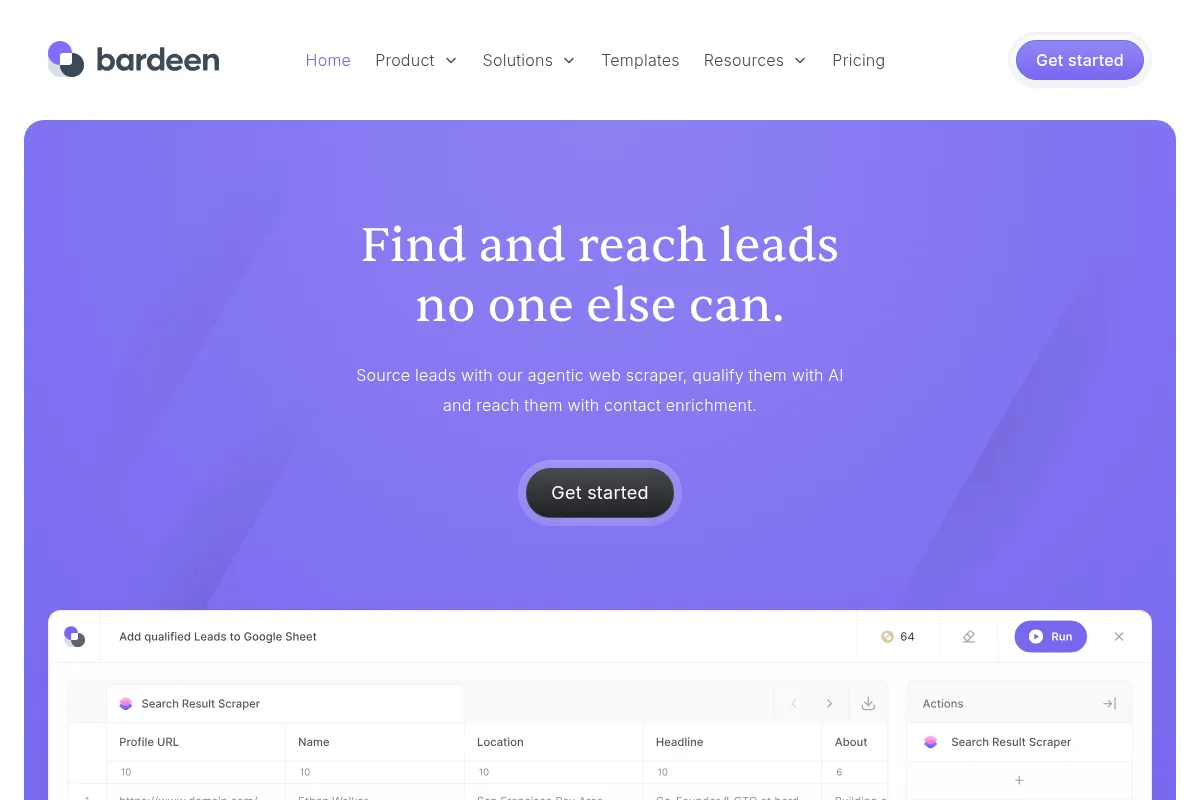
Bardeen AI allows users to create automated workflows (playbooks) through a visual, no-code interface or natural language commands. It can scrape data from websites, fill out forms, draft emails, and connect with various web applications to automate repetitive tasks directly within the browser.
What makes it different
Bardeen AI's primary differentiator is its browser-native functionality, allowing it to interact directly with web pages and build context-aware automations. Its AI-powered 'Magic Box' feature also enables users to generate automations by simply describing their needs in natural language, setting it apart from traditional automation tools that rely solely on predefined triggers and actions.
Ratings across the web



Ratings aggregated from independent review platforms.
Key Features
Magic Box
Generates custom automations from natural language prompts, reducing the need for manual workflow building.
No-Code Workflow Builder
Allows users to create custom automations with a drag-and-drop interface, making it accessible to non-technical users.
Web Data Scraping
Enables extraction of data from virtually any website without coding, useful for research and lead generation.
AI Message Generator
Assists in drafting emails and other communications, personalizing outreach efforts.
Browser-Native Actions
Automations run directly within the browser, allowing for context-aware workflows and immediate execution.
Automation Template Catalog
Offers over 1,000 pre-built automations for common tasks, allowing for quick setup and deployment.
CRM Enrichment
Automatically updates CRM data with information gathered from web sources.
Pricing
Free
- Basic automation features
- Unlimited testing in Builder Mode
- 100 monthly credits for production automations
Starter
- 15,000 credits per year
- Unlimited basic automations
- Pre-built templates
- Basic web scraping
Teams
- 120,000 credits per year
- CRM + outreach integrations
- Waterfall enrichment
- Cloud workflows
- 2 custom AI Playbooks
Enterprise
- 500,000+ credits per year
- SSO
- Dedicated GTM consultant
- Custom AI Playbooks
Pricing checked 6 months ago
Pricing guidance
- You frequently hit the monthly credit limit for running automations.
- Your automations require premium integrations or advanced AI features.
- You need team collaboration and cloud workflow capabilities.
- You require dedicated support and enterprise-level features like SSO.
- Credit consumption for various actions (e.g., enrichment costs more credits).
- Premium integrations and AI-powered actions are exclusive to higher-tier plans.
- Browser-based limitations mean it cannot automate tasks outside of the browser environment.
Bardeen's pricing scales from a functional free tier to a premium enterprise offering, with credit consumption being a key factor in ongoing costs for paid plans.
Pros & Cons
Strengths
-
Ease of Use
Bardeen's no-code interface and natural language prompts make it accessible for users without technical backgrounds to build automations quickly.
-
Browser-Native Automation
Operating as a Chrome extension, Bardeen automates tasks directly within the browser, eliminating the need to switch between applications and providing context-aware workflows.
-
AI-Powered Workflow Generation
The 'Magic Box' feature uses AI to generate custom automations based on user descriptions, significantly speeding up the workflow creation process.
-
Time Savings
Users report saving significant amounts of time on repetitive tasks like data scraping, form filling, and email drafting, with some saving over 10 hours per week.
-
Web Scraping Capabilities
Bardeen excels at extracting data from websites, making it a valuable tool for lead generation, market research, and competitive analysis.
Weaknesses
-
Limited Cloud Automation
Bardeen's browser-based nature limits its ability to perform complex, background automations across multiple cloud applications, where tools like Zapier or Make.com excel.
-
Potential Learning Curve
While no-code, complex workflows can become visually cluttered and require practice to manage effectively.
-
Resource Intensive
Some users have reported that the extension can be resource-intensive, leading to high CPU usage and performance issues on their computers.
-
Credit-Based Pricing
Automation actions consume credits, which can become a limiting factor and an ongoing cost, especially for high-volume users.
Real User Sentiment
Bardeen AI generally receives positive feedback for its ease of use, time-saving capabilities, and effective browser automation, though some users note a learning curve for complex workflows and resource intensity.
Users tend to like
- Ease of use and intuitive interface
- Significant time savings on repetitive tasks
- Effective browser-based automation and web scraping
- AI-powered workflow generation ('Magic Box')
- Responsive customer support
Users commonly complain about
- Steep learning curve for complex workflows
- Can be resource-intensive, impacting PC performance
- Credit-based pricing can become expensive for heavy users
- Browser-based limitations for cloud automations
Recurring tradeoffs
- Browser-first automation vs. cloud-based integrations
- Ease of use for simple tasks vs. complexity for advanced workflows
- AI-driven suggestions vs. manual control
Happiest users
Individuals and small to medium-sized teams focused on sales, marketing, and operations who need to automate repetitive browser tasks and data extraction.
Often frustrated
Users requiring complex, background cloud automations, those sensitive to resource usage, or those who find the credit system prohibitive for extensive use.
Use Cases
Automating lead discovery and enrichment from LinkedIn and other websites.
Scraping product data from e-commerce sites for competitive analysis.
Automatically filling out forms on web portals for data entry.
Drafting personalized outreach emails based on prospect profiles.
Syncing data between web applications and spreadsheets (e.g., Google Sheets, Airtable).
Analyzing sentiment of social media posts or customer reviews.
Streamlining meeting preparation by gathering relevant information.
Frequently Asked Questions
What is Bardeen AI?
Bardeen AI is a no-code automation platform delivered as a Chrome extension and cloud service. It connects web apps, triggers multi-step playbooks, and performs browser-native actions like scraping, filling forms, sending follow-ups, and syncing data. It's designed for GTM and operations teams to eliminate repetitive tasks and orchestrate end-to-end workflows using AI-generated and templated playbooks.
How does Bardeen AI compare to Zapier?
Bardeen AI specializes in browser-based task automation and web scraping, acting like an RPA for browser interactions. Zapier, on the other hand, is an iPaaS (Integration Platform as a Service) that excels at cloud-to-cloud integrations and background workflows across a vast array of applications. Bardeen is often used for data acquisition and extraction, while Zapier is better for operationalizing that data into systems of record. They can complement each other, with Bardeen handling browser tasks and Zapier managing cloud integrations.
What are the limitations of Bardeen AI?
Bardeen AI's primary limitation is its browser-centric nature, which means it cannot automate tasks that don't occur within a web browser. For complex, background cloud automations or enterprise-grade integrations with extensive monitoring and admin controls, tools like Make.com or Zapier might be more suitable. Some users also report that the extension can be resource-intensive and that complex workflows can become visually cluttered.
Does Bardeen AI have a free plan?
Yes, Bardeen AI offers a free plan that includes basic automation features, unlimited testing in Builder Mode, and 100 monthly credits for running automations in production. This free tier is suitable for individuals or teams new to automation who want to explore the tool's capabilities. However, advanced features, premium integrations, and higher credit limits require upgrading to a paid plan.
What kind of automations can Bardeen AI perform?
Bardeen AI can perform a wide range of browser-based automations, including web data scraping, form filling, email drafting, data extraction, lead generation, and syncing data between web applications. It can also integrate with AI models like OpenAI for tasks such as sentiment analysis, content summarization, and email composition.
How does Bardeen AI's pricing work?
Bardeen AI uses a credit-based system for its paid plans. Each automation action consumes a certain number of credits, with enrichment actions costing more. Pricing starts with a free tier, followed by paid plans like 'Starter,' 'Teams,' and 'Enterprise,' which offer increasing amounts of credits and advanced features. The cost can vary based on usage, as higher credit consumption leads to higher overall expenses.
Can Bardeen AI integrate with other tools?
Yes, Bardeen AI integrates with over 100 popular web applications and services, including Google Sheets, Slack, Notion, Airtable, HubSpot, and Salesforce. These integrations allow users to connect their existing tools and create unified workflows for seamless automation across platforms.
Is Bardeen AI suitable for enterprise-level use?
Bardeen AI offers an 'Enterprise' plan with features like SSO and dedicated consulting, suggesting suitability for larger organizations. However, its browser-first approach and potential resource intensity might be limitations for some enterprise-wide, background automation needs compared to more robust iPaaS solutions.
Why trust this page?
This evaluation combines product positioning, pricing analysis, traffic and market signals, and public user sentiment into a single decision-support page. Content is generated editorially — not copied from the vendor's website.
Funding & Company
Founded
2020
Stage
Series a
Total Raised
$21.8M
Latest Round
Undisclosed (Aug 2024)
Notable Investors
Bardeen has raised a total of $21.8 million, culminating in a $3 million strategic investment in August 2024 from Dropbox Ventures and HubSpot Ventures. This backing from major SaaS players, following a significant $15.3 million Series A led by Insight Partners, signals strong market validation and provides substantial runway for product development.
Market Signals & Traffic
Estimated visits, global rank, geography, traffic sources, monthly visit trends, and organic search keywords (Similarweb)—on a dedicated page built for depth and search.
- Estimated visits
- 203,633
- Global rank
- #218,466
- Snapshot
- Apr 2026
- Traffic trend
- Steady
Estimated monthly visits
Alternatives to Bardeen AI
View all alternativesSkyvern
Automation, Automation & Agents, Productivity

AI-powered browser automation for complex web workflows.
Zapier AI
Productivity, Automation

Automate tasks and workflows between your favorite apps without code.
Make AI
Automation & Agents, Developer Tools

Visual platform to connect apps and automate workflows without code.
Similar Tools
Mistral AI
AI Assistant, Developer Tools

Efficient large language models for developers and enterprise applications.
Phind
AI Assistant, Developer Tools

AI-powered search engine for developers, providing instant answers and code snippets.
Fish Audio
Content Creation, Developer Tools

High-fidelity text-to-speech and voice cloning platform.
Warmy
Email Marketing

An AI-powered platform for email warm-up and deliverability to improve sender reputation.
Speechify
AI Assistant, Content Creation

AI-powered text-to-speech reader and voice generator.
Poolside
Developer Tools, Productivity, Content Creation

AI platform for software development, code generation, and completion.