

Beautiful.ai automates presentation design for users who prioritize speed and professional aesthetics over granular control.
Excellent for creating polished presentations quickly, weaker for users needing extensive design freedom or complex custom layouts.
Analysis based on product data, pricing structure, traffic signals, and public user sentiment.
Who Should Use Beautiful.ai?
Typical users
Professionals, marketers, sales teams, and educators who frequently create presentations and need them to look polished with minimal design effort. This includes individuals and teams who want to reduce the time spent on slide formatting and ensure brand consistency.
Maturity fit
beginner to scaling
Choose this if…
- You need to create professional-looking presentations rapidly.
- Brand consistency across decks is a high priority.
- You want to minimize time spent on slide formatting and design.
- You need AI assistance to suggest layouts and ensure visual appeal.
Skip this if…
- You require complete, pixel-level control over every design element.
- Your workflow involves highly complex, custom slide layouts not found in templates.
- You need to frequently edit exported PowerPoint files without significant reformatting.
- You rely heavily on advanced animation or intricate multimedia elements.
About Beautiful.ai
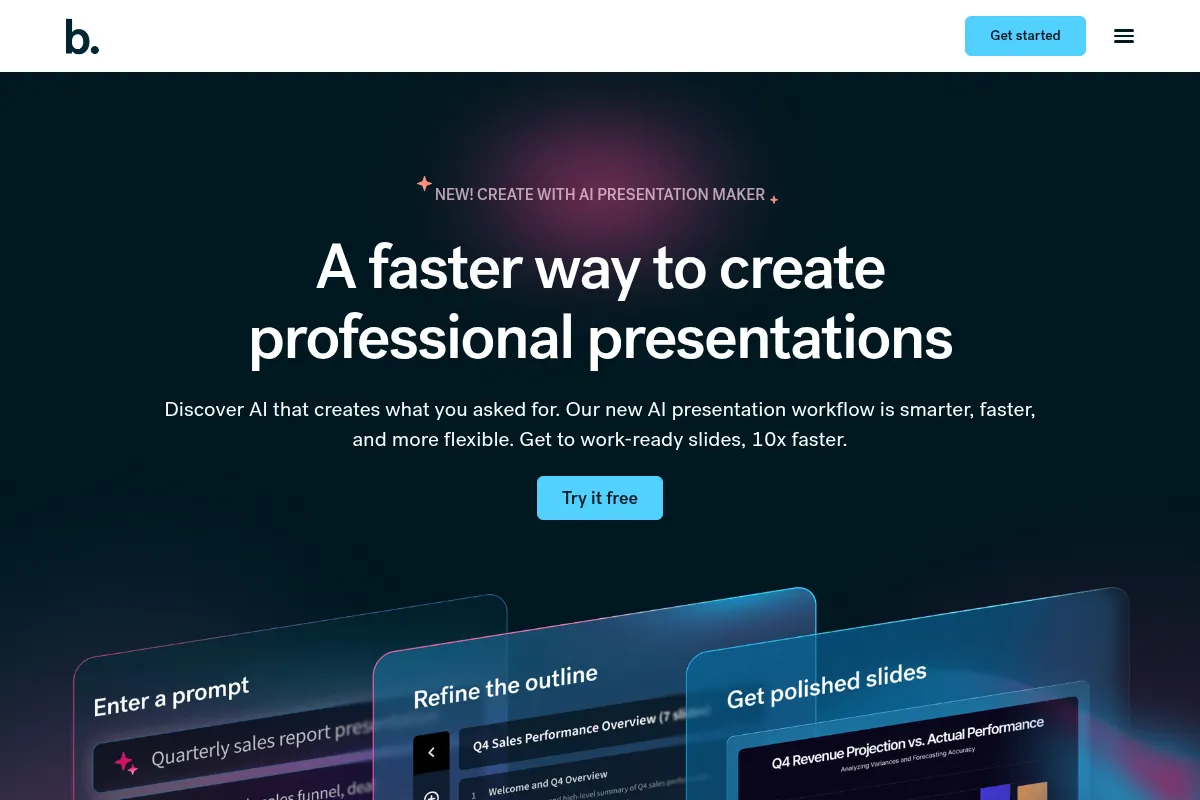
Beautiful.ai is an AI-powered presentation software that automates slide design using 'Smart Slides' to adapt layouts based on content. It aims to reduce the time and design expertise required to create professional, on-brand presentations, making it suitable for individuals and teams who value speed and visual consistency.
Official profiles
What it actually does
Beautiful.ai allows users to input content, and its AI automatically formats slides with appropriate layouts, spacing, and visual elements. It offers AI writing assistance, data visualization tools, and collaboration features to streamline the creation of professional presentations.
What makes it different
Its core differentiator is the 'Smart Slides' technology, which enforces design rules and automatically adapts layouts as content is added. This guided design approach prioritizes consistency and speed over the freeform editing found in tools like PowerPoint.
Ratings across the web


Ratings aggregated from independent review platforms.
Key Features
Smart Slides
Automatically adapt layouts, spacing, and alignment as content is added, ensuring visual consistency and saving design time.
AI Writing Assistant
Generates and rewrites text for slides, using existing content as context for more relevant suggestions.
Brand Customization
Allows users to set brand colors, fonts, and logos to maintain visual consistency across all presentations.
Presentation Analytics
Provides insights into viewer engagement, such as time spent on slides and completion rates.
Collaboration Tools
Enables real-time editing, commenting, and notifications for team projects.
Data Visualization
Offers smart templates for charts and graphs that automatically format data for clarity.
Export Options
Allows presentations to be exported to PDF and editable PowerPoint formats.
AI Image Generation
Creates images based on prompts to complement slide content.
Pricing
Pro
- Unlimited AI content generation
- Smart Slide auto-design
- Custom branding
- Embedded media
- Viewer analytics
- PowerPoint export
Team
- All Pro features
- Real-time collaboration
- Shared libraries
- Version control
- Multi-language support
- Advanced permissions
Enterprise
- Advanced security (SSO, SCIM)
- Audit events
- Priority support
- Onboarding and training
- Custom integrations
Pricing checked 6 months ago
Pricing guidance
- When you need to collaborate with multiple team members on presentations.
- When you require advanced security features like SSO.
- When you need centralized billing and team management.
- When you need to ensure brand consistency across a larger organization.
- The Pro plan is billed annually at $12/month; monthly billing is significantly more expensive.
- Exporting to PowerPoint can lead to formatting issues that require manual correction.
- The 'Smart Slides' can feel restrictive for users who need complete design freedom.
- While there are integrations, API access for programmatic creation is not available.
Beautiful.ai positions itself as a premium tool for professionals, with pricing that reflects its focus on automated design and time-saving features, making it more expensive than basic presentation tools but competitive for its niche.
Pros & Cons
Strengths
-
Speed and Efficiency
Automated design significantly reduces the time required to create polished presentations, ideal for users with tight deadlines.
-
Brand Consistency
Built-in brand controls and Smart Slides ensure all presentations maintain a consistent, professional look aligned with brand guidelines.
-
Ease of Use
Intuitive interface and AI-driven automation make it accessible for users with little to no design experience.
-
Collaboration Features
Real-time editing, commenting, and shared workspaces facilitate teamwork on presentations.
-
Professional Aesthetics
Smart templates and AI ensure that presentations look modern and visually appealing without manual design effort.
Weaknesses
-
Limited Design Flexibility
The 'Smart Slides' system enforces layouts, which can restrict users who need complete creative control or highly custom designs.
Affects: Designers and users needing unique layouts
-
PowerPoint Export Issues
Exporting to PowerPoint can sometimes result in formatting inconsistencies, font substitutions, or elements converting to shapes, requiring manual cleanup.
Affects: Users who frequently share or edit in PowerPoint
-
Templated Appearance
Over-reliance on templates can lead to presentations looking similar, especially if many users within an organization use the tool.
Affects: Users seeking highly unique visual styles
-
No Permanent Free Plan
Offers a 14-day trial but no free tier for ongoing use, which can be a barrier compared to competitors with free options.
Affects: Budget-conscious individuals and small teams
-
Cost for Teams
Team plans can become expensive quickly for larger organizations compared to some alternatives.
Affects: Larger teams and organizations
Real User Sentiment
User sentiment is mixed, with strong praise for its design automation and ease of use, but significant complaints regarding customer service, billing, and export limitations.
Users tend to like
- Ease of use and intuitive interface
- Speed of creation and time savings
- Professional and polished slide designs
- Automated design that enforces consistency
- Helpful AI writing and layout suggestions
Users commonly complain about
- Poor customer service and billing issues
- PowerPoint export problems (formatting, fonts)
- Limited customization and design freedom
- Presentations can look too templated or similar
- Cost can be a barrier, especially for teams
Recurring tradeoffs
- Speed and ease of use vs. design flexibility
- Automated consistency vs. unique customization
- Time savings vs. potential export/editing friction
Happiest users
Individuals and teams who prioritize speed, ease of use, and consistent professional branding over granular design control.
Often frustrated
Users who encounter billing issues, require extensive customization, or frequently need to edit exported PowerPoint files without reformatting.
Use Cases
Creating sales pitch decks quickly for client meetings
Developing marketing campaign reports with consistent branding
Designing educational lecture slides for students
Generating internal company update presentations
Producing investor decks with a professional look
Streamlining the creation of project status reports
Building webinar slides with minimal design effort
Frequently Asked Questions
Does Beautiful.ai have a free plan?
Beautiful.ai does not offer a permanent free plan. It provides a 14-day free trial for its Pro and Team plans, which requires a credit card and automatically charges you if you don't cancel before the trial ends. Some competitors offer more generous free tiers with no credit card required.
How does Beautiful.ai compare to PowerPoint?
Beautiful.ai excels at automating design for speed and consistency, using 'Smart Slides' that adapt to content. PowerPoint offers greater design flexibility and control but requires more manual effort. Beautiful.ai's exports to PowerPoint can sometimes have formatting issues, while PowerPoint is the industry standard for freeform design and compatibility.
What are the limitations of Beautiful.ai?
The primary limitations include restricted design flexibility due to its 'Smart Slides' system, potential formatting issues when exporting to PowerPoint, and a tendency for presentations to look templated. It also lacks an API for programmatic deck creation and does not offer a permanent free plan.
What integrations does Beautiful.ai offer?
Beautiful.ai offers integrations with tools like Slack, ChatGPT, and Salesforce, primarily for sharing presentations, tracking engagement, and improving workflow. However, it does not offer an API for deeper programmatic integrations.
Can I edit presentations created in Beautiful.ai in PowerPoint?
Yes, you can export presentations from Beautiful.ai to PowerPoint (PPTX format). However, users report that these exports can sometimes have formatting inconsistencies, font issues, or elements that convert to shapes, requiring manual cleanup within PowerPoint.
How does Beautiful.ai handle branding?
Beautiful.ai allows users to set custom brand colors, fonts, and logos. These brand settings can be locked in using 'Brand Guardrails' to ensure consistency across all presentations created by individuals or teams within an organization.
Is Beautiful.ai suitable for complex data visualizations?
Beautiful.ai offers 'Smart Data Slides' that can automatically format charts and graphs. While it simplifies data presentation, users needing highly complex or custom data visualizations might find its template-driven approach limiting compared to specialized data visualization tools or PowerPoint's advanced charting capabilities.
What is the cost of Beautiful.ai?
Beautiful.ai offers a Pro plan for individuals at $12/month (billed annually), a Team plan at $40/user/month (billed annually), and custom Enterprise plans. A one-time presentation purchase is also available for $45.
Why trust this page?
This evaluation combines product positioning, pricing analysis, traffic and market signals, and public user sentiment into a single decision-support page. Content is generated editorially — not copied from the vendor's website.
Funding & Company
Founded
2016
Stage
Series c
Total Raised
$76M
Latest Round
Undisclosed (Mar 2026)
Notable Investors
Beautiful.ai has raised a total of $76 million, culminating in a significant $45 million investment from General Catalyst in March 2026. This substantial recent funding provides a strong capital base for product development and global expansion, indicating a stable and long-term outlook for the AI presentation platform.
Market Signals & Traffic
Estimated visits, global rank, geography, traffic sources, monthly visit trends, and organic search keywords (Similarweb)—on a dedicated page built for depth and search.
- Estimated visits
- 1,433,327
- Global rank
- #24,599
- Snapshot
- Apr 2026
- Traffic trend
- Surging
Estimated monthly visits
Alternatives to Beautiful.ai
View all alternativesGamma
Content Creation, Productivity, Design

AI-powered platform for creating presentations, documents, and websites.
Canva AI
Content Creation

Online design tool for creating graphics, presentations, videos, and websites.
Pitch
Content Creation, Productivity, Design

AI-powered presentation software for collaborative teams.
Similar Tools
Fadr
Music Generation, Content Creation, Productivity

Music production tools for stem separation and MIDI extraction.
NXCode
Developer Tools, AI Assistant

Coding assistant for generating, debugging, and optimizing software code.
Reka
Developer Tools, AI Assistant

Multimodal language models for text, image, video, and audio.
Neon
Developer Tools

Serverless Postgres database with instant branching and automatic scaling.
Hoppy Copy
Email Marketing, Marketing Automation, Content Creation

Copywriting and automation platform for email marketing and newsletters.
Argil AI
Content Creation, Video Creation, AI Assistant

AI video creation platform with realistic avatars and automated editing.