

An AI-native engineering agent that prioritizes deep codebase indexing and autonomous task execution over simple autocomplete, making it a specialized tool for navigating and modifying complex repositories.
Excellent for developers onboarding to massive legacy codebases, weaker for those seeking a lightweight, low-latency autocomplete experience.
Analysis based on product data, pricing structure, traffic signals, and public user sentiment.
Who Should Use Cosine?
Typical users
Senior developers, tech leads, and new hires managing large-scale or unfamiliar repositories.
Maturity fit
scaling to advanced
Choose this if…
- Your primary bottleneck is understanding code relationships across multiple files
- You want an agent that can autonomously draft PRs for bug fixes and refactors
- You prefer a predictable pay-per-task model over fluctuating token-based costs
Skip this if…
- You only need basic inline code completion and syntax suggestions
- Your workflow is strictly local and you cannot index code on a cloud platform
- You are a solo developer on a small project where the mental overhead of the codebase is low
About Cosine
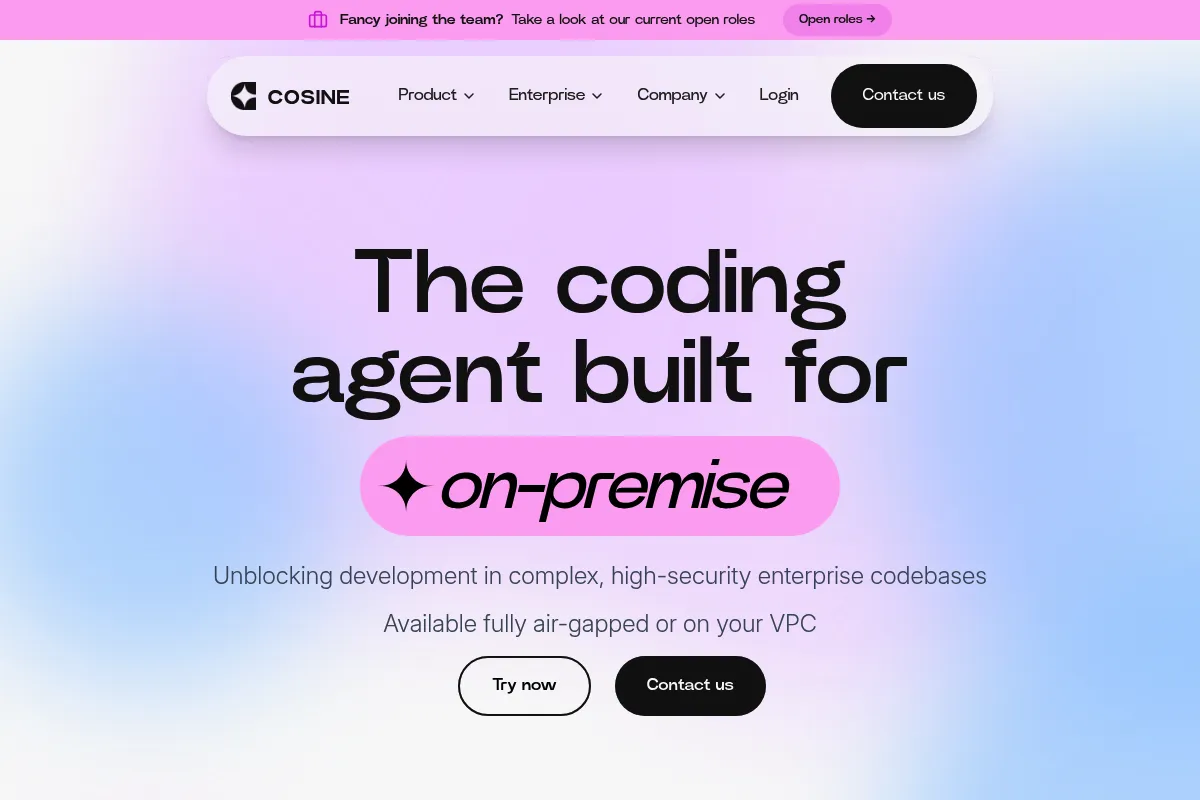
Cosine is an AI software engineering agent designed to act as a digital co-developer. It uses deep semantic indexing and a proprietary reasoning model to understand the logic, dependencies, and intent behind a codebase rather than just matching text patterns.
Official profiles
What it actually does
It indexes entire repositories to answer complex architectural questions, find specific logic across thousands of files, and autonomously execute engineering tasks like refactoring or bug fixing. Users interact with it via a VS Code extension or web interface to generate code that respects existing patterns and project structure.
What makes it different
Unlike standard copilots that rely on a small context window, Cosine builds a comprehensive graph of the codebase. It uses a 'pay-per-task' pricing model, focusing on outcomes like 'fix this bug' rather than charging for every individual prompt or token generated.
Ratings across the web

Ratings aggregated from independent review platforms.
Key Features
Genie 2 Agent
An autonomous engine that reasons through complex tickets to plan and write code.
Semantic Indexing
Goes beyond keyword search to find code based on functional intent.
Research Mode
Specifically tuned for rapid understanding of third-party or legacy repositories.
Task-Based Workflow
Allows users to assign high-level goals (e.g., 'migrate this library') which the agent executes in parallel.
Multi-Agent Reasoning
Uses specialized sub-agents to verify code and run tests before presenting a solution.
Enterprise Security
Offers SOC 2 compliance and options for VPC or local infrastructure hosting.
Deep Integrations
Connects directly to Jira, Linear, and Slack to turn tickets into code tasks.
Pricing
Free
- 80 Tasks (one-time credit)
- Up to 100 Projects
- Access to Genie 2 model
- No credit card required
Hobby
- 80 Monthly Tasks
- Up to 10 Projects
- Individual seat
- Full platform features
Professional
- 240 Monthly Tasks
- Up to 100 Projects
- Up to 100 Seats
- Priority indexing
Enterprise
- Unlimited/Custom Tasks
- SSO and Audit Trails
- VPC or On-premise deployment
- Dedicated support
Pricing checked 6 months ago
Pricing guidance
- When you exhaust your initial 80-task trial
- When you need to manage more than 10 projects simultaneously
- When you require enterprise-grade security like SSO or on-premise hosting
- The Hobby plan actually supports fewer projects (10) than the Free trial (100)
- Access becomes read-only once task limits are reached
- Payments are non-refundable even if tasks go unused
Premium positioning with a focus on high-value engineering outcomes rather than mass-market autocomplete.
Pros & Cons
Strengths
-
Superior codebase navigation
The tool excels at tracing logic across disconnected files, which is a significant pain point in large monorepos where standard LLMs lose context.
-
Predictable outcome-based pricing
By charging per task rather than per token, teams can budget based on engineering output rather than worrying about the cost of long-running chat sessions.
-
Autonomous PR generation
It doesn't just suggest lines; it can draft entire pull requests, including the necessary logic changes and tests, reducing the manual labor of routine fixes.
Weaknesses
-
Indexing overhead
Initial indexing for very large repositories can be time-consuming, creating a delay before the tool becomes fully effective.
Affects: Teams with massive monorepos or frequent new project starts
-
Higher entry price point
At $20/month for the hobby tier and $99/month for professional, it is more expensive than basic AI assistants like GitHub Copilot.
Affects: Individual developers and small startups on tight budgets
-
Task limit restrictions
The task-based model means users must be strategic about what they ask the agent to do, as failed attempts or minor tweaks still consume task credits.
Affects: Power users who prefer a high-volume, iterative chat style
Real User Sentiment
Users generally view Cosine as a 'smarter' alternative to Copilot for deep architectural work, though the pricing model is a point of debate.
Users tend to like
- Deep understanding of file interdependencies
- Ability to 'talk' to the codebase like a human colleague
- High-quality PR drafts that require minimal editing
- The 'Research Mode' for quickly grokking new repos
Users commonly complain about
- Task-based pricing can feel restrictive compared to unlimited chat
- Occasional indexing errors on complex monorepos
- The $99/month professional tier is a steep jump from the hobby tier
Recurring tradeoffs
- You trade the speed of instant autocomplete for the depth of a fully indexed codebase agent.
Happiest users
Senior developers joining a new company with a massive, undocumented codebase.
Often frustrated
Developers who want a cheap, unlimited tool for writing simple boilerplate code.
Use Cases
Onboarding
Quickly learn how a new project's modules interact without reading every file.
Refactoring
Automate the process of updating a library or changing a pattern across the entire repo.
Bug Hunting
Ask the agent to find where a specific error might be originating based on a stack trace.
Documentation
Generate up-to-date explanations for complex legacy logic.
Feature Scaffolding
Have the agent draft the initial structure of a new feature that matches existing project conventions.
Frequently Asked Questions
How does the 'task' system work in Cosine?
A task is defined as a single execution of the Cosine agent to solve a problem or answer a query. Unlike token-based systems where you pay for every word, a task allows you to have a continuous conversation and multiple retries to get the right outcome. Once the goal is achieved or the session ends, one task credit is consumed.
Is there a free version of Cosine?
Yes, Cosine offers a free plan that includes 80 tasks to start. However, this is a one-time allowance rather than a monthly recurring credit. Once you use these 80 tasks, your account becomes read-only until you upgrade to a paid plan like Hobby ($20/mo) or Professional ($99/mo).
How does Cosine compare to Cursor?
Cursor is an AI-native IDE that focuses on a smooth, integrated coding experience with excellent autocomplete. Cosine is an agent that can be used as an extension in standard VS Code. While Cursor is better for day-to-day typing, Cosine is often cited as superior for 'researching' and understanding complex, multi-file logic in large repositories.
Does my code leave my environment?
For the standard Cloud plans, your code is indexed on Cosine's secure servers to enable deep semantic search. However, for Enterprise users, Cosine offers VPC and fully air-gapped on-premise deployments where no data ever leaves your infrastructure.
Which programming languages does Cosine support?
Cosine supports over 50 programming languages, including all major ones like JavaScript, TypeScript, Python, Go, Rust, Java, and C++. Its semantic indexing is designed to work across polyglot codebases where different services might use different languages.
Can Cosine integrate with my project management tools?
Yes, Cosine integrates with GitHub, GitLab, Bitbucket, Jira, Linear, and Slack. This allows you to pull context from issues and tickets directly into the agent to help it understand the requirements of the task it is performing.
Why trust this page?
This evaluation combines product positioning, pricing analysis, traffic and market signals, and public user sentiment into a single decision-support page. Content is generated editorially — not copied from the vendor's website.
Funding & Company
Founded
2022
Stage
Seed
Total Raised
$8M
Latest Round
Seed (Aug 2024)
Notable Investors
Cosine has raised a total of $8 million, primarily through Pre-Seed and Seed rounds backed by notable investors like Y Combinator, SOMA Capital, and Lakestar. This funding provides the company with a solid foundation to develop its autonomous AI software engineer and compete in the growing market for AI developer tools.
Market Signals & Traffic
Estimated visits, global rank, geography, traffic sources, monthly visit trends, and organic search keywords (Similarweb)—on a dedicated page built for depth and search.
- Estimated visits
- 0
- Global rank
- —
- Snapshot
- May 2026
- Traffic trend
- Falling
Estimated monthly visits
Alternatives to Cosine
View all alternativesCursor
AI Assistant

An AI-powered code editor designed to help developers build software faster.
Sourcegraph
Developer Tools, AI Assistant

Code intelligence platform for searching, writing, and understanding codebases
GitHub Copilot
Developer Tools, AI Assistant

AI-powered coding assistant that suggests and generates code.
Similar Tools
NXCode
Developer Tools, AI Assistant

Coding assistant for generating, debugging, and optimizing software code.
Trae
Developer Tools, Productivity

AI-powered IDE for faster, more intuitive software development.
Giskard
Developer Tools, Privacy & Compliance

Testing and quality assurance framework for LLM applications
Spider
Data Extraction, Developer Tools, Search

High-performance web crawler for data extraction and LLM training.
Cline
Developer Tools, AI Assistant, Automation & Agents

Autonomous coding agent for IDEs and terminal-based development workflows.
Temporal
Developer Tools, Automation

Durable execution platform for building and running reliable distributed applications