

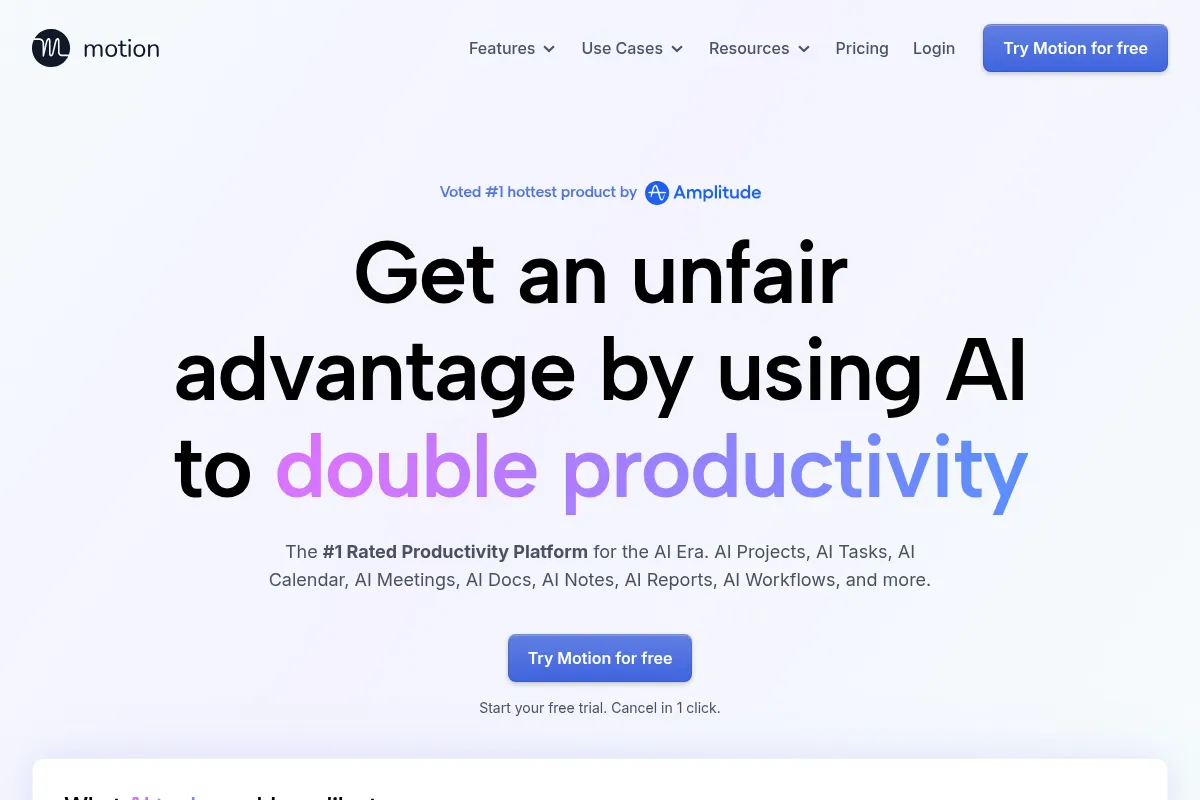
Motion is an AI-powered productivity platform that automates scheduling, task, and project management, aiming to optimize a user's day and reduce administrative overhead.
Best for individuals and teams overwhelmed by scheduling and task management, weaker for those needing deep, customizable project management features.
Analysis based on product data, pricing structure, traffic signals, and public user sentiment.
Who Should Use Motion?
Typical users
Motion is best suited for busy knowledge workers, founders, and small to medium-sized teams who spend significant time on planning and administrative tasks. It's ideal for those who want to offload daily scheduling and task prioritization to an AI.
Maturity fit
beginner to scaling
Choose this if…
- You want your calendar and tasks to be automatically planned and optimized daily.
- Your primary pain point is time spent on scheduling and rescheduling meetings.
- You need a unified platform for calendar, tasks, and basic project management.
- You are willing to invest time in setup for long-term time savings.
Skip this if…
- You require highly customizable project management features like advanced Gantt charts or complex Kanban workflows.
- You need a robust mobile app experience for on-the-go task management.
- Your budget is a primary concern, and you're looking for free or low-cost alternatives.
- You prefer a highly manual approach to task and calendar management.
About Motion
Motion is an AI-driven productivity suite that integrates calendar, task, and project management. It aims to automate the planning and scheduling of a user's day, optimizing workflows and freeing up time by intelligently assigning tasks and meetings. It's designed for professionals and teams seeking to reduce administrative burden and enhance focus.
What it actually does
Motion automatically schedules tasks and meetings into your calendar based on priorities, deadlines, and availability. It dynamically adjusts your schedule in real-time when conflicts arise or new urgent tasks appear. The platform also offers project management features, allowing users to group tasks, set deadlines, and track progress within a unified workspace.
What makes it different
Motion's core differentiator is its AI-powered dynamic scheduling that continuously optimizes your day. Unlike static task managers, it actively reshuffles your calendar to accommodate changes, aiming to eliminate manual rescheduling. Its integration of AI "employees" for specific roles also sets it apart by automating more complex workflows.
Ratings across the web



Ratings aggregated from independent review platforms.
Key Features
AI Calendar & Auto-Scheduling
Automatically plans your day by time-blocking tasks and meetings, optimizing for your priorities and deadlines.
AI Task & Project Management
Organizes tasks into projects, allowing for prioritization, deadline setting, and progress tracking within a unified interface.
AI Meeting Notetaker
Joins meetings to take notes, summarize key points, and extract action items that can be converted into tasks.
AI Employees
Specialized AI agents designed to automate specific roles like sales, support, or project management, handling routine tasks.
Booking Links
Allows others to schedule meetings with you based on your availability, reducing back-and-forth communication.
Docs & Wiki Integration
Centralizes notes and documentation, linking them to tasks and projects for better context.
Dynamic Rescheduling
Automatically adjusts your schedule in real-time when meetings run over or urgent tasks arise, ensuring your plan stays up-to-date.
Workflow Builder
Enables the creation of automated workflows based on SOPs and organizational best practices.
Pricing
Pro AI
- AI Calendar and Meeting Scheduler
- Task and Project Manager
- Docs, Wiki, and Notes
- AI Sheets and Dashboards
- iOS, Android, and desktop apps
Business AI
- All Pro AI features
- Advanced reporting
- Capacity planning
- Time tracking
- Permissions
- Centralized billing
Pricing checked 6 months ago
Pricing guidance
- When you need advanced reporting, capacity planning, and permission controls for a team.
- When your team requires centralized billing and user management.
- When you need to automate more complex workflows or manage larger projects.
- AI credit limits may apply to certain advanced AI features.
- The mobile app experience is often described as less robust than the desktop/web version.
- While it offers project management, it may not satisfy users needing highly specialized PM tools.
Motion is positioned as a premium AI-powered productivity suite with pricing that reflects its advanced automation capabilities, making it a significant investment for individuals and teams.
Pros & Cons
Strengths
-
Automated Daily Planning
Motion's AI automatically schedules tasks and meetings, saving users significant time on manual planning and rescheduling. This is particularly beneficial for those with complex schedules or frequent changes.
-
Unified Workspace
Combines calendar, task management, project management, and document features into a single platform, reducing the need for multiple tools and context switching.
-
Dynamic Rescheduling
The platform intelligently adjusts your schedule in real-time when conflicts or new urgent tasks arise, ensuring your day remains optimized without manual intervention.
-
AI Meeting Assistant
The AI Notetaker and Meeting Assistant can significantly reduce the administrative burden of meetings by capturing notes, summarizing discussions, and creating actionable tasks.
-
AI Employees for Automation
Offers specialized AI agents that can automate specific job functions, providing a unique approach to workflow automation and task delegation.
Weaknesses
-
Steep Learning Curve & Setup
Users report that initial setup and learning to trust the AI's scheduling require a significant time investment. The interface can also feel complex or unintuitive for some.
Affects: New users, those seeking immediate simplicity.
-
Limited Project Management Depth
While it offers project management features, it lacks the advanced customization and depth found in dedicated PM tools like Asana or ClickUp, particularly for complex workflows or Gantt charts.
Affects: Project managers, teams with complex project structures.
-
Underwhelming Mobile App
The mobile application is frequently cited as less functional and intuitive compared to the desktop or web experience, hindering on-the-go productivity.
Affects: Users who rely heavily on mobile for task management.
-
Premium Pricing
Motion is positioned as a premium tool with pricing that can be a barrier for individuals or small teams, especially when compared to free or lower-cost alternatives.
Affects: Budget-conscious users, individuals not seeing immediate ROI.
Real User Sentiment
User sentiment for Motion is generally positive, with many praising its AI-powered scheduling and time-saving capabilities, though some express concerns about its complexity, pricing, and mobile app.
Users tend to like
- AI-powered automatic scheduling and rescheduling.
- Time savings from reduced manual planning.
- Unified platform for calendar, tasks, and projects.
- Intelligent meeting scheduling and note-taking.
- The potential for increased productivity.
Users commonly complain about
- Steep learning curve and initial setup time.
- Clunky or unintuitive UI/UX, especially for project management features.
- Underwhelming mobile app experience.
- Premium pricing that has increased over time.
- Concerns about AI "employees" being overhyped or just API calls.
Recurring tradeoffs
- Willingness to invest time in setup for long-term gains vs. immediate simplicity.
- Premium cost for advanced AI features vs. more affordable or free alternatives.
- Reliance on AI for scheduling vs. desire for manual control.
Happiest users
Busy professionals, founders, and small teams who are overwhelmed by administrative tasks and find significant value in AI-driven automation for scheduling and task management.
Often frustrated
Users who prefer a simpler interface, need advanced project management features, have budget constraints, or rely heavily on a robust mobile experience.
Use Cases
Automating daily schedule creation for busy professionals.
Streamlining meeting scheduling and reducing back-and-forth emails.
Managing multiple projects and tasks for solopreneurs.
Coordinating team tasks and deadlines without a dedicated project manager.
Reducing administrative overhead for small to medium-sized teams.
Improving focus time by automatically blocking out deep work sessions.
Capturing and actioning meeting notes automatically.
Frequently Asked Questions
What is Motion AI?
Motion AI is an AI-powered productivity platform that integrates calendar, task management, and project management. It uses artificial intelligence to automatically plan your day, schedule meetings, and optimize workflows, aiming to save users significant time and reduce administrative burden. It's designed for busy professionals, solopreneurs, and small to medium-sized teams.
How does Motion AI's AI scheduling work?
Motion's AI analyzes your tasks, deadlines, priorities, and calendar availability to automatically create a time-blocked schedule for your day. It dynamically reschedules tasks in real-time if meetings run over or urgent tasks arise, ensuring your plan remains optimized without manual intervention. You input your tasks and deadlines, and the AI builds the schedule.
What are the main differences between Motion AI and other productivity tools like Asana or Notion?
Motion's primary differentiator is its AI-driven dynamic scheduling and real-time rescheduling, which actively optimizes your calendar. Asana and ClickUp offer more robust and customizable project management features, including advanced Gantt charts and Kanban boards, but typically require more manual scheduling. Notion excels at flexible knowledge management and documentation but lacks native AI scheduling capabilities. Motion aims to be an all-in-one solution for scheduling and task management, while others focus more on specific areas like project management or knowledge bases.
What are the limitations of Motion AI?
Users report that Motion has a steep learning curve and requires significant initial setup. The mobile app experience is often described as underwhelming compared to the desktop version. While it offers project management features, they may not be as deep or customizable as dedicated project management tools. Some users also find the pricing to be premium and have noted that the UI can feel cluttered or unintuitive for certain functions.
Does Motion AI have a free plan?
No, Motion AI does not offer a free plan. However, it does provide a 7-day free trial, which automatically converts to a paid subscription if not canceled before the trial period ends. Pricing starts at $19 per month when billed annually for the Pro AI plan.
Can Motion AI integrate with other tools?
Yes, Motion AI offers integrations with popular tools such as Google Calendar, Outlook Calendar, Slack, Zoom, and Microsoft Teams. It also supports Zapier, allowing for broader automation possibilities with other applications. However, the number of native integrations can be limited on lower-tier plans.
Is Motion AI worth the cost?
The value of Motion AI often depends on the user's specific needs and willingness to invest in its setup. Many users find the time saved from automated scheduling and task management justifies the premium cost. However, if you require highly advanced project management features, a superior mobile experience, or are on a tight budget, alternatives might be more suitable. It's recommended to utilize the 7-day free trial to assess its fit for your workflow.
Why trust this page?
This evaluation combines product positioning, pricing analysis, traffic and market signals, and public user sentiment into a single decision-support page. Content is generated editorially — not copied from the vendor's website.
Funding & Company
Founded
2019
Stage
Series c
Total Raised
$75M
Latest Round
Series C (Sep 2025)
Notable Investors
Motion has raised a total of $75 million, culminating in a significant $60 million infusion across its Series B, C, and C2 rounds in 2025, which valued the company at $550 million. This substantial, late-stage funding from notable investors like Scale Venture Partners and SignalFire indicates strong market confidence and provides significant runway for product development and expansion.
Market Signals & Traffic
Estimated visits, global rank, geography, traffic sources, monthly visit trends, and organic search keywords (Similarweb)—on a dedicated page built for depth and search.
- Estimated visits
- 689,497
- Global rank
- #68,312
- Snapshot
- Apr 2026
- Traffic trend
- Falling
Estimated monthly visits
Alternatives to Motion
View all alternativesReclaim AI
AI Assistant, Automation, Productivity

AI-powered calendar assistant that automatically schedules tasks, habits, and focus time.
Notion AI
AI Assistant, Content Creation

AI assistant integrated into Notion for content creation and task automation.
Clockwise
Productivity, Automation

AI-powered calendar assistant that optimizes schedules and protects focus time.
Similar Tools
Zapier AI
Productivity, Automation

Automate tasks and workflows between your favorite apps without code.
Clockwise
Productivity, Automation
AI-powered calendar assistant that optimizes schedules and protects focus time.
Kick
Productivity, Automation

Automated bookkeeping and financial management for startups and small businesses.
Mistral AI
AI Assistant, Developer Tools

Efficient large language models for developers and enterprise applications.
Activepieces
Automation, Developer Tools, Marketing Automation

Open-source workflow automation platform for connecting apps and tasks.
Artlist (AI Music Generator)
Content Creation, Video Creation

Creative asset platform for music, footage, and voiceover generation.