

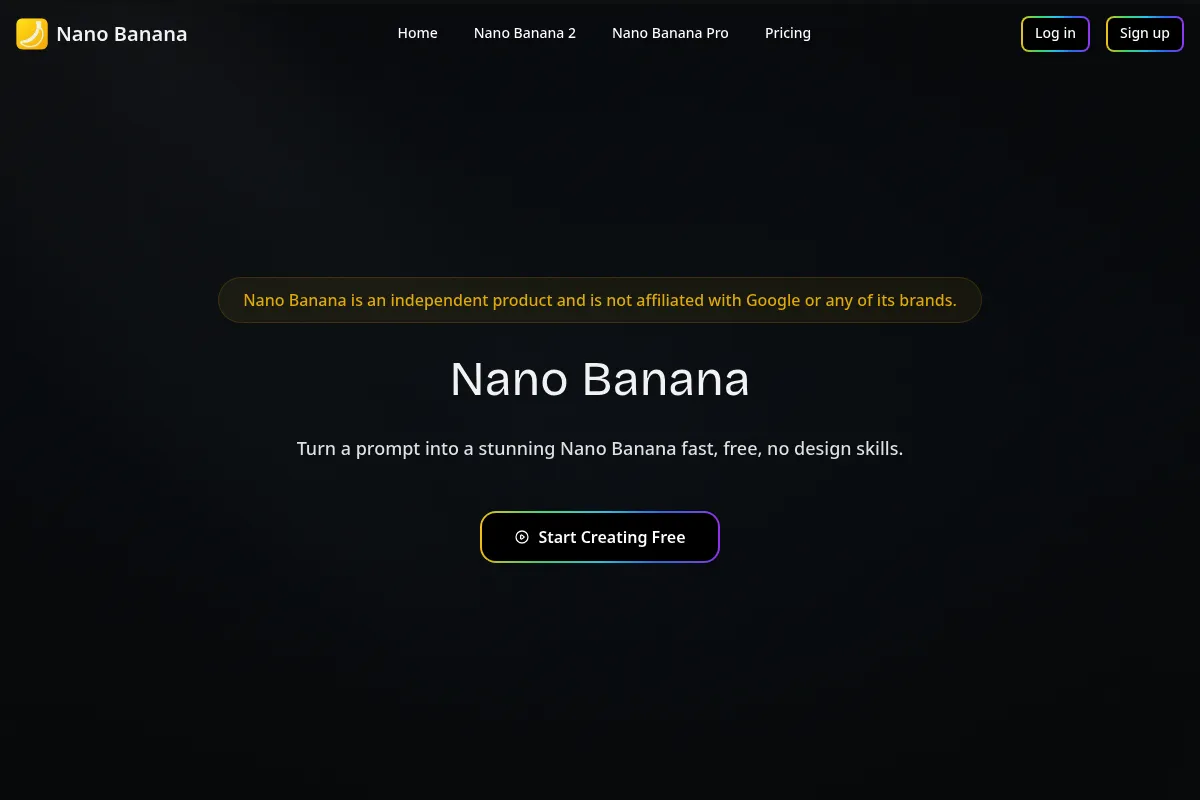
Nano Banana
A specialized asset generator for high-fidelity AI visuals and short-form animations that excels at visual consistency but lacks the integrated editing suite required for true 'one-click' faceless video production.
Excellent for creators who need high-quality, text-accurate AI visuals to feed into an external editor, but weaker for those seeking a fully automated script-to-video workflow.
Analysis based on product data, pricing structure, traffic signals, and public user sentiment.
Who Should Use Nano Banana?
Typical users
Solo content creators and social media marketers who run faceless niche accounts and already use tools like CapCut or Premiere Pro.
Maturity fit
beginner to scaling
Choose this if…
- You need AI images with accurate, legible text for posters or title cards
- Your priority is character consistency across multiple scenes
- You want access to Google's Veo 3.1 and Nano Banana 2 models without a complex API setup
- You prefer a credit-based model over a flat 'unlimited' subscription
Skip this if…
- You need an all-in-one tool that generates scripts and voiceovers automatically
- Your workflow requires a timeline-based video editor with layers and transitions
- You are looking for a massive library of pre-licensed stock footage (it generates its own visuals instead)
- You need to sync captions and audio within the same platform
About Nano Banana
Nano Banana is a generative AI platform that provides a user-friendly interface for Google's advanced image and video models (Gemini/Veo). It is designed to help creators produce the visual components of faceless social media content, focusing on high-resolution output and prompt adherence.
What it actually does
The tool generates high-fidelity images and short cinematic video clips from text prompts. It allows users to maintain subject consistency across frames and render accurate text within visuals, which is a common failure point for other diffusion models.
What makes it different
Unlike general video editors like InVideo or Fliki, Nano Banana is built around the 'Nano Banana' (Gemini-based) model architecture, which is significantly better at rendering legible text and maintaining physical logic (like finger counts and straight lines) in generated assets.
Key Features
Nano Banana 2 Model
Delivers superior text accuracy and compositional logic compared to standard SDXL models.
Veo 3.1 Integration
Generates cinematic 1080p or 4K video clips directly from text or image prompts.
Character Anchoring
Maintains the appearance of up to 5 characters across different scenes for narrative continuity.
Web-Grounded Generation
Taps into real-time web search data to ensure accuracy for specific products or events.
Sound Effects Layering
Automatically adds basic environmental audio or sound effects to generated video clips.
Batch Processing
Allows for the simultaneous generation of multiple variations to speed up the creative 'lottery.'
Private Generation
Ensures that your prompts and outputs are not visible to the public community gallery.
Pricing
Free
- 20 credits
- Watermarked exports
- Basic support
- Access to Sora 2 and Veo 3.1
Lite
- 6,000 credits per year
- No watermarks
- Commercial usage rights
- Private generation
Pro
- 24,000 credits per year
- Priority support
- Higher resolution outputs
- Advanced character consistency tools
Max
- 60,000 credits per year
- Batch generation priority
- Early access to new models
- Dedicated account support
Pricing checked 4 months ago
Pricing guidance
- When you need to remove watermarks for commercial use
- When you require 4K resolution for YouTube content
- When you hit the credit limit on the Lite plan during a heavy production week
- Credits do not roll over on monthly subscription plans
- 4K video generation costs significantly more credits than 1K/2K images
- Annual plans require the full payment upfront
Aggressively priced for the entry-level market, with significant discounts for annual commitments.
Pros & Cons
Strengths
-
Industry-leading text rendering
It can accurately place specific headlines and copy into images, which is essential for social media title cards and ad creative.
-
Strong character consistency
The 'Subject Consistency' feature allows creators to build a brand mascot or recurring character without them changing appearance between clips.
-
Access to Google's latest models
Provides a low-friction way to use Veo 3.1 and Gemini-based image models without needing a Vertex AI or Google Cloud account.
Weaknesses
-
Fragmented video workflow
It generates the 'raw' clips but lacks a built-in timeline, meaning you still need a third-party editor to assemble the final video.
Affects: High-volume creators looking for a 'one-click' solution
-
No integrated script or voiceover tools
Despite marketing as a faceless video platform, it does not currently generate scripts or offer an AI voiceover library like ElevenLabs.
Affects: Beginners who don't want to manage a multi-tool stack
-
Credit-heavy pricing
High-resolution 4K video generations consume credits quickly, making it potentially expensive for long-form content.
Affects: YouTube creators making videos longer than 60 seconds
Real User Sentiment
Users generally praise the visual fidelity and text accuracy but express frustration with the lack of a cohesive 'all-in-one' dashboard for video assembly.
Users tend to like
- The ability to render readable text inside images
- Consistent character faces across different prompts
- Speed of generation compared to Midjourney
- The 'Nano Banana 2' model's adherence to complex instructions
Users commonly complain about
- Lack of a timeline editor for syncing audio
- No built-in AI voiceover generator
- Credit consumption for video is opaque
- Occasional 'hallucinations' in complex physical movements
Recurring tradeoffs
- You get better visuals than InVideo, but you have to do 50% more manual work to finish the video.
Happiest users
Advanced creators who use it as an 'asset factory' for high-end social media ads.
Often frustrated
Total beginners who expect the tool to output a finished, captioned TikTok from a single prompt.
Use Cases
Faceless Niche Channels
Generating consistent characters for 'story-time' or 'facts' accounts.
Social Media Ads
Creating product mockups with accurate brand text and cinematic motion.
Storyboarding
Using the grid generation feature to plan out scenes for longer films.
Logo & Brand Design
Iterating on logos that require specific text and stylized aesthetics.
Content Repurposing
Turning static blog images into 8-second animated social teasers.
Frequently Asked Questions
Does Nano Banana have a free plan?
Yes, there is a free plan that provides 20 credits to test the platform. However, exports are watermarked, and the credits are one-time only, meaning you will need to upgrade to a paid plan ($9.90/mo or $4.90/mo billed annually) for recurring usage and clean exports.
How does Nano Banana compare to InVideo AI?
InVideo AI is a comprehensive video editor that handles scripts, voiceovers, and assembly in one place, but often relies on generic stock footage. Nano Banana produces much higher quality, custom AI visuals and handles text better, but it lacks the editing, script, and voiceover features of InVideo.
Can I generate AI voiceovers in Nano Banana?
No, Nano Banana does not currently have a built-in AI voiceover generator. Most users pair it with ElevenLabs or Descript to generate audio, then assemble the final video in an external editor like CapCut.
What video models does it support?
Nano Banana supports Google's Veo 3.1 for cinematic video and has integrated support for Sora 2. It also uses the Nano Banana 2 and Flux models for high-fidelity image-to-video workflows.
Is the content safe for commercial use?
Yes, all paid plans (Lite, Pro, and Max) include full commercial usage rights for the images and videos you generate. The Free plan is intended for personal use and testing only.
Does it support multiple languages?
Yes, because it is built on Google's Gemini architecture, it has excellent support for understanding prompts and rendering text in dozens of languages, making it ideal for global marketing campaigns.
Why trust this page?
This evaluation combines product positioning, pricing analysis, traffic and market signals, and public user sentiment into a single decision-support page. Content is generated editorially — not copied from the vendor's website.
Company
Founded
—
Stage
—
Nano Banana is not a standalone company and has not raised external funding. It is an AI image generation model, officially named Gemini 2.5 Flash Image, developed and funded internally by Google (Alphabet Inc.). Its financial stability is therefore tied directly to Google's corporate resources and strategic commitment to advancing its Gemini AI ecosystem.
Market Signals & Traffic
Estimated visits, global rank, geography, traffic sources, monthly visit trends, and organic search keywords (Similarweb)—on a dedicated page built for depth and search.
- Estimated visits
- 1,213
- Global rank
- #9,632,593
- Snapshot
- Apr 2026
- Traffic trend
- Surging
Estimated monthly visits
Alternatives to Nano Banana
View all alternativesFliki
Content Creation, Video Creation

AI-powered text-to-video and text-to-speech creator.
Pictory
Content Creation, Video Creation

AI-powered platform to create engaging videos from text and existing content.
InVideo
Video Creation, Content Creation

An AI-powered video creation platform for quickly producing professional-quality videos.
Similar Tools
Flixier
Video Creation, Content Creation, Social Media

Fast browser-based video editor for content creation and collaboration
Digen
Video Creation, Content Creation, Social Media

Create realistic videos and talking avatars from text or images.
Minimax / Hailuo AI
Video Creation, Content Creation, AI Assistant

AI tool to generate high-quality videos from text or images.
ImagineArt
Design, Content Creation, Video Creation

Create and edit high-quality digital art and videos from text.
Tofu
Marketing Automation, Content Creation

Create hyper-personalized B2B marketing content for account-based marketing campaigns.
Aithor
Education, Research, AI Assistant

Academic writing assistant for essays, research papers, and citations.