

A reliable multi-streaming hub that simplifies broadcasting to dozens of platforms simultaneously, though high-definition 1080p quality is locked behind a significant price jump.
Excellent for creators needing broad distribution with minimal technical setup, weaker for those requiring high-resolution streaming on a budget.
Analysis based on product data, pricing structure, traffic signals, and public user sentiment.
Who Should Use Restream?
Typical users
Individual content creators, small marketing teams, and webinar hosts who prioritize reach over complex post-production.
Maturity fit
beginner to scaling
Choose this if…
- You need to broadcast to YouTube, Twitch, and LinkedIn at the same time
- Your priority is a browser-based setup that doesn't require high-end hardware
- You want a unified chat interface to manage multiple platform audiences in one window
Skip this if…
- You require 4K streaming resolution
- Your workflow depends on advanced scene transitions and local recording control found in OBS
- You are unwilling to pay a premium specifically for 1080p video quality
About Restream
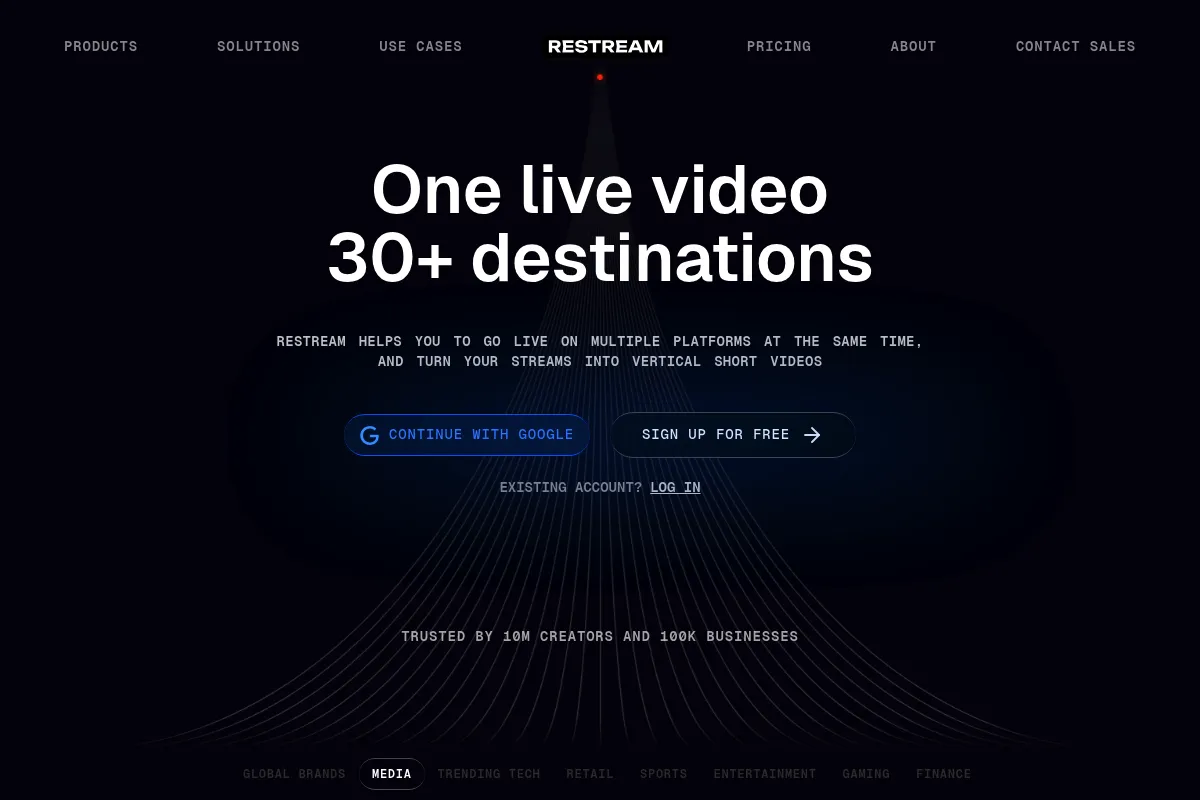
Restream is a cloud-based production and distribution suite designed to eliminate the bandwidth and hardware constraints of multi-platform broadcasting. It allows users to stream live or pre-recorded content to over 30 social destinations from a single source. The platform exists to solve the technical complexity of managing separate stream keys and high upload bandwidth requirements.
Official profiles
What it actually does
It ingests a single video feed—either from its built-in browser studio or external software like OBS—and duplicates it across multiple social media platforms. It also aggregates audience comments into a single dashboard and allows for the scheduling of pre-recorded video files to go live at specific times.
What makes it different
Unlike many competitors that focus solely on the studio experience, Restream emphasizes its 'doubling' capability, supporting a wider range of niche platforms and custom RTMP outputs. Its 'Upload & Stream' feature is more mature than most, allowing for hands-off broadcasting of edited content that appears live to the audience.
Ratings across the web

Ratings aggregated from independent review platforms.
Key Features
Restream Studio
Allows guests to join via a simple link without downloading software.
Unified Chat
Consolidates messages from Twitch, YouTube, and Facebook into one overlay.
Upload & Stream
Broadcasts pre-recorded files as live events to maintain a consistent schedule.
Custom RTMP
Enables streaming to any destination that provides a stream key, not just native integrations.
Stream Health Monitor
Provides technical data on bitrates and frame drops to troubleshoot lag.
Social Alerts
Automatically posts to Twitter or Discord when your stream goes live.
Background Removal
Uses AI to mask your environment without needing a physical green screen.
Analytics Dashboard
Aggregates viewer counts and engagement metrics across all connected platforms.
Pricing
Free
- 2 streaming channels
- Restream branding on stream
- Studio (up to 6 guests)
- Basic chat features
Standard
- 5 streaming channels
- No Restream branding
- 6 hours of recording
- 15 days of storage
- 720p video quality
Professional
- 8 streaming channels
- Full HD (1080p) streaming
- 10 hours of recording
- Upload & Stream (60 min files)
- Custom RTMP support
Premium
- 15 streaming channels
- 20 hours of recording
- Upload & Stream (2 hour files)
- Priority support
Pricing checked 6 months ago
Pricing guidance
- When you need to remove the Restream watermark
- When you need to stream in 1080p resolution
- When you want to stream pre-recorded video files
- When you need to stream to more than 5 platforms
- 1080p resolution is unavailable on the Standard plan
- Recording storage is temporary (15-30 days) depending on the plan
- The number of guests in the studio is capped at 10 even on higher tiers
Mid-market pricing that becomes expensive quickly if you require high-definition video or large-scale distribution.
Pros & Cons
Strengths
-
Low bandwidth requirements
Since Restream handles the distribution in the cloud, you only need enough upload speed for one stream, regardless of how many platforms you target.
-
Simplified guest management
The browser-based studio makes it easy for non-technical guests to join a professional-looking broadcast via a URL.
-
Centralized audience engagement
The unified chat tool prevents the need to keep multiple browser tabs open, ensuring you don't miss comments from smaller platforms.
-
Reliable pre-recorded streaming
The ability to schedule videos to go live while you are offline is a major time-saver for creators repurposing long-form content.
Weaknesses
-
1080p is expensive
While many competitors offer Full HD in entry-level tiers, Restream locks 1080p behind the Professional plan, which is a steep jump from the Standard tier.
Affects: Budget-conscious creators who want high-quality visuals.
-
Aggressive branding on free tier
The free version includes a 'Powered by Restream' watermark and text in your stream description that cannot be removed without paying.
Affects: Beginners trying to maintain a professional brand image.
-
Limited studio customization
The built-in studio lacks the deep scene nesting, plugin support, and granular audio control available in desktop software like OBS or vMix.
Affects: Advanced broadcasters and production professionals.
Real User Sentiment
Users generally appreciate the platform's stability and ease of use, but there is consistent frustration regarding the cost of 1080p streaming.
Users tend to like
- Reliability of the multi-stream connection
- Ease of inviting guests to the studio
- Unified chat interface
- Simple setup for pre-recorded videos
Users commonly complain about
- High cost for 1080p resolution
- Watermarking on the free and lower-tier plans
- Occasional lag in the browser-based studio
- Customer support can be slow to respond
Recurring tradeoffs
- Users trade the deep customization of OBS for the convenience of a cloud-based, multi-platform setup.
Happiest users
Solo creators who want to reach multiple audiences without managing complex hardware or high-speed internet requirements.
Often frustrated
Professional videographers who expect 1080p or 4K as a standard feature without paying premium subscription fees.
Use Cases
Gaming
Stream to Twitch, YouTube, and Facebook simultaneously to maximize reach.
Corporate Webinars
Host panel discussions with remote guests using the browser studio.
Product Launches
Schedule a high-quality pre-recorded video to premiere as a live event.
Live Podcasts
Record and stream video interviews while interacting with a multi-platform audience.
Church Services
Broadcast Sunday services to both Facebook Live and YouTube for congregants.
Virtual Summits
Manage multiple speakers and sessions without requiring them to install software.
Frequently Asked Questions
Does Restream have a free plan?
Yes, Restream offers a free plan, but it is limited to 2 channels and includes a 'Powered by Restream' watermark on your video and in your stream description. To remove branding and access more channels, you must upgrade to a paid plan starting at approximately $19 per month.
Restream vs StreamYard: Which is better?
StreamYard is often preferred for its superior studio interface and ease of use for beginners. Restream is generally better for users who need to stream to a wider variety of platforms (30+) or who rely heavily on streaming pre-recorded content via their 'Upload & Stream' feature.
Can I stream in 1080p with Restream?
1080p streaming is only available on the Professional plan and higher. The Free and Standard plans are limited to 720p, which may look blurry on larger screens or for high-motion content like gaming.
Does Restream work with OBS?
Yes, you can use Restream as a destination within OBS. This allows you to use the advanced production features of OBS while letting Restream handle the distribution to multiple platforms simultaneously.
Can I stream to LinkedIn Live with Restream?
Yes, Restream is an official LinkedIn Live partner. However, you must first be approved by LinkedIn to use their live streaming feature before you can connect it to your Restream account.
What are the internet speed requirements?
Because Restream handles the heavy lifting in the cloud, you only need enough upload speed for a single stream. For 720p, a stable upload speed of at least 4-5 Mbps is recommended; for 1080p, you should have at least 10 Mbps.
Why trust this page?
This evaluation combines product positioning, pricing analysis, traffic and market signals, and public user sentiment into a single decision-support page. Content is generated editorially — not copied from the vendor's website.
Funding & Company
Founded
2015
Stage
Series a
Total Raised
$55.12M
Latest Round
Series A (Aug 2020)
Notable Investors
Restream has raised over $55 million, primarily from a significant $50 million Series A round in August 2020. This funding, led by enterprise software investors Sapphire Ventures and Insight Partners, was secured to expand its product and team following a surge in demand for live streaming. The company's financial backing appears solid for near-term stability and product development.
Market Signals & Traffic
Estimated visits, global rank, geography, traffic sources, monthly visit trends, and organic search keywords (Similarweb)—on a dedicated page built for depth and search.
- Estimated visits
- 3,378,017
- Global rank
- #18,239
- Snapshot
- Apr 2026
- Traffic trend
- Rising
Estimated monthly visits
Similar Tools
Panopto
Education, Training & Onboarding, Communication

Video management platform for education and enterprise training.
Neynar
Developer Tools, Social Media, Automation

Developer infrastructure and APIs for building on Farcaster protocol.
FeedHive
Social Media, Marketing Automation, Content Creation

Social media management platform for scheduling, recycling, and optimizing content
Creatomate
Video Creation, Automation, Marketing Automation

Automate video and image creation through templates and data feeds
VideoPrompt Studio
Video Creation, Content Creation, Design

Visual prompt engineering tool for professional video generation
NoimosAI
Marketing Automation, Automation & Agents, SEO

Autonomous marketing platform for research, strategy, and campaign execution.