

An AI agent layer that sits on top of your inbox and Slack to automate routine triage and data entry—strong for email-heavy operations, but limited by tight message caps on entry-level plans.
Best for founders and ops managers who need to offload email triage and Slack-to-Notion data entry, but weaker for complex multi-step logic compared to established iPaaS tools.
Analysis based on product data, pricing structure, traffic signals, and public user sentiment.
Who Should Use Simplai?
Typical users
Solo founders, operations leads at small startups, and executive assistants managing high-volume communication channels.
Maturity fit
beginner to scaling
Choose this if…
- Your primary bottleneck is manual email sorting and repetitive Slack requests
- You want an AI that 'reads' and 'acts' rather than just a trigger-based connector
- Your tech stack is centered around Gmail, Slack, and Notion
Skip this if…
- You require complex conditional branching and multi-app sequences found in Zapier
- You have a high volume of messages (500+) and a low budget
- Your workflow involves legacy software without modern API or web-based interfaces
About Simplai
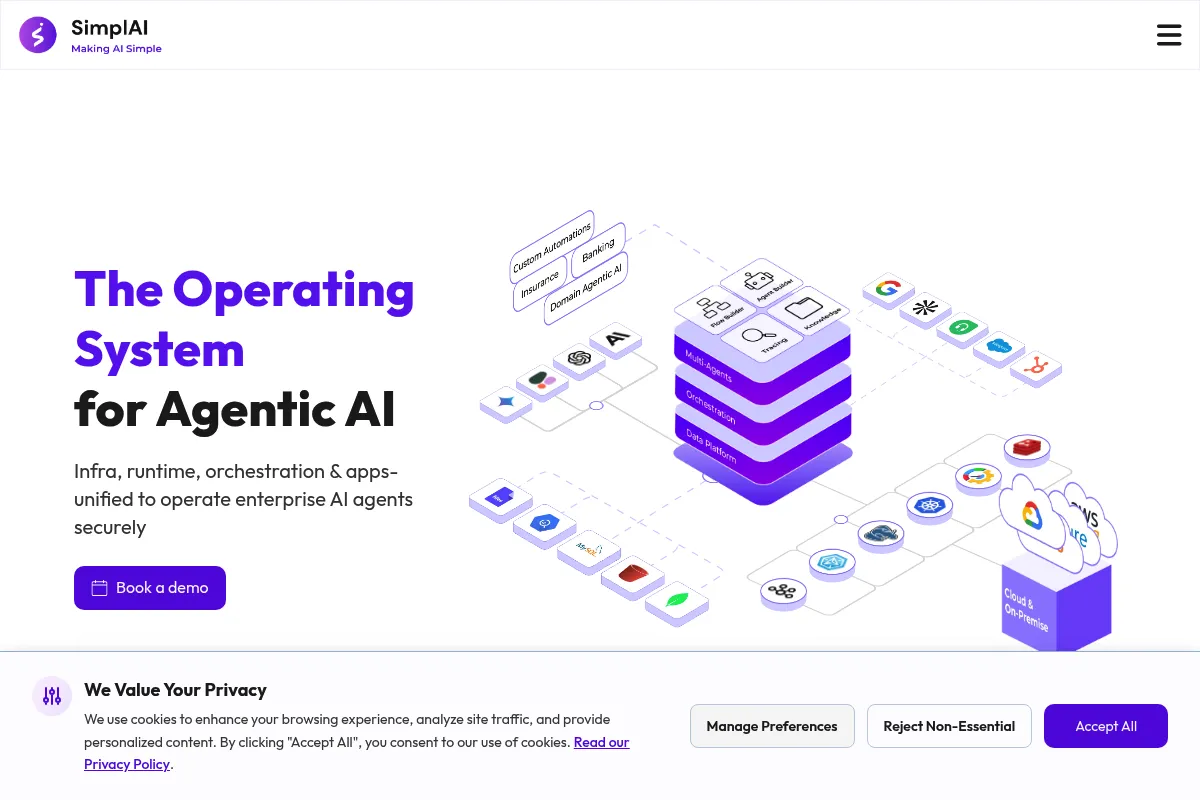
Simplai is an agentic automation tool that uses LLMs to interpret and act on business communications. It focuses on turning unstructured text from emails and chat into structured actions within a company's existing productivity stack.
Official profiles
What it actually does
The tool deploys 'agents' that monitor specific channels like Gmail or Slack. These agents can draft replies, summarize long threads, extract data into databases like Notion, and notify users of high-priority items based on custom instructions.
What makes it different
Unlike traditional automation tools that rely on rigid 'if-this-then-that' logic, Simplai uses natural language processing to understand intent. It functions more like a digital intern that can make subjective decisions about whether an email is urgent or which database a piece of info belongs in.
Ratings across the web

Ratings aggregated from independent review platforms.
Key Features
Inbox Agent
Automatically categorizes incoming mail and drafts responses based on your specific business context.
Slack Knowledge Agent
Connects to your internal docs to answer team questions directly within Slack channels.
Structured Data Extraction
Identifies key details like dates, prices, or names in emails and pushes them to Notion or CRMs.
Custom Instructions
Allows users to define 'Personalities' and 'Rules' for how agents should handle specific scenarios.
Multi-Tool Coordination
Can take an input from Slack and use it to update a Notion page and send a follow-up email in one flow.
Human-in-the-loop
Provides a review stage for AI-generated drafts before they are sent to clients.
Contextual Memory
Remembers previous interactions within a thread to maintain continuity in automated replies.
Pricing
Personal
- 1 AI Agent
- 50 messages per month
- Standard integrations
- Community support
Pro
- 3 AI Agents
- 500 messages per month
- Priority email support
- Advanced agent logic
Team
- 10 AI Agents
- 2,500 messages per month
- Shared agents for teams
- Onboarding assistance
Pricing checked 5 months ago
Pricing guidance
- When you exceed 50 messages in a month
- When you need to automate more than one distinct workflow (e.g., both Slack and Email)
- When you need team-wide access to shared agents
- Message counts include both inputs and outputs
- Complex multi-step tasks may consume more than one 'message' credit depending on the agent's internal processing
Mid-range pricing that is affordable for individuals but can become expensive for high-volume enterprise use cases.
Pros & Cons
Strengths
-
Low barrier to entry
Setting up an agent requires writing plain English instructions rather than mapping complex data fields, making it accessible for non-technical users.
-
Native channel presence
The agents live where you work (Slack/Gmail), reducing the need to switch between different dashboards to manage automations.
-
High-quality intent recognition
It excels at distinguishing between 'spam,' 'inquiry,' and 'urgent lead' better than standard keyword-based filters.
Weaknesses
-
Restrictive message limits
The message caps on the Free and Pro plans are low enough that a busy inbox can exhaust the monthly quota in a few days.
Affects: High-volume users and growing teams
-
Limited integration library
While it covers the 'big' tools (Google, Slack, Notion), it lacks the thousands of niche integrations offered by competitors like Make or Zapier.
Affects: Users with specialized software stacks
-
Occasional reasoning errors
Like all LLM-based tools, it can occasionally misinterpret a complex request or hallucinate details in a draft if instructions aren't hyper-specific.
Affects: Users requiring 100% accuracy in client-facing communications
Real User Sentiment
Users generally appreciate the 'set it and forget it' nature of the email triage, though there is consistent feedback regarding the need for more integrations.
Users tend to like
- Ease of setting up agents using natural language
- Effectiveness of the Slack summarization feature
- Clean, intuitive user interface
Users commonly complain about
- Message limits are too low for the price
- Lack of deep CRM integrations (e.g., Salesforce)
- Occasional latency in agent response times
Recurring tradeoffs
- You trade the granular control of a tool like Zapier for the ease of use and 'intelligence' of an AI agent.
Happiest users
Solopreneurs who spend 3+ hours a day on email and need a 'first pass' filter to stay organized.
Often frustrated
Power users who want to build highly complex, multi-branching logic that requires strict data mapping.
Use Cases
Customer Support Triage
Automatically labeling support emails by sentiment and urgency before a human sees them.
Sales Lead Management
Extracting contact info from inbound inquiries and adding them to a Notion CRM database.
Internal Wiki Assistant
Using a Slack agent to answer employee questions about company policy based on uploaded PDFs.
Meeting Prep
Summarizing long email threads into a bulleted list of action items before a call.
Automated Follow-ups
Drafting personalized follow-up emails to prospects who haven't replied within 3 days.
Frequently Asked Questions
Does Simplai have a free plan?
Yes, Simplai offers a 'Personal' plan for $0/month. However, it is limited to 1 agent and only 50 messages per month, which is primarily intended for testing the tool's capabilities rather than full-scale business use.
How does Simplai compare to Zapier Central?
Both tools offer AI agents, but Simplai is more focused on communication channels like Email and Slack. Zapier Central has the advantage of connecting to Zapier's 6,000+ app ecosystem, while Simplai offers a more streamlined, specialized experience for inbox management.
Is my data safe with Simplai?
Simplai uses enterprise-grade encryption and claims not to use your private business data to train their base models. However, like any AI tool, data is processed via LLM providers (like OpenAI), so users should review their privacy policy for sensitive data handling.
What counts as a 'message' in the pricing tiers?
A message is typically counted whenever an agent processes an input (like reading an incoming email) or generates an output (like drafting a reply or updating a Notion row). High-volume threads can consume credits quickly.
Can Simplai send emails automatically without my approval?
Yes, you can configure agents to run fully autonomously, but it is highly recommended to use the 'Human-in-the-loop' feature for client-facing emails to ensure the AI hasn't made any errors in the draft.
Which integrations are currently supported?
Simplai currently supports major productivity tools including Gmail, Slack, Notion, HubSpot, and Google Calendar. They are actively adding more, but the library is smaller than legacy automation platforms.
Why trust this page?
This evaluation combines product positioning, pricing analysis, traffic and market signals, and public user sentiment into a single decision-support page. Content is generated editorially — not copied from the vendor's website.
Funding & Company
Founded
2023
Stage
Seed
Total Raised
$2.5M
Latest Round
Seed
Notable Investors
SimplAI has raised a single Seed round of $2.5 million, which closed in 2025 and was announced in February 2026. This initial funding provides the company with capital to establish its agentic AI platform in the enterprise market and begin its go-to-market expansion.
Market Signals & Traffic
Estimated visits, global rank, geography, traffic sources, monthly visit trends, and organic search keywords (Similarweb)—on a dedicated page built for depth and search.
- Estimated visits
- 0
- Global rank
- —
- Snapshot
- May 2026
- Traffic trend
- Cooling
Estimated monthly visits
Alternatives to Simplai
View all alternativesZapier AI
Productivity, Automation

Automate tasks and workflows between your favorite apps without code.
Make AI
Automation & Agents, Developer Tools

Visual platform to connect apps and automate workflows without code.
Workato
Automation, Automation & Agents, Developer Tools

Enterprise platform for integrating applications and automating complex business workflows.
Similar Tools
Brickanta
Automation & Agents, Productivity, Workflow

Agentic platform for construction cost estimation and procurement automation.
Adept
Automation & Agents, Productivity, Workflow

Automate complex workflows across any software tool or website
Bretton
Automation & Agents, Productivity, Workflow

Currency risk management platform for international businesses.
Mercor
Automation & Agents, Productivity, Workflow

Automated platform for vetting and hiring global software engineers.
Braintrust
Automation & Agents, Productivity, Workflow

Decentralized talent network and autonomous recruitment platform for hiring.
Enter Pro
Developer Tools, Website Builder, Automation & Agents

Build full-stack apps, websites, and agents through conversational chat.