

A spreadsheet-first work management platform that bridges the gap between static Excel files and complex enterprise resource planning systems.
Excellent for data-heavy project tracking and structured reporting, weaker for creative teams needing highly visual or intuitive task management.
Analysis based on product data, pricing structure, traffic signals, and public user sentiment.
Who Should Use Smartsheet?
Typical users
Project managers, operations leads, and department heads in mid-to-large organizations who have outgrown Excel but require strict data structure.
Maturity fit
scaling to advanced
Choose this if…
- Your team is already comfortable with Excel-style formulas and logic
- You need to aggregate data from hundreds of individual projects into a single executive dashboard
- Your priority is data integrity and granular permission control over visual aesthetics
Skip this if…
- You need a lightweight, highly visual tool for simple task lists
- Your team finds spreadsheet interfaces intimidating or 'boring'
- You require advanced relational database features like those found in Airtable
About Smartsheet
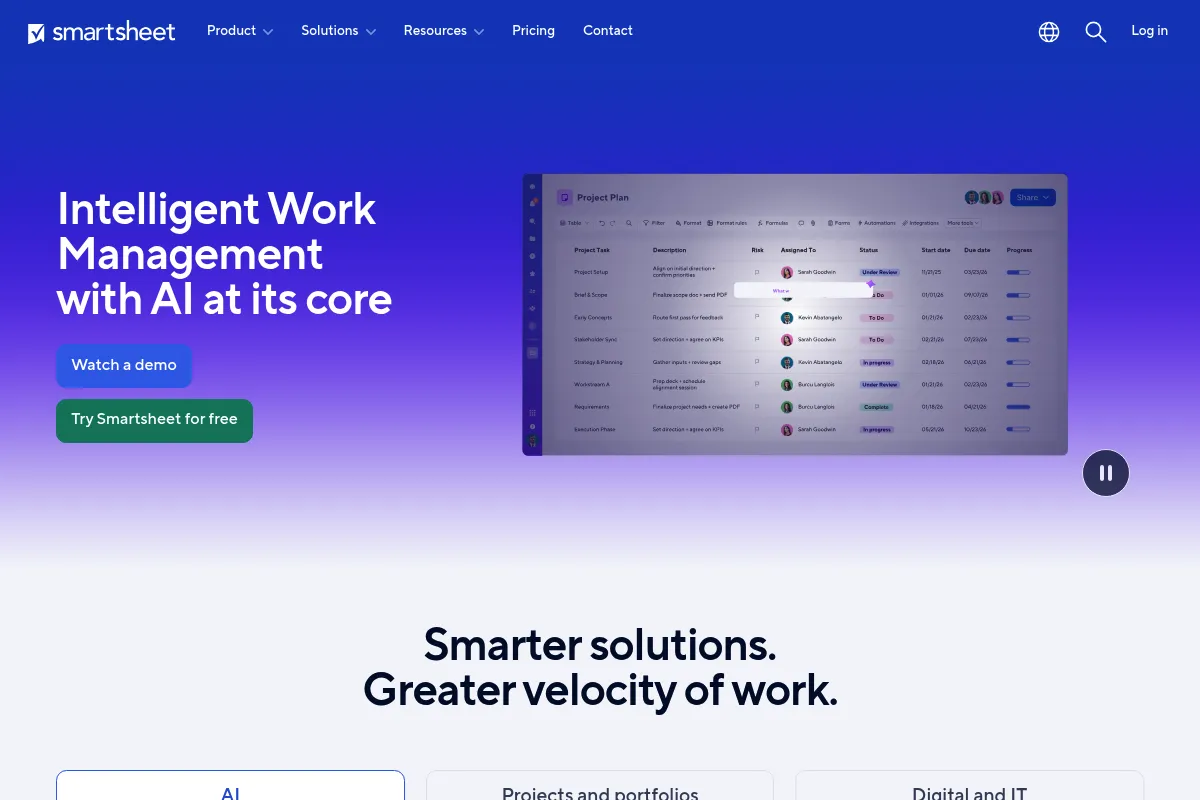
Smartsheet is a cloud-based work execution platform designed for organizations managing high volumes of structured data. It provides a familiar grid interface while adding layers of automation, reporting, and resource management to handle enterprise-scale project portfolios.
What it actually does
It allows users to build custom project trackers, automate repetitive status updates, and generate real-time reports across multiple sheets. It functions as a centralized hub for project data, document proofing, and resource allocation.
What makes it different
Unlike 'modern' project management tools that prioritize Kanban or List views, Smartsheet is architected around the sheet. Its primary differentiator is the ability to perform complex cross-sheet calculations and roll-up reporting that mimics a relational database without requiring SQL knowledge.
Ratings across the web


Ratings aggregated from independent review platforms.
Key Features
Grid View
A familiar spreadsheet interface for bulk data entry and formula-based calculations.
Automated Workflows
A visual builder to trigger alerts, move rows, or request updates based on specific cell changes.
Dashboards
Real-time widgets that pull data from various sheets to provide high-level visibility for stakeholders.
Data Shuttle
Automatically moves data between Smartsheet and external systems like ERPs or CRMs to prevent manual entry.
Control Center
A portfolio management tool that allows admins to deploy consistent project structures and global updates at scale.
Dynamic View
Enables sharing specific rows or fields with users without giving them access to the entire underlying sheet.
Bridge
An integration engine for building complex, multi-app workflows using logic-based triggers.
Pricing
Free
- 1 user
- Up to 2 sheets
- Unlimited viewers
- Basic dashboards and reports
Pro
- Up to 10 users
- Unlimited sheets
- Forms and automated workflows
- Mobile app access
Business
- Minimum 3 users
- Unlimited automation
- Document proofing
- Resource Management integration
Enterprise
- Single Sign-On (SSO)
- Directory integration
- Control Center access
- Advanced security and governance
Pricing checked 6 months ago
Pricing guidance
- When you need more than 10 licensed users
- When you need to automate more than basic alerts
- When you require document proofing and approval cycles
- Sheet row limit is 20,000 rows
- Cell limit is 500,000 per sheet
- Many 'Premium Apps' require separate, often expensive, contracts
Mid-market pricing that becomes significantly more expensive as you add enterprise-grade governance and automation tools.
Pros & Cons
Strengths
-
Superior reporting depth
The ability to pull specific data points from hundreds of sheets into a single report is unmatched by competitors like Monday or Asana.
-
High adoption for Excel users
Because the core logic mirrors Excel, finance and operations teams can migrate complex legacy processes with minimal retraining.
-
Granular sharing controls
Features like Dynamic View allow organizations to collaborate with external vendors while keeping sensitive internal data hidden.
Weaknesses
-
Dated user interface
The UI feels like a legacy enterprise application, which can lead to friction for teams used to modern, 'snappy' software design.
Affects: Creative teams and younger workforces
-
Expensive 'Premium' add-ons
Many of the most valuable features, like Data Shuttle and Control Center, are locked behind high-cost enterprise tiers or separate licenses.
Affects: Mid-sized companies on a budget
-
Steep learning curve for automation
While basic alerts are easy, building complex cross-sheet formulas and multi-step workflows requires significant time and technical aptitude.
Affects: Non-technical project managers
Real User Sentiment
Users generally view Smartsheet as a 'power user' tool—highly capable but sometimes frustratingly rigid in its design.
Users tend to like
- Formula flexibility
- Automated update requests
- Gantt chart customization
- Reliability at scale
Users commonly complain about
- Clunky mobile experience
- Lack of a native calendar sync that works both ways
- The 'Sheet' limit frustrations
- High cost of the Enterprise tier
Recurring tradeoffs
- You trade a modern, 'fun' interface for deep data processing and enterprise security.
Happiest users
Operations managers in construction, healthcare, or manufacturing who need to track thousands of rows of data with high precision.
Often frustrated
Creative agencies or small startups who find the interface too clinical and the setup process too time-consuming.
Use Cases
Construction Management
Tracking project timelines, sub-contractors, and safety inspections across multiple job sites.
Marketing Operations
Managing content calendars and automated approval workflows for brand assets.
IT PMO
Standardizing project intake and reporting on portfolio health for executive leadership.
Human Resources
Tracking employee onboarding steps and managing performance review cycles via automated forms.
Event Planning
Coordinating logistics, vendor contracts, and budget tracking for large-scale conferences.
Frequently Asked Questions
Is Smartsheet better than Excel?
Smartsheet is better than Excel for collaboration, automation, and reporting. While Excel is superior for deep financial modeling and massive datasets (millions of rows), Smartsheet allows multiple people to edit simultaneously, triggers automatic alerts, and rolls up data into real-time dashboards that Excel cannot easily replicate without complex macros.
Does Smartsheet have a free version?
Yes, Smartsheet offers a free plan, but it is very limited. It allows for only one user and a maximum of two sheets. It is designed for individual use or as a trial period rather than for team collaboration. Most teams will need to move to the Business plan ($25/user/mo) to be effective.
How does Smartsheet compare to Airtable?
Smartsheet is a spreadsheet-based project management tool, while Airtable is a relational database. Smartsheet is better for traditional project management (Gantt charts, critical paths, and resource leveling). Airtable is better for building custom applications, managing complex relational data (like a CRM), and offers a more modern, visual interface.
What are the main limitations of Smartsheet?
The primary limitations are the 20,000-row limit per sheet and the 500,000-cell limit. Additionally, the interface can feel slow when sheets become overly complex with cross-sheet formulas. It also lacks a true built-in chat feature, forcing teams to use integrations like Slack or Microsoft Teams for conversation.
Can I use Smartsheet for resource management?
Yes, Smartsheet has a dedicated 'Resource Management' add-on (formerly 10,000ft) that allows for high-level capacity planning and time tracking. Basic resource tracking is available in the Business plan, but full-scale portfolio resource management requires the additional paid module.
Does Smartsheet integrate with Microsoft Teams and Slack?
Yes, Smartsheet has deep integrations with both. You can receive notifications, send row updates, and even view sheets directly within a Teams channel or Slack conversation, which helps mitigate the lack of a native chat tool.
Why trust this page?
This evaluation combines product positioning, pricing analysis, traffic and market signals, and public user sentiment into a single decision-support page. Content is generated editorially — not copied from the vendor's website.
Funding & Company
Founded
2005
Stage
Acquired
Total Raised
$275.22M
Latest Round
IPO (Apr 2018)
Notable Investors
Smartsheet raised over $121 million in venture funding before its successful IPO in 2018, which raised an additional $150 million. The company operated publicly for several years before being taken private in a multi-billion dollar acquisition in early 2025, signaling strong long-term investor confidence.
Market Signals & Traffic
Estimated visits, global rank, geography, traffic sources, monthly visit trends, and organic search keywords (Similarweb)—on a dedicated page built for depth and search.
- Estimated visits
- 21,070,507
- Global rank
- #2,372
- Snapshot
- Apr 2026
- Traffic trend
- Steady
Estimated monthly visits
Alternatives to Smartsheet
View all alternatives
Similar Tools
Botsonic
AI Assistant, Automation, Communication

No-code platform for building custom chatbots using company data.
DeepL
Communication, Productivity, AI Assistant

Accurate language translation and writing assistant for global communication.
Celtra
Marketing Automation, Design, Content Creation

Creative automation platform for scaling digital advertising and marketing content.
Contextual AI
Developer Tools, Search, AI Assistant

Enterprise platform for building grounded and reliable language models.
Pipedream
Automation & Agents, Developer Tools

Integration platform for developers to build and run event-driven workflows.
Fellow
Productivity, Communication, Documentation

Meeting management platform for agendas, automated notes, and action items