

A relational database disguised as a spreadsheet that excels at structured data management and internal tool building, though it becomes prohibitively expensive as teams scale.
Excellent for operations teams needing a flexible source of truth for complex workflows, weaker for simple task lists or massive datasets exceeding 125,000 records.
Analysis based on product data, pricing structure, traffic signals, and public user sentiment.
Who Should Use Airtable?
Typical users
Operations managers, product leads, and marketing teams at mid-sized to enterprise companies who have outgrown Excel but aren't ready for custom SQL databases.
Maturity fit
scaling to advanced
Choose this if…
- You need relational data (linked records) without writing code or SQL.
- Your priority is building custom internal interfaces on top of a shared database.
- You want to automate multi-step workflows triggered by data changes.
Skip this if…
- You need a simple, flat list for personal to-dos.
- Your dataset exceeds 125,000 records per base.
- You have a large team but a small budget, as per-seat costs add up quickly.
About Airtable
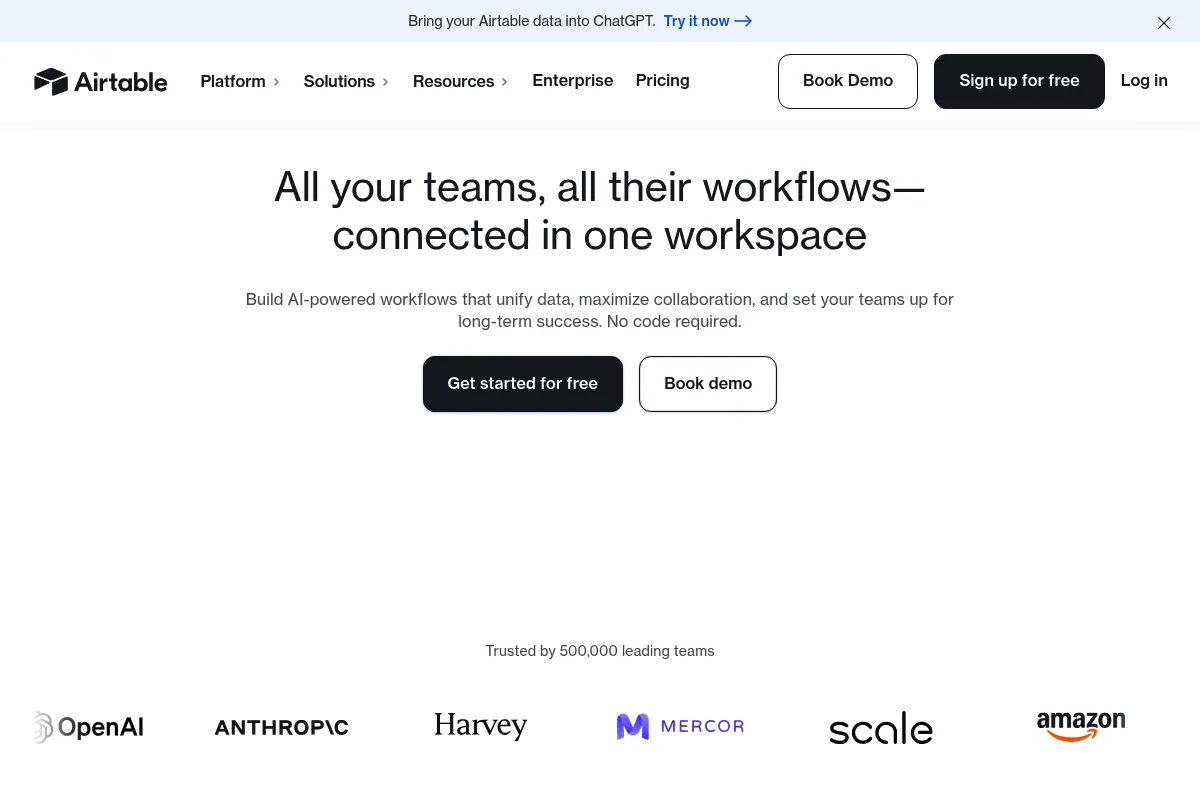
Airtable is a low-code platform that combines the visual simplicity of a spreadsheet with the structural integrity of a relational database. It exists to bridge the gap between rigid enterprise software and messy, disconnected spreadsheets.
Official profiles
What it actually does
It allows users to store data in tables, link records across different tables to create relationships, and visualize that data through various views like Kanban, Gantt, and Gallery. It also includes a native automation engine and an interface builder for creating custom internal applications.
What makes it different
Unlike Notion, which treats data as part of a document, Airtable treats data as a structured database first. Its 'Interface Designer' is a significant differentiator, allowing you to build a front-end for your data so teammates can interact with specific records without seeing the underlying complexity of the full grid.
Ratings across the web



Ratings aggregated from independent review platforms.
Key Features
Interface Designer
Allows you to build custom dashboards and forms that hide the database backend from end-users.
Linked Records
Maintains data integrity by connecting information across different tables, preventing duplicate entries.
Automations
Triggers actions in Slack, Email, or other tables based on specific record updates or scheduled times.
Airtable AI
Summarizes long text fields or extracts specific data points directly into new cells.
Extensions
Adds functionality like pivot tables, charts, or schema visualizations directly to your base.
Airtable Sync
Pulls data from external sources or other Airtable bases to keep information consistent across the organization.
Advanced Permissions
Controls who can edit specific fields or views, essential for maintaining data security in large teams.
Pricing
Free
- Unlimited bases
- 1,000 records per base
- 6GB attachment space
- 1,000 automation runs
Team
- 50,000 records per base
- 20GB attachment space
- 25,000 automation runs
- Gantt and Timeline views
Business
- 125,000 records per base
- 100GB attachment space
- 100,000 automation runs
- Airtable AI (add-on or included)
- SAML SSO
Enterprise Scale
- 500,000 records per base
- 1,000GB attachment space
- Unlimited automation runs
- Enterprise-grade security and admin controls
Pricing checked 6 months ago
Pricing guidance
- When you exceed 1,000 records in a single base.
- When you need Timeline or Gantt views for project management.
- When you need to restrict permissions at the field or table level.
- Automation runs are shared across the entire workspace, not per base.
- Attachment storage limits are per base, not per user.
- API rate limits can be restrictive for high-frequency external integrations.
Premium positioning that targets corporate budgets; significantly more expensive than Notion or Trello at scale.
Pros & Cons
Strengths
-
Point
-
Superior relational logic
-
detail
-
The ability to link records across tables is more reliable and structured than competitors like Monday.com or Notion, making it better for complex project tracking.
Weaknesses
-
Strict record limits
Even on the Business plan, you are capped at 125,000 records per base. This makes it unsuitable for long-term data logging or high-volume inventory.
Affects: Data-heavy organizations and scaling startups
-
Aggressive per-seat pricing
The jump from Team to Business is significant, and because every collaborator needs a paid seat, costs spiral as you invite more of the company.
Affects: Large teams and budget-conscious small businesses
-
No offline mode
The platform is entirely cloud-based; if you lose internet access, you cannot view or edit your data, which is a dealbreaker for field work.
Affects: Remote workers and field operations teams
Real User Sentiment
Users generally praise the interface and flexibility but express significant frustration regarding recent pricing hikes and the lack of a middle-tier for small teams.
Users tend to like
- Ease of creating relational links
- Interface Designer for non-technical users
- Speed of setting up new workflows
- Clean, modern UI
Users commonly complain about
- High cost per seat for 'read-only' or light users
- Record limits on the Business plan
- Lack of a native offline mode
- Steep learning curve for advanced formulas
Recurring tradeoffs
- You trade the infinite canvas of a doc-style tool (Notion) for the rigid but reliable structure of a database.
Happiest users
Operations leads at 50-200 person companies who need to centralize data from multiple departments.
Often frustrated
Small business owners who find the $20/seat price point too high for simple collaborative work.
Use Cases
Content Calendar
Managing production schedules, linking authors to articles, and automating social media triggers.
Product Roadmap
Tracking features, linking them to customer feedback, and visualizing progress in Gantt charts.
CRM for Small Teams
Managing leads and deals with custom interfaces for sales reps to update status.
Event Management
Tracking attendees, speakers, and sessions with automated email confirmations.
Inventory Management
Linking products to suppliers and setting up alerts when stock levels fall below a threshold.
Frequently Asked Questions
Is Airtable just a better version of Google Sheets?
No, they serve different purposes. Google Sheets is for financial modeling and 'flat' data, while Airtable is a relational database. In Airtable, you can link a 'Client' record to multiple 'Projects,' which is difficult and prone to error in a standard spreadsheet.
Does Airtable have a free version?
Yes, Airtable offers a free version with unlimited bases, but it is limited to 1,000 records per base and basic view types. It is best for personal use or testing the platform before committing to a paid plan.
How does Airtable compare to Notion?
Notion is a document-first tool that includes databases; Airtable is a database-first tool that includes some display features. Choose Airtable if your priority is data integrity and complex workflows; choose Notion if you need a wiki or a place for long-form notes.
What are the main limitations of Airtable?
The biggest limitations are the record caps (maxing out at 125k on Business), the lack of offline access, and the high cost of adding collaborators who only need to view or occasionally edit data.
Can I use Airtable as a backend for a website?
Yes, many people use Airtable's API to power 'no-code' websites via tools like Softr or Pory. However, for high-traffic sites, the API rate limits (5 requests per second) can become a bottleneck.
Does Airtable integrate with Excel?
You can import and export CSV files between the two, but there is no native, live two-way sync. Most users move data from Excel to Airtable permanently to take advantage of relational features.
Why trust this page?
This evaluation combines product positioning, pricing analysis, traffic and market signals, and public user sentiment into a single decision-support page. Content is generated editorially — not copied from the vendor's website.
Funding & Company
Founded
2012
Stage
Late stage
Total Raised
$1.35B
Latest Round
Series F (Dec 2021)
Notable Investors
Airtable has raised a total of $1.35 billion over seven funding rounds, culminating in a Series F round of $735 million in December 2021. This substantial funding from prominent investors like Thrive Capital, a16z, and Salesforce Ventures indicates strong market confidence and provides a significant runway for product development and enterprise expansion.
Market Signals & Traffic
Estimated visits, global rank, geography, traffic sources, monthly visit trends, and organic search keywords (Similarweb)—on a dedicated page built for depth and search.
- Estimated visits
- 26,451,221
- Global rank
- #1,338
- Snapshot
- Apr 2026
- Traffic trend
- Rising
Estimated monthly visits
Alternatives to Airtable
View all alternativesNotion AI
AI Assistant, Content Creation
AI assistant integrated into Notion for content creation and task automation.
Smartsheet
Productivity, Automation, Documentation

Enterprise platform for work management, collaboration, and workflow automation.
Similar Tools
Kissflow
Automation, Workflow, Productivity

Low-code platform for workflow automation and business process management.
Replo
Developer Tools, Content Creation

A visual, no-code platform for building high-performance landing pages on Shopify.
Gemini
AI Assistant, Content Creation

An experimental AI-powered conversational chatbot from Google.
Playcode
Website Builder, Developer Tools, Design

Create professional websites and web applications using natural language.
Slazzer
Design, E-commerce, Content Creation

Automatically remove image backgrounds in seconds with high precision.
Bluedot
AI Assistant, Communication, Productivity

Bot-free meeting recorder and note-taker for professional teams.