

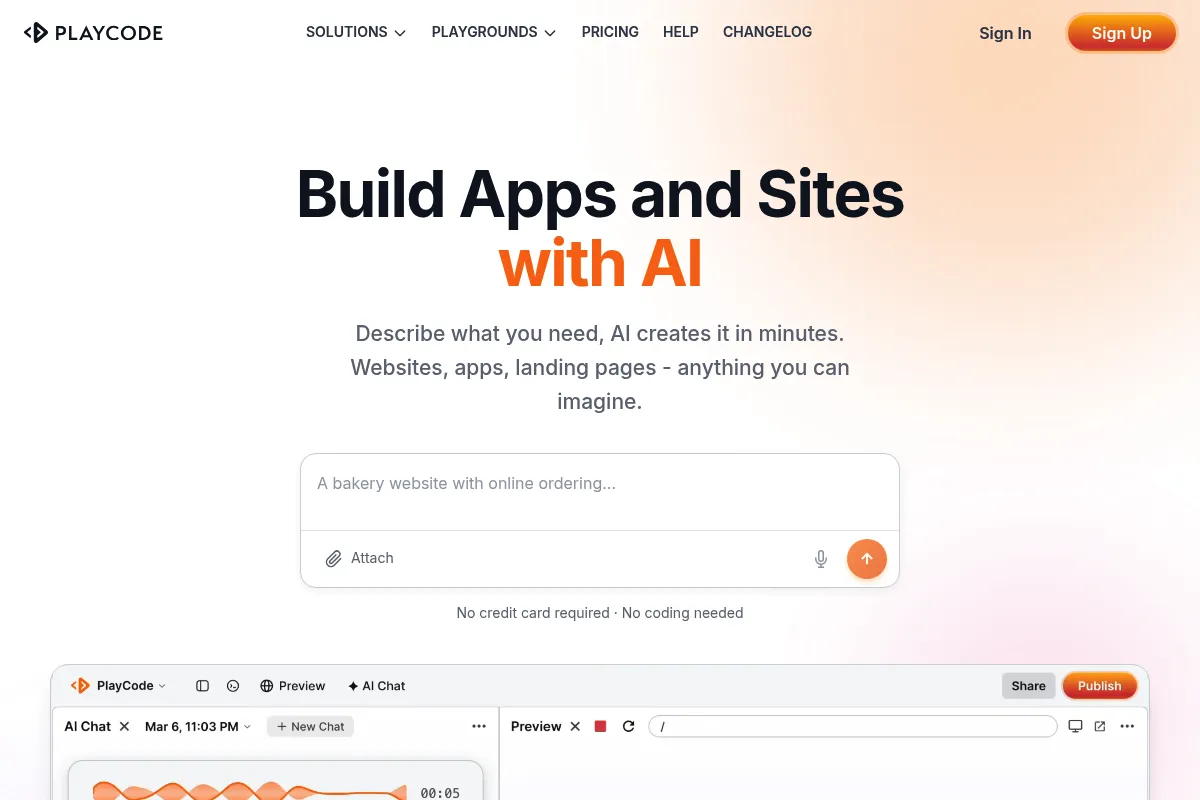
Playcode is a high-speed online IDE and AI generator that bridges the gap between simple UI prototyping and full-stack development, specifically optimized for React and Vue workflows.
Excellent for developers and founders who need to move from a natural language prompt to a hosted web application in minutes, though it lacks the infrastructure depth required for complex enterprise backends.
Analysis based on product data, pricing structure, traffic signals, and public user sentiment.
Who Should Use Playcode?
Typical users
Front-end developers building prototypes, solo founders creating MVPs, and students learning modern JavaScript frameworks.
Maturity fit
beginner to scaling
Choose this if…
- You want to generate functional React or Vue code from prompts rather than just static UI mockups.
- Your priority is a zero-config environment that includes instant hosting and SSL.
- You need a VS Code-like experience in the browser without the overhead of local environment setup.
Skip this if…
- You require deep DevOps control or complex multi-container backend architectures.
- Your workflow depends on offline development capabilities.
- You need advanced version control features beyond basic Git integration.
About Playcode
Playcode is a browser-based development environment designed for rapid web application creation. It combines a traditional code editor with generative AI to automate the boilerplate of front-end development. It exists to eliminate the friction between writing code and deploying a live, shareable URL.
Official profiles
What it actually does
It allows users to describe a web application in plain English, which the AI then converts into a structured project with real code. Users can then refine the output using a full-featured IDE, manage NPM packages, and deploy the result to integrated hosting with a single click.
What makes it different
Unlike 'no-code' builders that hide the source, Playcode is 'code-first.' It provides a transparent file system and a high-performance compiler that updates the preview instantly as you type, making it feel more like a local development environment than a typical web-based tool.
Ratings across the web

Ratings aggregated from independent review platforms.
Key Features
AI Web App Generator
Converts text prompts into multi-file project structures including logic and styling.
Instant Hosting
Provides a live URL immediately upon project creation with automated SSL certificates.
NPM Integration
Allows importing any library from the NPM registry directly into the browser environment.
Real-time Compiler
Updates the application preview in milliseconds, significantly faster than standard cloud IDEs.
Tailwind CSS Support
Built-in configuration for rapid styling without manual setup.
Project Templates
Pre-configured starters for React, Vue, TypeScript, and Vanilla JS to bypass initial configuration.
Pricing
Free
- 1 Project
- Limited AI requests
- Public projects only
- Basic editor features
Personal
- 10 Projects
- 500 AI requests/mo
- Private projects
- Custom domains
Pro
- Unlimited Projects
- 2,000 AI requests/mo
- Priority support
- Advanced AI models
Team
- Unlimited Projects
- 5,000 AI requests/mo
- Team collaboration
- Shared workspace
Pricing checked 6 months ago
Pricing guidance
- When you need to keep your source code private
- When you hit the AI generation limit on the Personal plan
- When you need to connect a custom domain
- AI credits do not roll over month-to-month
- Storage for assets is limited based on the plan tier
- Bandwidth for hosted sites is intended for low-to-medium traffic
Aggressively priced to undercut traditional cloud IDEs like Replit while offering more specialized AI features for front-end devs.
Pros & Cons
Strengths
-
Zero-latency preview
The custom compiler runs in the browser, meaning changes reflect instantly without waiting for a server-side build process.
-
Functional AI output
Unlike many AI builders that only generate HTML/CSS, Playcode handles state management and component logic in modern frameworks.
-
Low barrier to entry
Eliminates the 'it works on my machine' problem by providing a standardized environment for teams and collaborators.
-
Integrated hosting and SSL
Reduces the toolchain by combining the editor, build tool, and hosting provider into a single subscription.
Weaknesses
-
AI token limitations
The AI generation is subject to monthly limits even on paid plans, which can be restrictive during heavy prototyping phases.
Affects: Power users and rapid experimenters
-
Limited backend flexibility
While great for front-end and API-based apps, it is not designed for heavy server-side processing or custom database hosting.
Affects: Full-stack developers building data-heavy applications
-
Proprietary ecosystem
While you can export code, the 'one-click' simplicity is lost if you move the project to a standard VPS or AWS setup.
Affects: Teams planning for long-term infrastructure independence
Real User Sentiment
Users generally appreciate the speed and the 'no-nonsense' approach to coding in the browser, though some find the AI credits restrictive.
Users tend to like
- Speed of the live preview
- Clean, VS Code-like interface
- Ease of adding NPM packages
- Quality of React code generation
Users commonly complain about
- AI can hallucinate complex logic
- Lack of a mobile-optimized editor
- Subscription required for basic privacy
Recurring tradeoffs
- Trading deep infrastructure control for deployment speed
- Trading local IDE extensions for browser-based convenience
Happiest users
Developers who need to build and share a proof-of-concept in under an hour.
Often frustrated
Enterprise developers trying to force complex microservices into a browser-based playground.
Use Cases
MVP Development
Quickly turning a startup idea into a functional, hosted React app for investor demos.
Technical Interviews
Creating a shared, live environment to evaluate a candidate's coding skills in real-time.
Documentation & Demos
Building interactive code examples for libraries or design systems.
Learning Frameworks
Experimenting with React, Vue, or Svelte without installing Node.js locally.
Client Prototypes
Showing a client a live, functional UI rather than a static Figma file.
Frequently Asked Questions
Is there a free version of Playcode?
Yes, Playcode offers a free tier, but it is limited to one project and all code must be public. For private projects and more AI usage, you must upgrade to the Personal plan starting at approximately $4.99/month when billed annually.
How does Playcode compare to Replit?
Replit is a general-purpose cloud IDE supporting dozens of languages and complex backends. Playcode is more specialized for front-end web development (React/Vue), offering a faster browser-based compiler and a more streamlined AI experience for UI generation.
Can I use my own domain with Playcode?
Yes, custom domain support is available on all paid plans (Personal, Pro, and Team). Playcode handles the SSL certificate generation automatically once the DNS records are pointed to their servers.
Can I export my code from Playcode?
Yes, you can download your project as a zip file at any time. The code is standard React, Vue, or JavaScript, so it can be run locally or moved to other hosting providers like Vercel or Netlify with minimal changes.
Does Playcode support TypeScript?
Yes, Playcode has full support for TypeScript, including type checking and autocompletion within the editor, making it suitable for professional-grade front-end development.
What are the limitations of the AI generator?
The AI is excellent at generating UI components and basic logic, but it may struggle with very large files (over 500 lines) or highly specific business logic that requires context from multiple external APIs. It also consumes 'AI credits' which are capped per month based on your plan.
Why trust this page?
This evaluation combines product positioning, pricing analysis, traffic and market signals, and public user sentiment into a single decision-support page. Content is generated editorially — not copied from the vendor's website.
Funding & Company
Founded
2016
Stage
Bootstrapped
Total Raised
Bootstrapped
Latest Round
—
Playcode is a bootstrapped company that has been operating since 2016 without any external venture capital funding. Its longevity and user base of over 1.1 million suggest a stable, customer-funded business model focused on sustainable growth rather than rapid expansion.
Market Signals & Traffic
Estimated visits, global rank, geography, traffic sources, monthly visit trends, and organic search keywords (Similarweb)—on a dedicated page built for depth and search.
- Estimated visits
- 0
- Global rank
- —
- Snapshot
- May 2026
- Traffic trend
- Rising
Estimated monthly visits
Alternatives to Playcode
View all alternativesWix AI
Design, Content Creation, Productivity

All-in-one website builder with drag-and-drop functionality and AI tools.
Replit
Developer Tools, AI Assistant

An AI-powered platform for building and deploying software applications directly from a browser.
Framer AI
Design, Developer Tools, Productivity

No-code website builder for designers and teams.
Similar Tools
Bolt.new
Developer Tools, Automation, Website Builder

AI-powered platform to build websites and apps from natural language prompts.
VideoPrompt Studio
Video Creation, Content Creation, Design

Visual prompt engineering tool for professional video generation
Cradle
Research, Health & Wellness

Design and optimize protein sequences for biotechnology and research.
tl;dv
Productivity, Training & Onboarding, Video Creation

AI meeting recorder, transcriber, and summarizer for enhanced productivity.
Create
Developer Tools, Website Builder, Productivity

Build web applications and components using natural language prompts.
Bria
Content Creation, Design, Developer Tools

Visual content generation platform for commercially safe images and videos