

Slazzer is a dedicated background removal utility that prioritizes bulk processing and API integration over broad design features, making it a specialized tool for high-volume workflows.
Excellent for e-commerce managers and developers needing automated image cutouts at scale, weaker for users who require manual touch-up tools or a full creative suite.
Analysis based on product data, pricing structure, traffic signals, and public user sentiment.
Who Should Use Slazzer?
Typical users
E-commerce operators, professional photographers, and software developers building image-heavy applications.
Maturity fit
beginner to scaling
Choose this if…
- You need to process thousands of product photos via a desktop application or API.
- Your priority is a lower price-per-image compared to remove.bg.
- You want a simple drag-and-drop interface without the complexity of Photoshop.
Skip this if…
- You need precise manual masking tools to fix AI errors within the same interface.
- You already pay for Canva Pro or Adobe Express, which include background removal at no extra cost.
- Your images feature complex transparency like fine hair or smoke, which often require human intervention.
About Slazzer
Slazzer is an AI-driven image processing tool focused exclusively on background removal. It exists to eliminate the manual labor of masking and path-tracing in photo editing, offering a faster alternative for high-volume asset production.
Official profiles
What it actually does
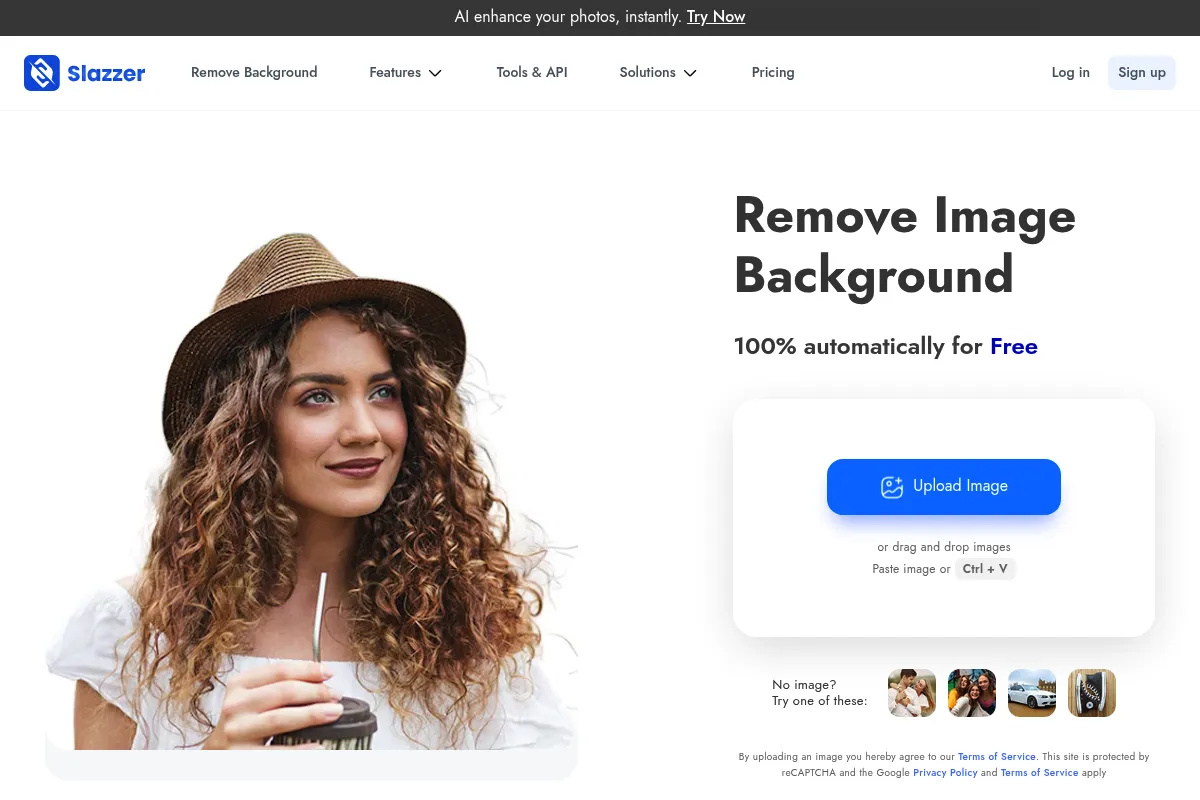
The tool uses computer vision to identify the subject of an image and strip away the background. Users receive a transparent PNG or can choose a solid color replacement through the web interface, desktop app, or API.
What makes it different
Unlike generalist design tools, Slazzer provides a dedicated desktop application for Windows, Mac, and Linux that handles bulk folders of images offline. It positions itself as a more cost-effective direct competitor to remove.bg, often offering higher credit volumes for a similar price point.
Ratings across the web

Ratings aggregated from independent review platforms.
Key Features
Desktop App
Allows users to drag and drop entire folders for automated batch processing without a browser.
API Access
Enables developers to integrate background removal into custom apps or websites with a few lines of code.
Photoshop Extension
Speeds up professional workflows by removing backgrounds directly within a PSD file.
E-commerce Plugins
Automates product image cleaning for Shopify and WooCommerce storefronts.
Preview Mode
Offers unlimited low-resolution previews for free to test accuracy before spending credits.
Configurable Output
Lets users define crop margins and background colors for the final processed image.
Pricing
Free
- 2 Credits for HD images
- Unlimited low-res previews on web
- API access (limited)
100 Credits
- 100 HD image downloads
- Desktop App access
- All plugins and integrations
- $0.13 per image
500 Credits
- 500 HD image downloads
- Priority API support
- Bulk processing
- $0.09 per image
Top-up (10 Credits)
- No expiration date
- Pay-as-you-go
- All features included
- $0.70 per image
Pricing checked 6 months ago
Pricing guidance
- When you need high-resolution downloads for print or web.
- When you need to use the API or Desktop App for bulk tasks.
- When your monthly volume exceeds 10 images.
- Monthly credits do not roll over.
- Maximum image file size is 12MB.
- Maximum resolution is 25 megapixels.
Mid-market pricing that undercuts the category leader while remaining more expensive than bundled design tools.
Pros & Cons
Strengths
-
High-speed bulk processing
The desktop application handles hundreds of images in a single queue, which is significantly faster than manual uploading to a web tool.
-
Competitive credit-based pricing
It typically offers a lower cost-per-image than its primary competitor, remove.bg, especially at the mid-tier subscription levels.
-
Broad integration ecosystem
Plugins for Figma, Sketch, and Photoshop mean designers don't have to break their workflow to use the service.
Weaknesses
-
Limited manual editing
If the AI misses a spot, there are very few tools within Slazzer to manually refine the edges; you'll likely need another editor to fix it.
Affects: Photographers dealing with complex subjects
-
Credit expiration
Monthly subscription credits do not roll over, meaning you pay for capacity regardless of whether you use it that month.
Affects: Users with fluctuating monthly image volumes
-
Occasional edge artifacts
Like all AI removers, it struggles with subjects that share similar colors with the background or have very fine details like fur.
Affects: High-end fashion or pet photographers
Real User Sentiment
Users generally view Slazzer as a reliable, no-frills utility that does exactly what it claims with high speed.
Users tend to like
- Speed of the desktop application
- Ease of API integration
- Lower cost compared to remove.bg
- Quality of cutouts for product photography
Users commonly complain about
- Credits expiring at the end of the month
- Lack of advanced manual cleanup tools
- Occasional login issues with the Photoshop plugin
Recurring tradeoffs
- You trade the advanced design features of Canva for a much faster, specialized bulk workflow.
Happiest users
E-commerce sellers who need to clean up 50+ product shots per week quickly.
Often frustrated
Graphic designers who need pixel-perfect accuracy on complex subjects and find the AI edges too soft.
Use Cases
E-commerce
Removing backgrounds from 500 product shots to meet marketplace requirements like Amazon or eBay.
Real Estate
Cleaning up property photos to replace gray skies or distracting backgrounds.
App Development
Using the API to allow users to upload and clean profile pictures automatically.
Marketing
Creating consistent headshots for a 'Meet the Team' page from various employee-submitted photos.
Car Dealerships
Standardizing vehicle photos by placing all cars in a virtual showroom background.
Frequently Asked Questions
How does Slazzer compare to remove.bg?
Slazzer is functionally very similar to remove.bg but is generally cheaper. While remove.bg often has a slight edge in hair detail, Slazzer's desktop app and API performance make it a preferred choice for users processing thousands of images where cost-per-credit is a major factor.
Do my unused credits roll over to the next month?
No, subscription credits expire at the end of each billing cycle. If you have unpredictable volume, you should purchase 'Top-up' credits, which are more expensive per image but never expire.
What is the maximum image size I can upload?
Slazzer supports images up to 12 megabytes in file size and a maximum resolution of 25 megapixels. Images exceeding these limits will need to be resized before processing.
Can I use Slazzer for free?
You can use the web interface for unlimited low-resolution previews at no cost. However, high-resolution (HD) downloads require credits. New accounts typically receive 2 free HD credits to start.
Does Slazzer work with complex backgrounds?
It performs best when there is a clear contrast between the subject and the background. It may struggle with 'busy' backgrounds where the subject is out of focus or shares a similar color palette with the environment.
What file formats does Slazzer support?
Slazzer supports JPG, JPEG, and PNG files. The output is typically a transparent PNG, though you can choose to output a JPG if you select a solid color background replacement.
Why trust this page?
This evaluation combines product positioning, pricing analysis, traffic and market signals, and public user sentiment into a single decision-support page. Content is generated editorially — not copied from the vendor's website.
Funding & Company
Founded
2019
Stage
Bootstrapped
Total Raised
Bootstrapped
Latest Round
—
Slazzer, a product of Netflairs Technology Pvt. Ltd., is a bootstrapped company and has not raised any external funding to date. Its growth has been financed through its own revenue, indicating a focus on sustainable, product-led expansion.
Market Signals & Traffic
Estimated visits, global rank, geography, traffic sources, monthly visit trends, and organic search keywords (Similarweb)—on a dedicated page built for depth and search.
- Estimated visits
- 740,341
- Global rank
- #71,882
- Snapshot
- Apr 2026
- Traffic trend
- Surging
Estimated monthly visits
Alternatives to Slazzer
View all alternativesRemove.bg
Content Creation, Design

AI-powered tool to automatically remove image backgrounds in seconds.
Photoroom
Design, Content Creation

Professional photo editor for background removal and product photography
Canva AI
Content Creation

Online design tool for creating graphics, presentations, videos, and websites.
Similar Tools
Raspberry AI
Design, E-commerce, Content Creation

Generative design platform for fashion brands and apparel designers.
Fashable
Design, E-commerce, Content Creation

Generative design platform for the fashion and retail industry
The New Black
Design, E-commerce, Content Creation

Generate unique fashion designs and clothing concepts instantly
Refabric
Design, E-commerce, Content Creation

Generative design platform for fashion professionals and brands.
Tofu
Marketing Automation, Content Creation

Create hyper-personalized B2B marketing content for account-based marketing campaigns.
Captions
Content Creation, Video Creation, AI Assistant

AI-powered video editor for automated captions, editing, and translation.