

Raspberry AI
A generative AI studio for fashion brands that turns sketches into campaign-ready visuals and prototypes—strongest for rapid ideation and marketing, but not a replacement for technical pattern-making.
Excellent for fashion teams needing to compress design cycles and eliminate physical sampling, weaker for generating production-ready technical specs.
Analysis based on product data, pricing structure, traffic signals, and public user sentiment.
Who Should Use Raspberry AI?
Typical users
Mid-to-large fashion brands, creative directors, and e-commerce retailers looking to speed up product development.
Maturity fit
scaling to advanced
Choose this if…
- You want to visualize designs on models without booking physical photoshoots
- Your priority is reducing the cost and time of physical sampling
- You need to iterate on sketches and fabric textures in minutes rather than weeks
Skip this if…
- You require production-ready 2D CAD patterns or tech packs directly from the AI
- You are a solo hobbyist; the team-oriented pricing is steep for individuals
- Your workflow depends on deep, automated integration with manufacturing ERPs
About Raspberry AI
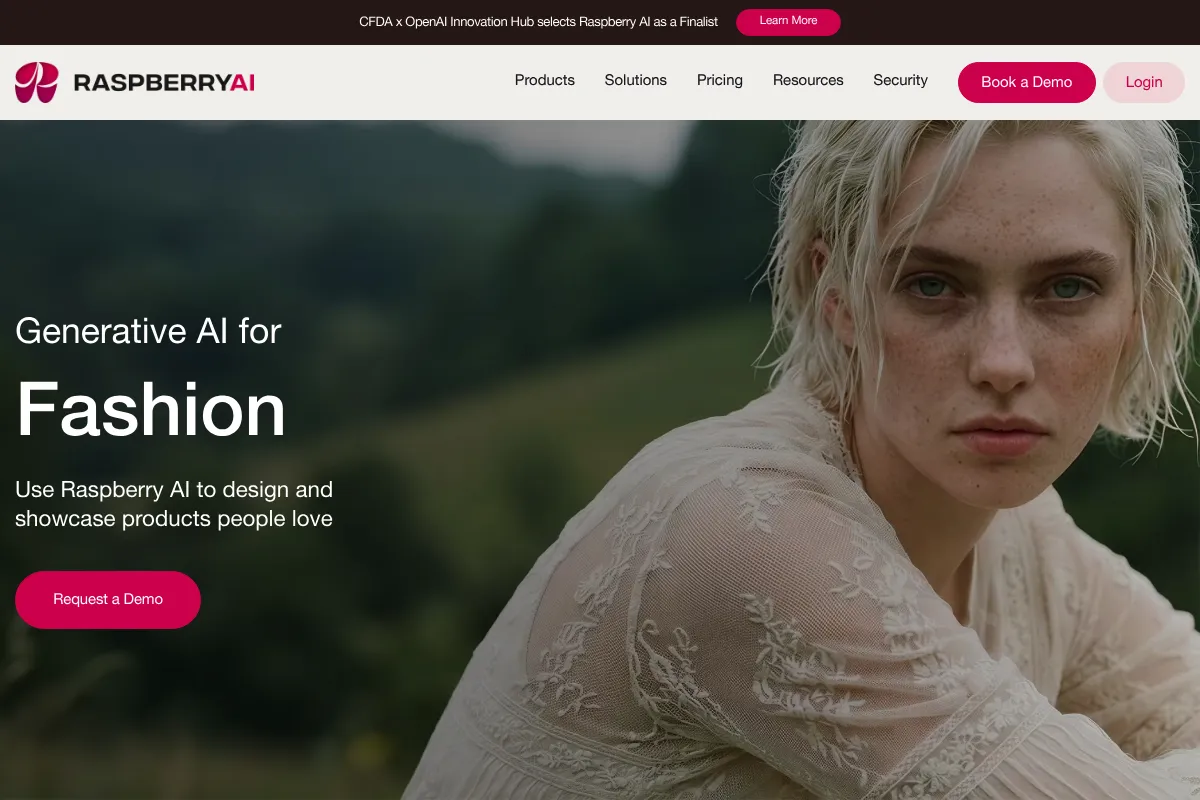
Raspberry AI is a specialized generative platform built for the fashion industry. It focuses on the gap between initial creative sketches and final marketing assets, allowing brands to visualize products before they are manufactured.
What it actually does
The tool transforms hand-drawn sketches or text prompts into photorealistic garment renderings. It allows users to swap fabrics, generate multi-angle views of a single design, and place garments on virtual models in custom environments for e-commerce use.
What makes it different
Unlike general-purpose models like Midjourney, Raspberry is trained on fashion-specific datasets to understand garment construction, fabric drape, and silhouettes. It maintains consistency across front, back, and side views, which is a common failure point for non-specialized AI.
Key Features
Multi-View Consistency
Generates matching front and back views of a garment to ensure design intent is clear.
On-Body Presentation
Styles digital garments on realistic AI models, eliminating the need for early-stage fit models.
Background Generator
Creates custom campaign backdrops via text prompts to replace location scouting.
Fabric Mixer
Allows designers to apply different prints and textures to existing silhouettes instantly.
3D Integration
Converts 3D avatars from software like Style3D or Browzwear into realistic photography.
Design Privacy
Ensures all generated assets and training data remain private to the brand account.
High-Resolution Exports
Provides assets suitable for PDPs (Product Detail Pages) and social media marketing.
Pricing
Individual
- Full access to design toolkit
- Unlimited generations
- High resolution exports
- Commercial license
Basic
- Up to 5 users
- Team folder system
- 60-day history
- Priority support
Professional
- Up to 10 users
- Advanced collaboration tools
- Unlimited history
- Personalized onboarding
Enterprise
- Custom-trained AI models
- Dedicated account manager
- Advanced security & SSO
- API access
Pricing checked 4 months ago
Pricing guidance
- When your team exceeds 5 members
- When you need custom AI models trained on your brand's specific archive
- When you require long-term storage of design history beyond 60 days
- 7-day trial automatically converts to a paid subscription
- Individual plan lacks team collaboration and shared libraries
- Custom AI model training is gated behind the Enterprise tier
Premium positioning targeted at professional fashion houses and established retailers.
Pros & Cons
Strengths
-
Drastic reduction in sampling costs
By visualizing designs photorealistically before sewing, brands report up to a 30% reduction in physical sample waste.
-
Accelerated concept-to-market speed
Compresses the ideation phase from weeks to hours, allowing brands to respond to viral trends almost instantly.
-
Marketing-ready assets
The output quality is high enough for e-commerce listings, potentially removing the bottleneck of professional photography for early drops.
Weaknesses
-
Lack of pattern intelligence
The tool generates images, not manufacturing patterns. You still need a technical designer to translate the AI visual into a workable garment.
Affects: Production and technical design teams
-
High entry price for small teams
At $198/month for the basic team plan, it is significantly more expensive than general AI tools or basic CAD software.
Affects: Independent designers and startups
-
Requires high-quality input for best results
While it works with rough sketches, the most usable 'production-adjacent' results require clear initial silhouettes or 3D base files.
Affects: Junior designers with less technical sketching skill
Real User Sentiment
Users are impressed by the visual fidelity and speed, though technical professionals emphasize it is a creative tool, not a manufacturing one.
Users tend to like
- Speed of rendering complex fabrics
- Consistency of multi-view generations
- Quality of the virtual model library
- Ease of use compared to traditional 3D CAD
Users commonly complain about
- Inability to export 2D patterns
- Occasional 'hallucinations' in complex stitch details
- High cost for solo users
Recurring tradeoffs
- You trade technical precision for creative speed; the images look real but aren't 'built' yet.
Happiest users
Creative directors who need to present collection concepts to stakeholders quickly without waiting for physical prototypes.
Often frustrated
Technical designers who expect the tool to automate the creation of tech packs or pattern files.
Use Cases
Rapid Prototyping
Turning a morning sketch into a photorealistic rendering for an afternoon line review.
E-commerce Visualization
Generating on-model shots for a new collection before the first physical sample arrives.
Trend Testing
Creating 50 variations of a trending silhouette to see which performs best in social media surveys.
Fabric Exploration
Instantly seeing how a specific print looks on a draped silk dress vs. a structured cotton jacket.
Campaign Mockups
Generating high-end lifestyle photography for lookbooks without the cost of a travel photoshoot.
Frequently Asked Questions
Does Raspberry AI offer a free plan?
No, Raspberry AI does not have a permanent free tier. They offer a 7-day free trial for their Individual, Basic, and Professional plans, but you must provide credit card details to start the trial, and it will automatically bill you if not canceled.
How does Raspberry AI compare to Style3D?
Style3D is a technical 3D CAD platform focused on pattern making, fabric physics, and production-ready files. Raspberry AI is a generative visual tool focused on ideation and marketing imagery. Many teams use Raspberry for the 'creative spark' and Style3D for the actual engineering of the garment.
Can I use the images for commercial purposes?
Yes, all paid plans include a commercial license, allowing you to use the generated images for marketing, social media, and e-commerce listings.
Does it integrate with other fashion software?
Yes, it has built-in support for workflows involving Browzwear, Style3D, Adobe Creative Cloud, and Miro, primarily through the ability to import 3D avatars and export high-resolution assets.
Can it generate technical drawings (flats)?
Yes, the platform includes a 'Technical Drawings' suite that can generate flat sketches from text or images, though these are still visual representations and not vector-based CAD files.
What are the main limitations of the AI?
The biggest limitation is the lack of 'pattern intelligence.' It cannot tell you how to cut the fabric to achieve the look it generates. It also occasionally struggles with highly complex hardware like specific zippers or intricate jewelry details.
Why trust this page?
This evaluation combines product positioning, pricing analysis, traffic and market signals, and public user sentiment into a single decision-support page. Content is generated editorially — not copied from the vendor's website.
Funding & Company
Founded
2022
Stage
Series a
Total Raised
$28.5M
Latest Round
Series A (Jan 2025)
Notable Investors
Raspberry AI has raised a total of $28.5 million across two rounds, including a significant $24 million Series A in early 2025 led by Andreessen Horowitz. This funding provides substantial runway to scale its generative AI design platform for fashion and retail.
Market Signals & Traffic
Estimated visits, global rank, geography, traffic sources, monthly visit trends, and organic search keywords (Similarweb)—on a dedicated page built for depth and search.
- Estimated visits
- 40,043
- Global rank
- #759,037
- Snapshot
- Apr 2026
- Traffic trend
- Rising
Estimated monthly visits
Alternatives to Raspberry AI
View all alternativesThe New Black
Design, E-commerce, Content Creation

Generate unique fashion designs and clothing concepts instantly
ZMO AI
Content Creation, Design, Productivity

AI-powered image generation and editing tool for creators and marketers.
Similar Tools
Refabric
Design, E-commerce, Content Creation

Generative design platform for fashion professionals and brands.
The New Black
Design, E-commerce, Content Creation
Generate unique fashion designs and clothing concepts instantly
Fashable
Design, E-commerce, Content Creation

Generative design platform for the fashion and retail industry
Slazzer
Design, E-commerce, Content Creation

Automatically remove image backgrounds in seconds with high precision.
Leyline
Gaming, Content Creation, Workflow

Creative production and asset management platform for gaming studios.
Appsmith
Developer Tools, Automation, Productivity

Low-code platform for building and deploying custom internal business applications.