

A specialized landing page platform for performance marketers that prioritizes conversion optimization and design flexibility over general website management.
Excellent for high-spend PPC campaigns requiring pixel-perfect control, weaker for small businesses needing an all-in-one website solution.
Analysis based on product data, pricing structure, traffic signals, and public user sentiment.
Who Should Use Unbounce?
Typical users
Performance marketing agencies and mid-market growth teams managing high-volume paid search or social campaigns.
Maturity fit
scaling to advanced
Choose this if…
- Your priority is maximizing ROI on paid ad spend through granular A/B testing
- You want total design freedom without the constraints of a rigid grid system
- You need to dynamically swap page text based on user search queries to improve Quality Score
- You have enough traffic (500+ visitors/month) to utilize AI-driven traffic routing
Skip this if…
- You need a full website with a blog or complex CMS capabilities
- Your budget is tight and you cannot justify $100+/month for a single landing page tool
- You require a simple 'set it and forget it' page without ongoing optimization needs
About Unbounce
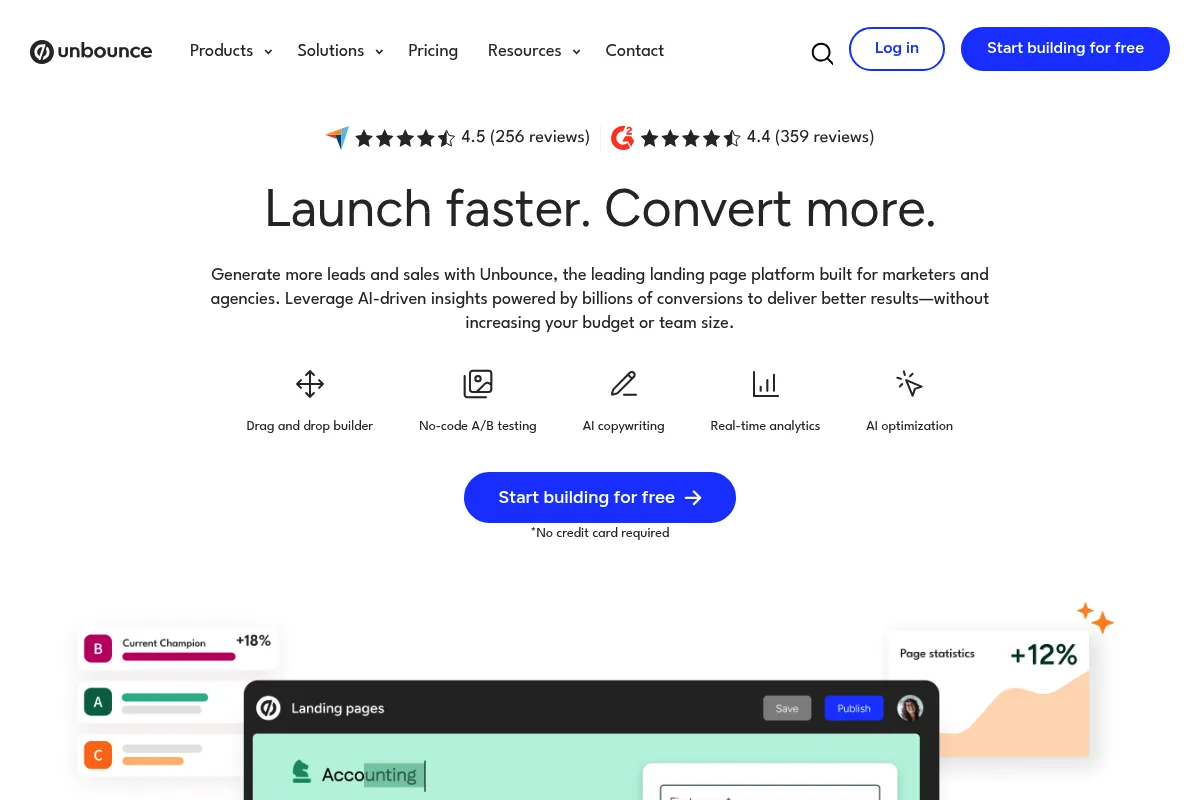
Unbounce is a conversion-focused landing page builder designed to help marketers create and optimize high-performing campaign pages. It exists to bridge the gap between generic web design and data-driven performance marketing, focusing specifically on the post-click experience.
Official profiles
What it actually does
It provides a drag-and-drop interface for building landing pages, popups, and sticky bars without developer intervention. The platform uses machine learning to route visitors to the page variant most likely to convert based on their specific attributes.
What makes it different
Unlike most builders that use a row-and-column grid, Unbounce's Classic Builder allows for absolute positioning, meaning elements can be placed anywhere on the page. Its 'Smart Traffic' feature also differs from traditional A/B testing by optimizing for conversions in real-time rather than waiting for statistical significance.
Ratings across the web

Ratings aggregated from independent review platforms.
Key Features
Smart Traffic
Automatically routes visitors to the page variant where they are most likely to convert based on browser, location, and device.
Dynamic Text Replacement
Matches landing page copy to the specific keywords used in a visitor's search query to increase relevance.
Classic Builder
Offers absolute design freedom, allowing users to move any element to any pixel without layout restrictions.
Smart Builder
An AI-assisted builder that generates page layouts based on industry data and user-defined goals.
Popups and Sticky Bars
Tools to capture leads or show offers on any page of your website, not just Unbounce pages.
Smart Copy
An integrated AI writing assistant that generates headlines and body copy for various marketing channels.
Multi-User Management
Allows agencies to manage multiple client accounts with distinct permissions and domains.
Pricing
Build
- Up to 500 conversions
- Up to 20,000 visitors
- 1 domain
- Unlimited landing pages
- Smart Builder & Classic Builder
Experiment
- Up to 1,000 conversions
- Up to 30,000 visitors
- 5 domains
- A/B testing
- Dynamic Text Replacement
Optimize
- Up to 2,500 conversions
- Up to 50,000 visitors
- 10 domains
- Smart Traffic (AI routing)
- Advanced targeting
Concierge
- 5,000+ conversions
- 100,000+ visitors
- 25+ domains
- Dedicated success manager
- Technical setup assistance
Pricing checked 6 months ago
Pricing guidance
- When you exceed the 500 conversion or 20k visitor limit on the Build plan
- When you need to manage more than one client domain
- When you want to use Smart Traffic AI instead of manual A/B testing
- Visitor counts are calculated on a rolling 30-day basis
- Smart Traffic is locked behind the $249/mo Optimize plan
- The 'Build' plan lacks basic A/B testing capabilities
Premium positioning with a high entry price, justified by the potential ROI increase for high-spend advertisers.
Pros & Cons
Strengths
-
Unmatched design flexibility
The Classic Builder allows for precise placement of elements, which is essential for brands with strict visual guidelines that grid-based builders can't satisfy.
-
Conversion-first AI tools
Smart Traffic starts optimizing after only 50 visits, making it more effective for low-traffic campaigns than traditional A/B testing which requires thousands of hits.
-
PPC efficiency features
Dynamic Text Replacement significantly improves Google Ads Quality Scores by ensuring high message match between the ad and the landing page.
Weaknesses
-
Strict visitor and conversion caps
Pricing is tied to traffic and conversion volume; if a campaign goes viral, you may be forced into a significantly more expensive tier mid-month.
Affects: High-growth startups and viral marketing campaigns
-
Steep learning curve
The absolute positioning in the Classic Builder means you must manually adjust elements for mobile views, which is time-consuming compared to auto-responsive builders.
Affects: Solo marketers and teams without dedicated design resources
-
Smart Builder limitations
The newer AI-driven builder is much more restrictive than the Classic version, often frustrating users who expect the signature Unbounce flexibility.
Affects: Experienced designers
Real User Sentiment
Users generally respect Unbounce as a professional-grade tool but express growing frustration with its pricing structure and the complexity of its mobile optimization.
Users tend to like
- The freedom to move any element anywhere
- Reliable uptime and fast page loading
- Excellent customer support
- Effective Dynamic Text Replacement for PPC
Users commonly complain about
- Expensive compared to modern competitors
- Mobile responsive version requires manual 'tweaking' for every page
- The new Smart Builder feels like a step backward in control
- Traffic-based pricing feels like a 'success tax'
Recurring tradeoffs
- You trade ease of use (auto-responsive) for total design control (manual mobile layout).
Happiest users
Agency account managers who need to build high-converting pages for clients across multiple industries.
Often frustrated
Small business owners who find the interface too complex and the monthly cost too high for their low traffic volume.
Use Cases
Google Ads Optimization
Using Dynamic Text Replacement to match page headlines to search terms.
Lead Magnet Delivery
Creating high-converting squeeze pages for ebooks or webinars.
Agency Client Management
Using the sub-account feature to keep client assets and domains separate.
Rapid Prototyping
Testing a new product idea with a landing page before building the actual product.
Event Registration
Building temporary pages for conferences with integrated countdown timers and popups.
Frequently Asked Questions
Does Unbounce have a free plan?
No, Unbounce does not offer a free-for-life plan. They provide a 14-day free trial, but you must provide credit card details upfront. If you don't cancel before the trial ends, you will be charged for the annual or monthly plan you selected, starting at $99/month.
How does Unbounce compare to Instapage?
Unbounce is generally more affordable for small to mid-sized teams, with plans starting at $99/month. Instapage has pivoted toward enterprise customers, with pricing often starting significantly higher (often $199-$299+). Unbounce offers more design freedom in its builder, while Instapage focuses heavily on collaboration tools and 'AdMap' features.
What are the main limitations of Unbounce?
The biggest limitation is the lack of a built-in CMS; you cannot host a blog or a multi-page navigation-heavy website easily. Additionally, the traffic and conversion caps can be restrictive, and the mobile responsive design process is manual, meaning you have to design the mobile view separately from the desktop view.
Does Unbounce integrate with WordPress?
Yes, Unbounce has a dedicated WordPress plugin. This allows you to publish your Unbounce landing pages directly to your WordPress site using your own domain (e.g., yoursite.com/landing-page) without needing to deal with CNAME records or manual HTML exports.
What is Smart Traffic and is it worth it?
Smart Traffic is an AI-powered routing tool that sends visitors to the page variant they are most likely to convert on based on their data. It is worth it for users on the 'Optimize' plan ($249/mo) who have at least 500 visitors per month but not enough traffic to reach statistical significance in a traditional A/B test quickly.
Can I use my own domain with Unbounce?
Yes, you can connect custom domains to Unbounce. The number of domains you can connect depends on your plan: the Build plan allows 1 domain, Experiment allows 5, and Optimize allows 10. You will need to configure your DNS settings (CNAME record) to point to Unbounce.
Why trust this page?
This evaluation combines product positioning, pricing analysis, traffic and market signals, and public user sentiment into a single decision-support page. Content is generated editorially — not copied from the vendor's website.
Funding & Company
Founded
2009
Stage
Acquired
Total Raised
$39.25M
Latest Round
Private Equity (Jun 2020)
Notable Investors
Unbounce was bootstrapped for over a decade before taking a significant $38.4M private equity investment from Crest Rock Partners in 2020, which also constituted a majority-stake acquisition. [9] This event provided substantial growth capital after a long period of profitable, self-sustained operation. No further funding rounds have occurred since the acquisition.
Market Signals & Traffic
Estimated visits, global rank, geography, traffic sources, monthly visit trends, and organic search keywords (Similarweb)—on a dedicated page built for depth and search.
- Estimated visits
- 465,062
- Global rank
- #79,366
- Snapshot
- Apr 2026
- Traffic trend
- Cooling
Estimated monthly visits
Alternatives to Unbounce
View all alternativesHubSpot
Marketing Automation, Automation & Agents, Website Builder

Customer platform for marketing, sales, and service automation.
GetResponse
Email Marketing, Marketing Automation, Website Builder

Comprehensive marketing platform for email, automation, and website building.
Similar Tools
AWeber
Email Marketing, Marketing Automation, Automation

Email marketing and automation platform for small businesses and creators
Pixelcut
Content Creation, Design, Productivity

All-in-one photo editor for product photography and e-commerce visuals.
SendOwl
Automation, Marketing Automation, Productivity

Sell and deliver digital products, subscriptions, and memberships online.
Creatomate
Video Creation, Automation, Marketing Automation

Automate video and image creation through templates and data feeds
SmartDraw
Design, Productivity, Documentation

Professional diagramming software for creating flowcharts, floor plans, and visuals.
Straiker
Sales, Automation & Agents, Marketing Automation

Autonomous sales agent for lead generation and personalized outreach.