

A mobile-first AI photo editor optimized for e-commerce sellers who need fast, high-quality product shots without a studio.
Excellent for high-volume e-commerce product photography, weaker for complex graphic design or multi-layer compositing.
Analysis based on product data, pricing structure, traffic signals, and public user sentiment.
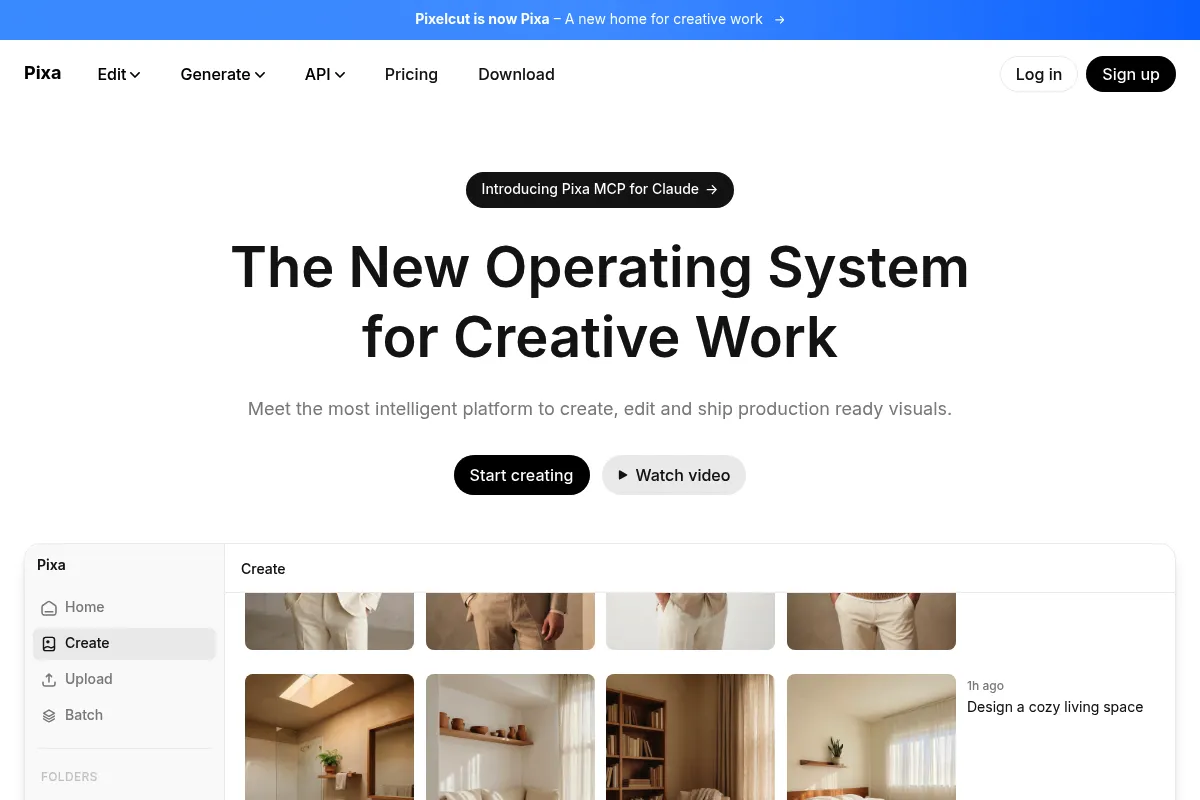
Who Should Use Pixelcut?
Typical users
Solo e-commerce sellers on platforms like eBay, Poshmark, and Shopify, as well as social media managers.
Maturity fit
beginner to scaling
Choose this if…
- You need to remove backgrounds from dozens of product photos at once
- Your priority is speed and mobile accessibility over pixel-perfect manual control
- You want to generate realistic lifestyle backgrounds for products without a physical photoshoot
Skip this if…
- You require advanced typography and vector manipulation tools
- Your workflow is strictly desktop-based with high-resolution RAW files
- You need complex multi-layer masking and blending modes found in Photoshop
About Pixelcut
Pixelcut is an AI-driven image editor designed to streamline the product-to-listing pipeline. It focuses on automating repetitive tasks like background removal, lighting adjustments, and object cleanup for small business owners.
Official profiles
What it actually does
It uses AI to isolate subjects, generate contextual backgrounds, and upscale low-resolution images. Users can batch-process entire collections and export them in marketplace-ready formats directly from a smartphone or browser.
What makes it different
Unlike general design tools, Pixelcut is built specifically for e-commerce. Its AI 'Virtual Studio' generates shadows and lighting that match the generated background, reducing the artificial 'pasted-on' look common in basic background removers.
Ratings across the web

Ratings aggregated from independent review platforms.
Key Features
AI Backgrounds
Generates realistic scenes around products to replace expensive studio shoots.
Batch Editor
Applies edits, crops, and backgrounds to hundreds of images simultaneously to save hours of manual work.
Magic Eraser
Removes unwanted objects, text, or photobombers with a simple brush stroke.
Image Upscaler
Increases the resolution of low-quality photos, making them suitable for large-format web use.
AI Shadows
Automatically adds depth to cut-out objects by simulating realistic light sources and ground planes.
Recolor Tool
Changes the color of specific items, such as clothing or accessories, without needing to re-shoot the product.
White Background Mode
One-tap optimization for Amazon and eBay listing requirements.
Pricing
Free
- Basic background removal
- Standard export quality
- Limited AI background generations
- Single image editing only
Pro
- Unlimited background removals
- Full batch editing capabilities
- All AI tools (Upscaler, Eraser, Shadows)
- Priority support
- Commercial usage rights
Pro Annual
- Everything in Pro Monthly
- 50% savings compared to monthly billing
- Full access to the template library
Pricing checked 5 months ago
Pricing guidance
- When you need to edit more than 5 photos at once
- When you need high-resolution 4k exports
- When you want to use the AI shadow and recolor tools
- AI credits for certain generative features may have monthly caps
- The 'Unlimited' background removal is subject to fair use policies
Affordable for solopreneurs and small businesses, positioned as a cheaper alternative to a professional photographer.
Pros & Cons
Strengths
-
Superior edge detection
The background removal tool handles complex edges like hair and transparent objects better than most entry-level competitors.
-
E-commerce workflow optimization
Built-in templates for Shopify, Etsy, and Instagram ensure images are sized correctly for every platform immediately.
-
High-quality AI shadows
The ability to generate realistic shadows makes AI-replaced backgrounds look professional rather than amateur.
Weaknesses
-
Subscription management friction
Users frequently report difficulty canceling trials and navigating the billing interface within the mobile app.
Affects: Budget-conscious solo users
-
Limited desktop functionality
While a web version exists, it lacks the full feature parity and intuitive feel of the mobile application.
Affects: Professional editors who prefer a mouse-and-keyboard setup
-
Credit-based AI limits
Some high-end AI features are gated behind credits, which can be frustrating for Pro users who expect unlimited access.
Affects: High-volume power users
Real User Sentiment
Generally positive, with users praising the AI's speed and quality while criticizing the aggressive subscription model.
Users tend to like
- Speed of the background removal
- Realism of the AI-generated backgrounds
- Ease of use for non-designers
- Batch processing efficiency
Users commonly complain about
- Difficulty canceling subscriptions
- Occasional bugs in the web version
- Aggressive upselling within the app
Recurring tradeoffs
- Users trade deep manual control for AI-driven speed
- Mobile convenience comes at the cost of precision editing
Happiest users
Resellers on Poshmark and eBay who need to list 20+ items daily.
Often frustrated
Professional graphic designers expecting Photoshop-level layer management and vector support.
Use Cases
E-commerce Listing
Quickly creating clean, white-background images for Amazon or eBay.
Social Media Marketing
Generating lifestyle scenes for Instagram ads without renting a studio.
Inventory Management
Batch processing photos of new stock to maintain a consistent brand aesthetic.
Real Estate
Using the Magic Eraser to remove clutter from property photos.
Content Creation
Upscaling old, low-res images for use in modern digital presentations.
Frequently Asked Questions
Is Pixelcut actually free?
Pixelcut offers a free version, but it is heavily restricted. You can perform basic background removals, but you will face limits on export quality and the number of AI generations. For professional use, the Pro subscription is effectively required.
How does Pixelcut compare to Photoroom?
Both are leaders in AI product photography. Photoroom generally has a slight edge in batch processing features, while Pixelcut is often praised for a cleaner, more intuitive user interface and better AI shadow realism.
Can I use Pixelcut on my computer?
Yes, Pixelcut has a web-based editor at pixelcut.ai/editor. However, the mobile app is the primary focus of the developers and typically receives new features and updates before the web version.
Does Pixelcut own the images I create?
No, you retain ownership of your original content. Pro users are granted commercial usage rights for the images they generate and edit using the tool's AI features.
What is the Magic Eraser tool?
The Magic Eraser is an AI in-painting tool. You brush over an object you want to remove—like a power cord or a stray person—and the AI fills in the gap by analyzing the surrounding pixels.
Can I cancel my subscription easily?
If you subscribe via the Apple App Store or Google Play Store, you must manage your cancellation through your phone's subscription settings. Many user complaints stem from trying to cancel through the app itself rather than the platform's subscription manager.
Why trust this page?
This evaluation combines product positioning, pricing analysis, traffic and market signals, and public user sentiment into a single decision-support page. Content is generated editorially — not copied from the vendor's website.
Funding & Company
Founded
2022
Stage
Seed
Total Raised
$250K
Latest Round
Seed (Dec 2022)
Notable Investors
Pixelcut (which rebranded to Pixa in March 2026) has raised a total of $250,000 in a single Seed round from the AI Grant accelerator. This early-stage funding indicates the company is in its initial growth phase, likely operating leanly while focusing on product development and user acquisition.
Market Signals & Traffic
Estimated visits, global rank, geography, traffic sources, monthly visit trends, and organic search keywords (Similarweb)—on a dedicated page built for depth and search.
- Estimated visits
- 968,623
- Global rank
- #77,109
- Snapshot
- Apr 2026
- Traffic trend
- Falling
Estimated monthly visits
Alternatives to Pixelcut
View all alternativesPhotoroom
Design, Content Creation

Professional photo editor for background removal and product photography
Canva AI
Content Creation

Online design tool for creating graphics, presentations, videos, and websites.
Remove.bg
Content Creation, Design

AI-powered tool to automatically remove image backgrounds in seconds.
Similar Tools
Icons8 AI
Content Creation, Design, Productivity

Vast library of icons, illustrations, photos, music, and AI design tools.
Gamma.AI
Content Creation, Design, Productivity

Create presentations, documents, and websites from simple text prompts.
Aragon AI
Content Creation, Design, Productivity

Professional headshot generator for LinkedIn and corporate profiles.
Let's Enhance
Content Creation, Design, Productivity

AI-powered tool to upscale, sharpen, and enhance image quality.
VanceAI
Content Creation, Design, Productivity

AI-powered online tools for image enhancement, generation, and editing.
ZMO AI
Content Creation, Design, Productivity

AI-powered image generation and editing tool for creators and marketers.