

Napkin AI transforms text into visual diagrams and infographics, prioritizing speed and ease of use over deep customization.
Excellent for quickly generating visuals from text, weaker for complex design needs.
Analysis based on product data, pricing structure, traffic signals, and public user sentiment.
Who Should Use Napkin?
Typical users
Content creators, marketers, educators, and business professionals who need to quickly visualize ideas without extensive design skills. Suitable for individuals and small teams.
Maturity fit
beginner to scaling
Choose this if…
- You need to create diagrams, flowcharts, or infographics rapidly.
- You have text-based content and want to visualize it without design expertise.
- Your priority is speed and simplicity in visual creation.
- You need to enhance presentations or blog posts with quick visuals.
Skip this if…
- You require highly detailed or complex technical diagrams.
- Your workflow demands extensive design customization and fine-tuning.
- You need advanced collaboration features beyond basic sharing and commenting.
- You plan to use the generated text publicly without significant editing.
About Napkin
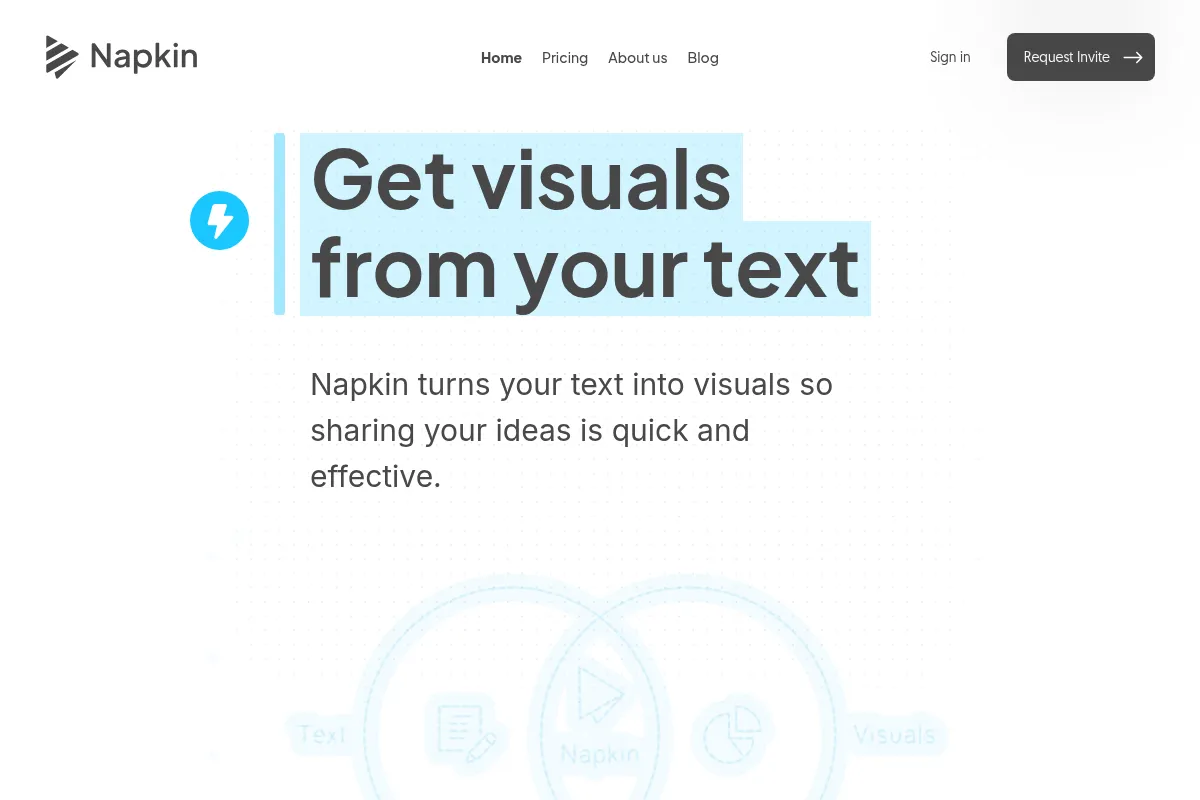
Napkin AI is an AI-powered tool that automatically converts text into visual diagrams, infographics, and flowcharts. It aims to simplify visual content creation for users who may not have design experience, focusing on speed and ease of use to make ideas more understandable and engaging.
Official profiles
What it actually does
Users input text, and Napkin AI analyzes it to generate multiple visual options, including diagrams, flowcharts, and infographics. The tool allows for customization of these visuals to match branding and specific needs, with options to export in various formats.
What makes it different
Napkin AI differentiates itself by focusing on rapid, AI-driven generation of visuals directly from text, eschewing complex interfaces and extensive template libraries found in traditional design tools. Its architecture uses specialized AI agents for different design tasks (text, layout, icons, style) to streamline the creation process.
Ratings across the web

Ratings aggregated from independent review platforms.
Key Features
Instant Visual Generation
Converts text into multiple visual options within seconds, eliminating the need for manual design.
AI-Powered Text Analysis
Understands the hierarchy and context of text to suggest relevant visual layouts and elements.
Customizable Designs
Allows editing of colors, fonts, icons, and styles to match branding requirements.
AI Drafting Workflow
Can generate initial text content and then convert parts of it into visuals, streamlining the creation process.
Multiple Export Options
Exports visuals in formats like PNG, SVG, PDF, and PPT, suitable for presentations and documents.
Collaboration Features
Enables real-time collaboration, allowing teams to work on visuals together.
Pricing
Free
- Basic design tools
- Watermark branding
- Limited AI credits (approx. 500 per week)
Plus
- Full access to core editor
- More AI credits
- No watermark
- Advanced customization options
- Priority support
Pro
- Highest AI credit allocation
- Advanced branding tools
- Potential for team collaboration features
- API access (future consideration)
Pricing checked 6 months ago
Pricing guidance
- When you consistently hit the weekly AI credit limit.
- When you need to remove watermarks for professional or branded content.
- When you require more advanced customization or branding options.
- When you need to collaborate with a team.
- AI credit limits on the free plan can restrict frequent use.
- Watermark on exports for the free plan.
- The AI-generated text may be flagged by detection tools, requiring manual editing.
- Limited integration options currently available.
Affordable for individuals and small teams, with tiered pricing based on usage and feature access.
Pros & Cons
Strengths
-
Speed of Visual Creation
Napkin AI can generate visuals from text in seconds, significantly reducing the time compared to traditional design tools. This is ideal for users who need to produce content quickly.
-
Ease of Use
The tool has a very low learning curve, making it accessible to users without any design experience. The AI handles the complex design decisions.
-
Text-to-Visual Automation
It automatically interprets text to create relevant diagrams and infographics, removing the need for manual prompting or complex instructions.
-
Customization for Branding
Users can adjust colors, fonts, and styles to align visuals with their brand identity, ensuring consistency across content.
-
Affordable Pricing
Napkin AI offers a free tier and relatively low-cost paid plans, making it an accessible option for individuals and small businesses.
Weaknesses
-
Limited Design Flexibility
While customizable, the tool offers less in-depth design control compared to professional graphic design software like Figma or Adobe. Users needing pixel-perfect precision may find it restrictive.
Affects: Designers and users requiring intricate customization
-
AI Text Detectability
The AI-generated text can be flagged by AI detection tools, requiring human editing before public use. This limits its utility if the generated text itself is intended for publication.
Affects: Content creators publishing AI-generated text
-
Template Repetitiveness
Some users report that the tool can reuse similar templates, potentially leading to a lack of visual variety over time.
Affects: Users seeking highly unique or diverse visual styles
-
Credit System Complexity
The credit system for AI actions can be confusing for some users, making it difficult to track usage and predict costs, especially on the free plan.
Affects: Free plan users and those new to credit-based AI tools
Real User Sentiment
Users generally praise Napkin AI for its speed, ease of use, and ability to quickly transform text into visuals. However, some find its customization options limited and its AI-generated text detectable.
Users tend to like
- Speed of generation
- Simplicity and ease of use
- Ability to create visuals without design skills
- Affordable pricing
- Useful for presentations and quick content enhancement
Users commonly complain about
- Limited design customization
- AI-generated text can be flagged
- Repetitive templates
- Confusing credit system
- Lack of advanced integrations
Recurring tradeoffs
- Speed vs. deep customization
- Ease of use vs. advanced features
- AI-generated text utility vs. need for human editing
Happiest users
Non-designers, content creators, and marketers who prioritize speed and simplicity for generating basic visuals.
Often frustrated
Professional designers or users who require extensive customization, complex diagramming, or need to use AI-generated text publicly without editing.
Use Cases
Creating infographics for blog posts
Transforms article text into engaging visual summaries.
Generating flowcharts for process documentation
Quickly visualizes steps in a process from written descriptions.
Designing presentation slides
Enhances slides by turning bullet points into clear diagrams.
Brainstorming campaign ideas
Visualizes marketing campaign concepts from text prompts.
Simplifying complex topics for educational materials
Makes learning materials more digestible with visual aids.
Developing pitch decks for startups
Quickly creates visual elements to support business proposals.
Adding visuals to reports
Enhances reports with diagrams and charts generated from text.
Frequently Asked Questions
What is Napkin AI and what does it do?
Napkin AI is an AI-powered tool that transforms text-based ideas into visual graphics such as diagrams, infographics, and flowcharts. It aims to simplify the visual creation process for users without design experience by automatically generating visuals from written content. The tool allows for customization and export in various formats, making it useful for presentations, blogs, and documentation.
How does Napkin AI compare to Canva?
Napkin AI excels at rapidly generating visuals directly from text with minimal user input, prioritizing speed and simplicity. Canva, while also incorporating AI features, offers a much broader and deeper design platform with extensive templates, editing tools, and customization options. Napkin AI is ideal for quick, text-driven visuals, whereas Canva is better suited for more comprehensive graphic design projects and detailed customization.
What are the limitations of Napkin AI?
Napkin AI's primary limitations include less design flexibility compared to professional tools like Figma or Adobe, meaning users needing pixel-perfect precision or highly intricate designs may find it restrictive. Additionally, the AI-generated text can be flagged by detection tools, requiring manual editing for public use. Some users also find the template library can become repetitive, and the credit system can be confusing. Mobile editing is also less robust than desktop editing.
Does Napkin AI integrate with other tools?
Napkin AI offers limited integrations, primarily focusing on exporting visuals to platforms like Notion, Evernote, and Google Docs. While they are exploring API functionality for future integration possibilities, direct real-time synchronization with many other tools is not currently a core feature. Users can export in formats compatible with tools like PowerPoint and Google Slides.
What is the pricing for Napkin AI, and is there a free plan?
Napkin AI offers a free plan with basic features and limited AI credits, suitable for testing or light use. Paid plans include 'Plus' at $12/month and 'Pro' at $30/month, offering more AI credits, no watermarks, and advanced features. The free plan includes a watermark and caps AI usage, making paid plans necessary for professional or frequent use.
Can I use the text generated by Napkin AI publicly?
While Napkin AI can generate text content, it's advisable to edit and humanize it before public use. AI detection tools can flag Napkin AI's generated text, which could be problematic for content intended for publication on blogs, websites, or other public platforms. It's best used as a starting point for content creation that will be refined by a human writer.
What kind of visuals can Napkin AI create?
Napkin AI can create a variety of visual formats directly from text, including diagrams, flowcharts, mind maps, infographics, timelines, and roadmaps. It analyzes the input text to determine the most appropriate visual representation, such as hierarchical structures, sequential processes, or comparative data.
Is Napkin AI suitable for teams?
Napkin AI offers real-time collaboration features, allowing teams to work on visuals together, leave feedback, and make adjustments. While it supports team workflows, its advanced collaboration features might be more limited compared to dedicated team-based design platforms. It's best suited for smaller teams prioritizing quick visual generation.
Why trust this page?
This evaluation combines product positioning, pricing analysis, traffic and market signals, and public user sentiment into a single decision-support page. Content is generated editorially — not copied from the vendor's website.
Funding & Company
Founded
2021
Stage
Seed
Total Raised
$10M
Latest Round
Seed (Aug 2024)
Notable Investors
Napkin.ai emerged from stealth in August 2024 with a substantial $10 million Seed round led by top-tier venture firms Accel and CRV. This single, significant round provides the company with a strong capital base to develop its product and establish a foothold in the market.
Market Signals & Traffic
Estimated visits, global rank, geography, traffic sources, monthly visit trends, and organic search keywords (Similarweb)—on a dedicated page built for depth and search.
- Estimated visits
- 2,072,296
- Global rank
- #23,484
- Snapshot
- Apr 2026
- Traffic trend
- Cooling
Estimated monthly visits
Alternatives to Napkin
View all alternativesWhimsical
Design, Documentation, Productivity

Collaborative workspace for flowcharts, wireframes, mind maps, and documentation.
Canva AI
Content Creation

Online design tool for creating graphics, presentations, videos, and websites.
Similar Tools
Let's Enhance
Content Creation, Design, Productivity

AI-powered tool to upscale, sharpen, and enhance image quality.
Clipdrop
Content Creation, Design, Productivity

AI-powered suite for creating and editing stunning visuals in seconds.
Gamma.AI
Content Creation, Design, Productivity

Create presentations, documents, and websites from simple text prompts.
Recraft
Content Creation, Design, Productivity

AI-powered design tool for creating consistent brand visuals, illustrations, and vector graphics.
Kimi Slides
Content Creation, Design, Productivity
Create professional presentation slides from text prompts, documents, or images.
Aragon AI
Content Creation, Design, Productivity

Professional headshot generator for LinkedIn and corporate profiles.